Accounts payable still runs on PDFs. Vendors email invoices, portals spit out scans, and someone in finance retypes vendor names, invoice numbers, and totals into a tracker or straight into QuickBooks. The work is repetitive until it is not: a credit note buried in a packet, a total that does not foot, a duplicate forward from a helpful sales rep.
Invoice data extraction is the practice of turning those files into structured fields your AP process can use. Done well, it cuts keying time without inventing a second source of truth. Done poorly, it posts wrong bills faster.
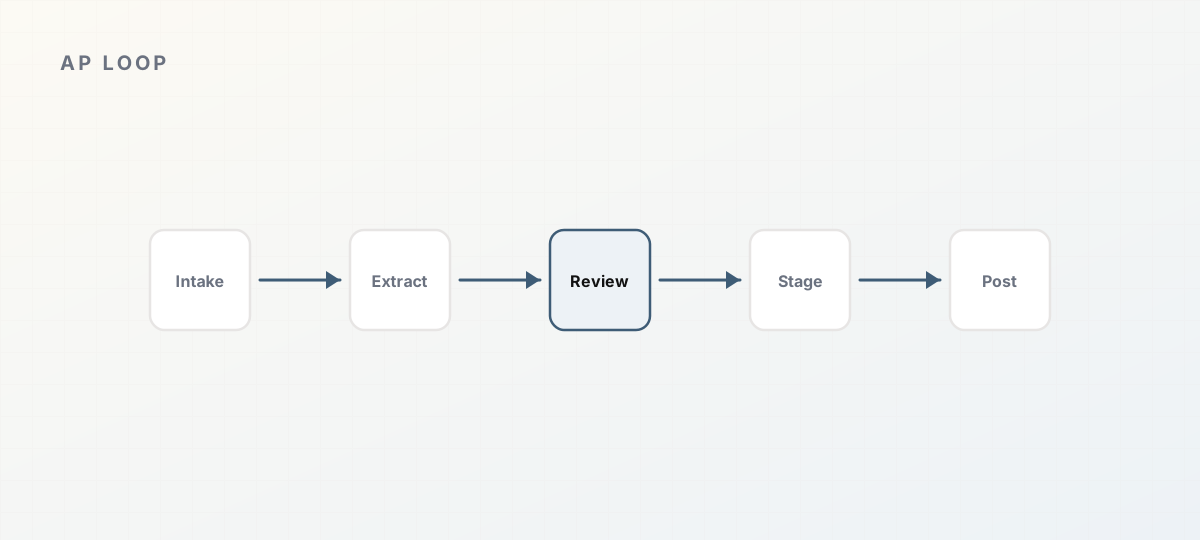 Accounts payable loop from intake to ledger post.
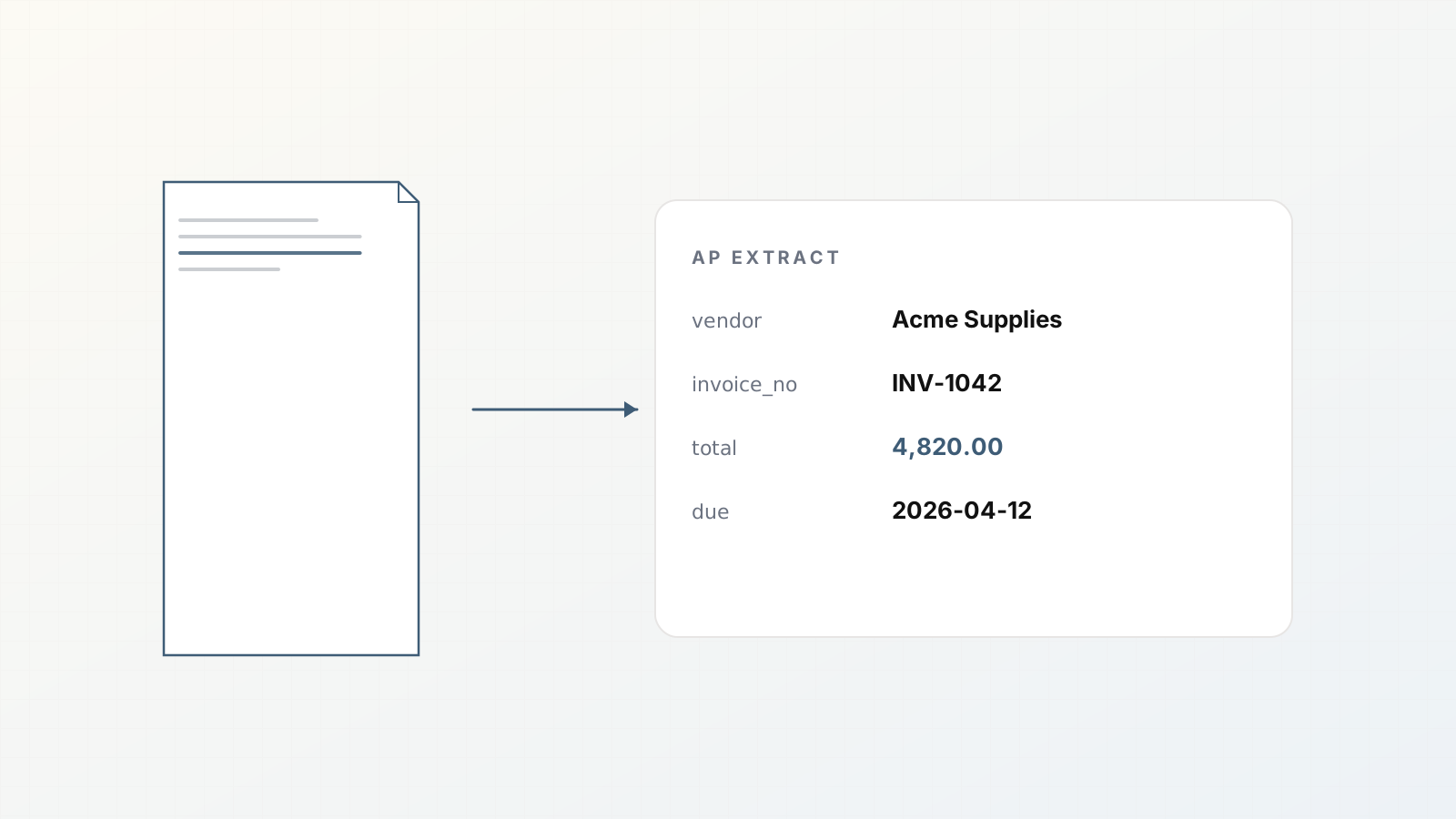
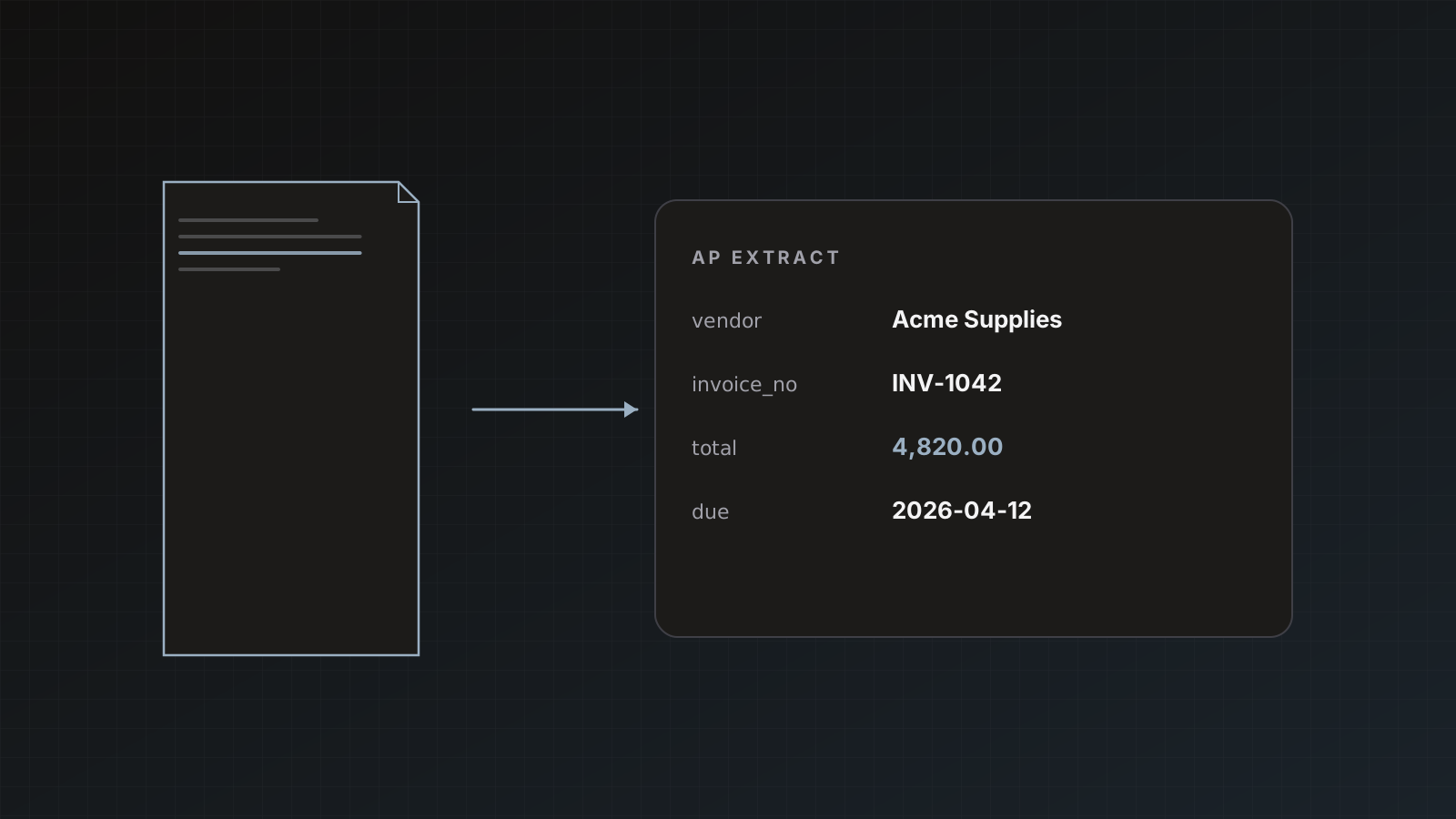
OCR turns pixels into characters. Extraction turns a document into named fields: vendor_name, invoice_number, invoice_date, due_date, currency, subtotal, tax, total, and often line items.
AP needs the second step. A text layer alone does not create a QuickBooks bill. For the distinction, see OCR vs document extraction.
The fields that actually matter
Start from how you post, not from what the PDF contains.
Header fields most teams need
- Vendor legal name (as it should match the ledger)
- Invoice / DocNumber
- Invoice date and due date
- Currency
- Subtotal, tax, total (and shipping if you post it)
- PO number when three-way match matters
- Remittance or payment terms when collectors ask
Line items when you need them
- Description, quantity, unit price, line amount
- Tax codes or SKUs only if your GL process uses them
If you only stage totals in Sheets, do not force reviewers through a 40-column line-item schema on day one. Schema design notes: Design an invoice parser schema and Line items on invoices.
A practical AP pipeline
- Intake: email forwarding to an Invoices parser, Gmail Zap, Drive import, or drag-and-drop.
- Extract: template-guided fields for invoices.
- Review: humans fix exceptions beside the PDF.
- Stage: append to Google Sheets for visibility.
- Post: Save & send to QuickBooks or Xero as bills, with source PDF attached when allowed.
- Dedupe: same file on the same parser skips; accounting duplicate rules skip or update by document number.
Parsedit implements that path with parsers, review, and destinations. Walkthroughs: Send invoices to Google Sheets, QuickBooks bills from PDFs, Xero bills.
Failure modes AP already knows
- Vendor name drift: “Acme, Inc.” vs “ACME INC” creates duplicate vendors. Review and match before auto-send.
- Wrong total selected: subtotal mistaken for grand total. PDF text selection fixes this quickly.
- Packets: invoice + PO + remittance in one PDF. Split children; do not mash fields. Packet splitting.
- Duplicates: forwarded twice. Rely on intake dedupe and destination document-number rules.
- Page burn: 12-page statement treated like a one-page invoice in planning. Credits are per page.
Review policy that scales
Keep Save & send manual for ledger destinations until:
- Vendor matching looks clean for your top 20 suppliers
- Totals foot on sample audits
- Duplicate rules are configured
Sheets staging can move to auto-send earlier if the tab is not the system of record. See Auto-send vs manual approval and Human review before send.
Metrics worth tracking
- Invoices processed per week
- Median review touches per document
- Percent sent without edits
- Destination failures (auth, duplicates, attachment limits)
- Pages consumed vs invoice count (packet reality check)
Where Parsedit fits
Parsedit is built for this AP shape: invoice templates, email/Drive/Zapier intake, review beside the PDF, Sheets plus QuickBooks/Xero, packet splitting, page credits you can forecast. It does not replace your approval matrix or three-way match policy. It removes retyping.
Broader context: Document workflows to automate, Pricing plans.
Three-way match staging (without overbuilding)
If you match PO, receipt, and invoice, you do not need an ERP inside Parsedit. Extract invoice fields (and PO fields via a PO parser or packet child), land rows in Sheets with po_number, and let your existing match process flag exceptions. Keep Parsedit focused on clean inputs to that process.
Worked example: first 14 days
Days 1–2: Invoices parser, Sheets destination, 20 historical PDFs.
Days 3–7: Email intake for live vendors; manual send only.
Days 8–10: Enable QuickBooks for two trusted vendors.
Days 11–14: Measure edit rate; decide Sheets auto-send; keep QBO manual.
Exit criteria: median review under a minute, fewer than 5% destination failures, duplicate skips observed at least once in testing.
If you take nothing else: one Invoices parser, Sheets staging, manual ledger send, packet awareness, and page forecasts from real PDFs will outperform a broad “document AI platform” tour that never touches your vendors.
Close the loop by reconciling a week of Sheets rows to the ledger once before declaring victory.
Keywords AP teams actually use
Invoice data extraction, AP OCR, PDF to QuickBooks, and invoice to Google Sheets all describe parts of the same job: structured fields, human review, then a destination. Keep content and product language aligned with that job.
FAQ
Can we extract line items and headers together? Yes. Templates include line-item tables. Use them when posting detail; hide complexity when you only need totals.
Do we need QuickBooks connected on day one? No. Many teams stage in Sheets for two weeks, then enable accounting destinations.
What about non-PDF invoices? Photos, scans, and many office formats work; OCR runs when needed. Quality still drives review time.
How do credits work for AP volume? 1 credit = 1 page. Estimate from average pages per invoice × monthly count, then add buffer for packets. Forecast page credits.
Stand up an Invoices parser and run last week’s vendor PDFs through review. Start free.