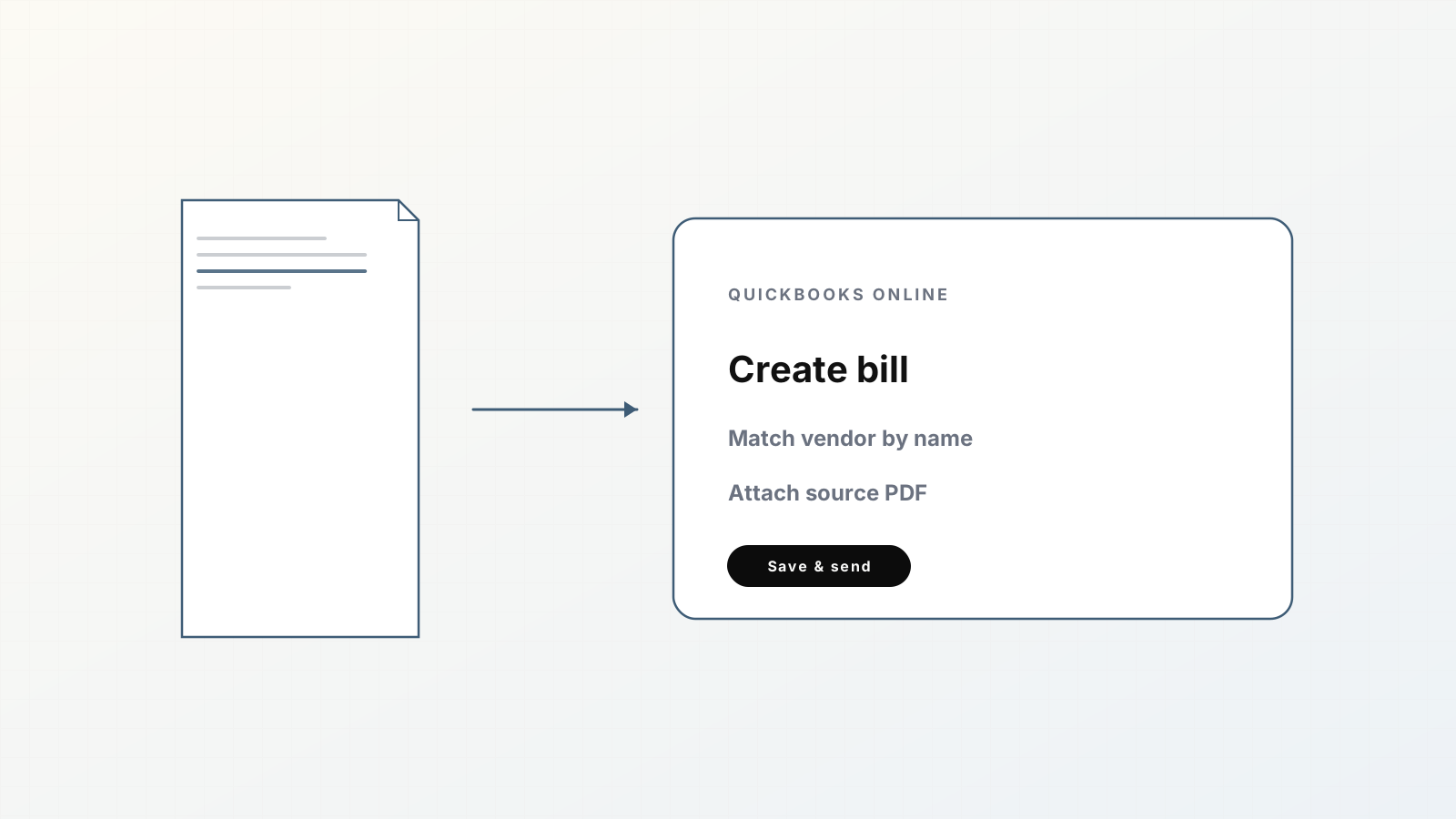
Posting vendor invoices to QuickBooks Online usually means open PDF, create bill, key fields, attach file, hope you did not duplicate DocNumber. Parsedit shortens that path: extract against an invoice template, review beside the PDF, then create a bill (or invoice/purchase) on Save & send.
This guide sticks to what the product supports today for QuickBooks Online.
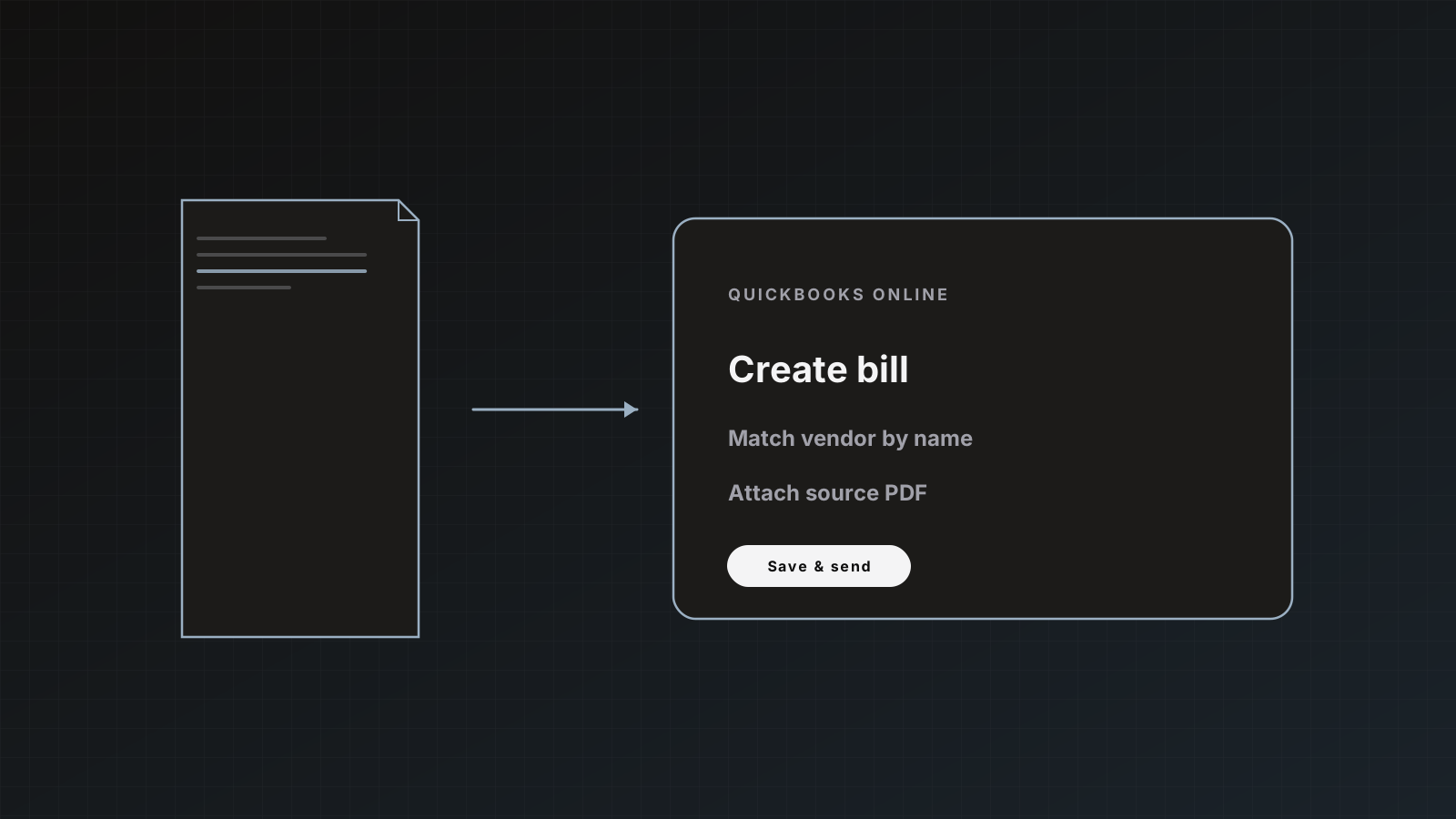
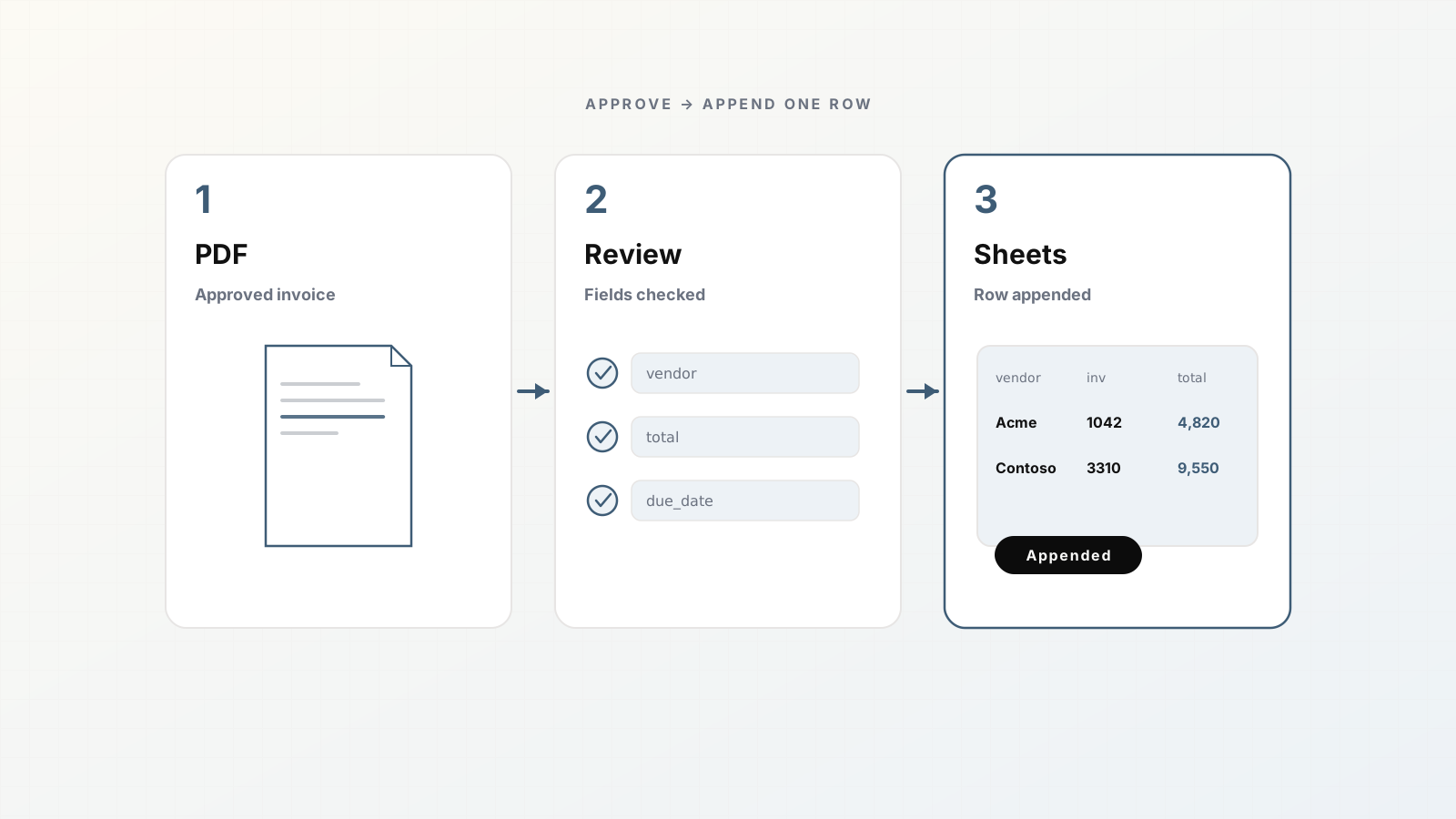
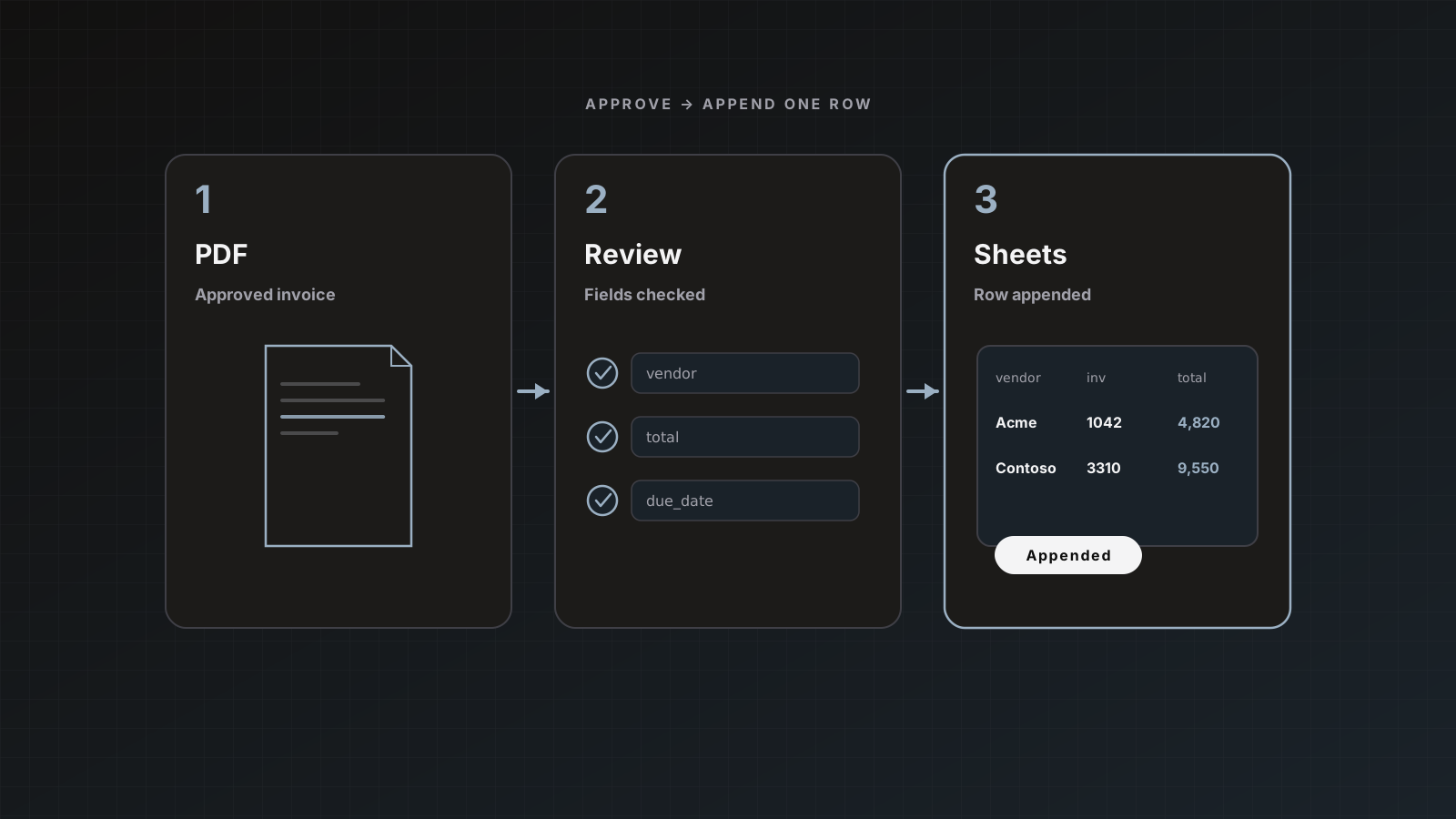
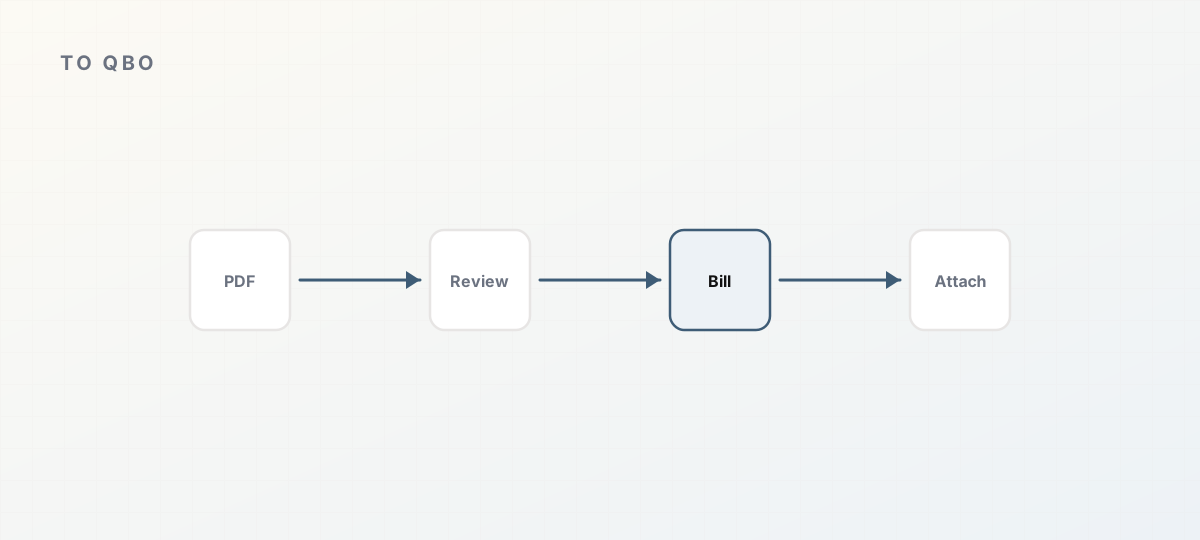 PDF through review into a QuickBooks bill with attachment.
What gets created
For QuickBooks Online destinations, Parsedit can create:
- Bill: accounts-payable entry for a vendor invoice (most AP flows)
- Invoice: sales invoice when that is the mapping you configured
- Purchase: expense entry
Vendors are matched by name. If no vendor with that name exists, Parsedit creates one. Configure duplicate behavior by document number: skip or update.
After a successful create, Parsedit uploads the original PDF or allowed image onto the QuickBooks record (PDF and common images, up to 10 MB). If attachment fails, the entry can still post; history notes the attachment miss.
Official docs: QuickBooks and Xero.
1. Connect QuickBooks Online
- Open Integrations (or the parser’s destination settings).
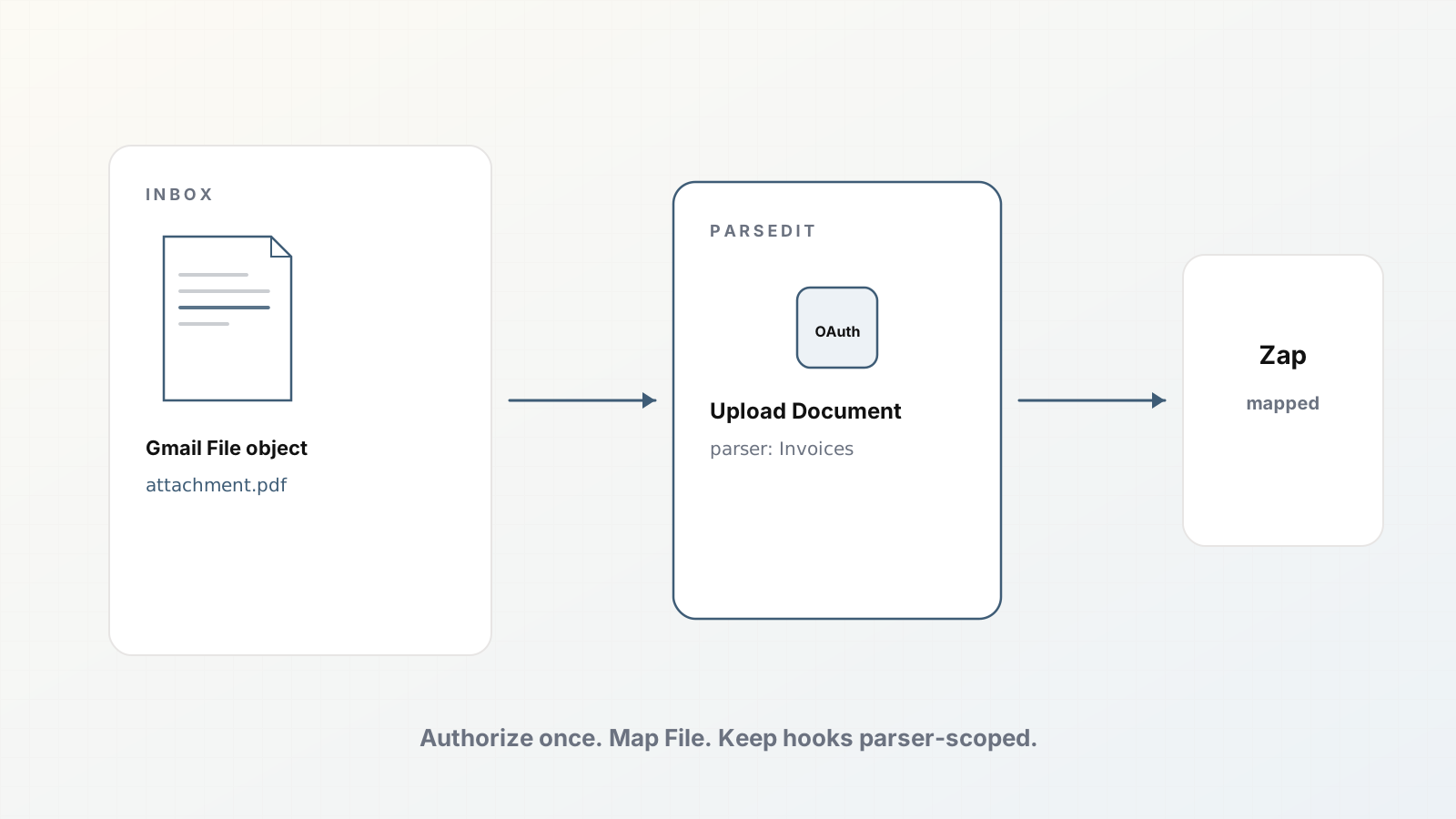
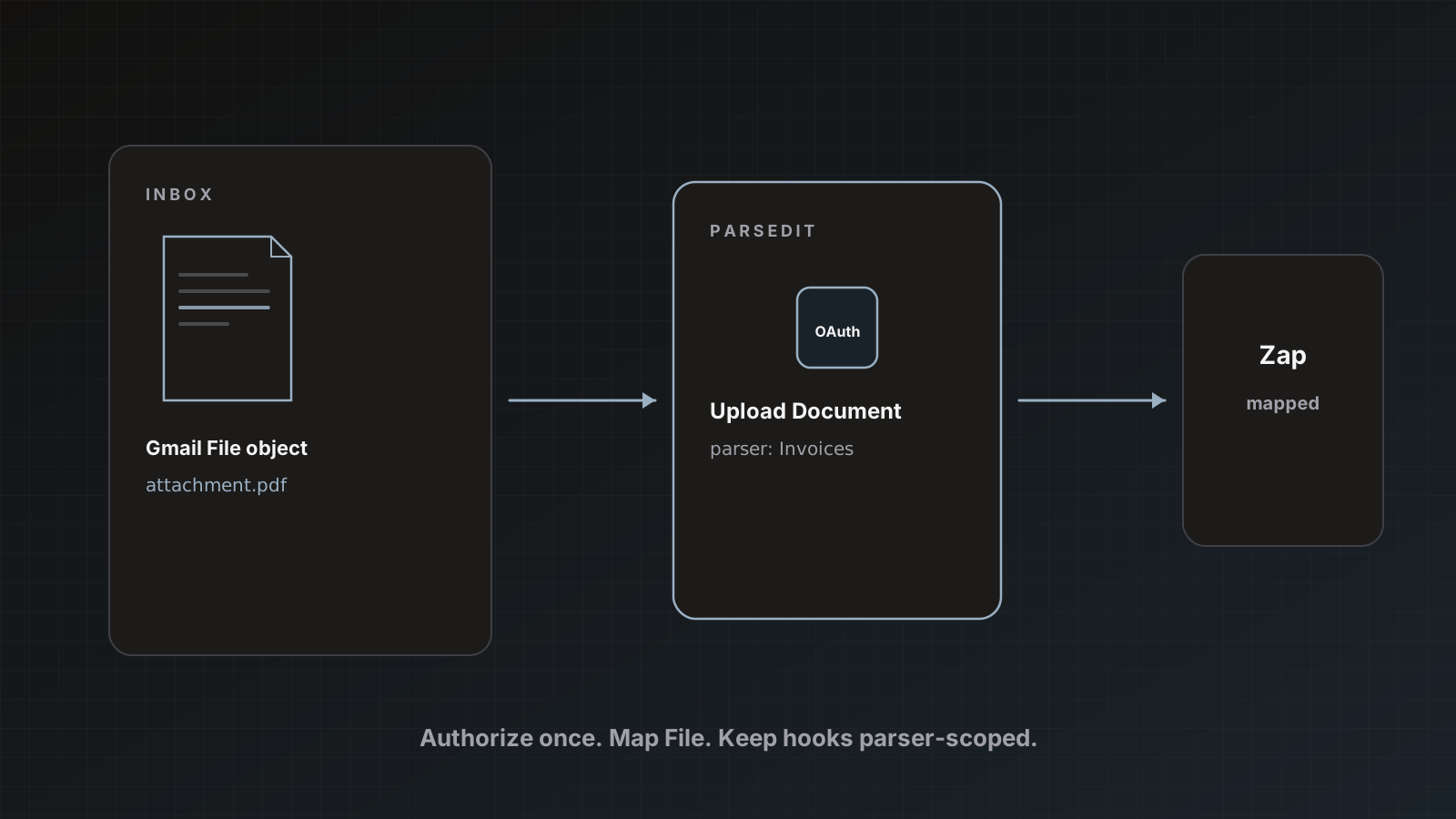
- Choose QuickBooks Online and complete OAuth for the correct company.
- Disconnect anytime from integrations settings if you rotate firms or sandboxes.
Owners should own the connection so it does not vanish with a contractor login.
2. Prepare the Invoices parser
Use an Invoices (or bills) template. Align fields you care about with how you post: vendor, invoice number, dates, totals, line items if needed. Trim unused fields. Schema guide.
Run a few samples through review before enabling the destination for real posts.
3. Enable the destination on the parser
- Open Destination settings on the parser.
- Enable QuickBooks Online.
- Choose what each approved document should create (bill is the usual AP choice).
- Set duplicate rule (skip vs update).
- Keep Auto-send after extraction off until vendor matching and totals look right.
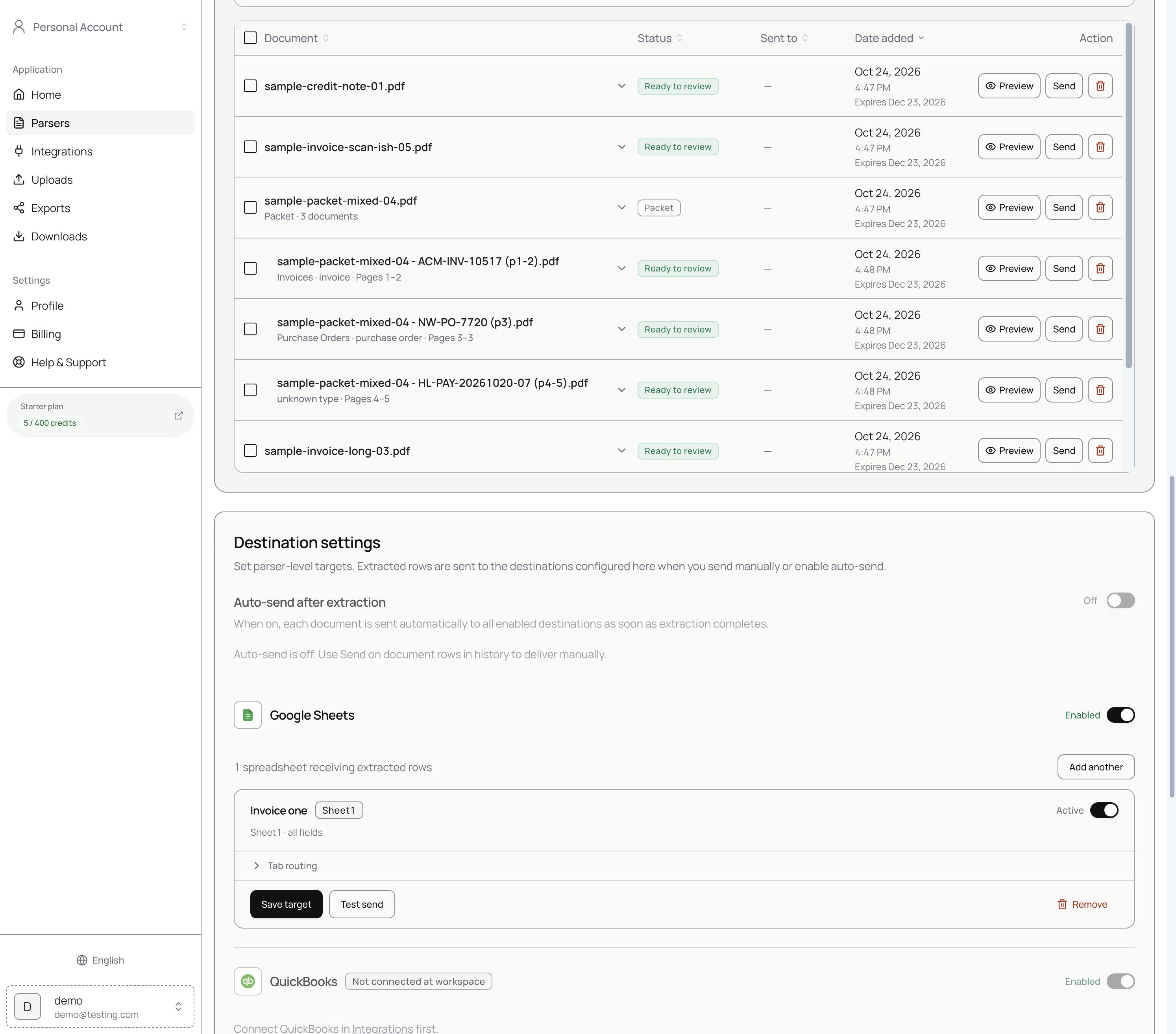 Destination settings: connect first, auto-send later.
4. Review, then Save & send
- Upload or intake a vendor PDF.
- Open Preview, fix vendor spelling to match QuickBooks when needed.
- Confirm DocNumber / invoice number and amounts.
- Save & send, check QuickBooks, confirm.
History’s Sent to icon links toward the created record when available (you must be signed into the same QBO company).
Staging in Sheets first
Many teams send to Google Sheets during pilot weeks, then enable QuickBooks on the same parser. You can select destinations per send. Sheets guide: Send invoices to Google Sheets.
Pitfalls
- Auto-send creating duplicate vendors from noisy name extraction
- DocNumber collisions when vendors reuse numbers across entities (use skip/update deliberately)
- Oversized or disallowed attachments (keep under 10 MB; PDF/images)
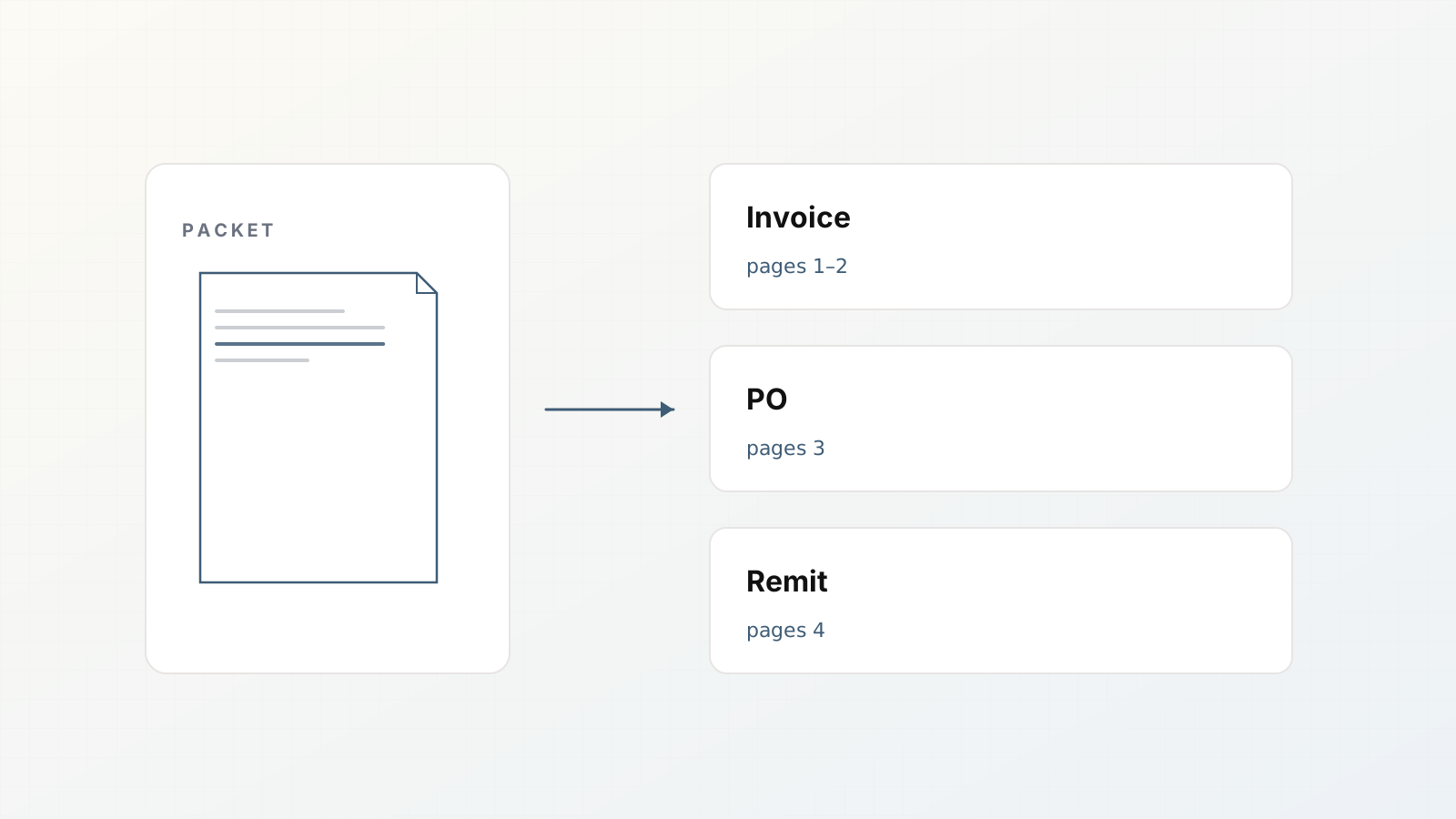
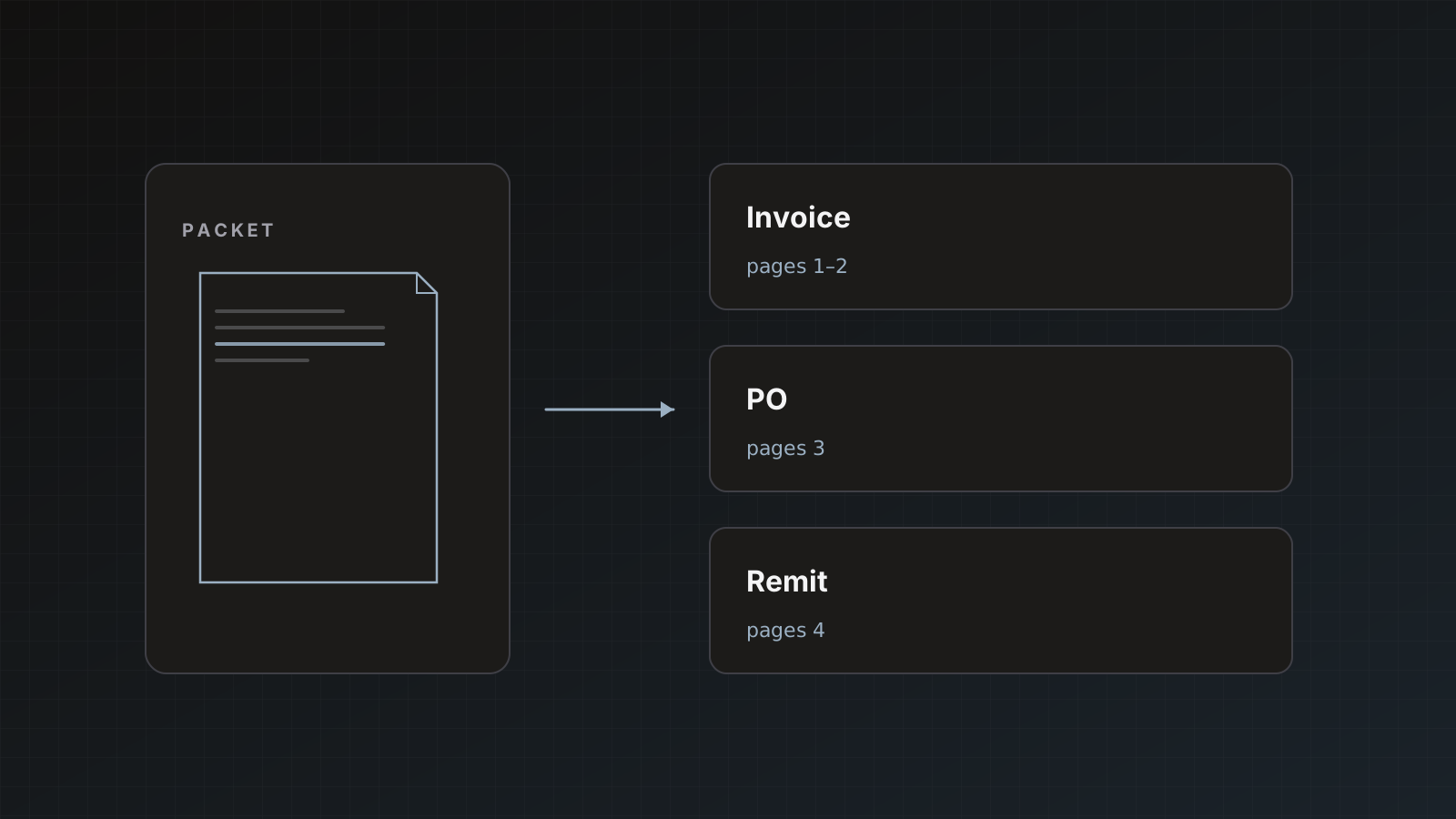
- Posting packet parents as one bill when children should post separately (packets)
Where Parsedit fits
Parsedit creates the QuickBooks entry from approved fields and attaches the file. It does not replace QuickBooks approvals, payment runs, or bank feeds. Soft CTA: connect a sandbox or a low-risk company first if you are testing.
Vendor matching playbook
Before the first production send of a new vendor:
- Check the extracted
vendor_name against QBO. - Edit to the exact existing vendor display name when one exists.
- Send the bill.
- Confirm no duplicate vendor was created.
After the top vendors are clean, reviewers only intervene on new names. That is when you revisit auto-send conversations.
Attachment troubleshooting
If the bill posts without a file:
- Confirm file type is PDF or allowed image
- Confirm size ≤ 10 MB
- Re-send or attach manually once while you diagnose
- Check Sent to notes in history
Keep originals under the limit when scanning.
Sandbox first
If you have a QuickBooks sandbox company, connect it for the first week. Practice vendor matching, duplicate skip/update, and attachments there. Switch OAuth to production only after the dry run. Document which company the workspace points at so nobody posts test bills into the real ledger.
“PDF to QuickBooks” without the myth
The phrase implies touchless posting. Production still needs vendor matching, duplicate rules, and often a human click. Document that honestly and you earn trust from controllers.
FAQ
Personal QuickBooks or Online only? The documented destination is QuickBooks Online via OAuth.
Can we update an existing bill? Duplicate rules can update when document numbers match; prefer skip until you understand collisions.
What if the vendor should not be auto-created? Normalize vendor_name in review to an existing QBO vendor before send.
Xero instead? See Turn parsed invoices into Xero bills.
Connect QBO, keep send manual, post one reviewed bill. Sign up.