If your ledger is Xero, the painful part of AP is rarely “knowing the invoice exists.” It is retyping contacts, numbers, and amounts, then uploading the PDF onto the bill so the file trail matches the books.
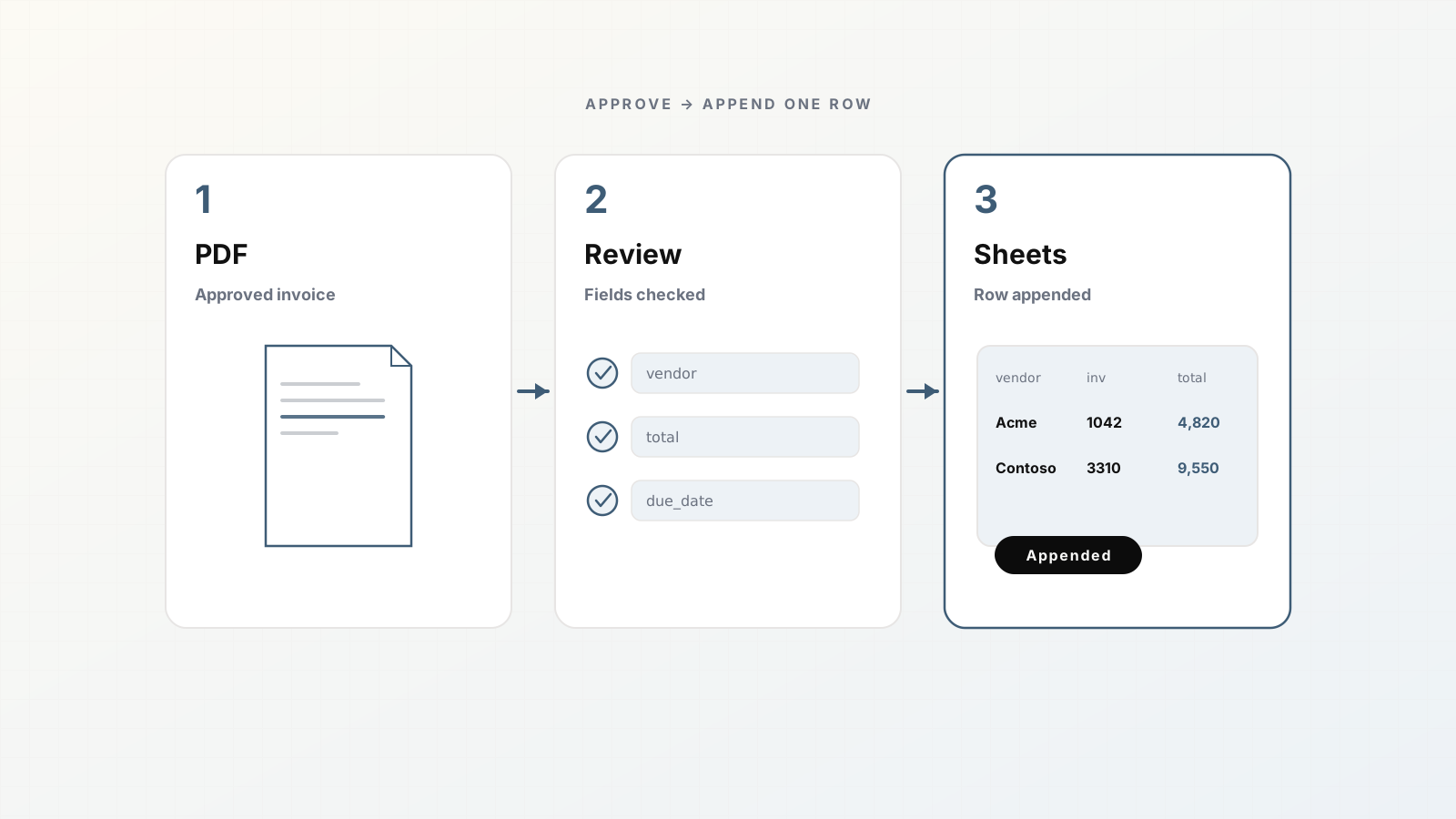
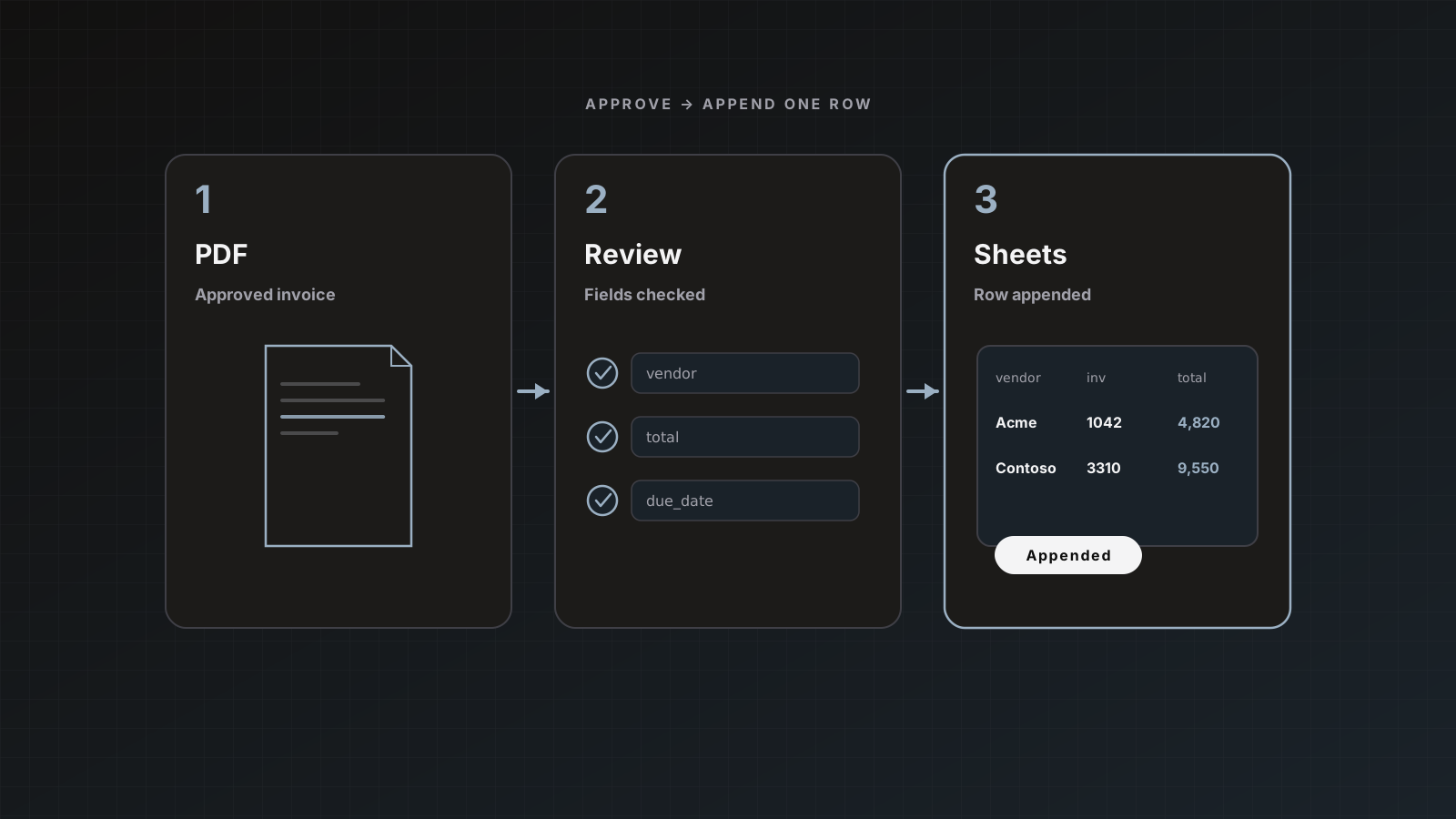
Parsedit extracts invoice fields into a parser template, lets you review beside the PDF, then creates a Xero bill (or sales invoice / bank transaction, depending on configuration) on Save & send.
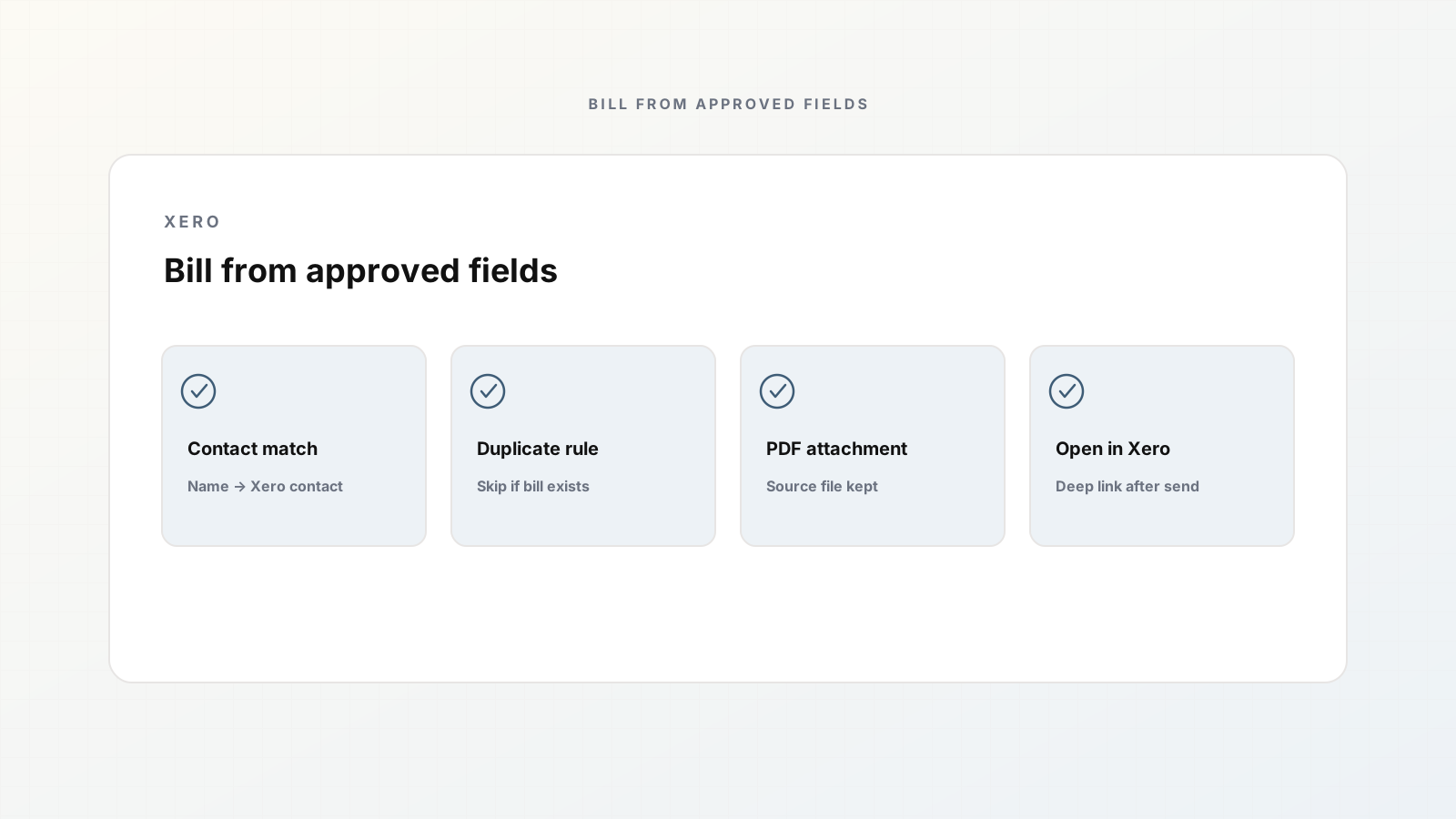
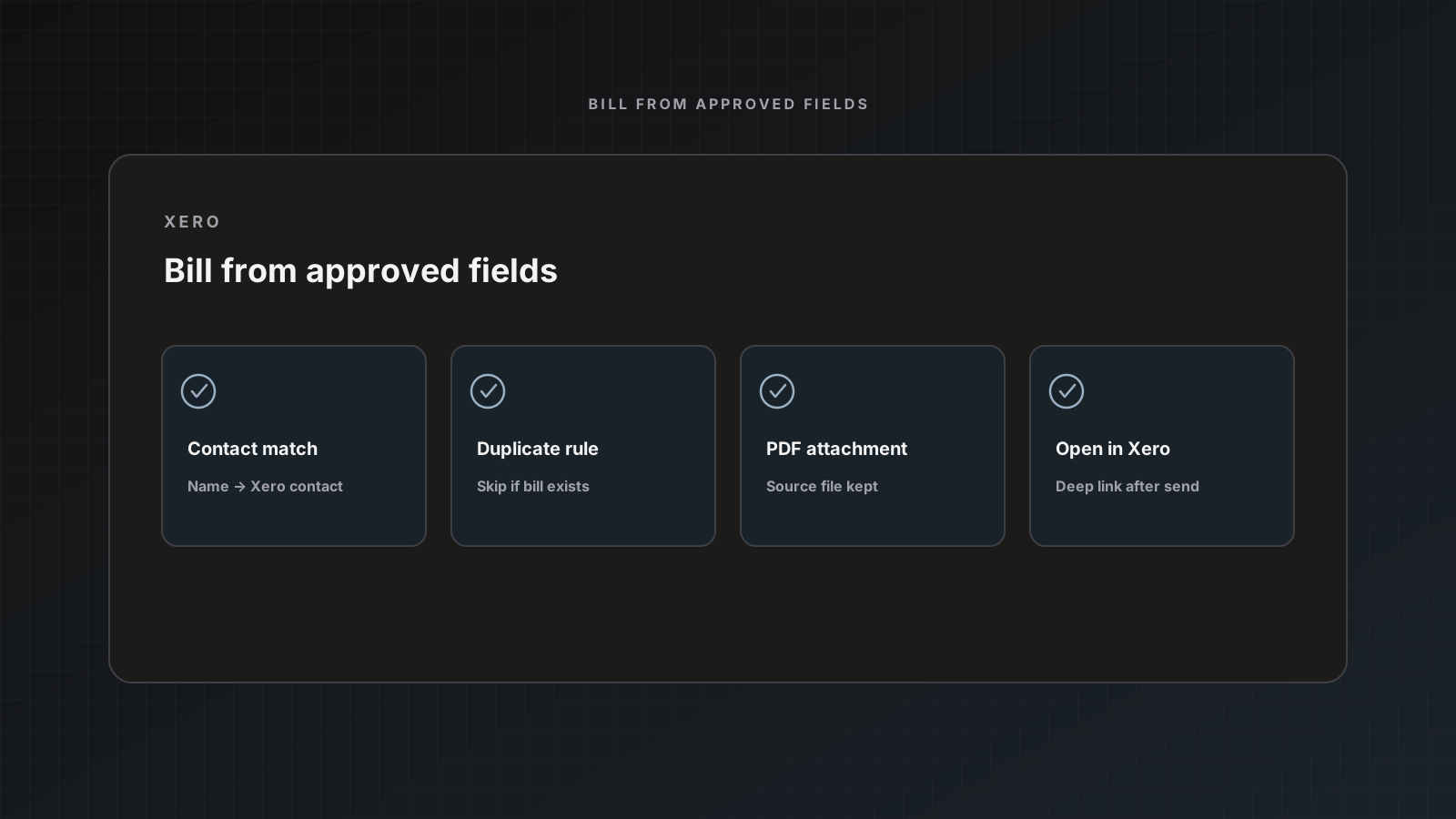
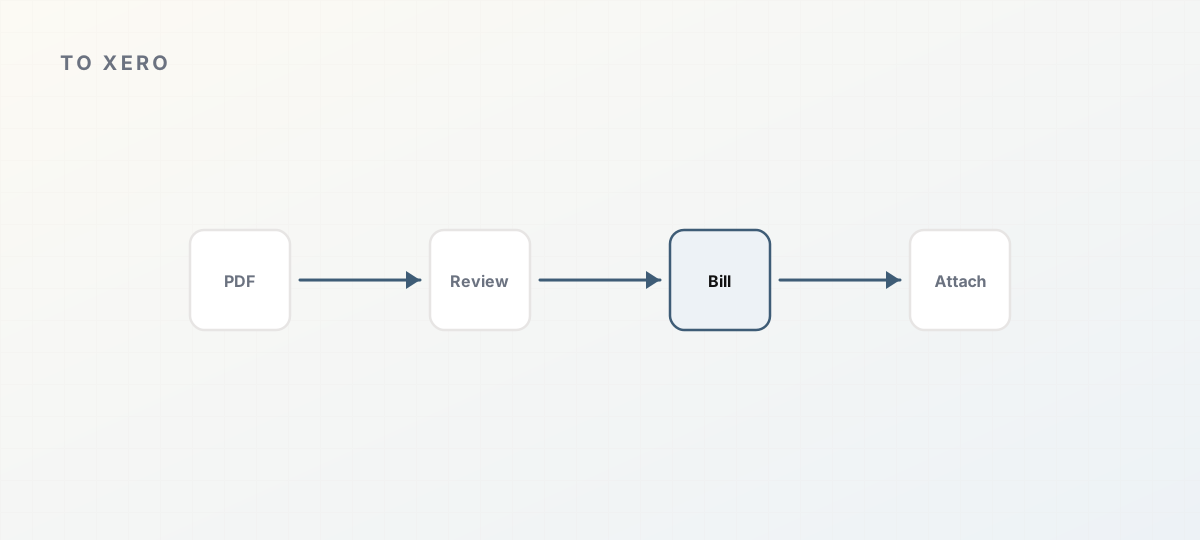 Approved fields into a Xero bill with source PDF.
What Xero destinations create
- Bill (accounts payable) or sales invoice (accounts receivable)
- Bank transaction for spend-style entries when configured that way
Contacts are matched by name and created when missing, similar to QuickBooks vendors. Duplicate rules use invoice number / reference: skip or update.
Source document attachment: after create, Parsedit uploads the PDF or allowed image (common image types, up to 10 MB). Xero needs the accounting.attachments permission. If you connected before attachments shipped, use Reconnect on Integrations.
Docs: QuickBooks and Xero.
1. Connect Xero
- From Integrations or parser destination settings, choose Xero.
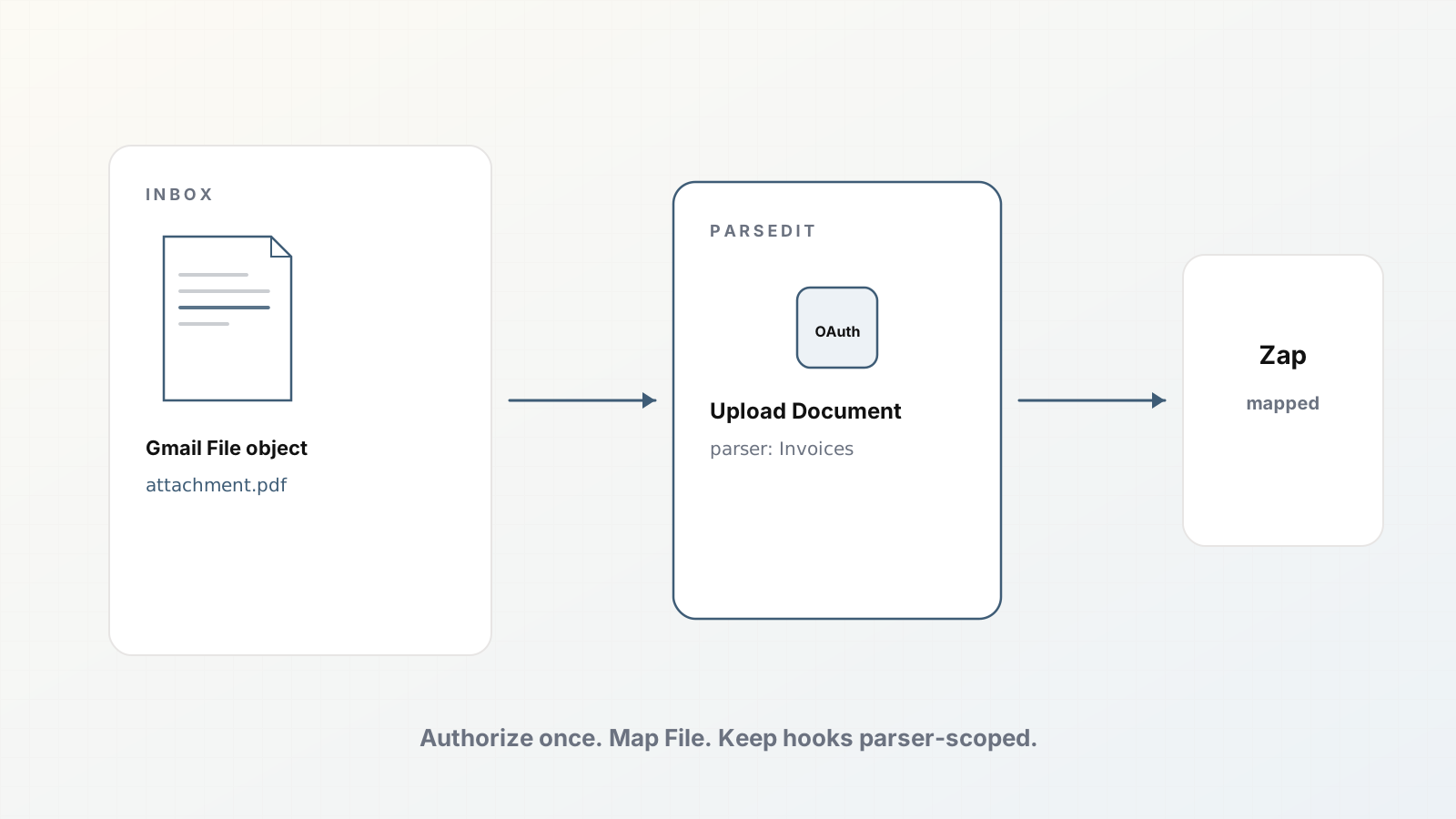
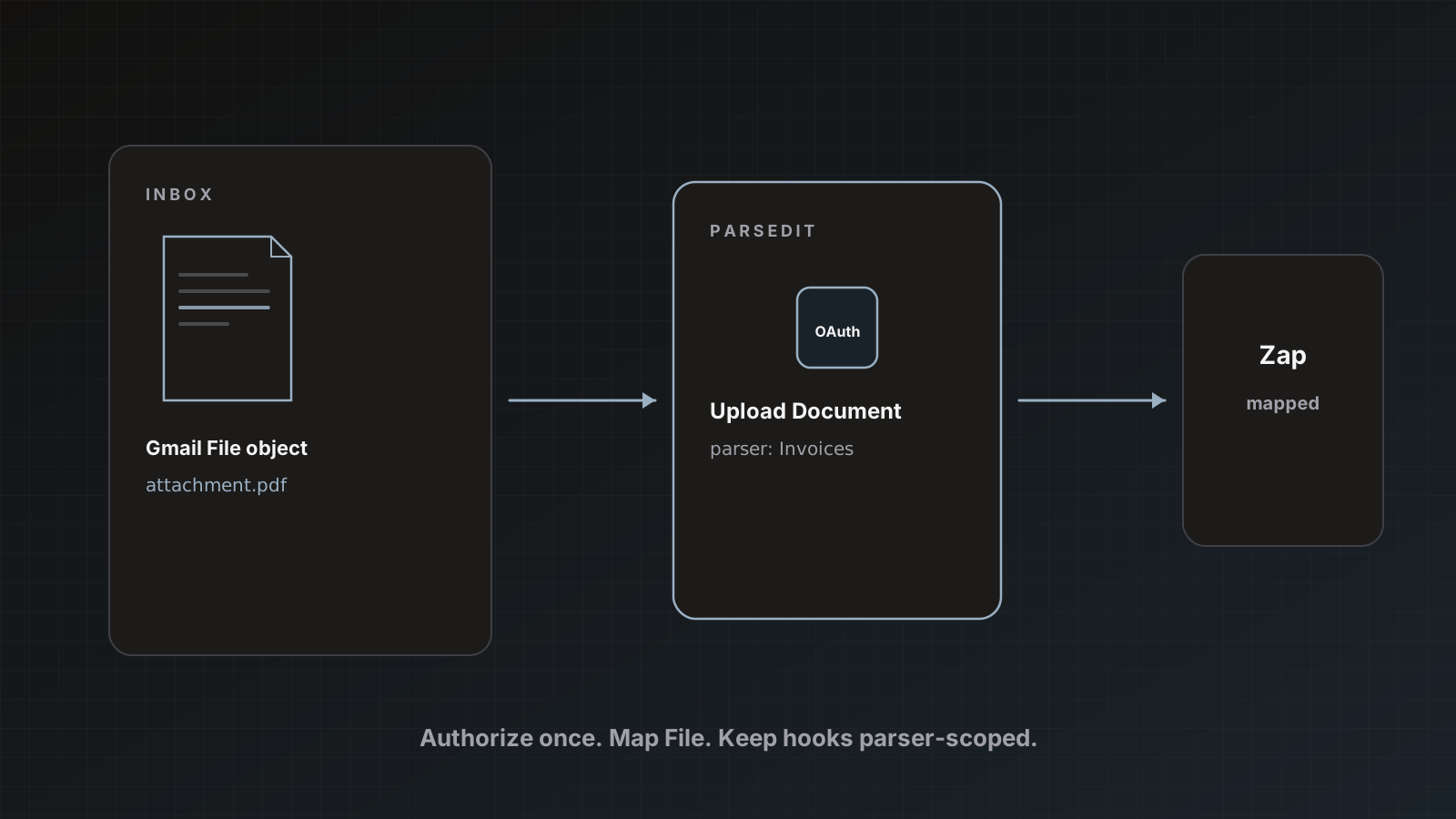
- OAuth into the correct organization.
- Reconnect if you need attachments permission refreshed.
Keep owner-level control of the connection for client accounting firms with multiple orgs.
2. Align the parser fields
Invoices template fields should mirror what you post: contact name, invoice number, dates, totals, line items if you use them in Xero. Rename keys for clarity. Schema design.
3. Enable Xero on the parser
- Open Destination settings.
- Enable Xero and choose bill vs sales invoice behavior as offered.
- Set duplicate skip/update.
- Leave auto-send off for early production.
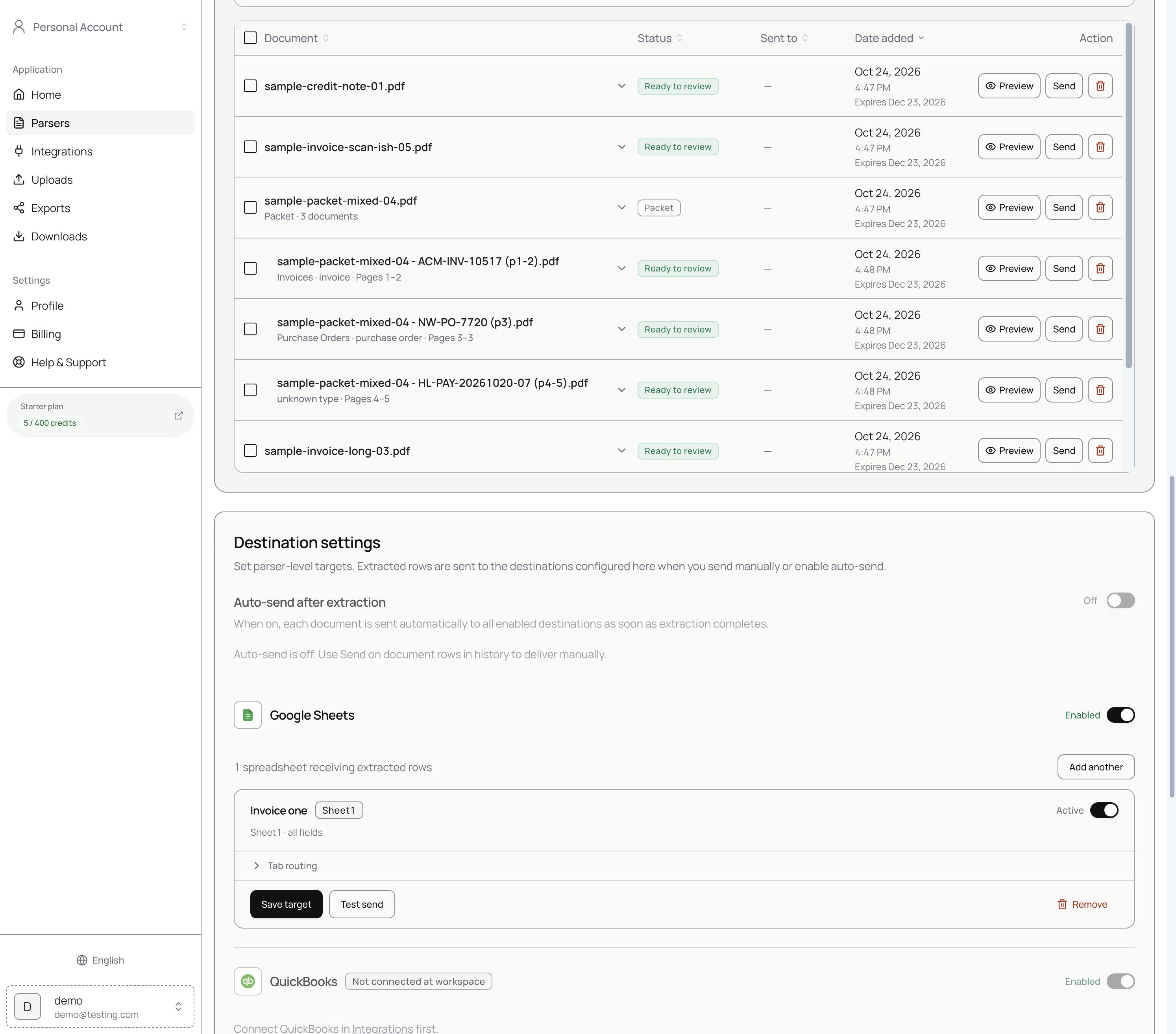 Keep auto-send off until contact matching is trustworthy.
4. Review and send
- Intake the PDF (upload, email, Drive, Zapier).
- Preview: fix contact name, number, amounts.
- Save & send with Xero checked.
After success, the emerald destination icon in history links to the Xero record on go.xero.com when available.
Packets and multi-doc PDFs
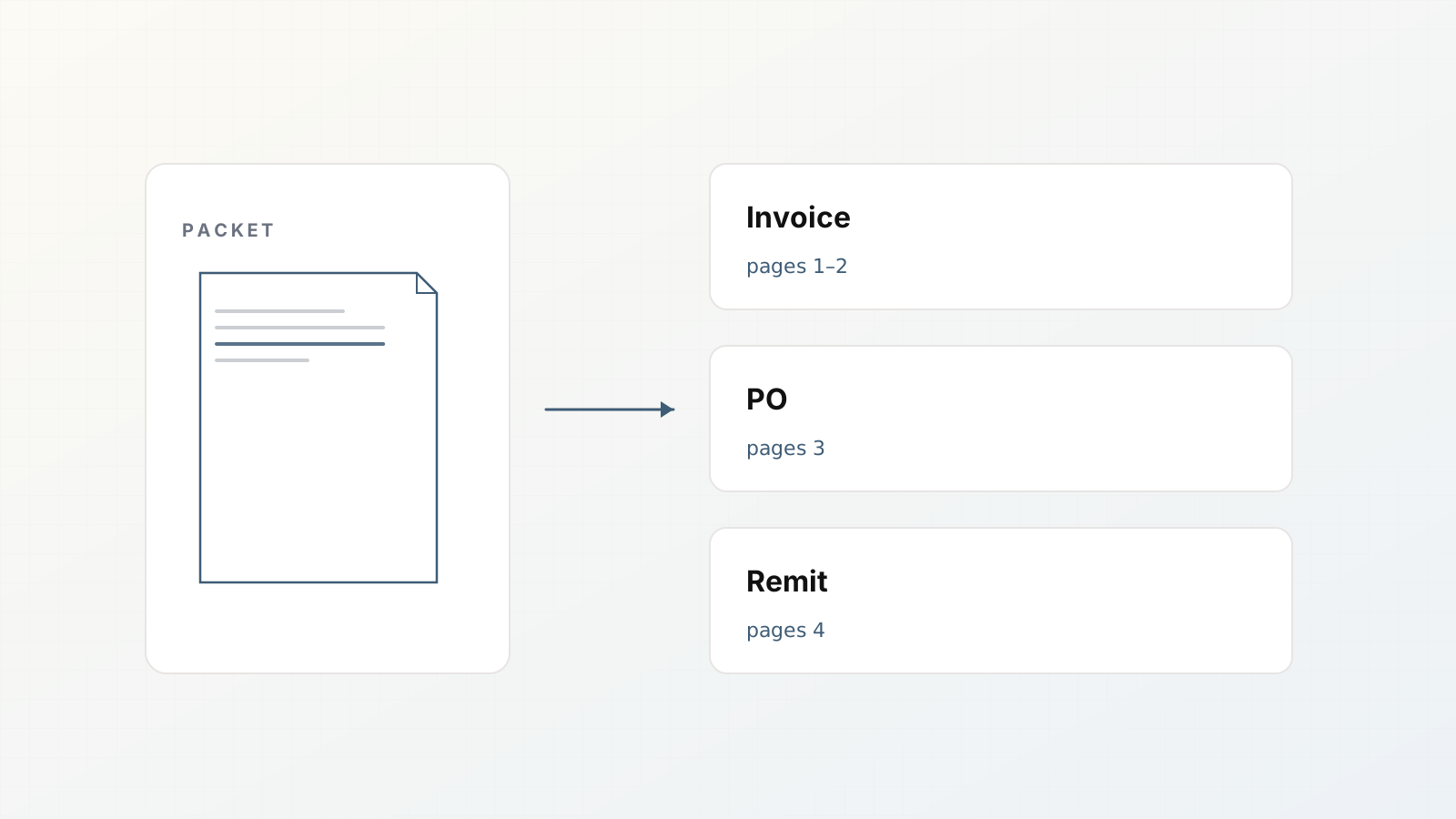
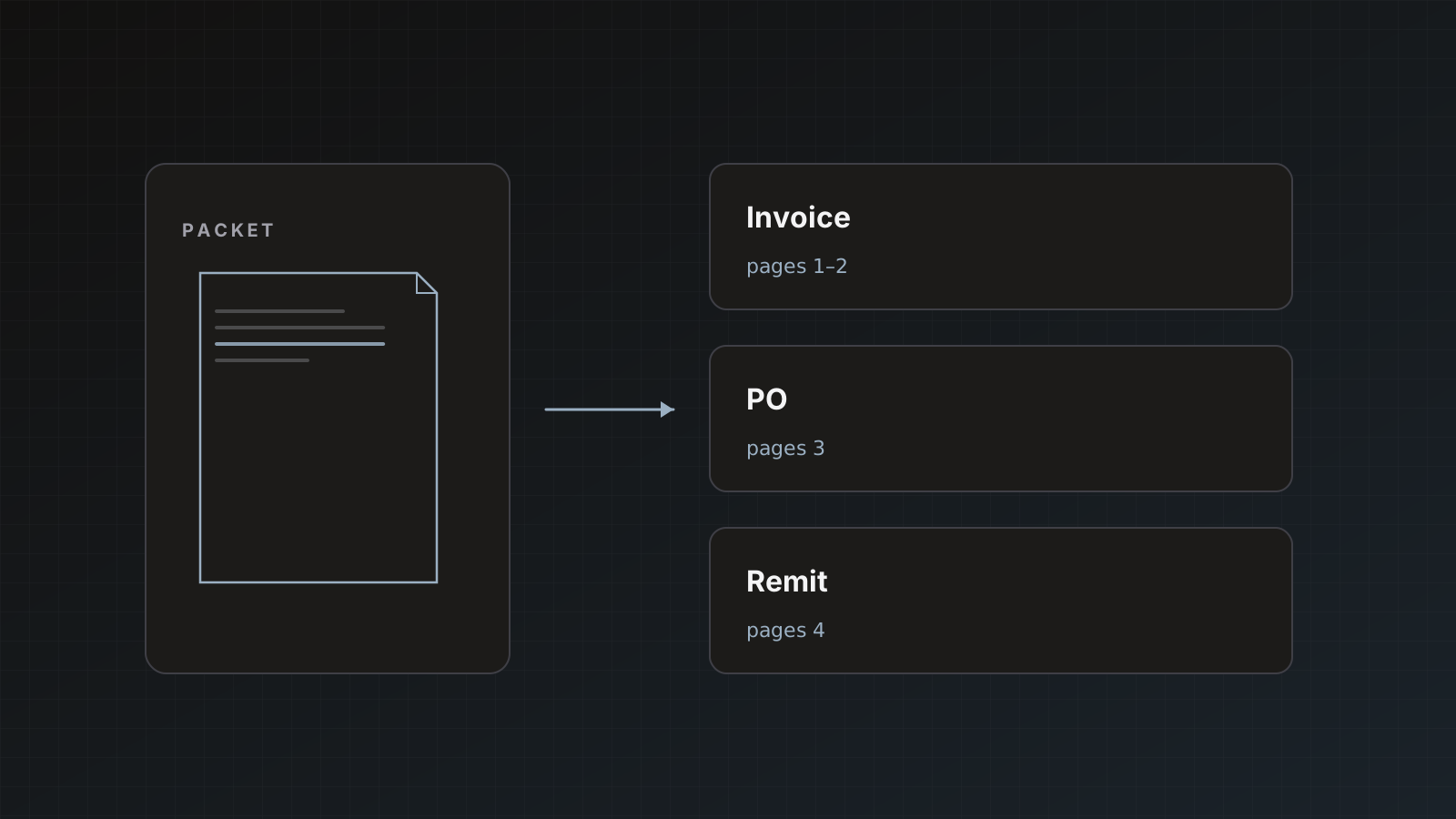
If vendors attach invoice + PO together, split children and send bills per invoice child. Sending the whole envelope as one bill is usually wrong. Packet splitting.
Pitfalls
- Stale Xero connection missing attachments scope
- Auto-creating near-duplicate contacts from noisy extraction
- Ignoring currency fields on multi-currency orgs
- Using update-on-duplicate before understanding reference collisions
Where Parsedit fits
Parsedit is the extraction and delivery lane into Xero, not a replacement for Xero bank rules or approval add-ons. Pair with a Sheets tracker if multiple reviewers need visibility before posting: Sheets guide.
Multi-org firm setup
Accounting firms often isolate clients:
- Team/client workspace per client
- That client’s Xero org connected there
- Staff invited with appropriate roles
Do not connect Client A’s Xero on a workspace where Client B’s invoices are reviewed. Parser and destination scope follow the workspace.
Reconnect checklist after permission changes
- Integrations → Xero → Reconnect
- Confirm attachments scope
- Send a test bill with a small PDF
- Open the Xero record from history and confirm the attachment
Currency and branding themes
Multi-currency Xero orgs need the currency field reviewed carefully. A wrong currency code is worse than a wrong memo. Keep currency in the schema even if most vendors are domestic.
Worked example: first production bill
- Connect Xero org; reconnect if attachments scope missing.
- Review vendor invoice; normalize contact name to existing Xero contact.
- Save & send → Xero bill.
- Open from history; confirm amounts and attachment.
- Repeat for five top vendors before touching auto-send.
Failure notes to track
- Auth expired
- Duplicate reference skipped
- Attachment missing
- Contact duplicated
Fix the top failure class before increasing volume.
Xero-specific intent
Searchers want bills, contacts, attachments, and org isolation for firms. Cover those, not generic “accounting sync” fluff.
FAQ
Can accounting firms connect multiple Xero orgs? Connections are per Parsedit account/workspace. Firms often use team/client workspaces per client with that client’s Xero connected.
What file types attach? PDF and common images within size limits. Other types may post the entry without attachment.
QuickBooks instead? Send PDF invoices to QuickBooks as bills.
Does failed attachment roll back the bill? Attachment failure does not necessarily roll back the created entry; check Sent to notes and retry policy as documented.
Connect Xero, send one reviewed bill, open it from history. Start free.