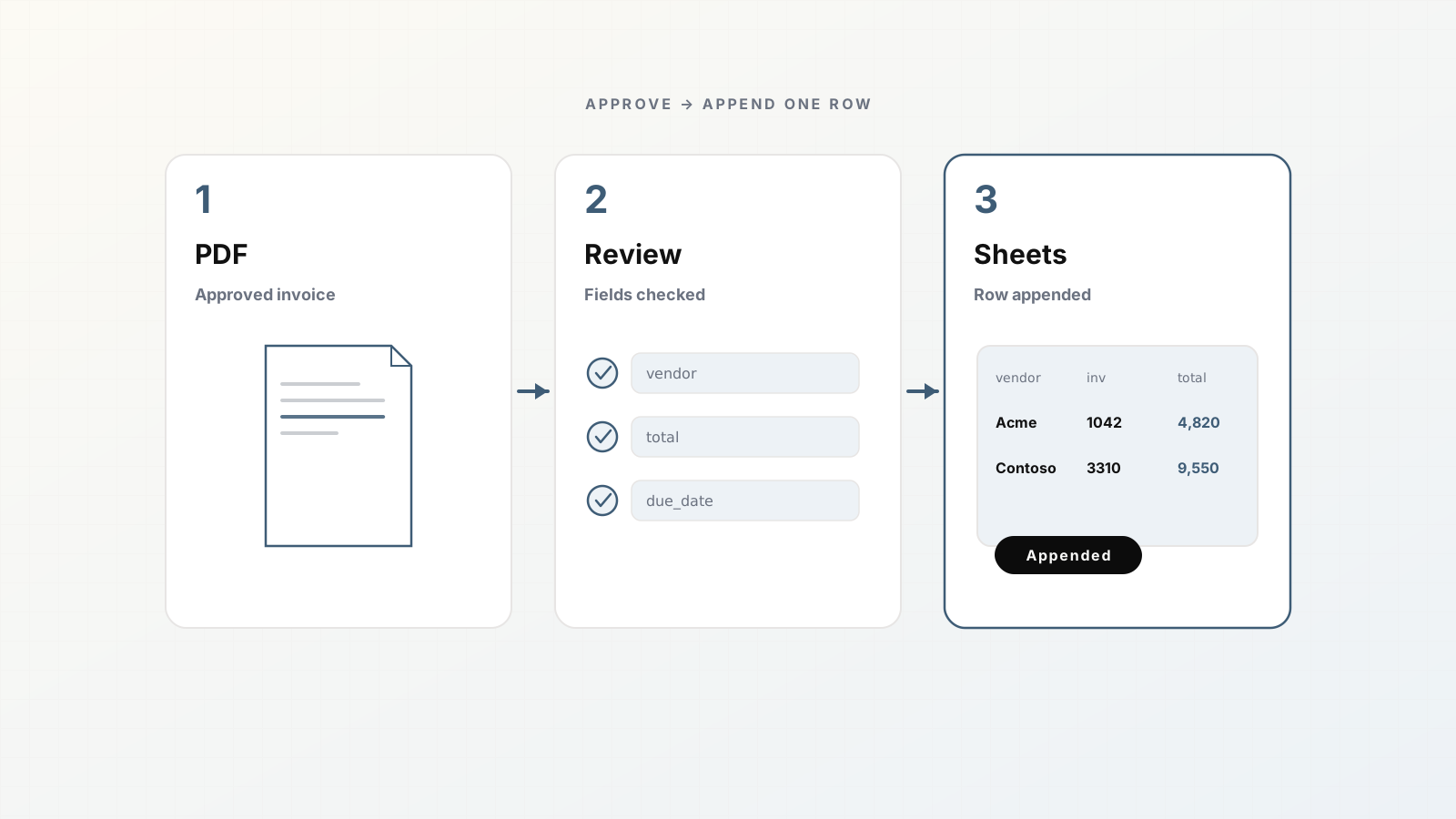
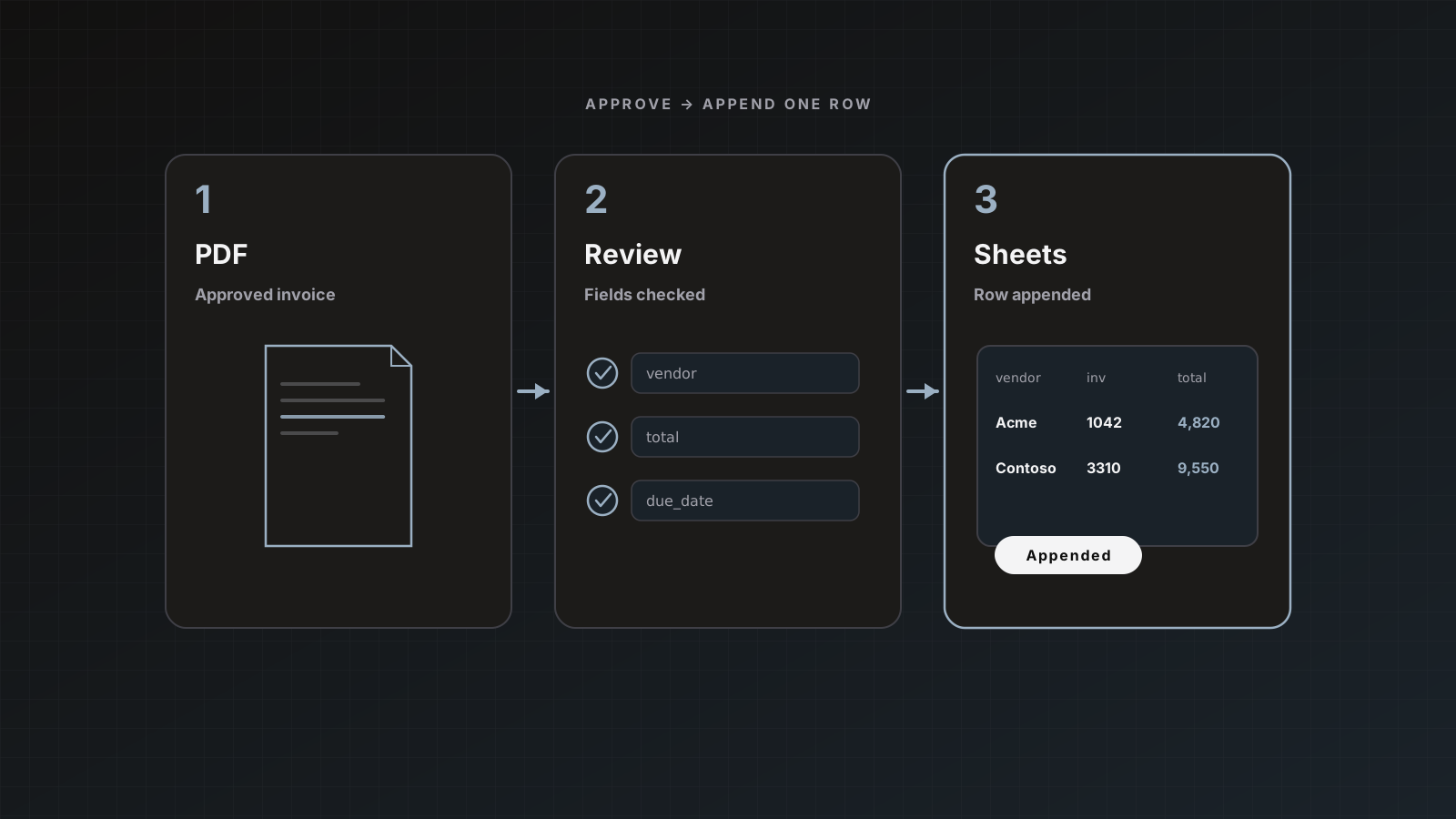
Spreadsheets are still the fastest place to reconcile AP samples, build approval trackers, and stage data before the ledger. Parsedit appends one row per document to a sheet you choose, without granting Drive-wide access.
This guide assumes you already have (or will create) an Invoices parser. If not, skim From PDF to approved data in 5 minutes first.
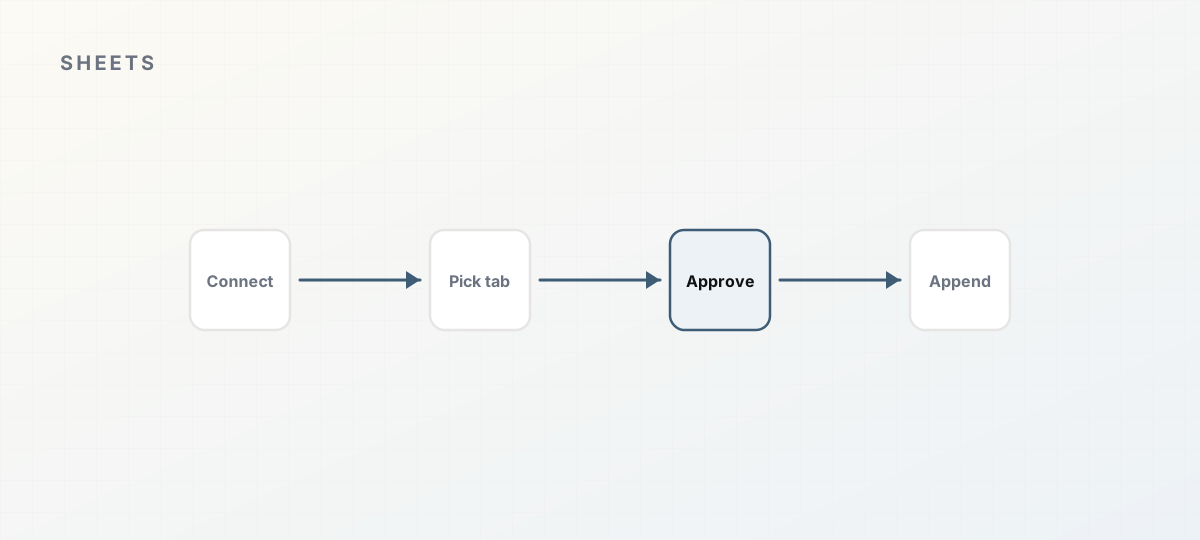 Google Sheets append path.
What you get
- One Google connection per workspace
- Per-parser spreadsheet and tab selection
- Append on Save & send (or auto-send once you trust the parser)
drive.file scope only: files you pick via the product, not your entire Drive
Official reference: Google Sheets.
1. Connect Google
- Open Integrations.
- Under platform connections, connect Google.
- Complete OAuth and return to Parsedit.
The same Google connection powers Drive intake and Sheets delivery. You can disconnect anytime.
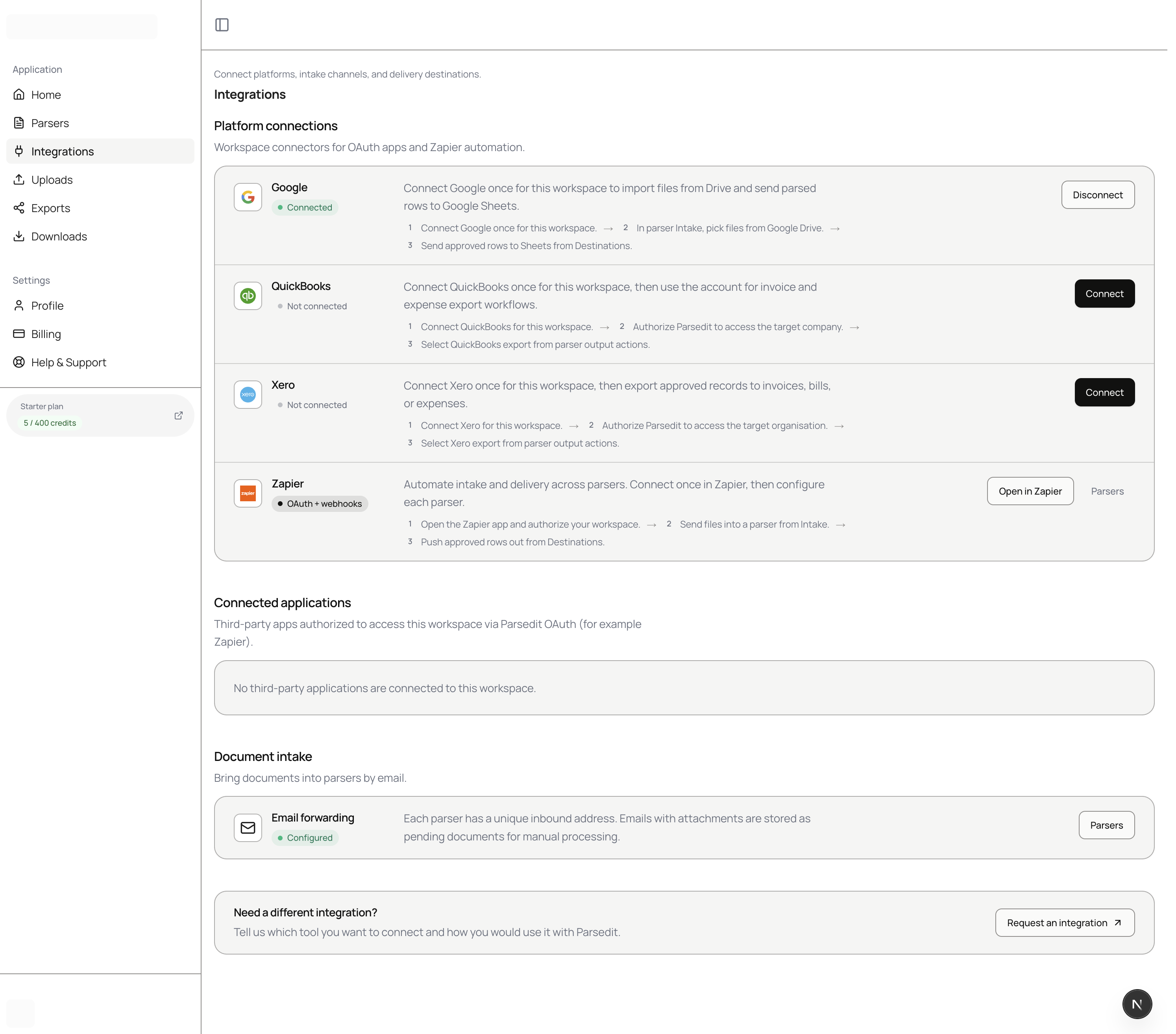 Integrations hub with Google connected.
2. Prepare the spreadsheet
Create a sheet with a header row that matches the fields you care about. Example columns:
vendor_name, invoice_number, invoice_date, due_date, currency, subtotal, tax, total, status, parsedit_document_id
Exact key names depend on your parser template. Rename template fields to match headers if you want zero mapping friction. Keep a status or posted_to_ledger column for human workflow outside Parsedit.
3. Point the parser at the spreadsheet
- Open the Invoices parser.
- Scroll to Destination settings.
- Enable Google Sheets.
- Pick the spreadsheet and tab.
- Keep the target Active.
- Leave Auto-send after extraction off until field quality is trusted.
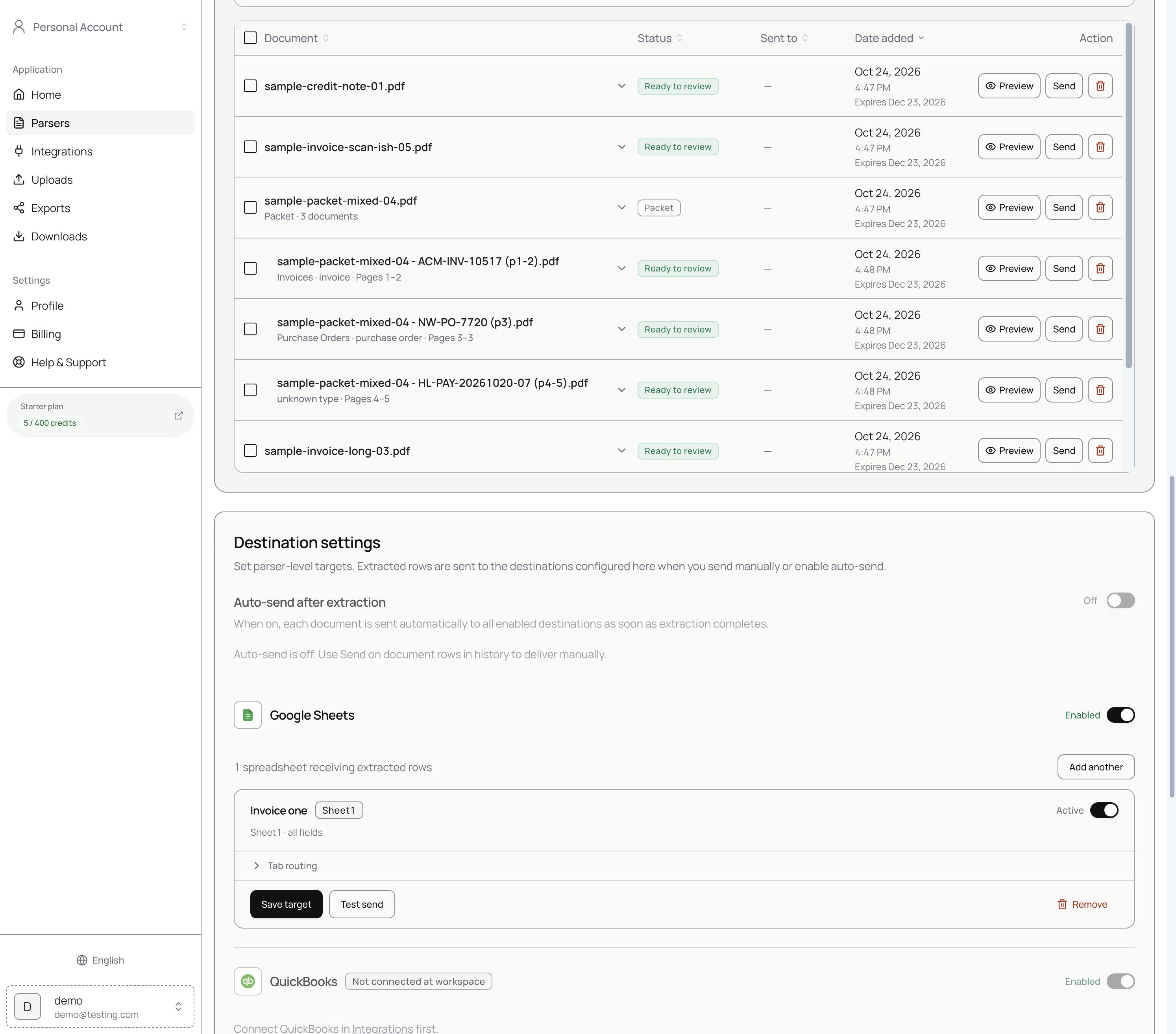 Destination settings with Google Sheets active and auto-send off.
4. Deliver a row
- Upload and parse an invoice (or open an existing Ready to review doc).
- Fix fields if needed.
- Click Save & send.
- Check Google Sheets and confirm.
The row appends. Repeat for the next invoice. Duplicate file uploads to the same parser are skipped without consuming pages.
Staging pattern that scales
A practical AP tracker flow:
- Parsedit → Sheets (all approved invoices)
- AP filters or flags exceptions in the sheet
- Post to QuickBooks/Xero from Parsedit on a second send, or from the sheet process you already run
You can enable both Sheets and an accounting destination on the same parser. Choose which ones receive each Save & send. Longer tracker design: Build an AP invoice tracker in Google Sheets from PDFs.
Pitfalls
- Connecting a personal Google account when the company sheet lives under a shared drive user you did not authorize
- Changing header names in Sheets without updating the parser field keys
- Turning on auto-send while still renaming vendors manually every time
- Assuming one file equals one credit (page count rules)
Where Parsedit fits
Sheets is the friendly destination for pilots and shared AP visibility. When you are ready to post, add QuickBooks or Xero without abandoning the tracker.
Shared drive and ownership
If the spreadsheet lives in a Shared Drive, the connecting Google user must have edit access. Connect Integrations with that user. When people leave, transfer ownership of the connection and confirm the next Save & send still appends.
Row hygiene
Include a parsedit_sent_at style timestamp via a sheet formula on adjacent columns if you want arrival time, or add a notes column reviewers fill for holds. Do not overwrite Parsedit-appended cells casually; add columns to the right for human workflow.
Pilot success criteria
Call the Sheets pilot successful when:
- Ten consecutive invoices append with correct totals
- Reviewers spend under a minute on median files
- Nobody retypes into a parallel shadow sheet
Then discuss accounting destinations.
Invoices to Sheets
This cluster overlaps AP trackers. Cover OAuth scope, Active targets, and append behavior so implementation pages satisfy the query.
FAQ
Can multiple parsers write to the same spreadsheet? Yes, typically to different tabs. Keep one tab per document type to avoid schema collisions.
What if send fails? Check Google connection status on Integrations, confirm the target is Active, and retry Save & send. History retains the document.
Does Parsedit overwrite rows? Sheets delivery appends. It is not a full bidirectional sync engine.
Is CSV export still available? Yes, from document history or review, independent of Sheets.
Connect Google, attach a tab, and send one approved invoice. Sign up.