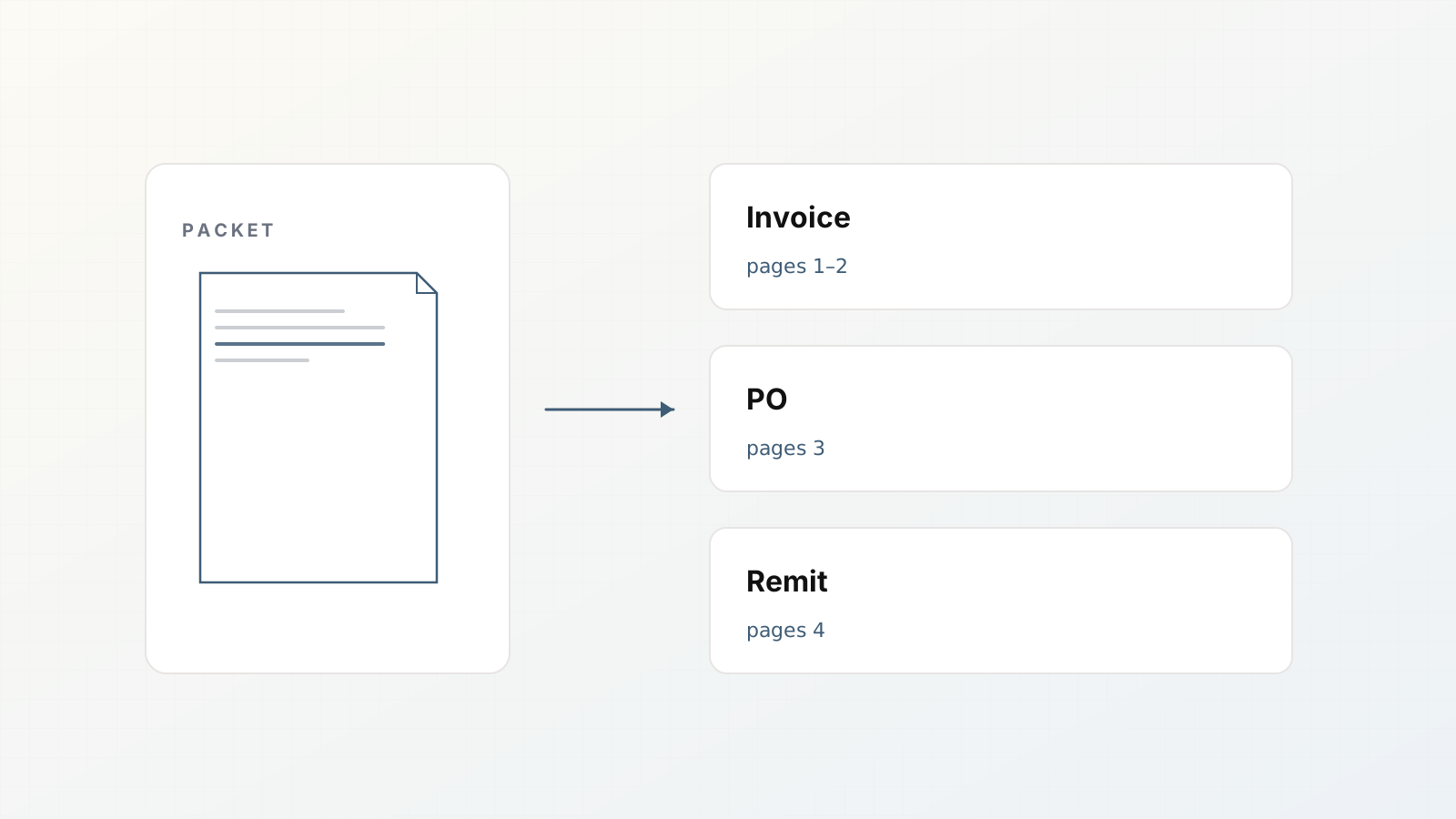
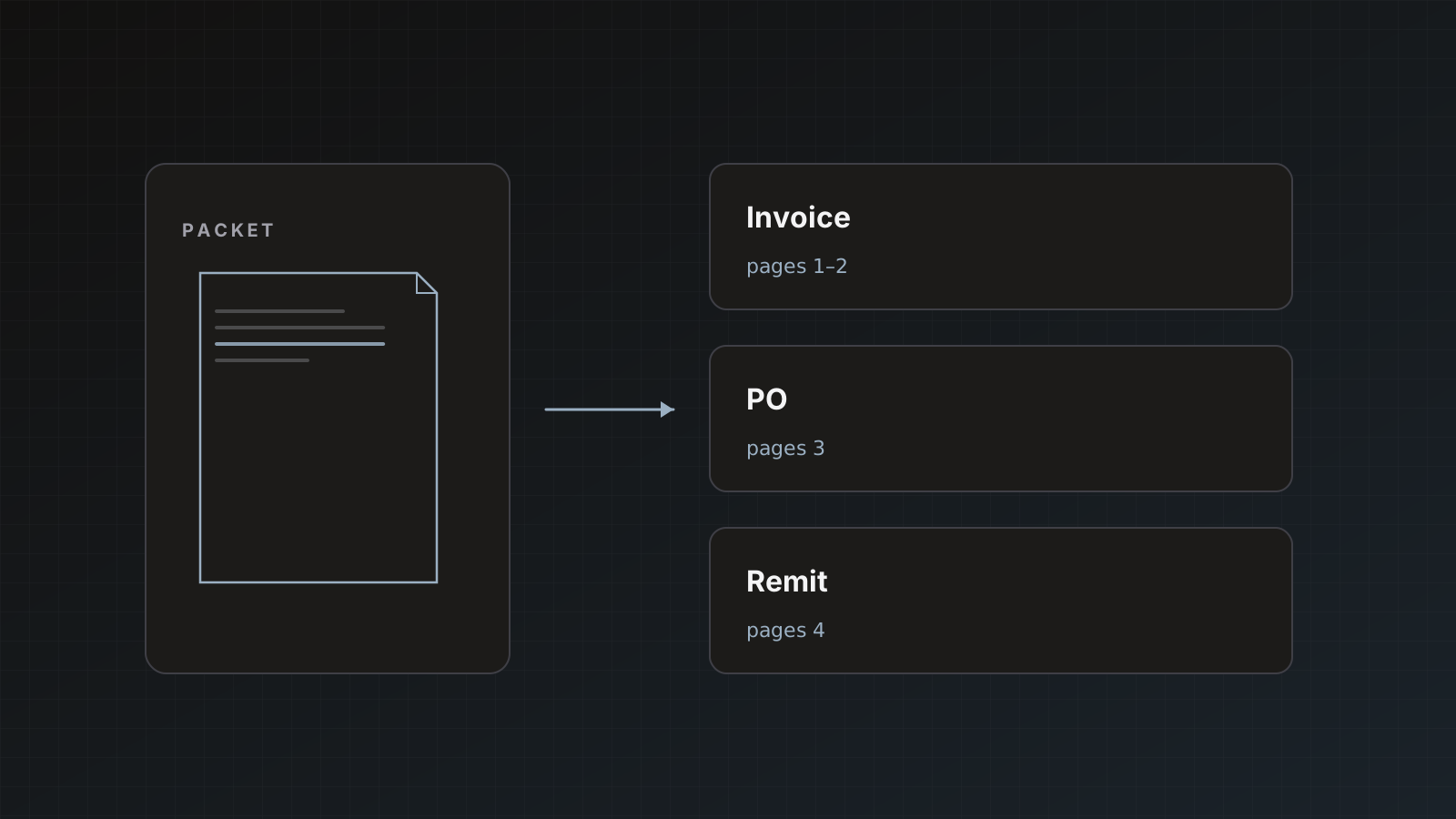
Real AP inboxes rarely send one clean invoice per file. Packets arrive as a single PDF with several document types glued together: invoice, purchase order, remittance advice, sometimes a packing slip for luck.
If your tool treats that PDF as one blob, field extraction gets noisy and destinations get the wrong shape. Parsedit splits mixed packets into child documents with page ranges so you can review and send each piece on its own terms.
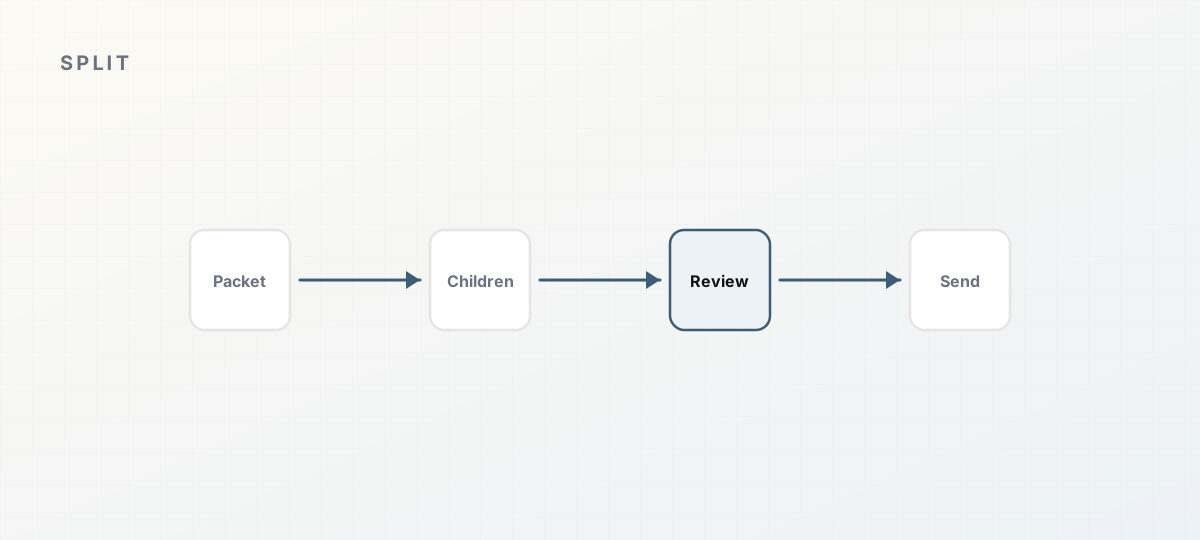 Packet parent to children to send.
What Parsedit does
After upload and processing:
- The parent row in document history is labeled Packet (for example
Packet · 3 documents). - Child rows appear with page ranges and suggested types, such as
Invoices · invoice · Pages 1–2 or Purchase Orders · purchase order · Pages 3–3. - Each child opens with Preview, using the same field review and Save & send flow as standalone docs.
Standalone multipage invoices (one document type across many pages) stay as a single row but still expose multipage send options when you send.
Docs: Document packets.
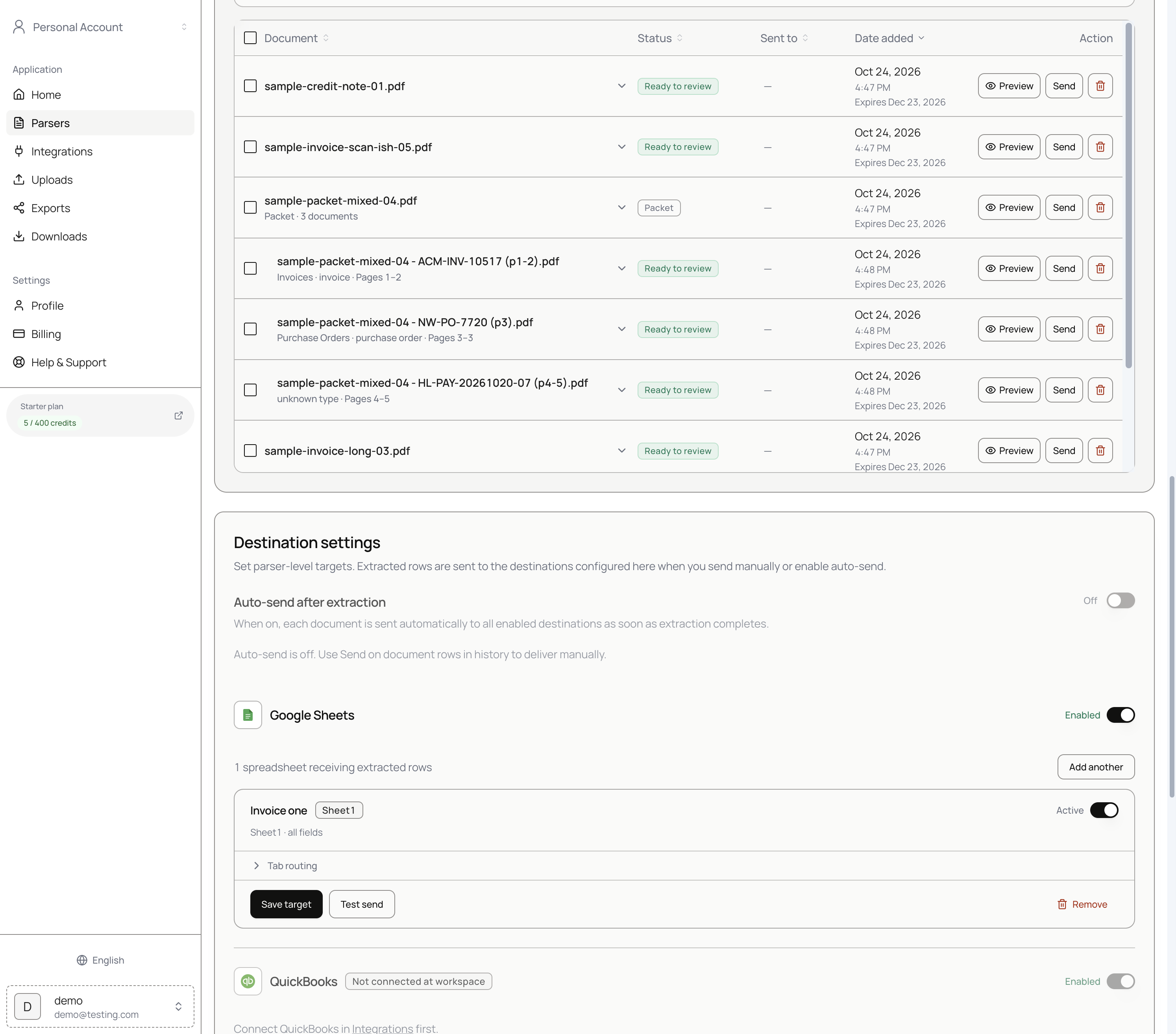 Packet parent with child documents in history.
Review each child
Open a child. The header notes the parent file and pages (for example Part of sample-packet-mixed-04.pdf · 1–2). You only work with that segment’s pages.
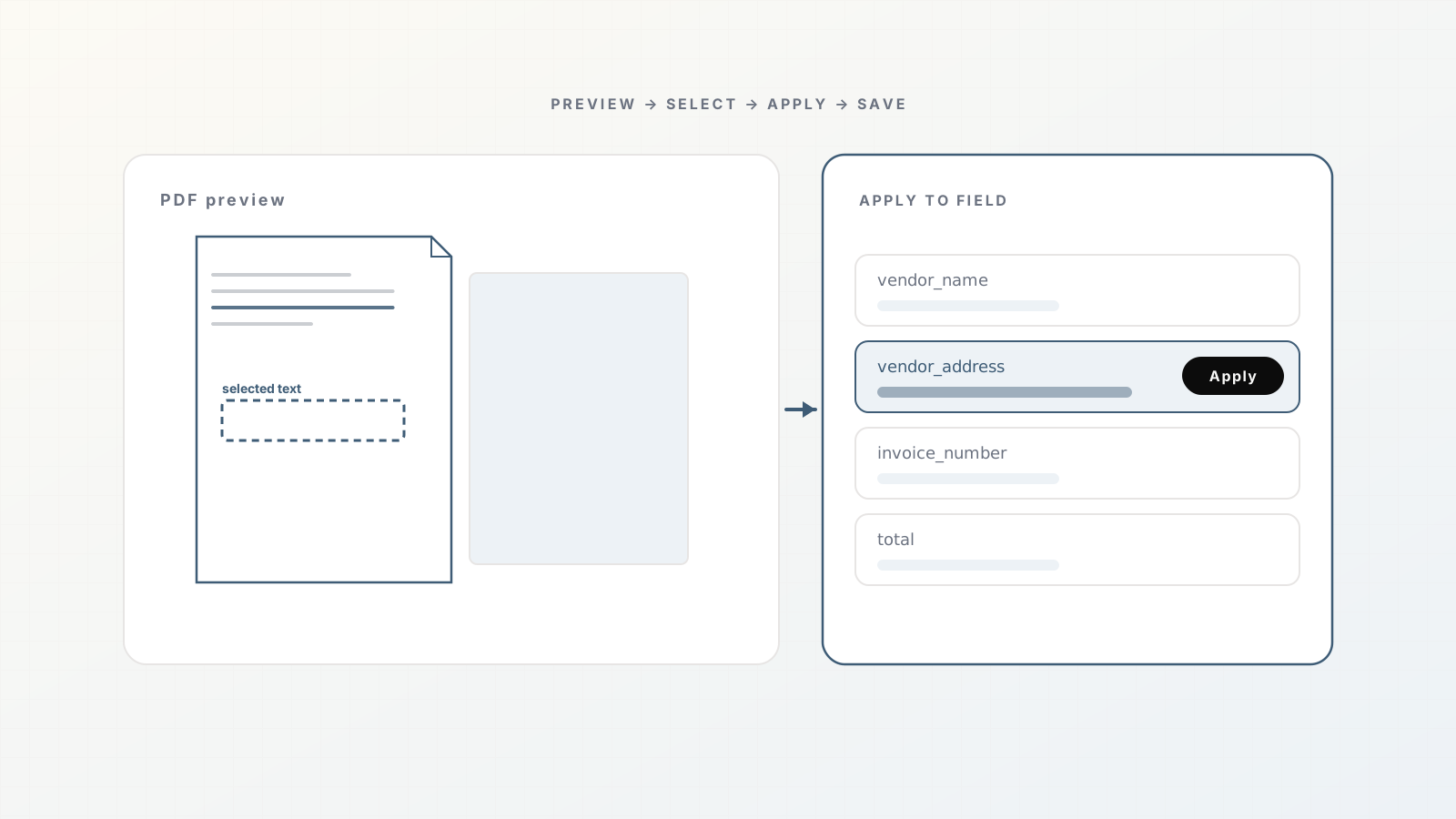
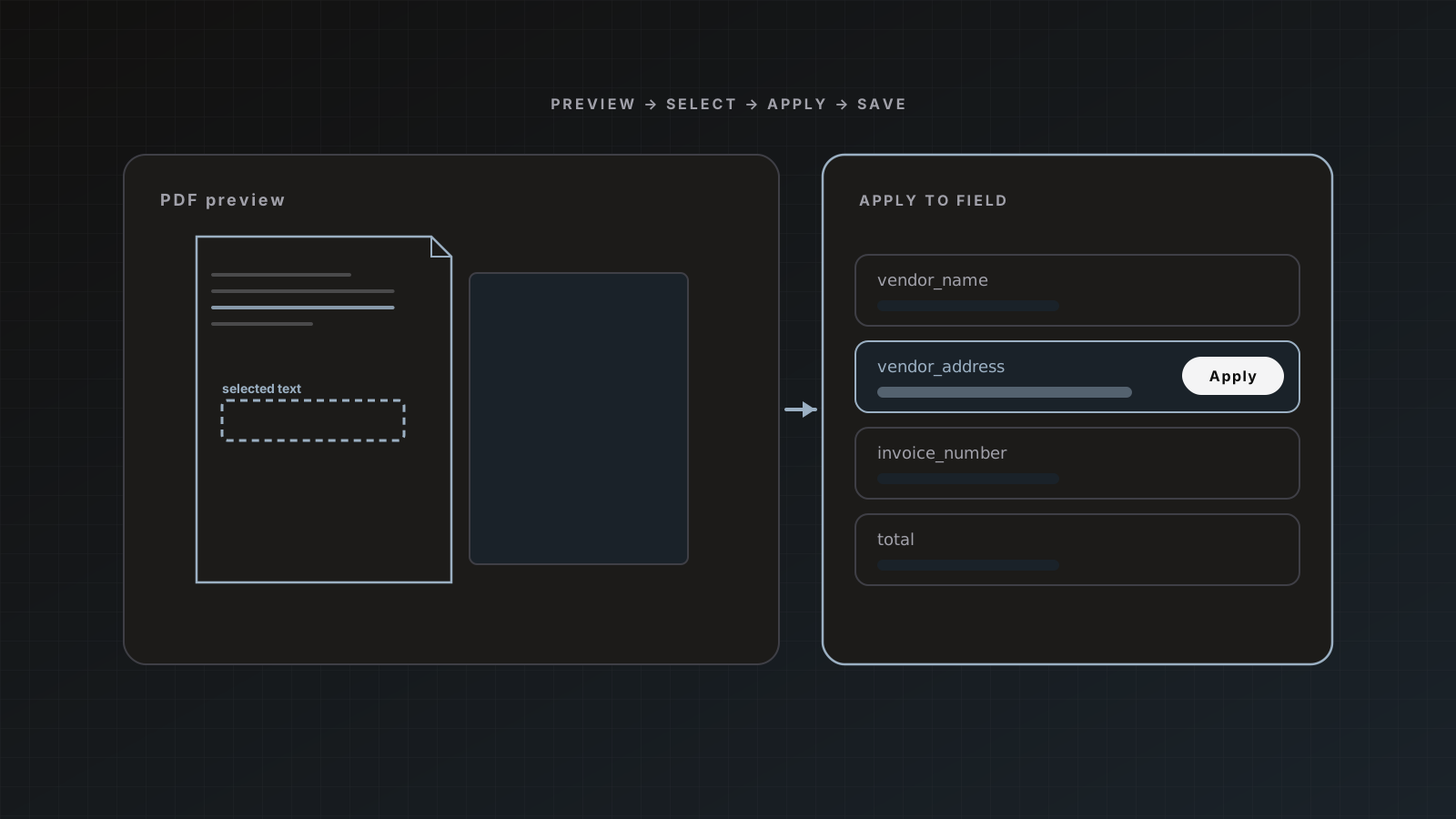
Fix fields, use PDF text selection, save or send. Template fields still apply. If long-term schemas diverge (Invoices vs Purchase Orders), create separate parsers for clean intake; children can still appear under the parser that received the upload.
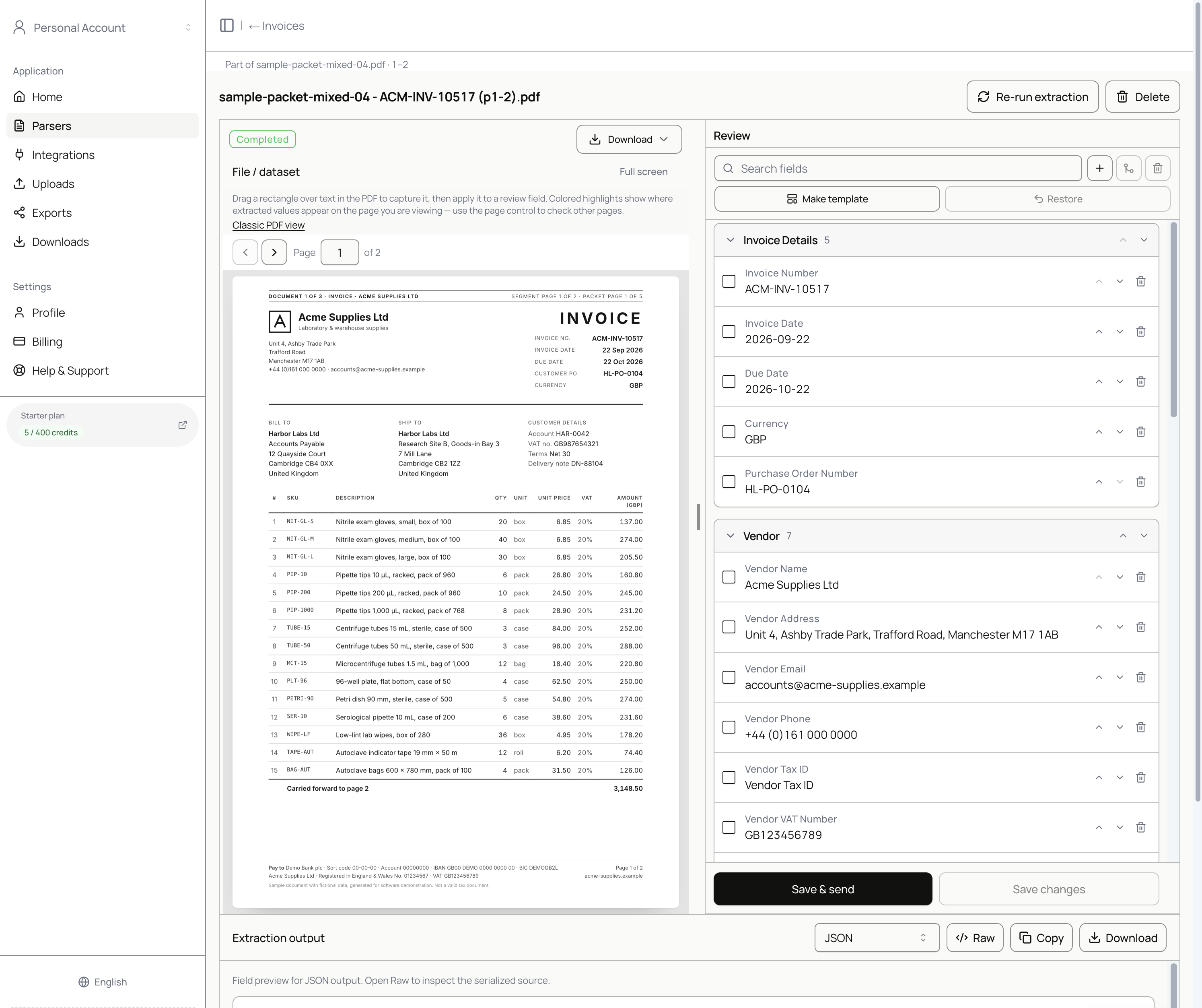 Child review for an invoice segment on pages 1–2.
Choose how to send
When sending a packet parent or a multipage file, pick How to send:
| Mode | Label in the UI | Behavior |
|---|
| Primary | Main document only | Sends the main / parent extract. |
| Per document | Each document separately | Sends each logical document (each child) as its own delivery. |
| Envelope | Everything together | Sends the full file extract as one payload. |
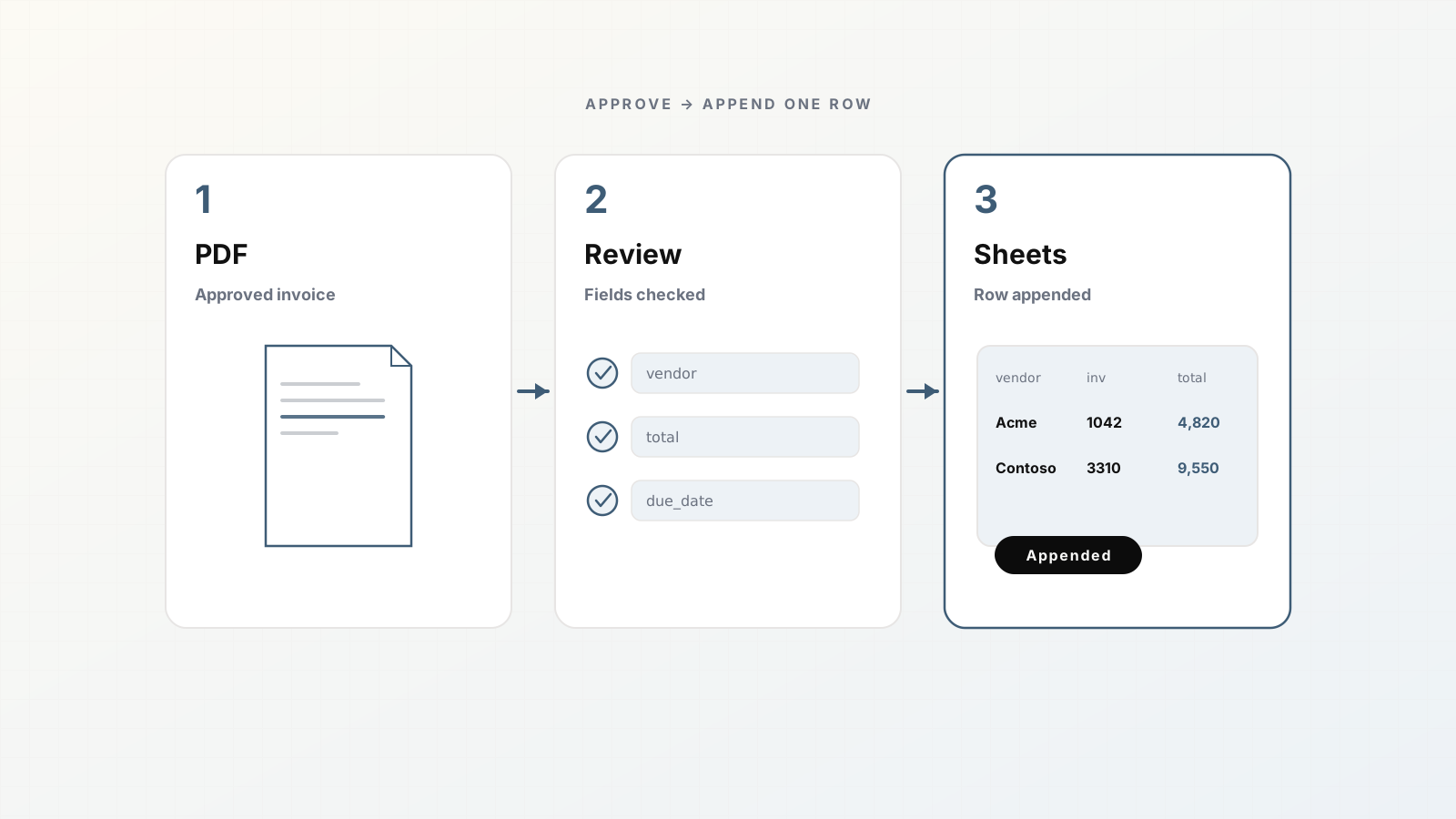
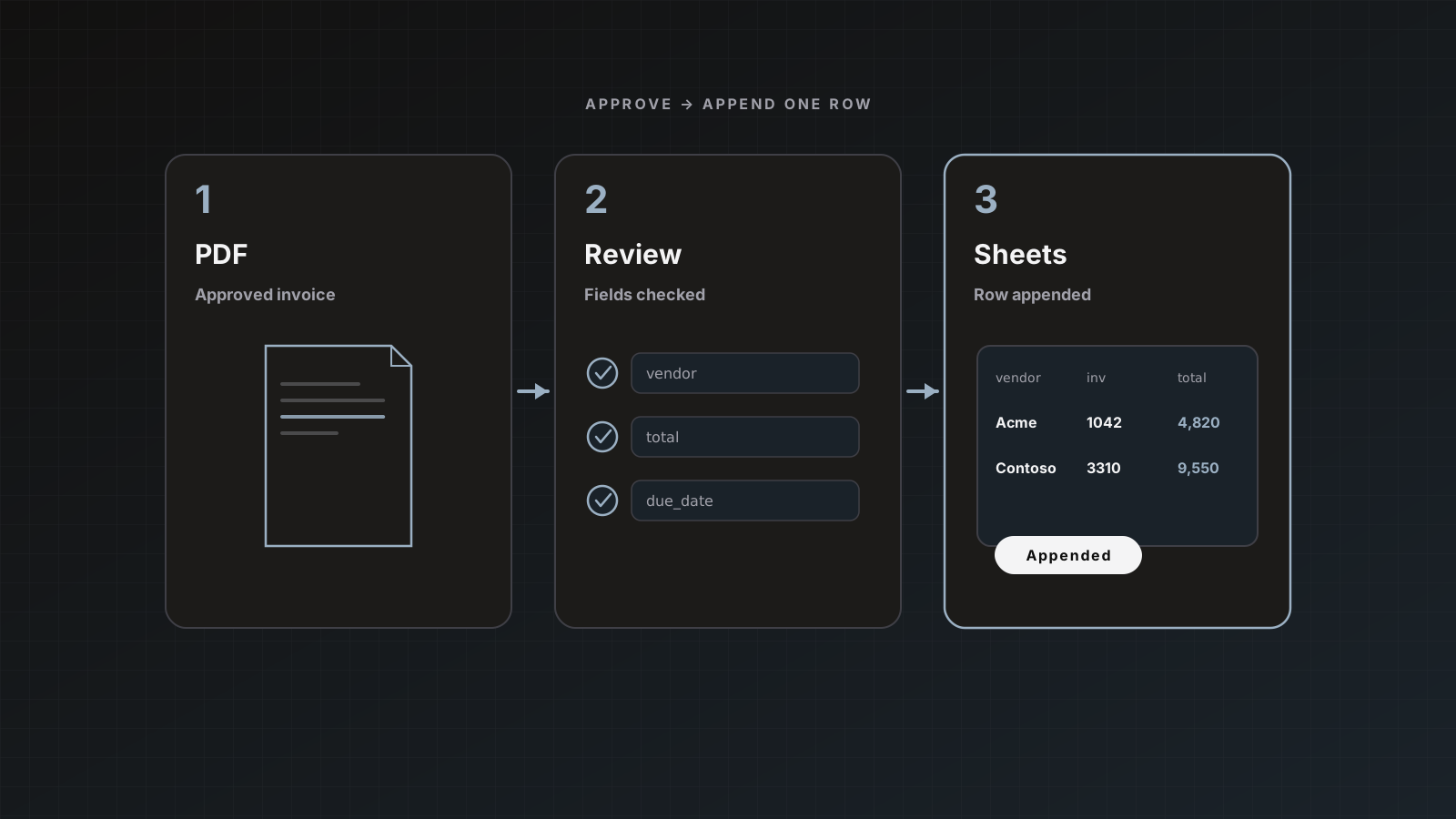
Match the mode to the destination. A Sheets AP tab usually wants Each document separately (one row per invoice). A custom webhook might want the envelope once. Deeper comparison: Multipage send modes explained.
Intake tips for packets
- Email and Zapier will happily deliver multi-doc PDFs; splitting happens after processing.
- Leave Auto-send after extraction off until you trust both split quality and field quality.
- Re-upload a slightly different file if duplicate detection skips an identical PDF you meant to retry.
- Watch page credits: a 15-page packet costs 15 pages even if you only care about two of them.
Pitfalls
- Sending Everything together into a sheet that expects one invoice per row
- Enabling auto-send before checking child type suggestions
- Building one schema that tries to hold invoice + PO + remittance fields at once
- Ignoring parent/child links when auditing what was posted
Where Parsedit fits
Packet splitting is part of the same parser workflow as single invoices: intake, extract, review, deliver. It is not a separate “document AI product.” Pair with Invoice data extraction for AP and Review with PDF text selection.
Training reviewers on packets
Add two screenshots to your internal wiki: history with parent/children, and child review header with page range. New reviewers who only saw single invoices will otherwise send the parent envelope into Sheets and create cleanup work.
Packet splitting is an AP SEO cluster
Mixed PDF, invoice plus PO, and document splitting queries share one need: children with page ranges and sensible send modes.
FAQ
Will every multi-page PDF become a packet? No. One logical document across many pages stays a single row. Packets are mixed types (or multiple logical documents) in one file.
Can children use different destinations? You send per child (or via per-document mode). Configure destinations on the parser; choose what to include on each Save & send.
What if the split boundaries look wrong? Review what you can verify, adjust fields, and treat bad splits as a reason to ask vendors for cleaner attachments when possible. Re-upload after minor file changes if dedupe blocked a retry.
Do packet children double-bill pages? Quota counts pages processed for the upload. Model volume using full packet page counts.
Upload one messy AP PDF and inspect the child rows. Start with a free account.