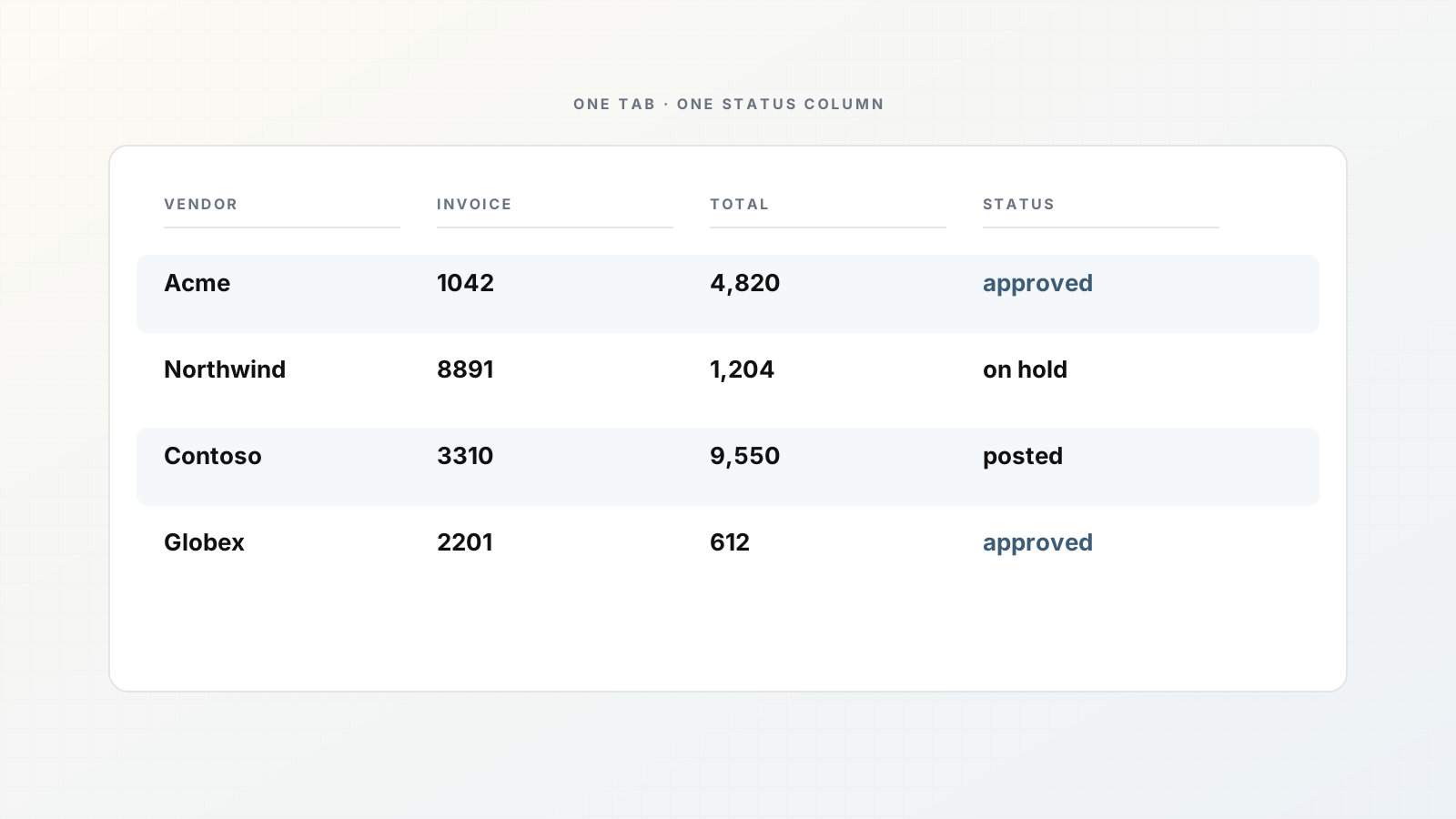
An AP invoice tracker in Google Sheets is still the shared brain for many finance teams: what arrived, what was approved, what posted, what is stuck. The weak link is feeding it. People download PDFs and type.
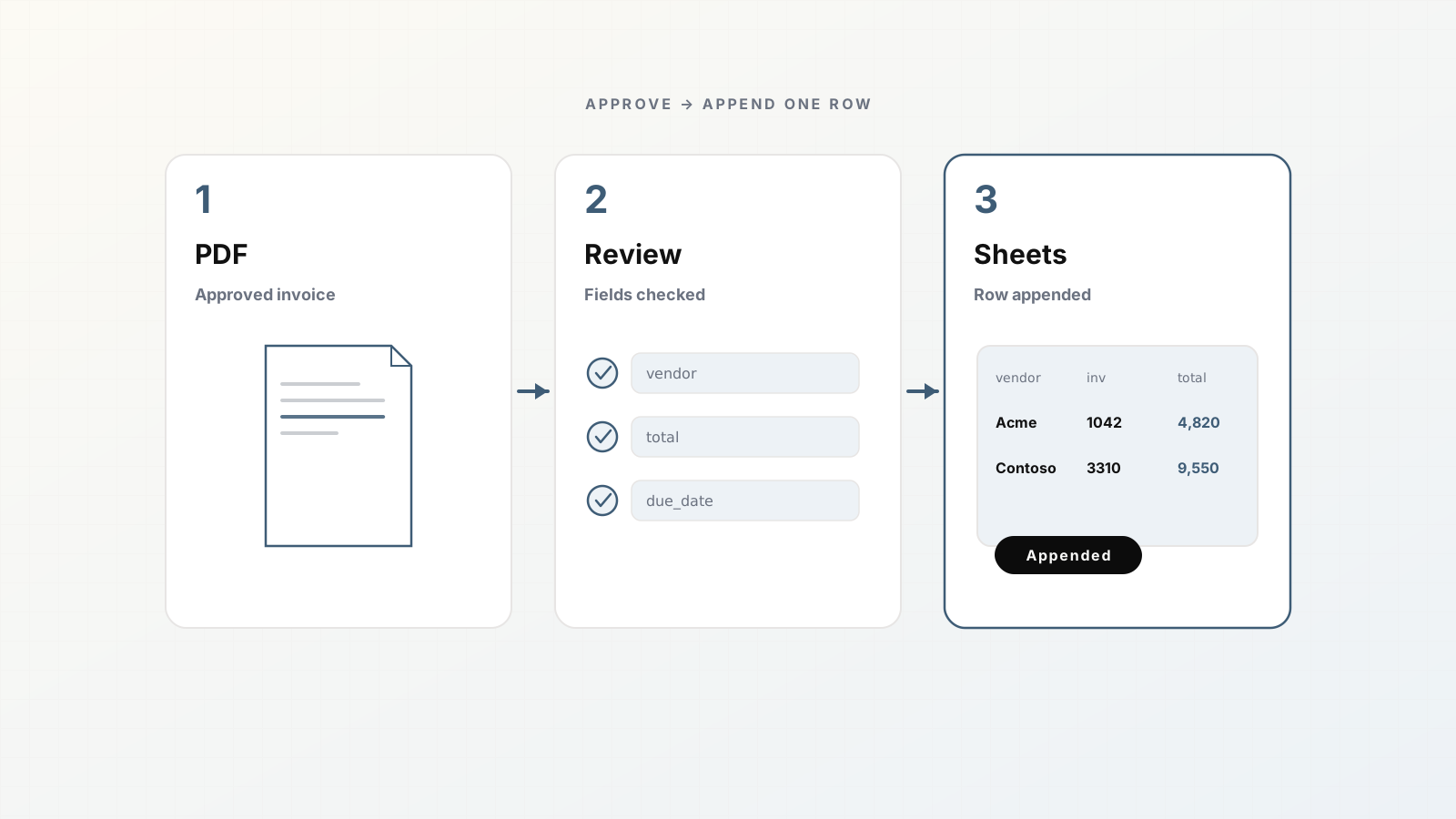
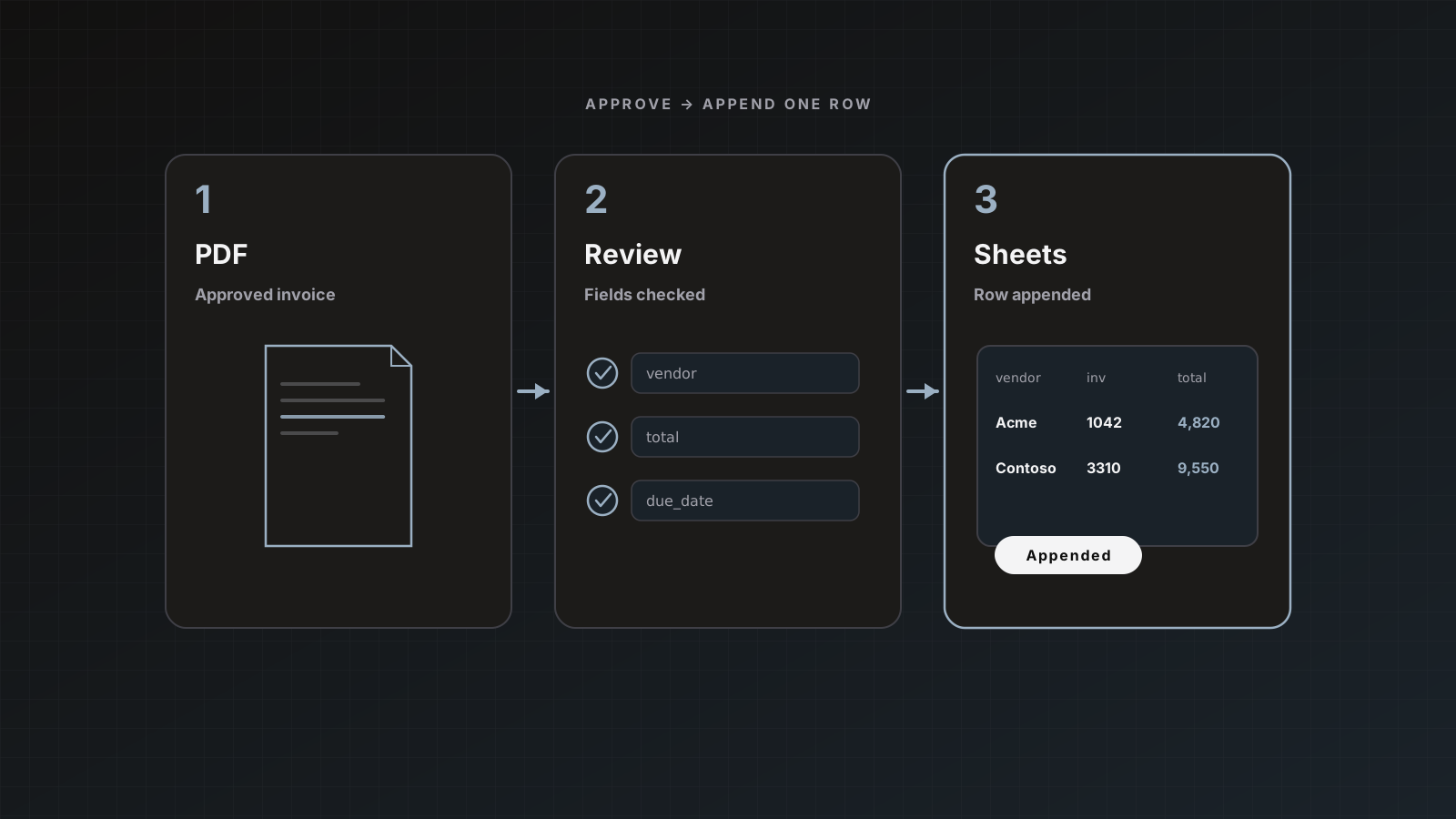
Parsedit appends one row per approved document to a spreadsheet and tab you choose. This post covers tracker design, the Parsedit connection, and how to avoid turning the sheet into a shadow ledger you regret.
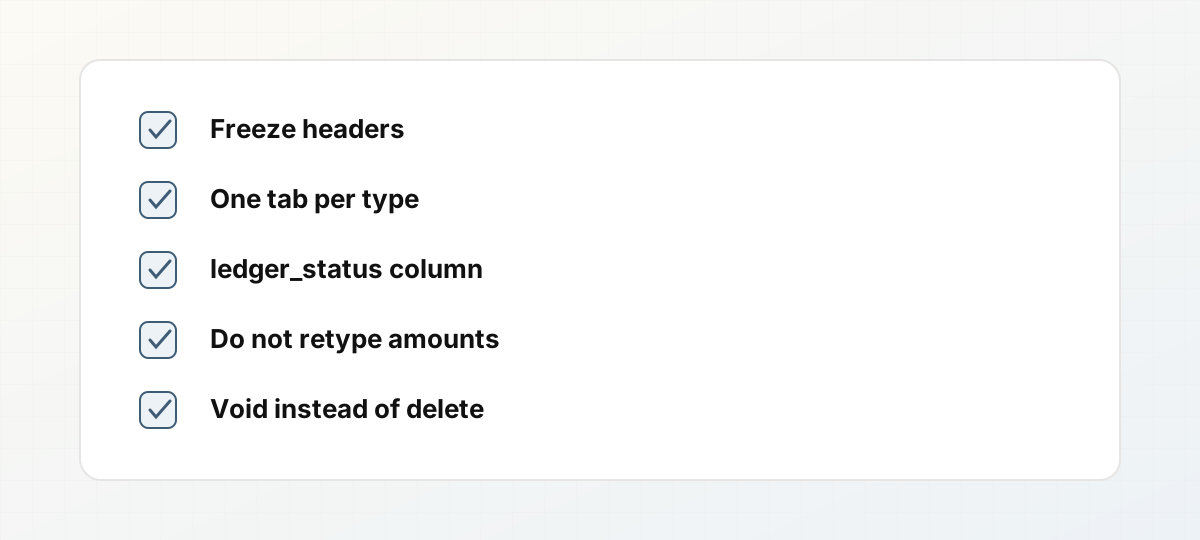 AP tracker hygiene rules for Sheets.
Design the tab before you connect anything
Suggested header row:
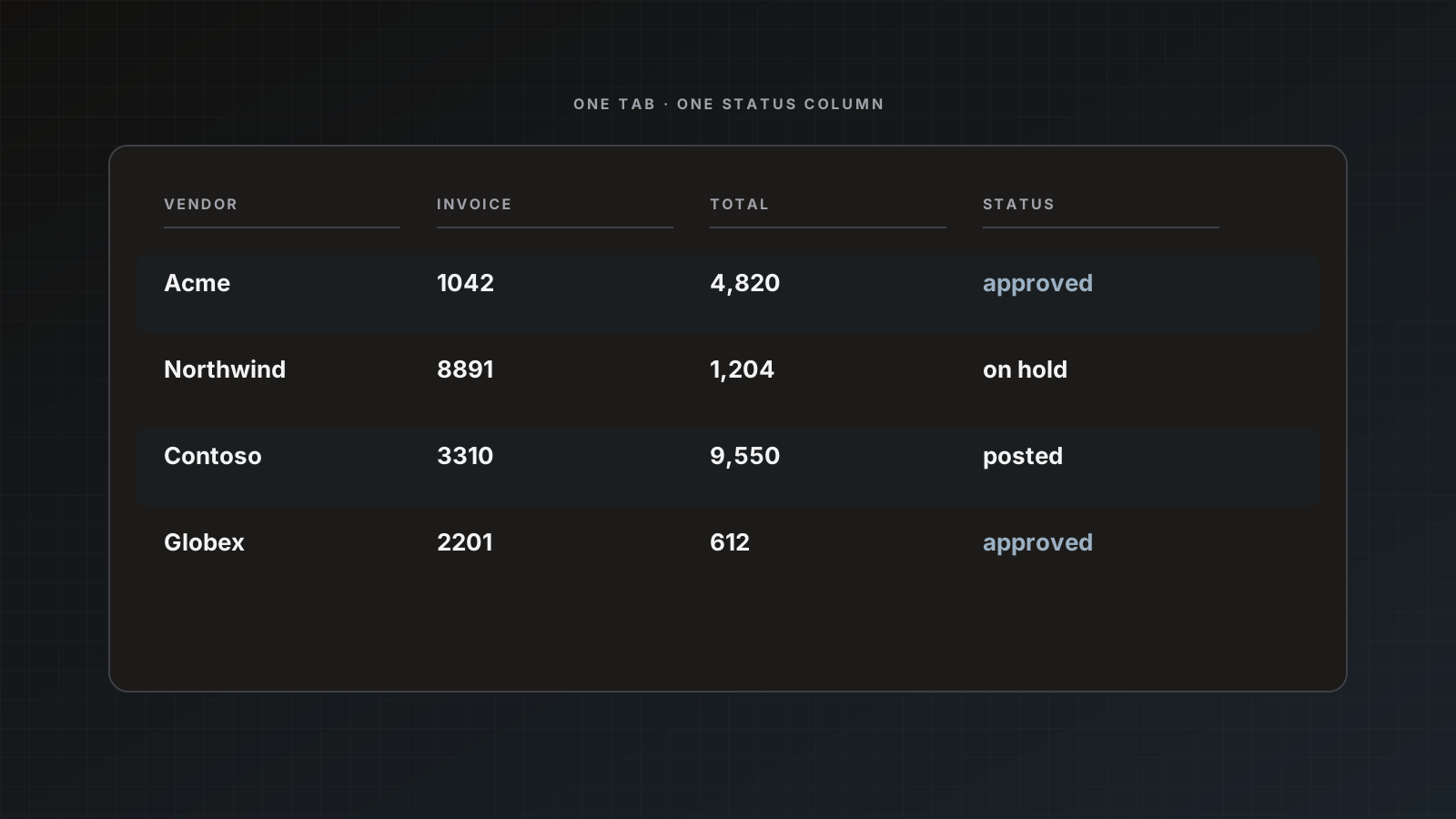
intake_date, vendor_name, invoice_number, invoice_date, due_date, currency, total, po_number, reviewer, sheet_status, ledger_status, notes
Rules of thumb:
- sheet_status:
pending_review / approved / on_hold (human workflow in the sheet if multiple approvers live there) - ledger_status:
not_posted / posted / skipped_duplicate - Freeze the header row; protect it if interns sort aggressively
- One tab per document type (invoices vs receipts)
Align parser field keys to these headers. Schema guide.
Connect Parsedit → Sheets
- Connect Google under Integrations (
drive.file only). - On the Invoices parser, enable Google Sheets, pick spreadsheet and tab, keep Active.
- Leave auto-send off until spot checks pass.
- Review a document, Save & send with Sheets checked.
Details: Send parsed invoices to Google Sheets, docs Google Sheets.
Operating rhythm
- Invoices arrive via email intake, Zapier, Drive, or upload.
- AP reviews in Parsedit (source of truth for field accuracy).
- Save & send appends the row.
- Tracker owners filter
ledger_status = not_posted. - Post to QuickBooks/Xero from Parsedit on a second send, or via your existing process, then mark the sheet.
What not to do in the sheet
- Re-typing amounts that already exist in Parsedit (edit in review, resend if needed)
- Using the sheet as the only store of the PDF (history + accounting attachments exist for a reason)
- Twenty pivot charts before the column contract is stable
Packets
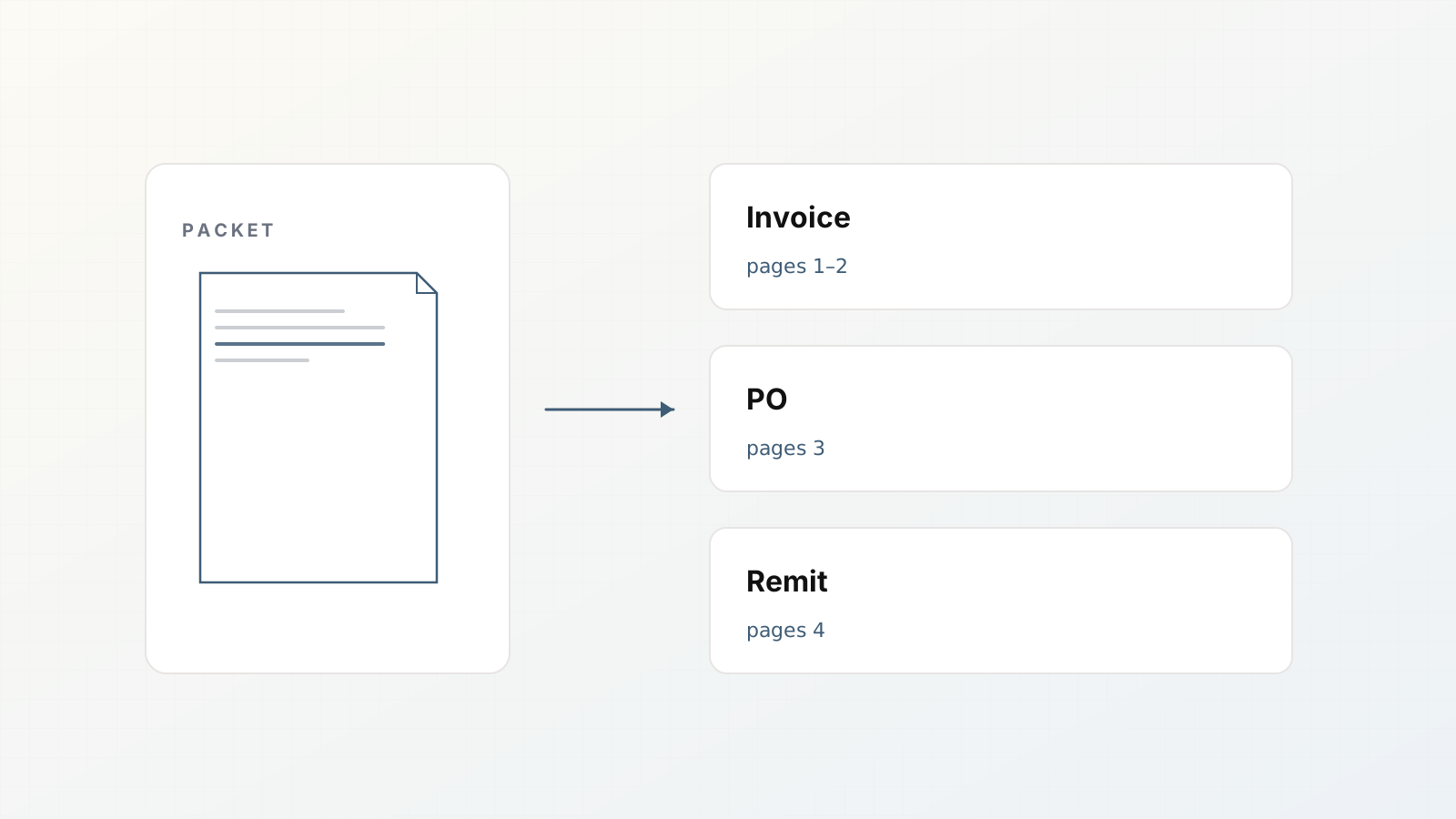
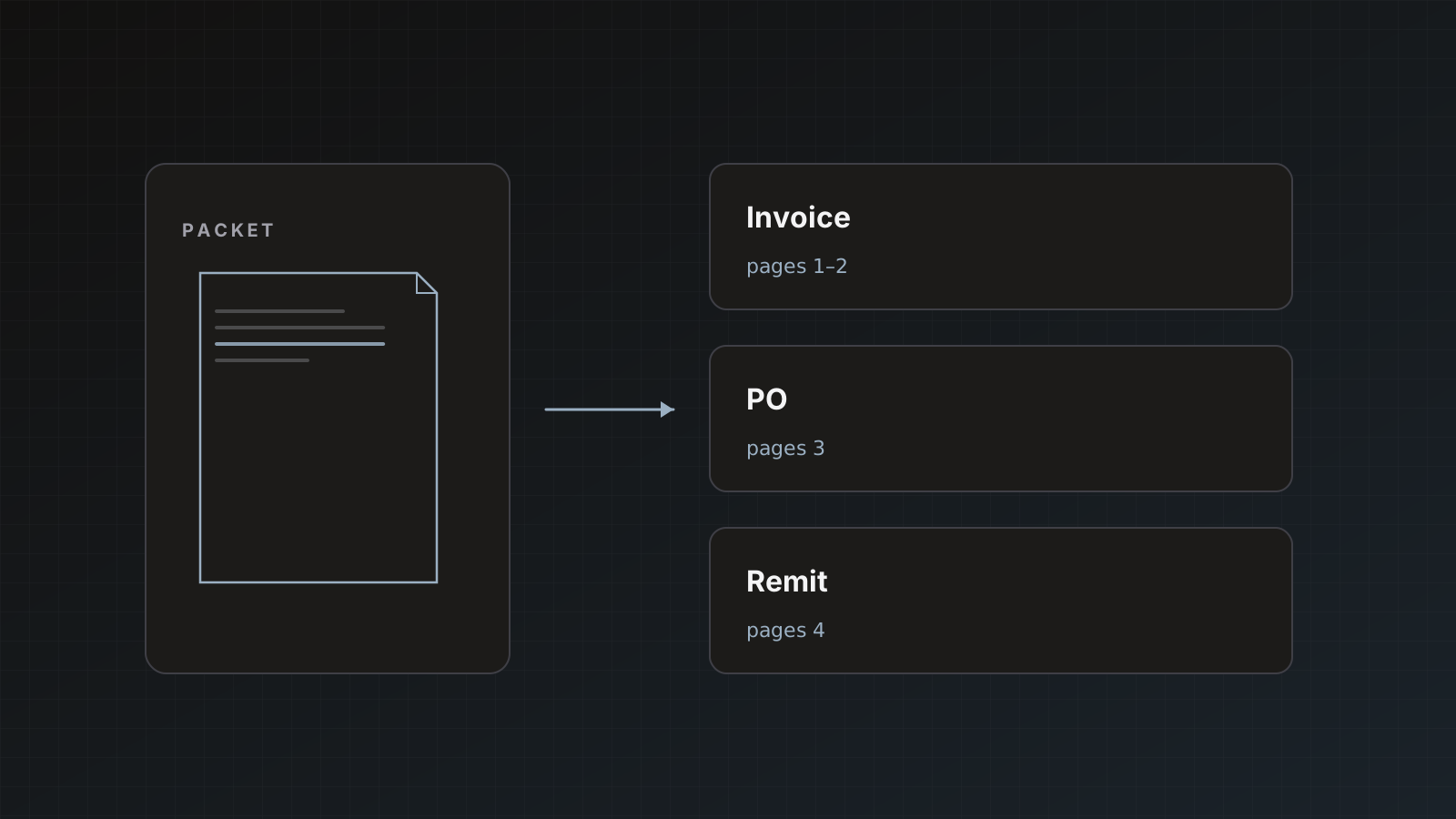
If one PDF becomes three children, prefer Each document separately so the tracker gets three rows. Packets, Send modes.
Pitfalls
- Two parsers writing different schemas to one tab
- Renaming headers in Sheets without updating the template
- Auto-send filling the tracker with unreviewed vendor-name garbage
Where Parsedit fits
Parsedit feeds the tracker and can also post to the ledger. Soft product role: extraction + delivery, not a full AP approval product. For end-to-end AP context see Invoice data extraction for AP.
Column contract change control
When you rename a header, update the parser field the same day. Announce in the AP channel. Old rows keep old values; new rows follow new keys.
Add new columns at the far right first. Inserting columns in the middle breaks human muscle memory more than Parsedit.
Monthly close overlay
Add a tab month_close that filters invoice_date in period and ledger_status = not_posted. That becomes the close checklist without a second system. Keep amounts sourced from Parsedit-approved values, not retyped.
Permissions
Editors on the sheet should not casually delete Parsedit-appended rows. Protect the header and consider protecting historical row ranges after close. Use a voided column instead of deleting when an invoice was sent in error.
Worked example: week-one tracker
Monday: create spreadsheet AP Tracker, tab invoices, headers frozen.
Tuesday: connect Parsedit, send five reviewed invoices.
Wednesday: add ledger_status workflow; AP marks posted rows.
Thursday: enable a second destination (QBO) for two vendors only.
Friday: compare sheet totals vs ledger for those two; fix naming mismatches.
By the next Monday you have a rhythm, not a theory.
Sheet hygiene rules
- No deleting rows; mark
void - No editing amount cells blindly; fix in Parsedit and resend or note adjustment
- One tab per document type
Sheets still wins early AP visibility
Until the ledger is trusted, a shared tracker is the collaboration surface. Rank for “AP invoice tracker Google Sheets” by teaching column contracts, not pivot-chart decoration.
FAQ
Can we write line items as multiple rows? Sheets delivery is oriented around document-level append; use exports or webhooks if you need exploded line rows in a custom shape.
Who should own the Google connection? A stable workspace owner, not a temporary contractor account.
Is Airtable an alternative? Airtable is available where enabled; same idea of a structured tracker. See integrations docs.
Build the tab, send three real invoices, adjust columns once. Start free.