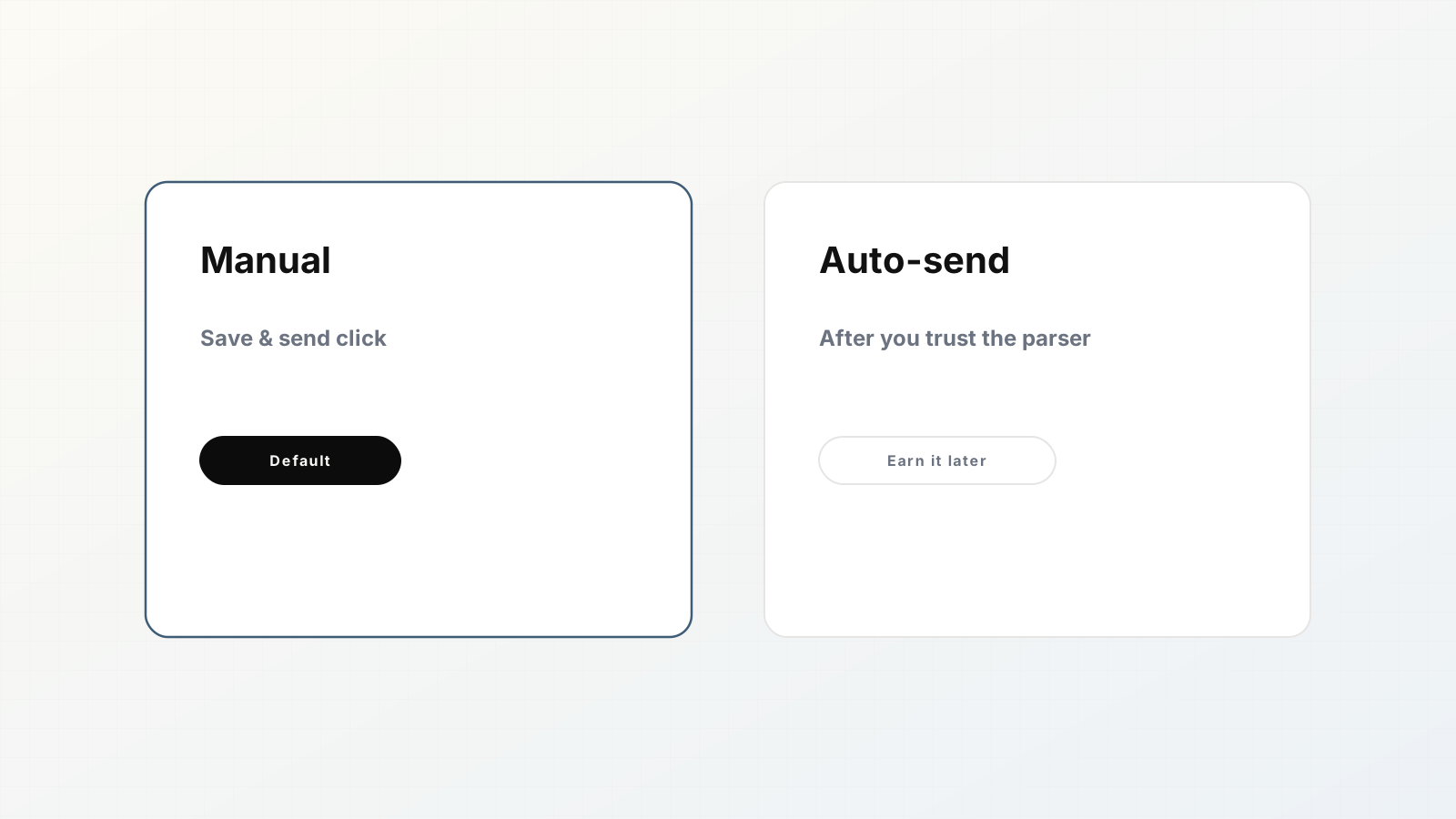
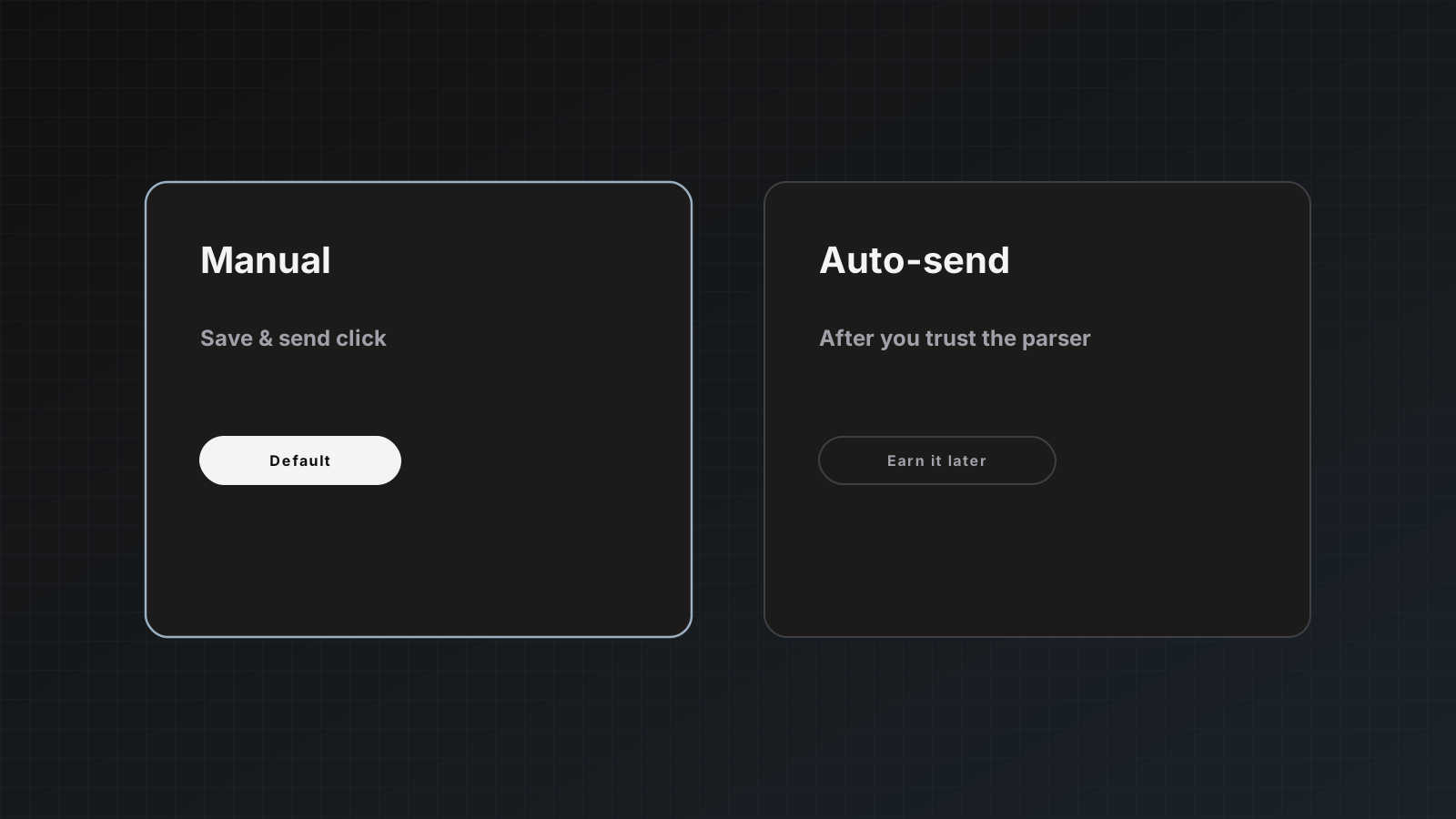
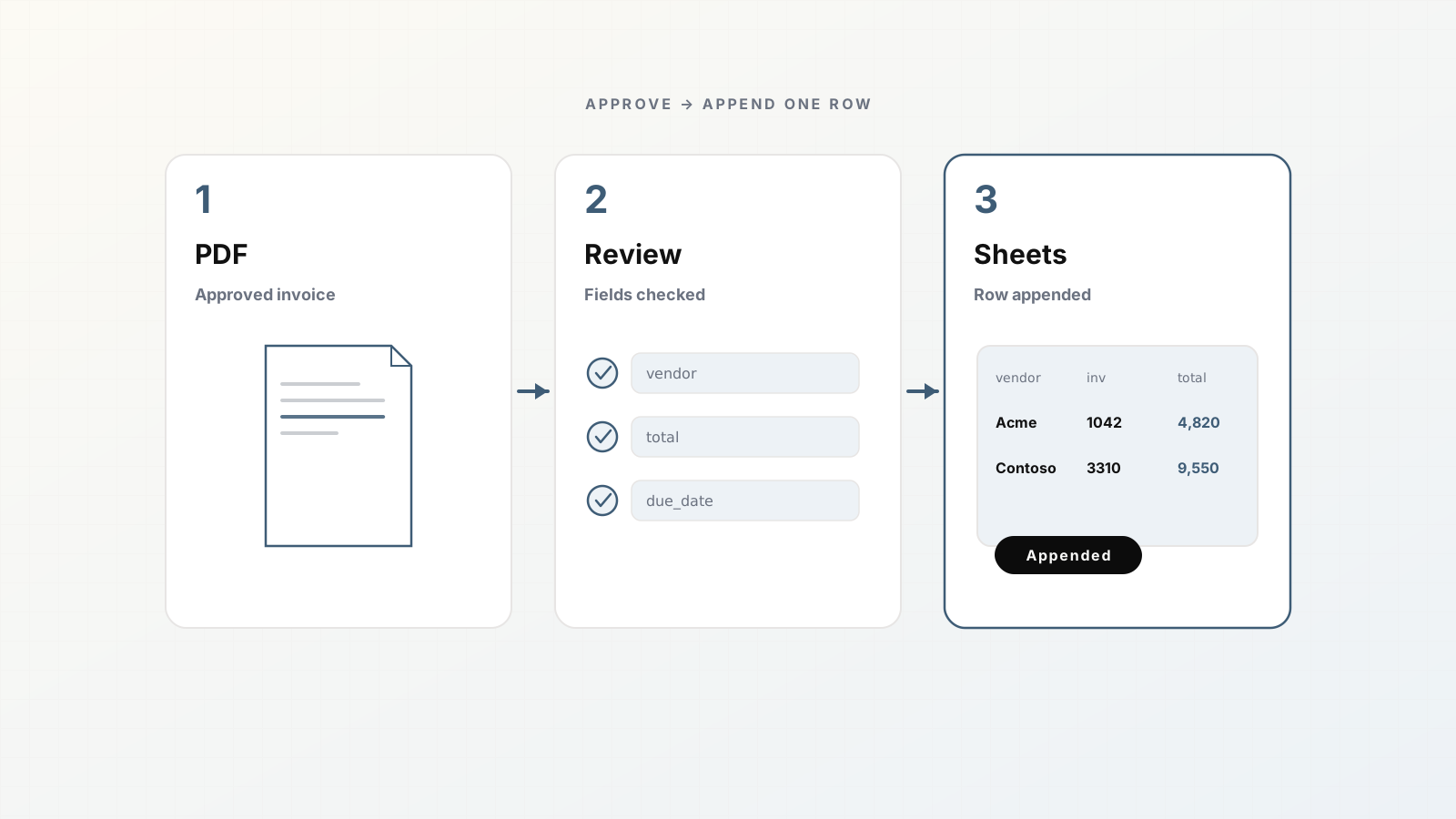
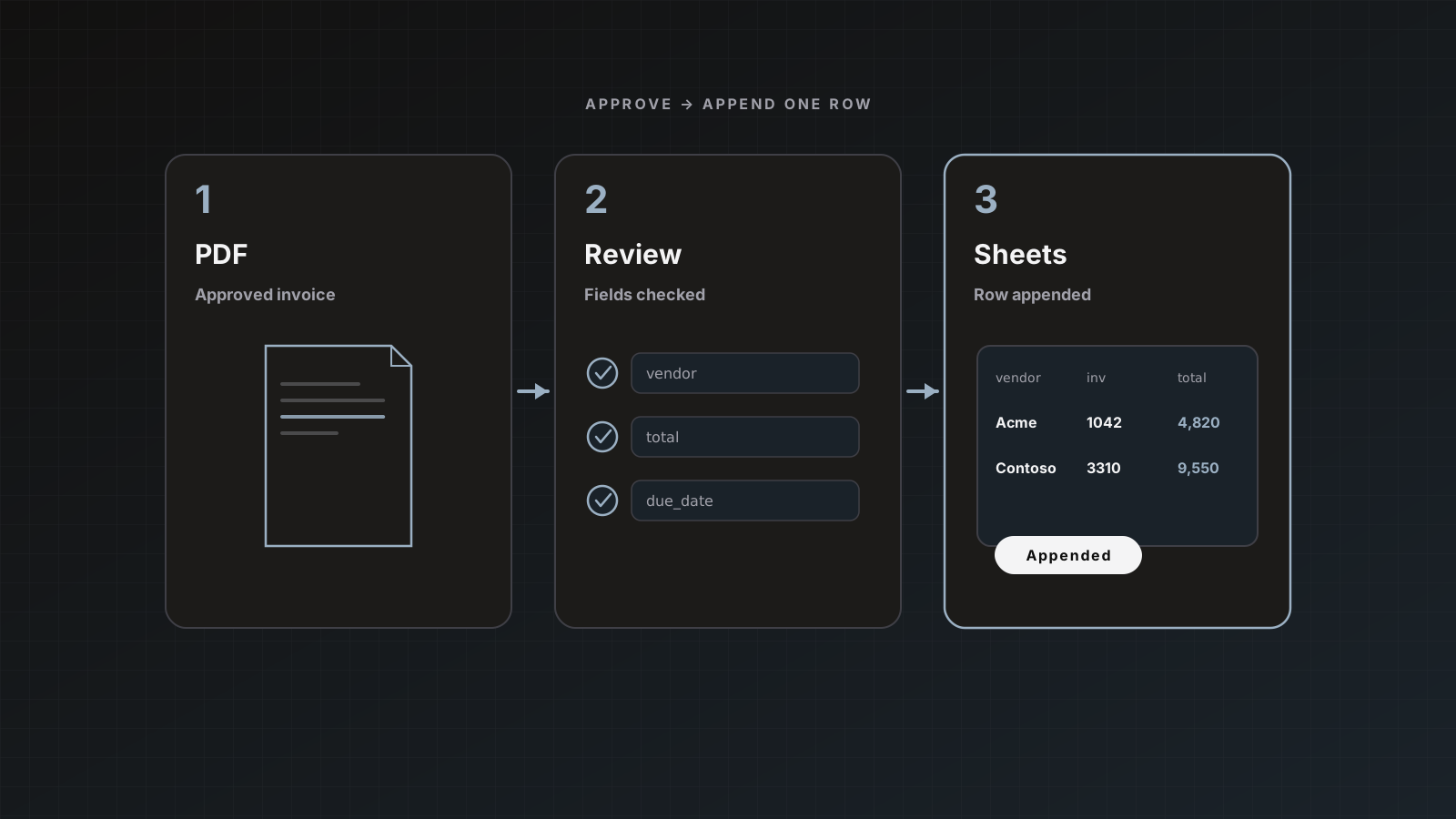
Manual approval means a human clicks Save & send (or saves without sending). Auto-send means extracted results go to enabled destinations when processing finishes, without that click.
Both are valid. Mixing them up on day one is how test vendors appear in production QuickBooks.
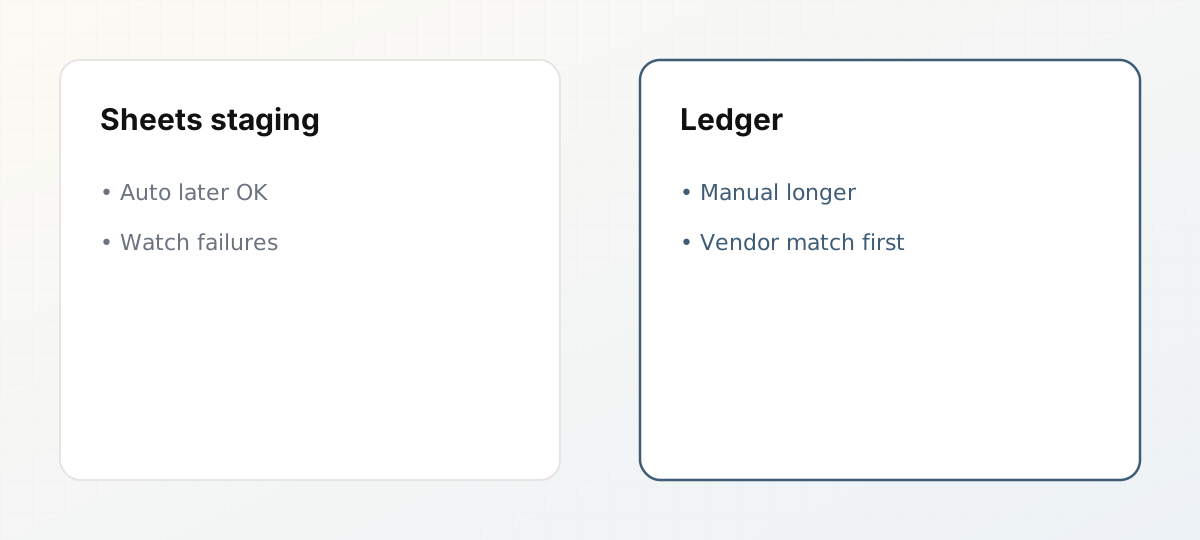 Auto-send policy differs for Sheets staging and ledgers.
Defaults in Parsedit
Manual review is the default. Auto-send is a parser destination setting you turn on after you trust extraction and destinations are connected. There is no confidence-threshold auto-approval path. Docs: Automation.
Choose by destination risk
| Destination | Early policy | Later policy |
|---|
| Google Sheets staging tab | Manual, then auto-send | Auto-send common |
| Slack / Zapier notify | Often auto | Auto |
| Webhook to staging API | Manual until idempotent | Auto |
| QuickBooks / Xero | Manual | Manual longer; auto only when dull |
Readiness checklist before auto-send
- [ ] Top vendors extract with rare edits
- [ ] Duplicate intake protection understood
- [ ] Accounting duplicate skip/update chosen
- [ ] Packet send mode tested on a mixed PDF
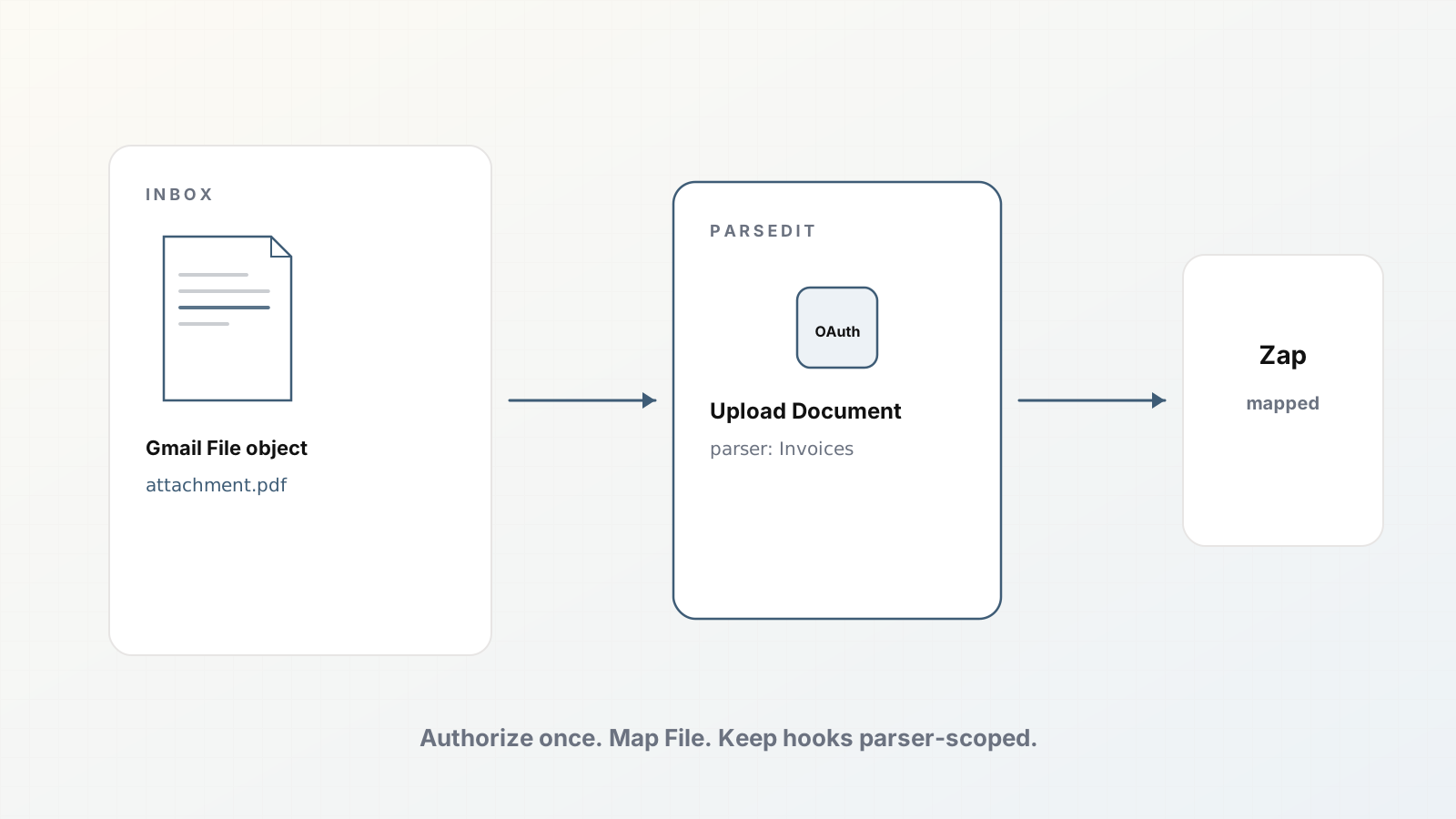
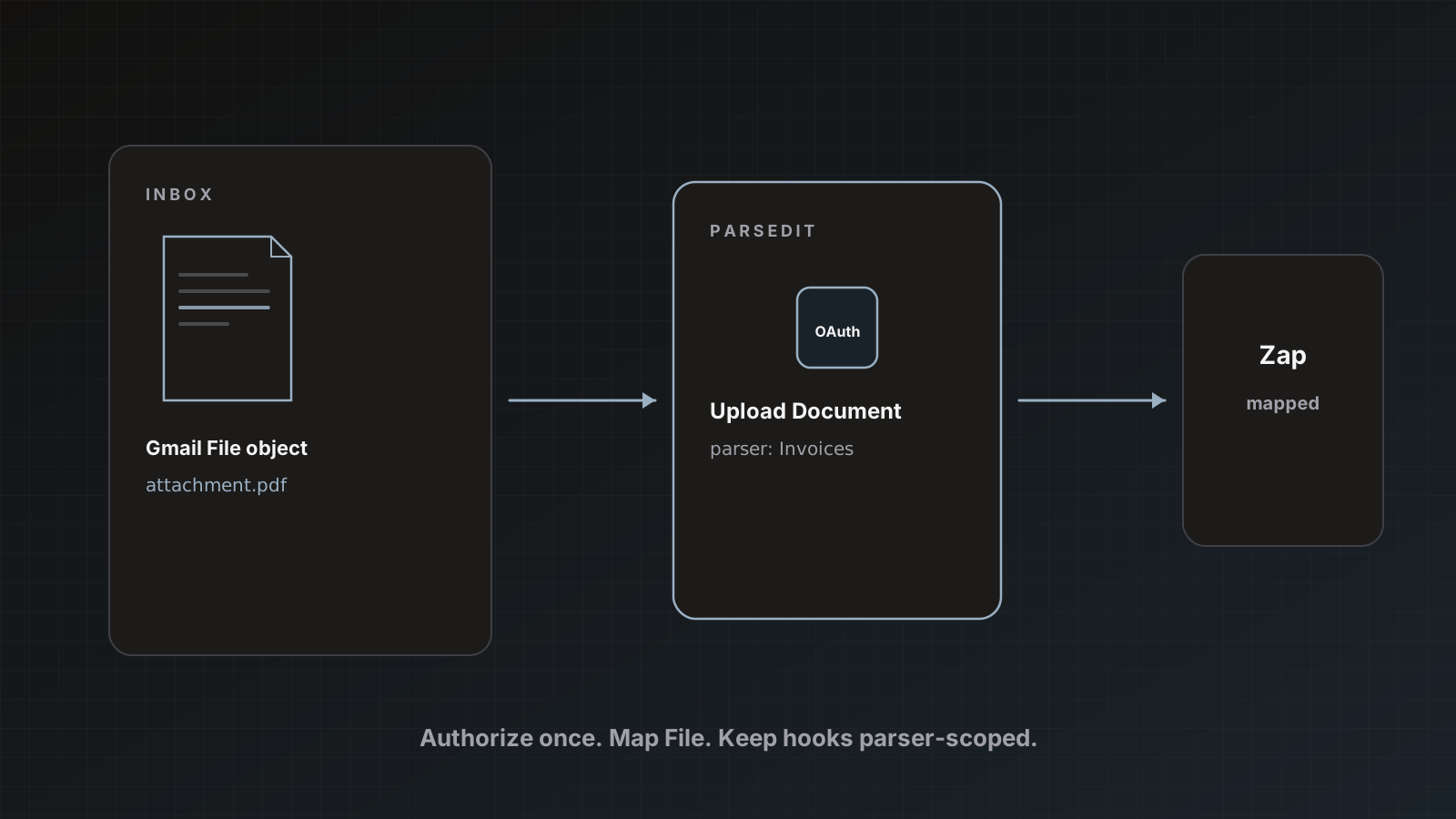
- [ ] Destination OAuth owned by a stable user
- [ ] Someone watches failures for a week after enable
Packets and auto-send
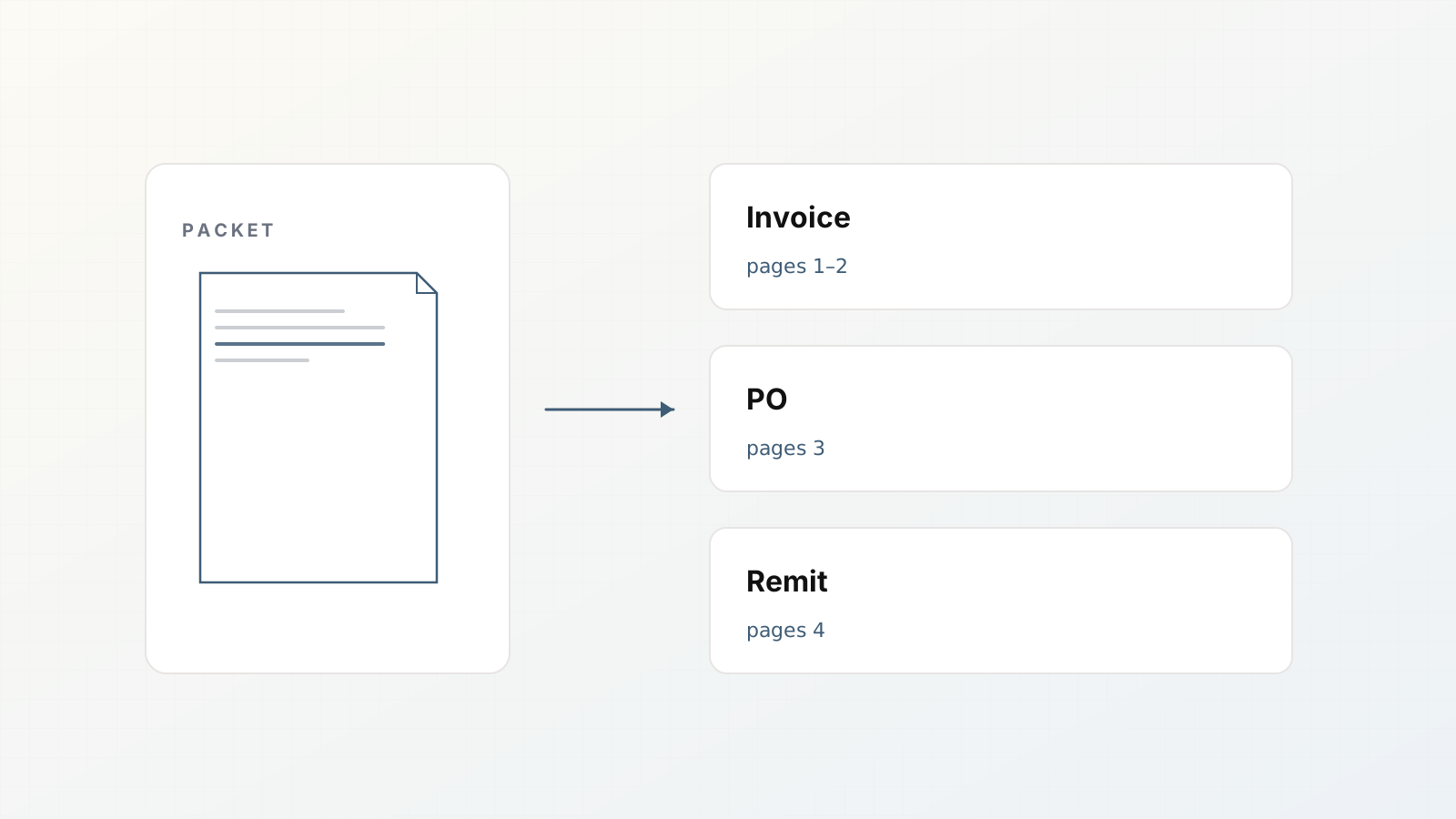
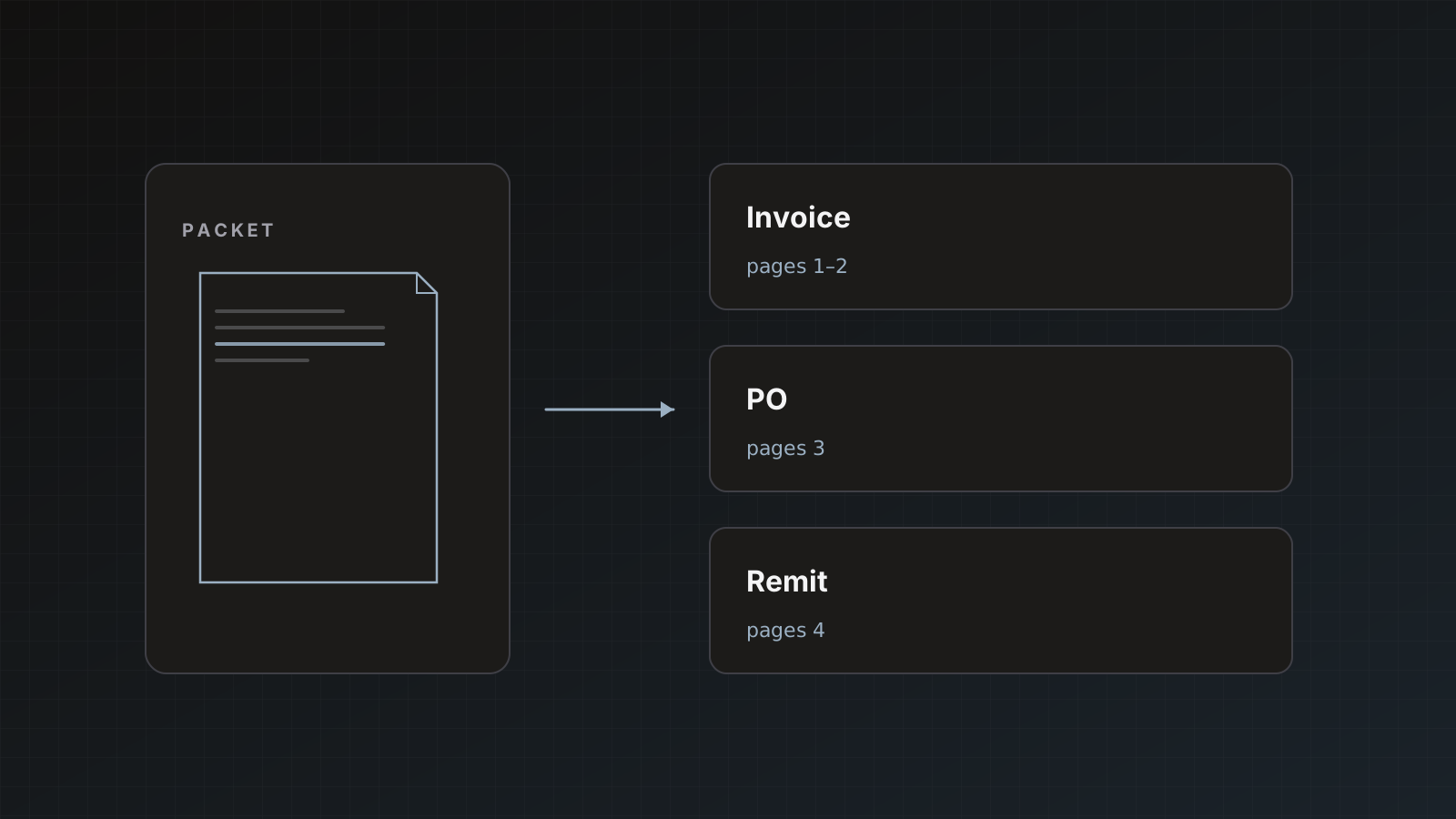
When auto-sending packets or multipage files, confirm preferred send mode on manual sends first: Main document only, Each document separately, or Everything together. Packets, Send modes explained.
Hybrid pattern that works
- Email/Zapier intake always on
- Manual send to QuickBooks
- Auto-send to Sheets for visibility
- Weekly review of sheet rows with
ledger_status = not_posted
Human review philosophy: Why human review still wins.
Pitfalls
- Enabling auto-send before destinations are Active
- Auto-send to accounting during schema churn
- Assuming failed destination retries are impossible
- Forgetting that identical re-uploads skip (good) while near-duplicates may send again
Where Parsedit fits
Parsedit gives you the switch and the review queue. Soft CTA: leave ledger destinations manual through your first month of real volume.
A 30-day enablement plan
Week 1–2: manual Save & send only. Track edit rate and destination errors in a simple sheet.
Week 3: auto-send to a non-ledger destination (Sheets staging or Slack). Keep QuickBooks/Xero manual.
Week 4: if edit rate is low on top vendors and duplicate rules behave, consider auto-send for low-risk parsers only.
Roll back immediately if vendor-name creates spike or if packet children post incorrectly. The goal is boredom, not bravado.
What “trusted parser” means in practice
A trusted parser is not “the model scored high once.” It is:
- Stable field keys for two weeks
- Reviewers touching the same fields rarely
- Destination auth that has not flapped
- At least one messy packet tested under the send mode you will keep
If any item fails, stay manual. Revisit after you fix the template or intake filters.
Destination-specific defaults worth writing down
Put these in an internal runbook so every new teammate does not guess:
- Sheets AP tracker: auto-send allowed after week 2 if edit rate is low
- Slack “ready to review”: auto allowed early (notification only)
- Webhook staging: manual until idempotency keys exist, then auto
- Webhook production: manual longer than staging
- QuickBooks / Xero: manual through the first full month of real vendors
Revisit quarterly. Volume and vendor mix change.
Rollback drill
Practice once: enable auto-send on a staging parser, send a bad sample on purpose, turn auto-send off, confirm new docs sit in Ready to review, and fix the bad row downstream. A team that has never rolled back will freeze when something noisy hits production.
Worked example: Sheets auto, ledger manual
Parser destinations: Sheets Active + QuickBooks Active. Auto-send on for the parser after week 3.
Reality check: confirm product behavior for your build. If auto-send delivers to all active destinations, do not enable auto-send while QuickBooks is Active unless you intend ledger posts. In that case keep QBO disconnected or inactive until you are ready, or keep auto-send off and manually select Sheets only.
The safe operational pattern many teams use: auto-send only on parsers whose sole active destination is Sheets/Slack/webhook-staging. Keep a separate step for ledger sends.
Policy content ranks when it is specific
Name which destinations can auto-send early and which should stay manual. Vague “use AI responsibly” sections help no one.
FAQ
Can we auto-send only some fields? Shape the template; destinations receive the extracted document according to their connectors.
How do we pause auto-send quickly? Turn it off in destination settings; documents will wait as ready to review.
Does auto-send bypass duplicate rules? Intake dedupe and accounting document-number rules still apply as documented.
Run two quiet weeks manually, then auto-send Sheets only. Start free.