People say “we need OCR” when they mean “stop retyping invoices.” Those are related problems with different outputs. Mixing them up leads to buying a scanner feature and still pasting into Sheets by hand.
Here is the practical split for AP, ops, and client accounting teams.
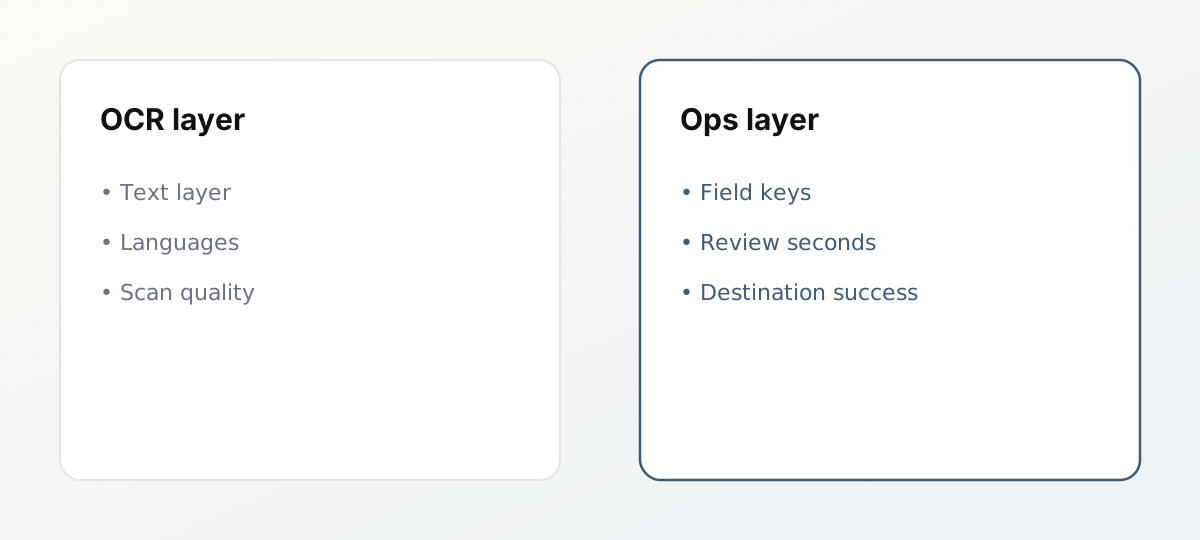 OCR quality versus ops outcomes you should measure.
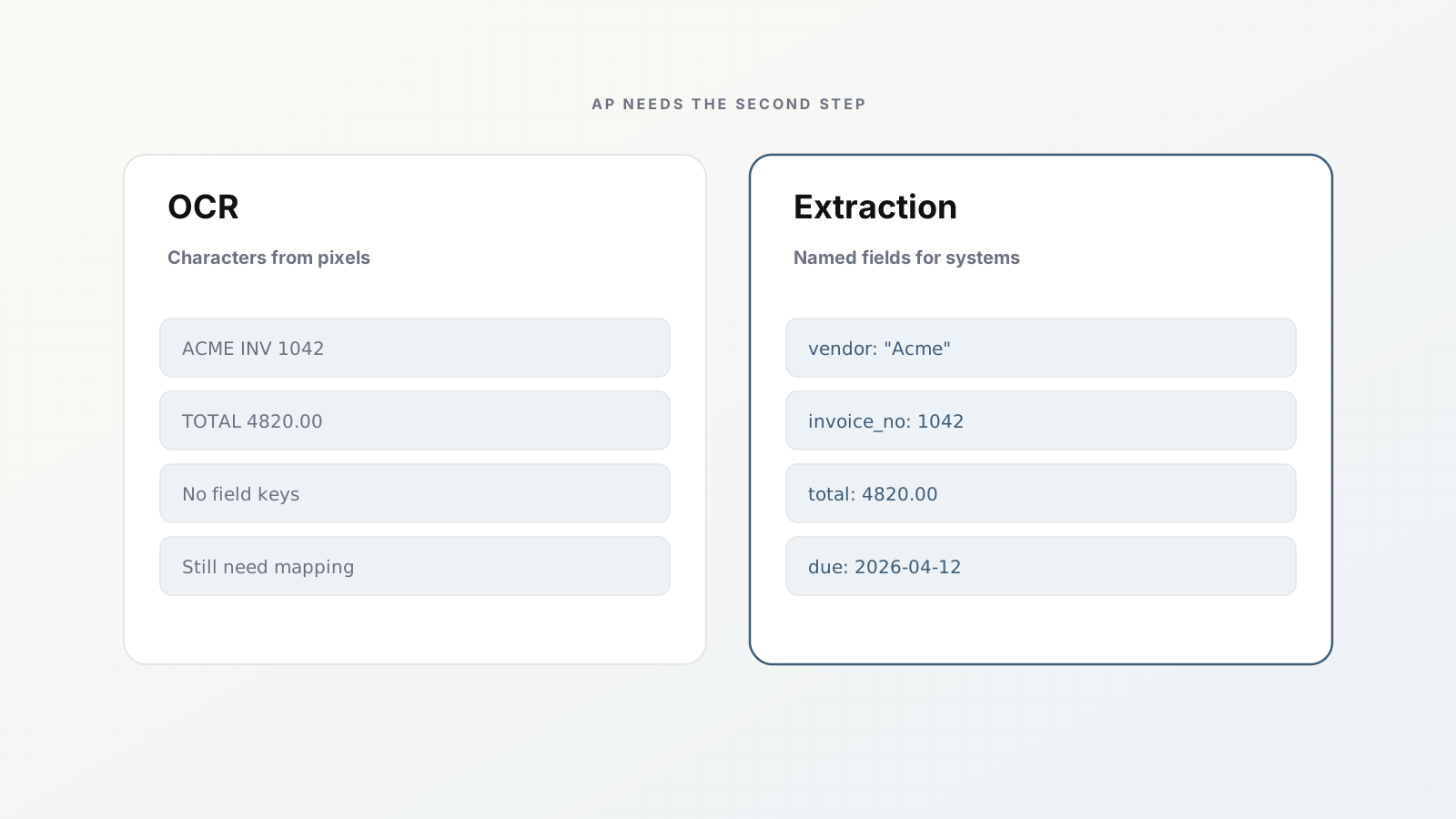
OCR: characters from pixels
Optical character recognition converts an image (scan, photo, fax PDF) into text. Modern OCR is good on clean pages and uneven on glare, stamps, and handwriting.
What you get: searchable text, maybe word bounding boxes.
What you still do not have: a reliable invoice_total field, a vendor key that matches QuickBooks, or line items aligned to columns.
If your PDFs are already digital-native with a text layer, classic OCR may barely run. You still need extraction if you want structured rows.
Extraction takes a file (OCR’d or text-based) and returns values bound to a schema: named fields and types your destinations understand.
What you get: vendor_name, invoice_number, dates, money fields, line-item tables keyed the same way every time.
What you still need: review for exceptions, integrations, and rules for duplicates and packets.
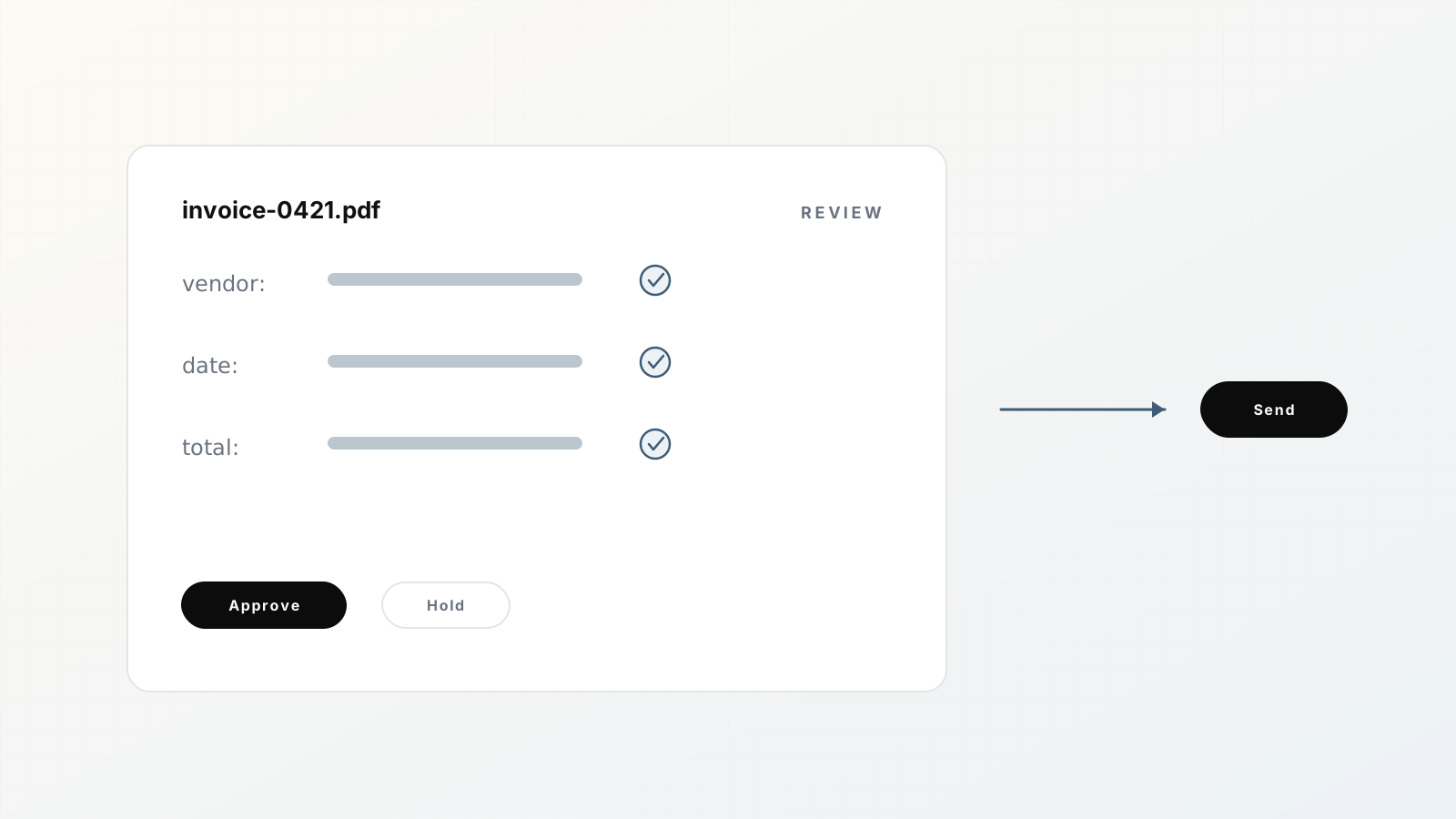
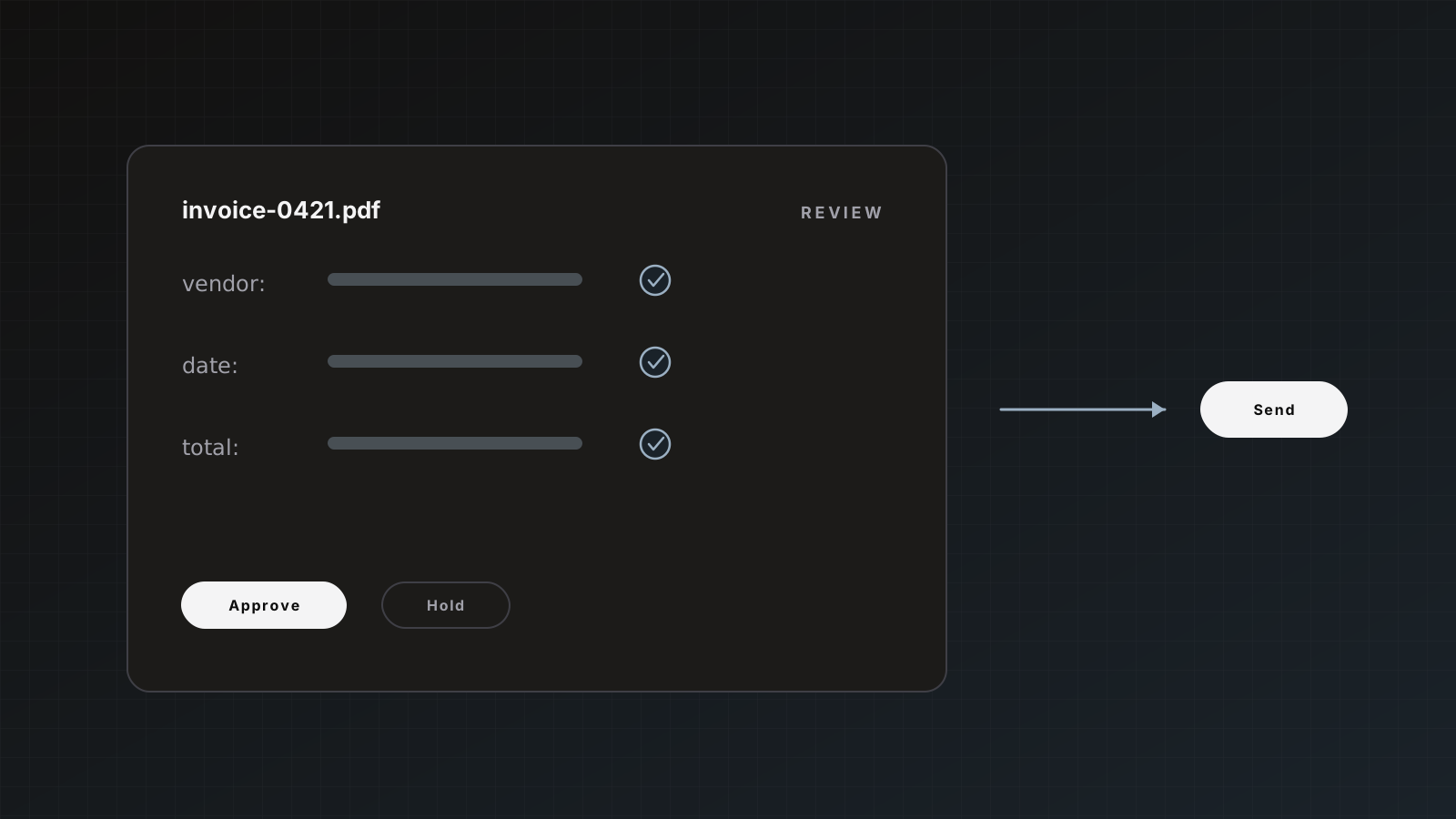
Parsedit runs OCR automatically when a file is a scan or photo, then extracts against your parser template. You review beside the PDF and send to Sheets, QuickBooks, Xero, Zapier, or webhooks. Product path: Quick start.
Side-by-side
| Need | OCR alone | Extraction + review |
|---|
| Search inside a PDF | Yes | Yes (plus structure) |
| Append a Sheets row | Manual copy | Direct after approve |
| Create a QuickBooks bill | Manual | Native destination |
| Stable field names | No | Template schema |
| Mixed invoice+PO PDF | Text soup | Packet children |
| Cost model | Often per page of OCR | Pages processed end to end |
Why demos confuse buyers
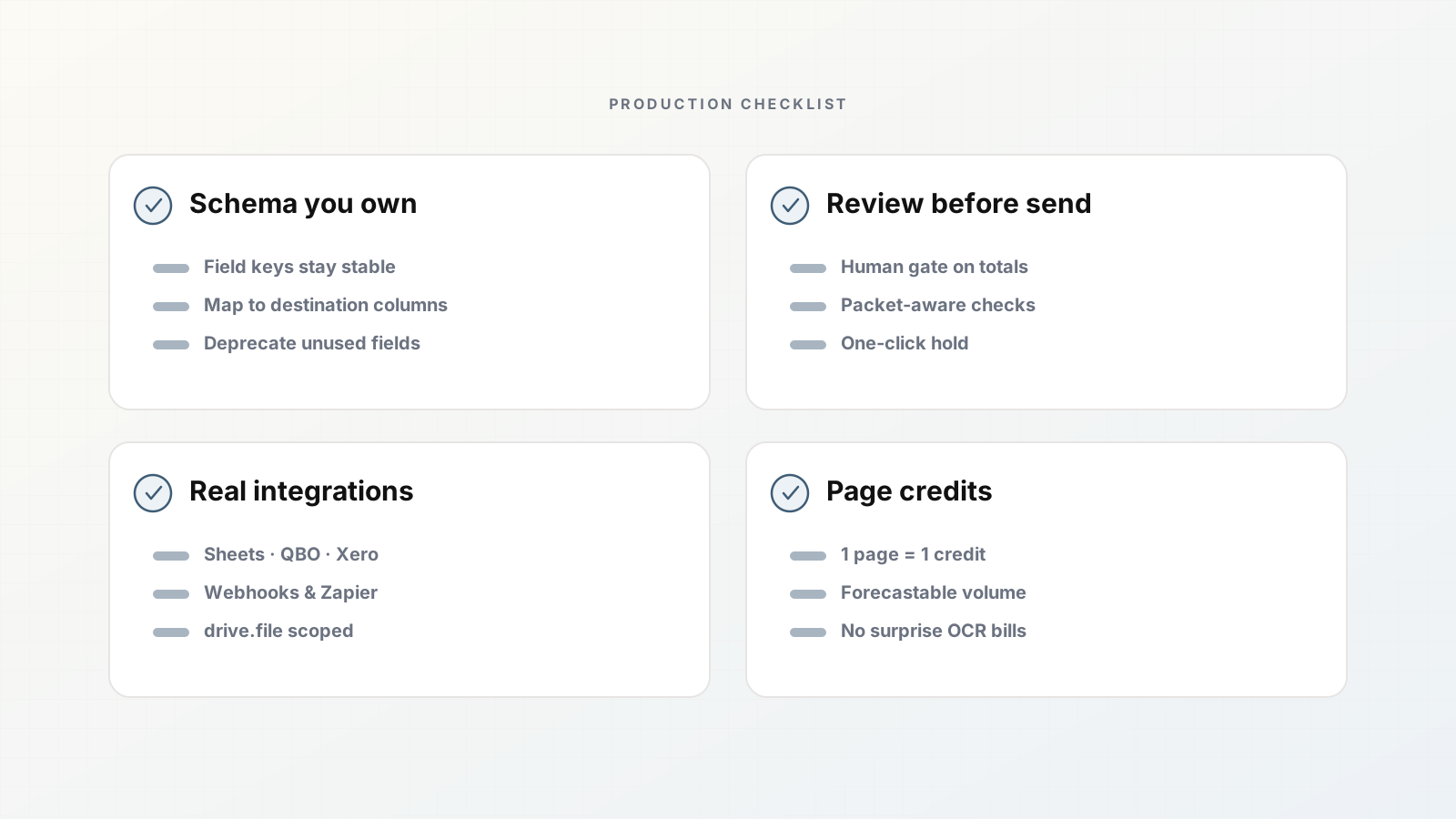
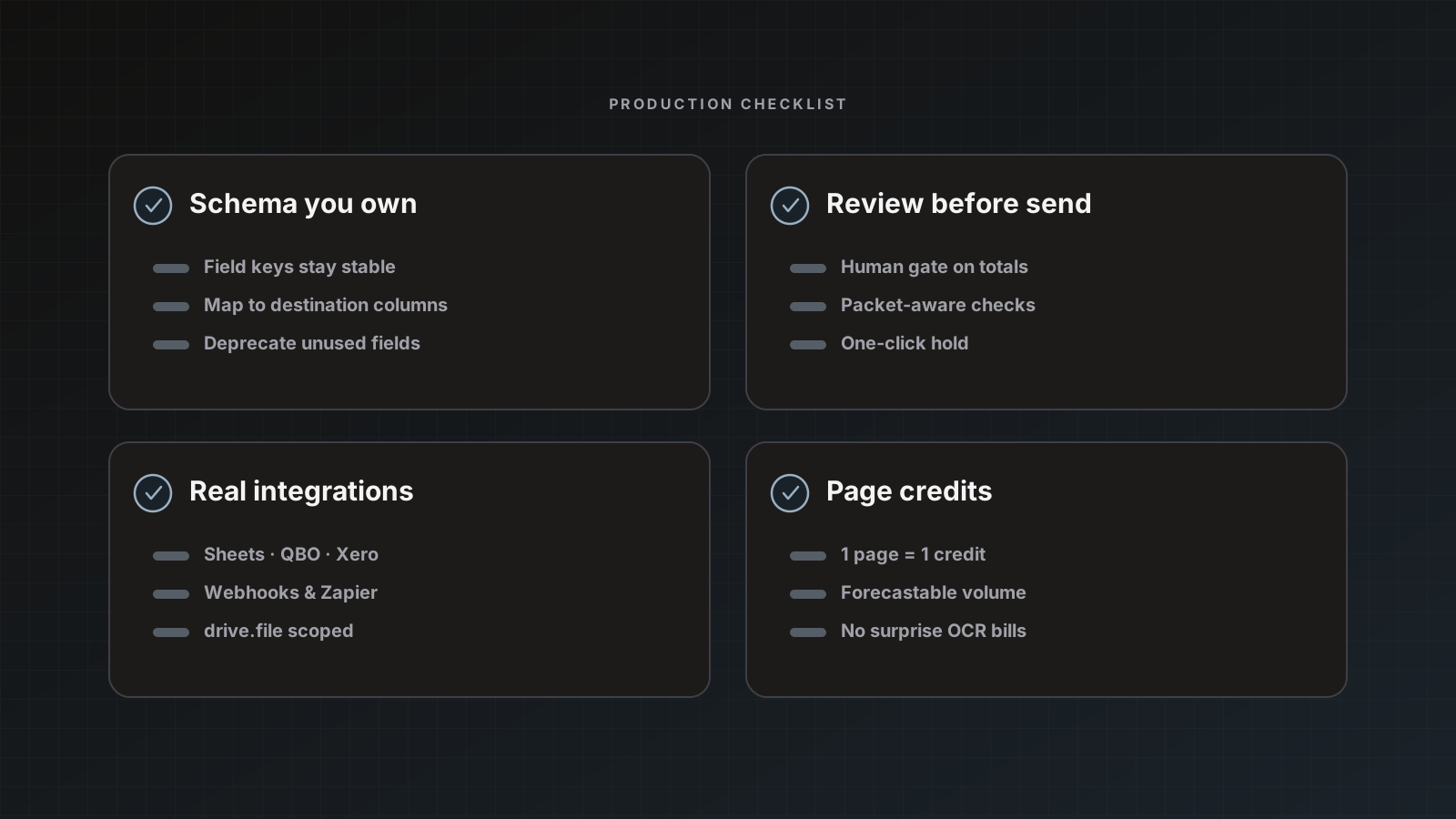
Vendors show a highlighted PDF and a JSON panel. That looks like magic. Production asks different questions:
- Do field keys match our sheet every time?
- Can a human fix the total without retyping the vendor?
- What happens when three documents share one PDF?
- Will a duplicate email post twice?
Those are extraction-product questions. OCR accuracy is necessary but not sufficient. Evaluation checklist: Five features operations teams need from document AI.
When OCR quality still dominates
Extraction cannot invent text that is not on the page. Expect heavier review when:
- Phone photos of PODs or receipts at an angle
- Multi-generation fax
- Heavy stamps over totals
- Handwritten amounts
Design schemas for the fields reviewers can verify quickly. For logistics photos, see POD extraction.
Build vs buy angle
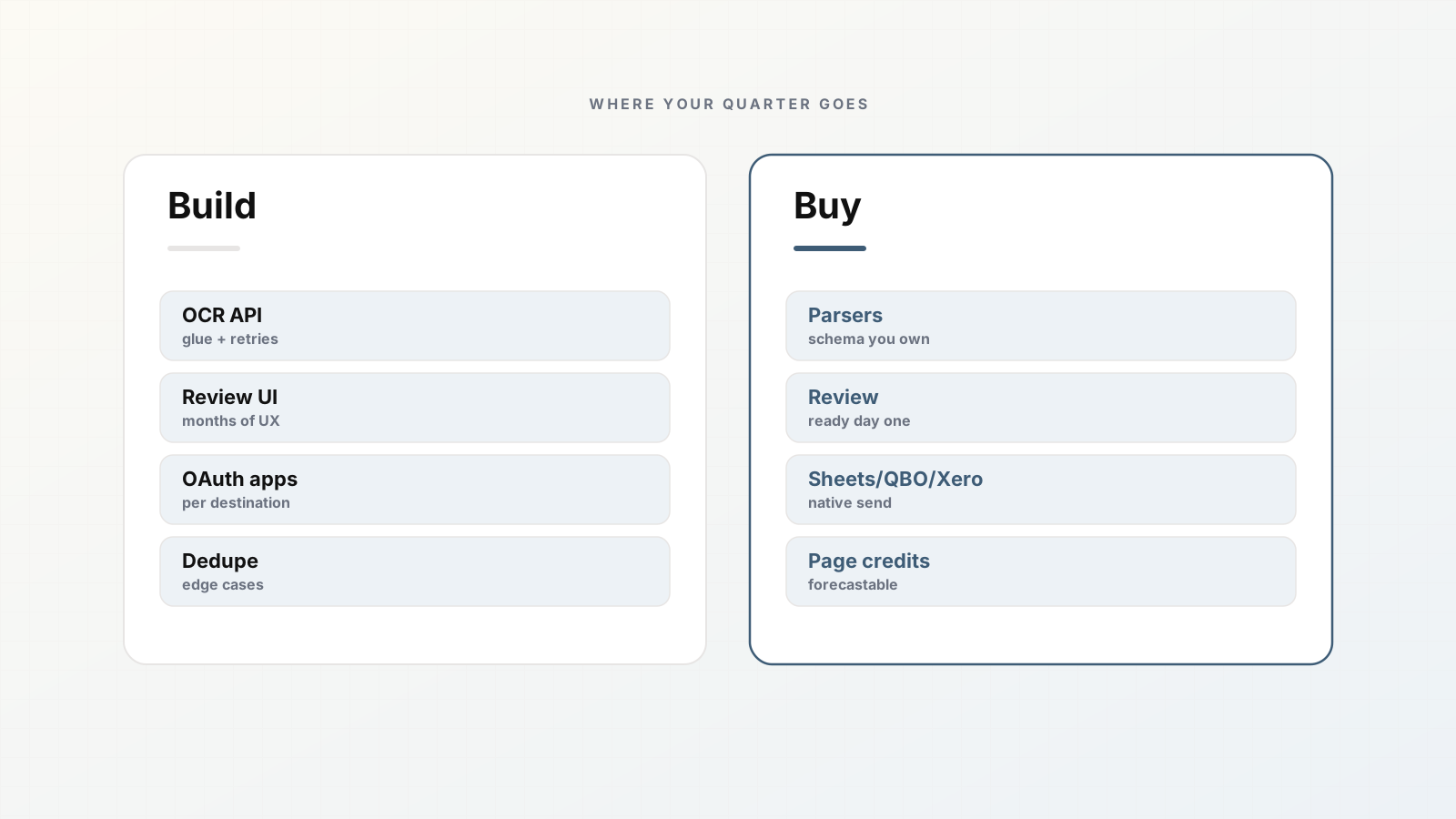
Rolling your own often starts with an OCR API plus a pile of regex. It works on three vendors. The fourth breaks it. You then rebuild mapping, review UI, retries, and QuickBooks auth. Honest comparison: Build vs buy document extraction.
Where Parsedit fits
Parsedit treats OCR as infrastructure inside extraction. You configure parsers and templates, not OCR engines. Soft product mention: page credits cover processing; Free includes 25 pages/month to test real scans, not just perfect PDFs.
Related reads: Invoice data extraction for AP, Review with PDF text selection.
Procurement language to use
When you write an RFP or vendor email, ask for:
- Template or schema-bound fields (list keys)
- Human review beside the source file
- Native destinations you use (name them)
- Packet splitting behavior
- Page or document pricing with a worked example
- Duplicate handling
If the reply only discusses OCR engine accuracy percentages, you are still shopping for step one.
Implementation sequence that respects the difference
- Define schema from destinations.
- Run OCR+extraction on samples.
- Measure review edits.
- Connect staging destination.
- Only then discuss auto-send.
Skipping to “OCR accuracy > 95% so we auto-post” is how ledgers get weird.
Parsedit’s stance in one line
OCR is automatic infrastructure. The product you configure is the parser: fields, review, and delivery. That is the extraction system AP actually runs.
Metrics that measure the right layer
- OCR layer: character error on known text snippets
- Extraction layer: field accuracy against a labeled set
- Ops layer: review seconds per document and destination success rate
Optimize the ops layer. Perfect OCR with no schema still leaves you copy-pasting.
Worked example: two RFPs, two outcomes
RFP A asks for OCR accuracy and languages only. Vendor wins on engine benchmarks. Six months later AP still pastes into Sheets.
RFP B asks for schema fields, review UI, Sheets/QBO destinations, packet splitting, and page pricing on 30 sample files. Vendor wins on workflow. AP stops retyping header fields.
Write RFP B.
When someone says “we already have OCR,” ask where the approved rows go. If the answer is “into a folder of text files,” you still need extraction.
Bottom line for AP buyers: shop for approved rows in destinations, not for OCR leaderboard charts. Extraction with review is the product category that matches how invoices actually get paid.
If your pilot files are only perfect digital PDFs, you have not piloted OCR at all.
Search intent mismatch
“OCR software” queries often hide an extraction need. If the reader still pastes into Sheets after OCR, they bought the wrong layer. Say so early so the right buyer stays and the wrong one self-selects out.
FAQ
If our invoices are digital PDFs, do we still need OCR? Often little OCR is required, but you still need schema-bound extraction and review.
Is handwritten AP a fit? Possible with more review. Do not promise touchless posting for handwriting-heavy packets.
Does higher OCR accuracy remove review? It reduces edits. It does not remove duplicate, vendor-match, or packet decisions.
How should we trial a tool? Use last month’s real vendor mix, including scans and packets. Measure review touches and destination success, not demo accuracy.
Test OCR and extraction together on your messiest invoices. Create a parser.