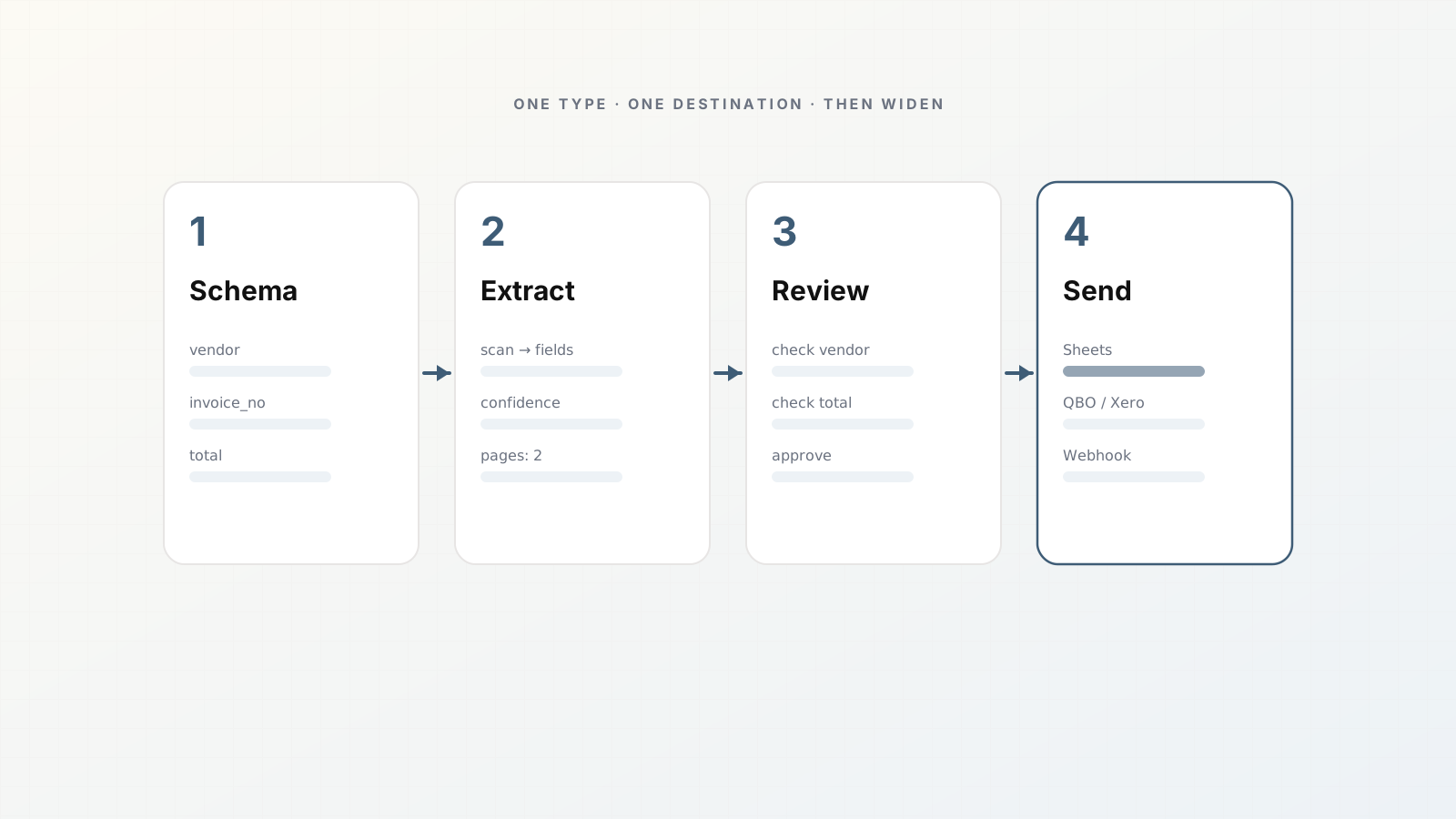
Most document automation projects stall because someone treats extraction like a one-off script. A weekend OCR prototype works on three invoices, then a fourth vendor arrives with a different layout and the script dies quietly.
A pipeline is different. You define the fields once, run many files through the same path, review exceptions, and deliver only what you approve. Parsedit is built around that idea: parsers, not prompt chats.
This guide gets you from empty account to a working loop in an afternoon. Aim for one document type, one destination, and honest review. Expand later.
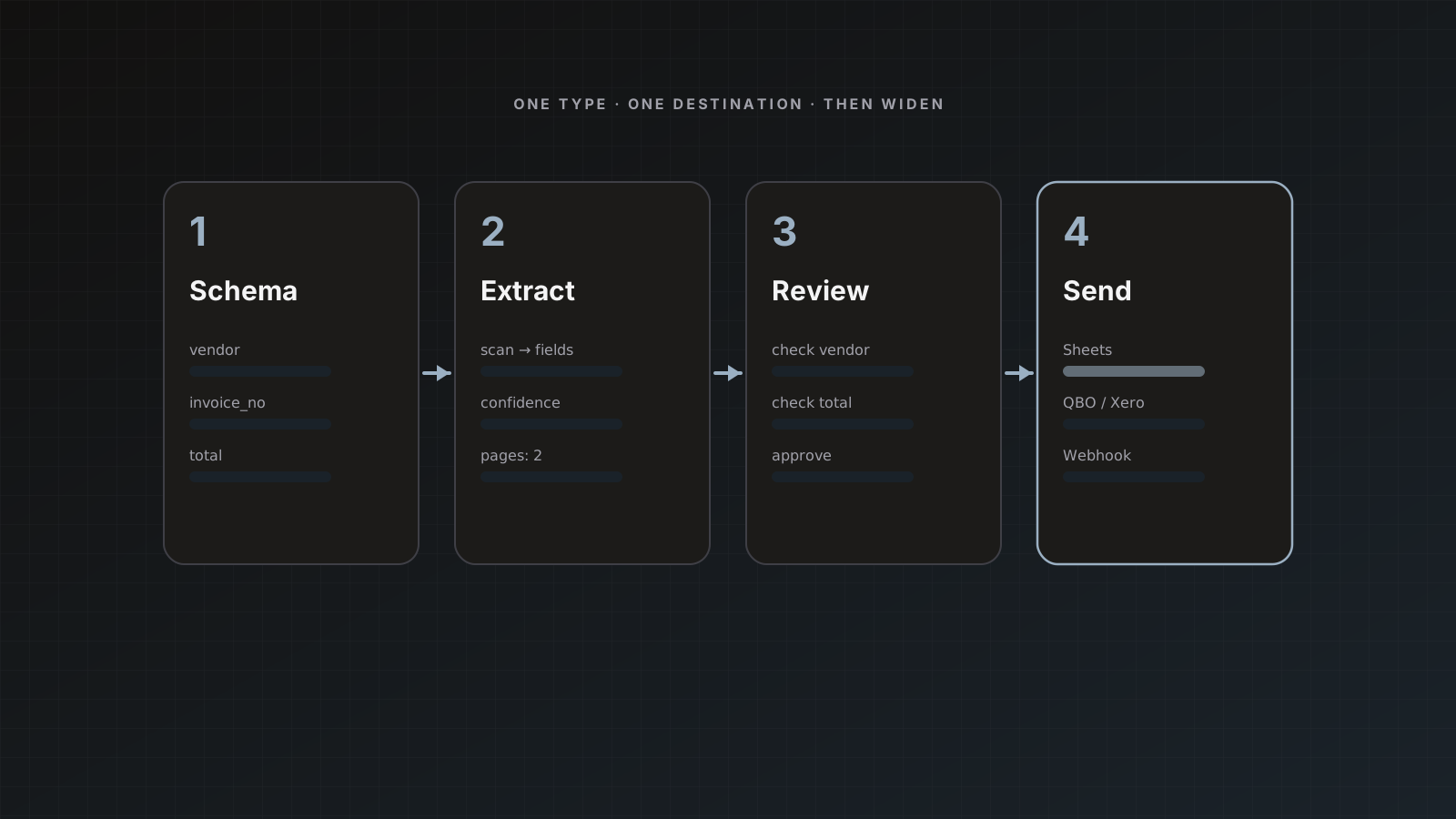
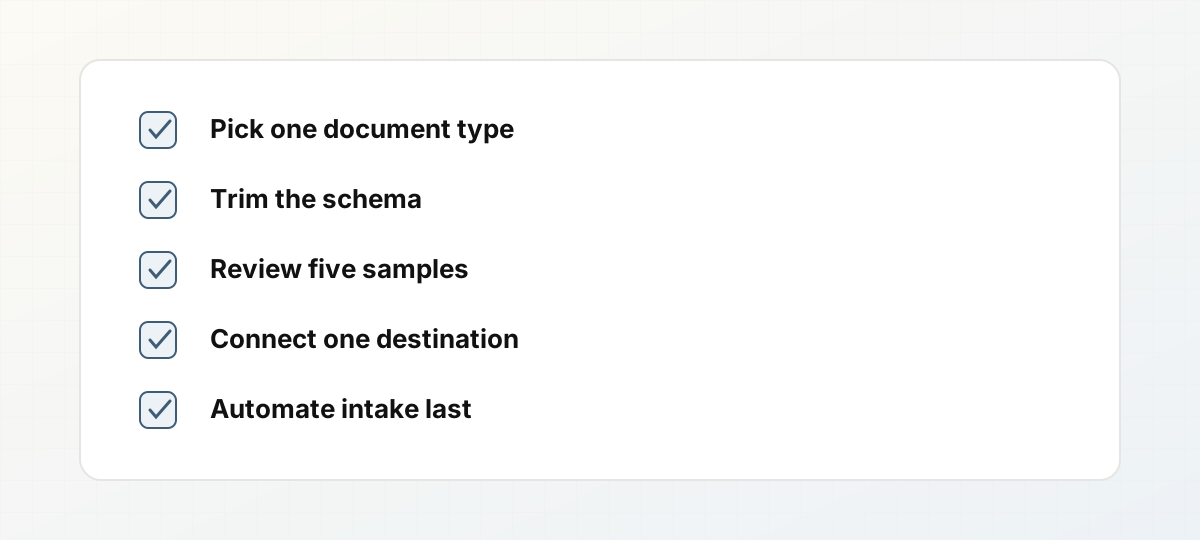 Pipeline checklist from schema to intake automation.
1. Pick one painful document type
Choose volume and pain, not novelty. Good first parsers:
- Vendor invoices that land in a shared inbox
- Purchase orders attached to shipment emails
- Receipts or expense packets your team retypes into Sheets
Avoid “all PDFs we ever get” as day-one scope. A narrow schema ships. A universal extractor does not.
In Parsedit, open Parsers → Create parser, name it (for example Invoices), and pick a document type from the template library. Templates cover AP/AR, banking, payroll/tax forms, trade documents, and more. You can edit fields after create. Docs: Document templates and Quick start.
2. Define only the fields you will use
List the columns your destination needs. For an AP staging sheet that might be:
- Vendor name
- Invoice number
- Invoice date / due date
- Currency
- Subtotal, tax, total
- Line items (description, quantity, unit price, amount) if you post detail
Delete template fields you will ignore. Rename keys to match sheet headers or accounting categories. Stable keys matter more than perfect first-pass accuracy.
If you expect messy vendor layouts, keep the schema honest rather than inventing twenty optional fields nobody maps. More on this in How to design an invoice parser schema that survives vendors.
3. Upload five to ten real samples
Use production-like files: scans, multi-page PDFs, a couple of odd vendors. Perfect digital PDFs alone will lie to you.
On the parser, open Intake → Upload, drop files (PDF, Word, Excel, images, and other supported formats up to 50 MB each), then Parse all. OCR runs automatically on scans and photos. Status moves to Ready to review when extraction finishes.
4. Review beside the PDF
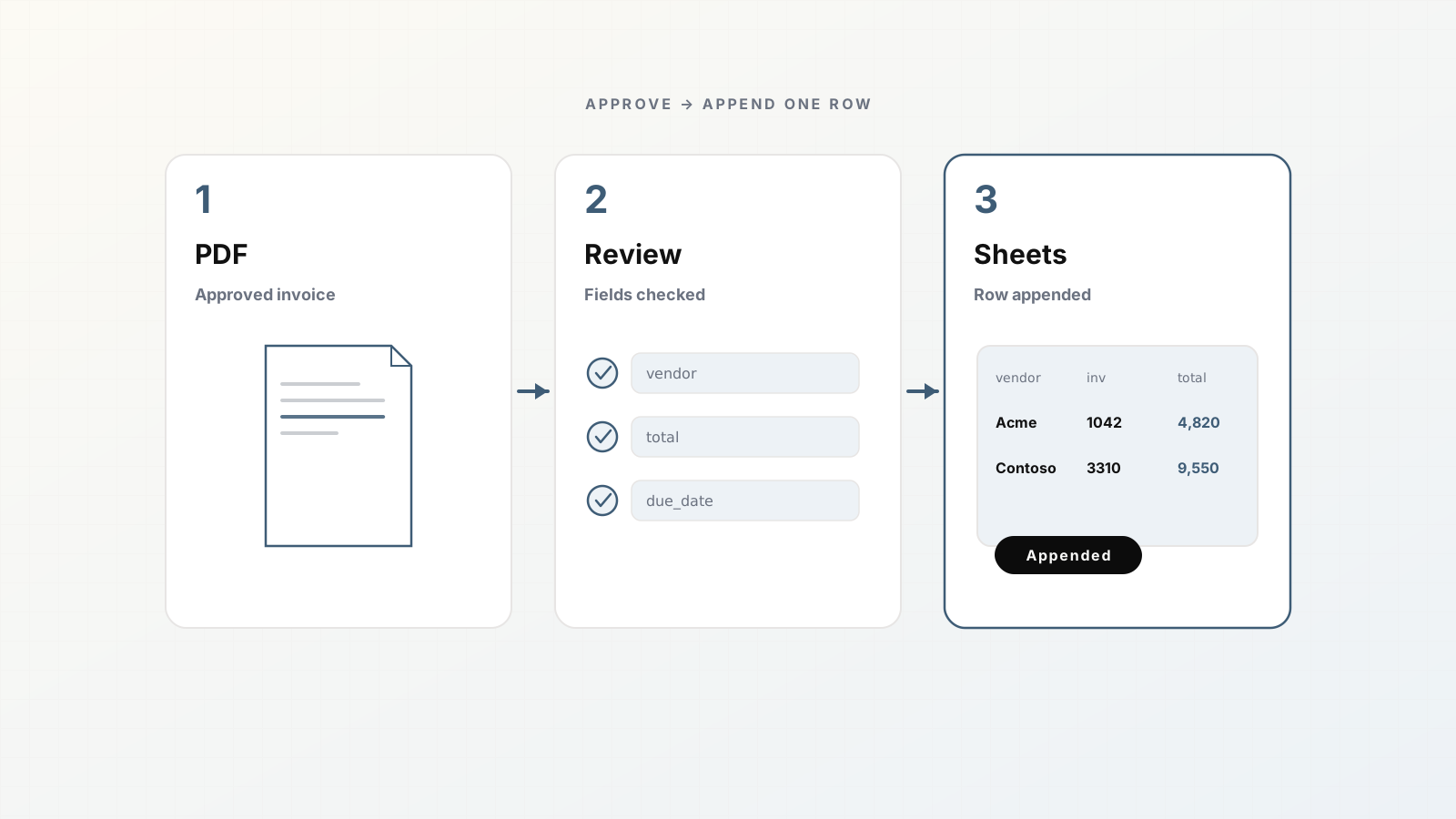
Open Preview on a ready document. You get the file on the left and grouped fields on the right. Fix values in place. For empty or wrong fields, drag a rectangle over text on the PDF and apply it to the field.
Save without sending while you tune. Pattern-match misses: wrong date format, concatenated address blobs, line items that need a table open. Template edits apply to future uploads; existing docs keep what they extracted until you edit them in review.
Deep dive: Review and approval and How to review extracted fields with PDF text selection.
5. Connect one destination (keep auto-send off)
Wire the place you already reconcile:
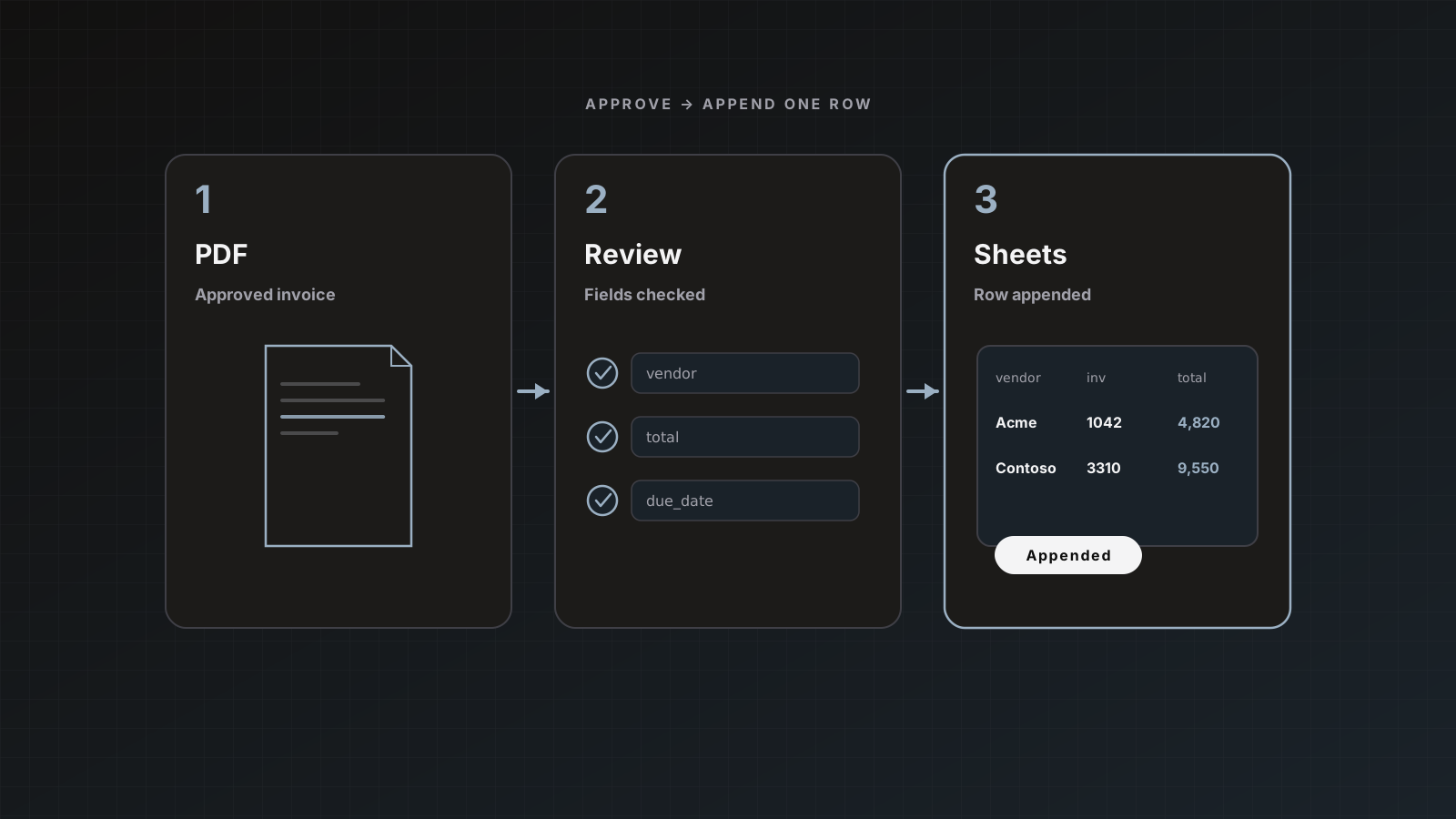
From review, use Save & send, check the destination, confirm. Nothing ships until that action (unless you later enable auto-send).
6. Automate intake after the path works
Once five documents in a row look right with light edits, add intake:
- Per-parser email address for forwarding vendor mail
- Google Drive picker for batch imports
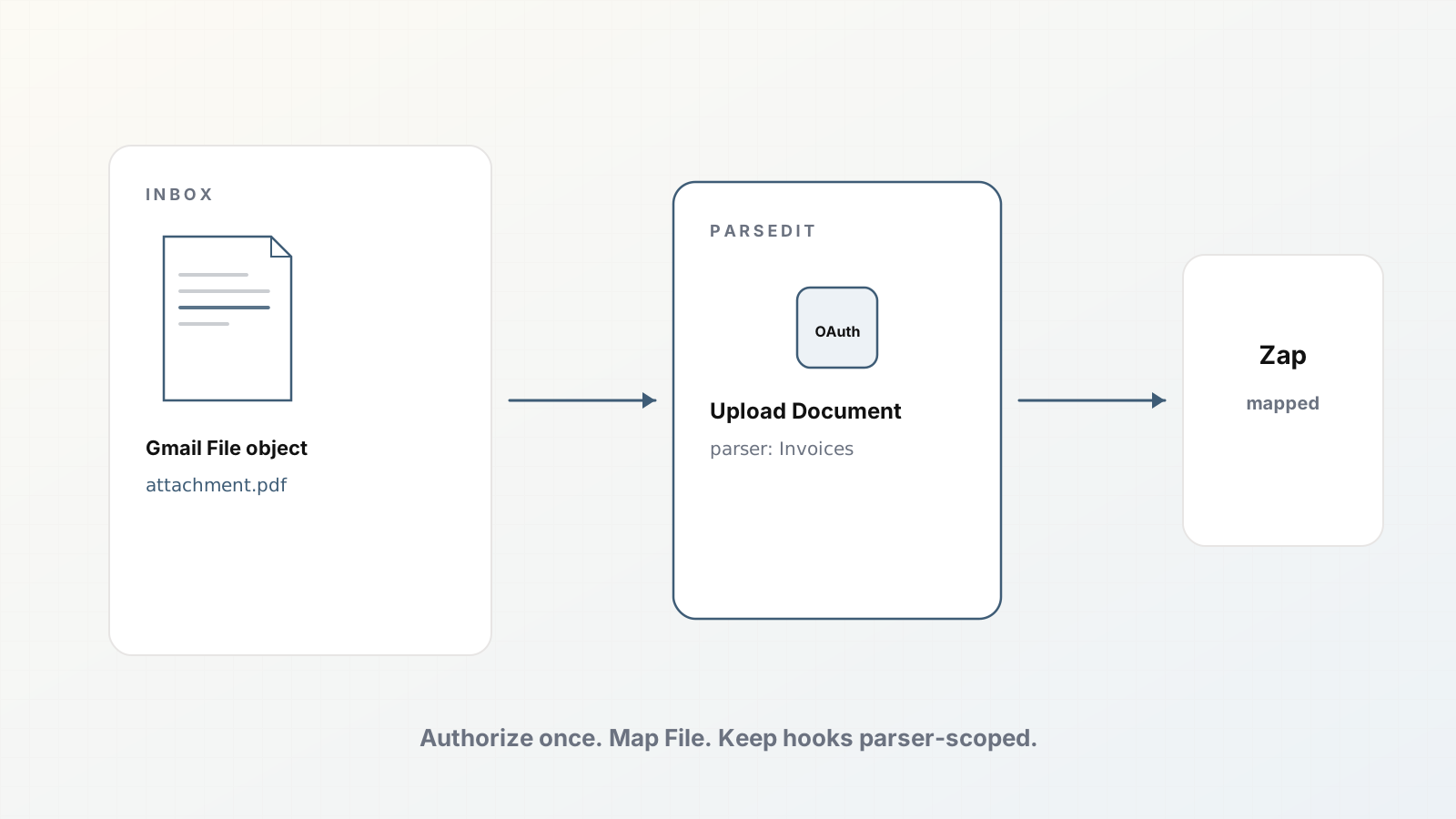
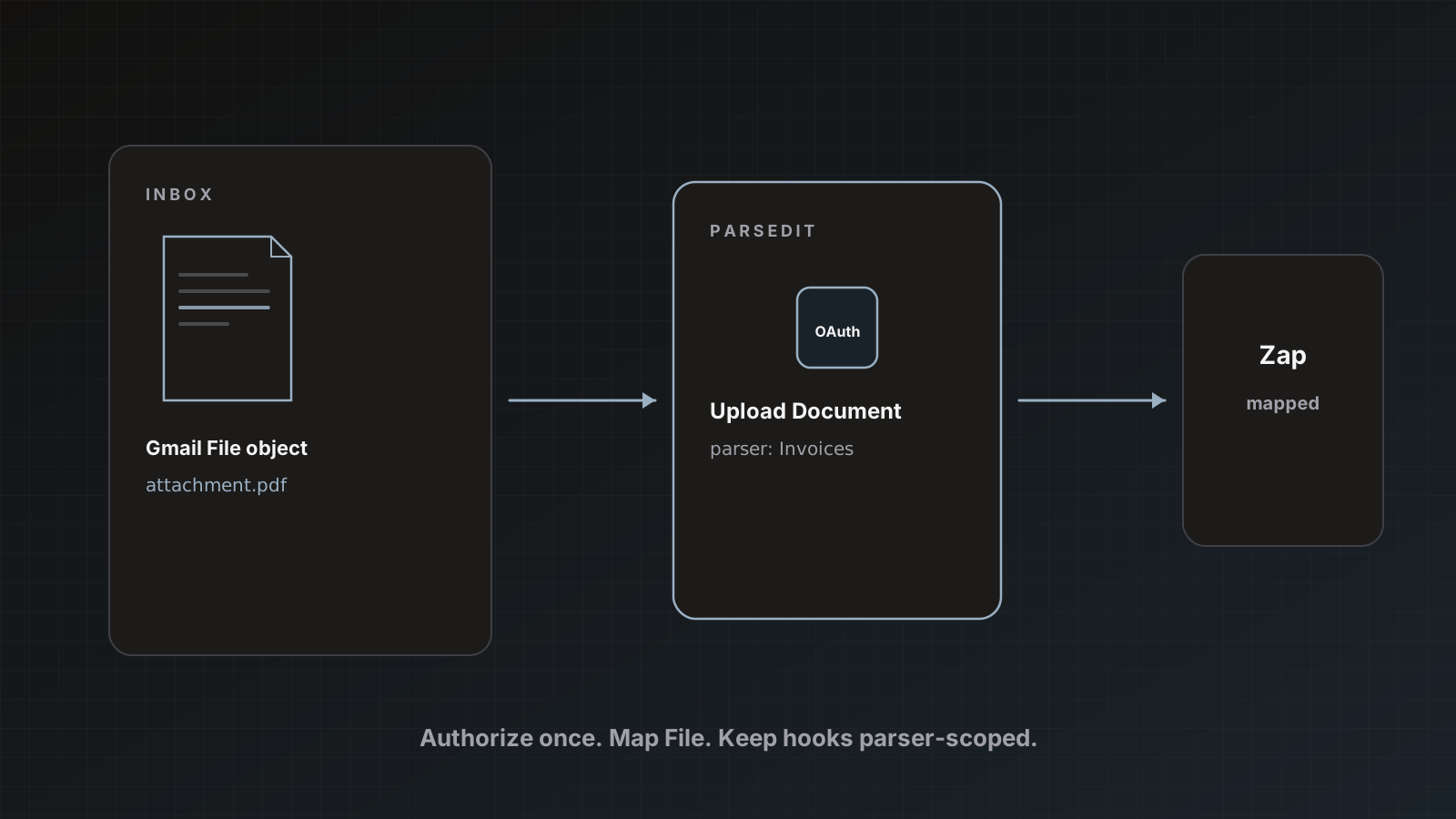
- Zapier Upload Document from Gmail or Drive
- REST API or inbound webhook for systems that already hold the file
All channels share format limits and duplicate protection: the same file on the same parser is skipped without consuming pages. See Document intake.
7. Measure, then widen
For two weeks, track:
- Documents per day through the parser
- How often reviewers touch fields
- Destination failures (auth, duplicate rules, attachment limits)
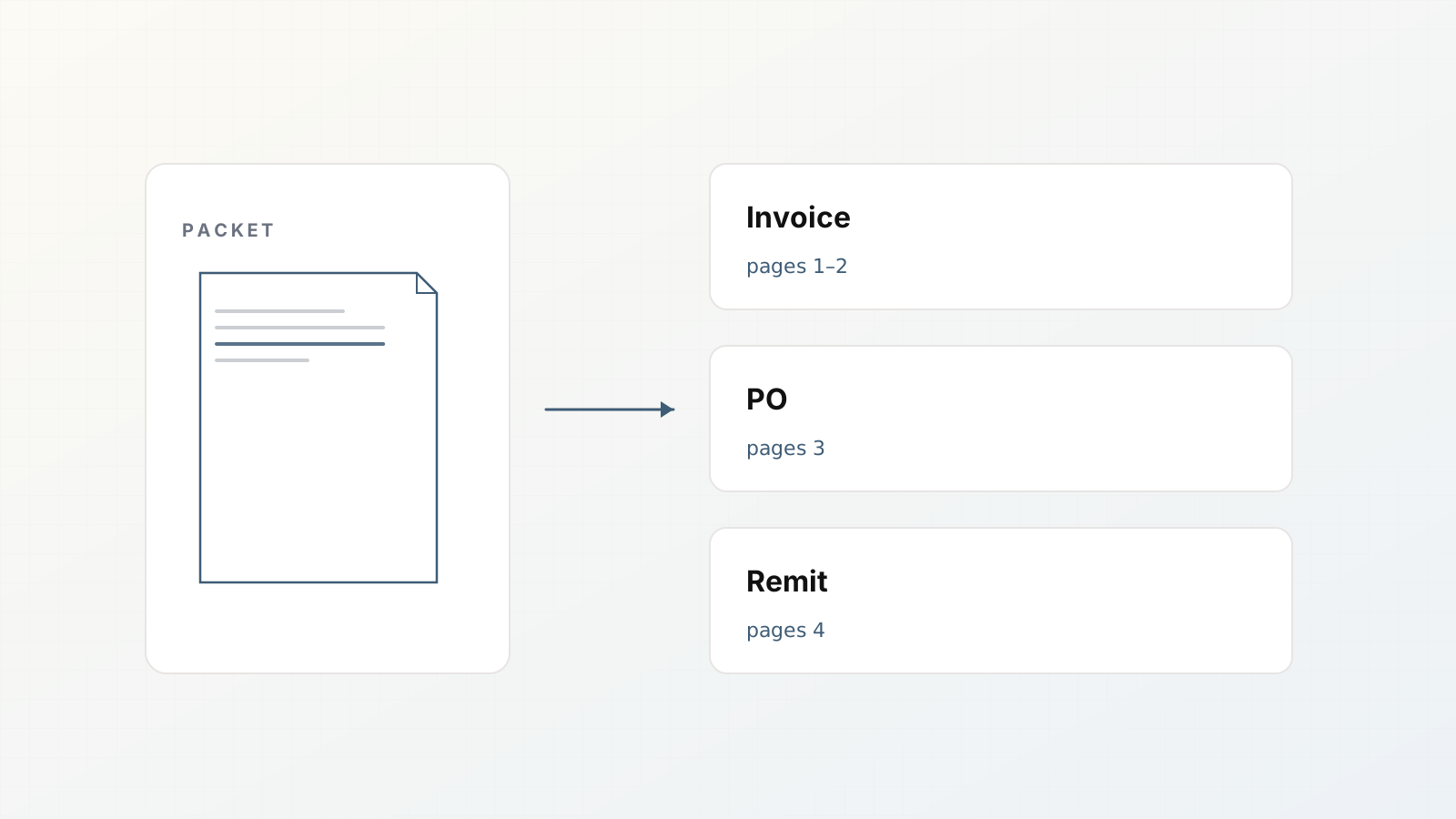
When the first parser is boring (that is the goal), clone the pattern for an adjacent type: remittance advice, PODs, W-9 packets. Separate parsers keep schemas clean. Mixed files that contain several types belong in document packets.
Pitfalls
- Turning on auto-send on day one for accounting destinations
- Mapping twenty unused fields “just in case”
- Testing only digital-native PDFs
- One mega-parser for invoices, receipts, and bank statements
- Ignoring page counts: a 12-page statement costs 12 credits, not 1
Where Parsedit fits
You are not building an ML training set. You configure a parser, review rows, and deliver to tools you already use. Credits are page-based; Free includes 25 pages/month so the afternoon pipeline can be real.
Full product walkthrough: From PDF to approved data in 5 minutes. Feature checklist for evaluations: Five features operations teams need from document AI.
Afternoon schedule (example)
- 0:00–0:20 create parser, trim fields
- 0:20–0:50 upload samples, first reviews
- 0:50–1:10 connect Sheets, send two rows
- 1:10–1:40 fix template based on misses
- 1:40–2:10 add email intake, send a forwarded test
- Remaining time: write a three-line runbook for the next reviewer
Ship the runbook. Memory is not a process.
People searching this phrase usually want a repeatable path, not a research paper. Your pipeline should answer: which schema, which intake, which review rule, which destination. If any answer is missing, you have a demo, not a pipeline.
FAQ
How long until the first row lands in Sheets? Often under an hour once Google is connected: create parser, upload sample, review, Save & send.
Do edits train a private model? Review edits fix the current document and show you where the schema needs work. Future uploads use your template; treat template edits as the main lever.
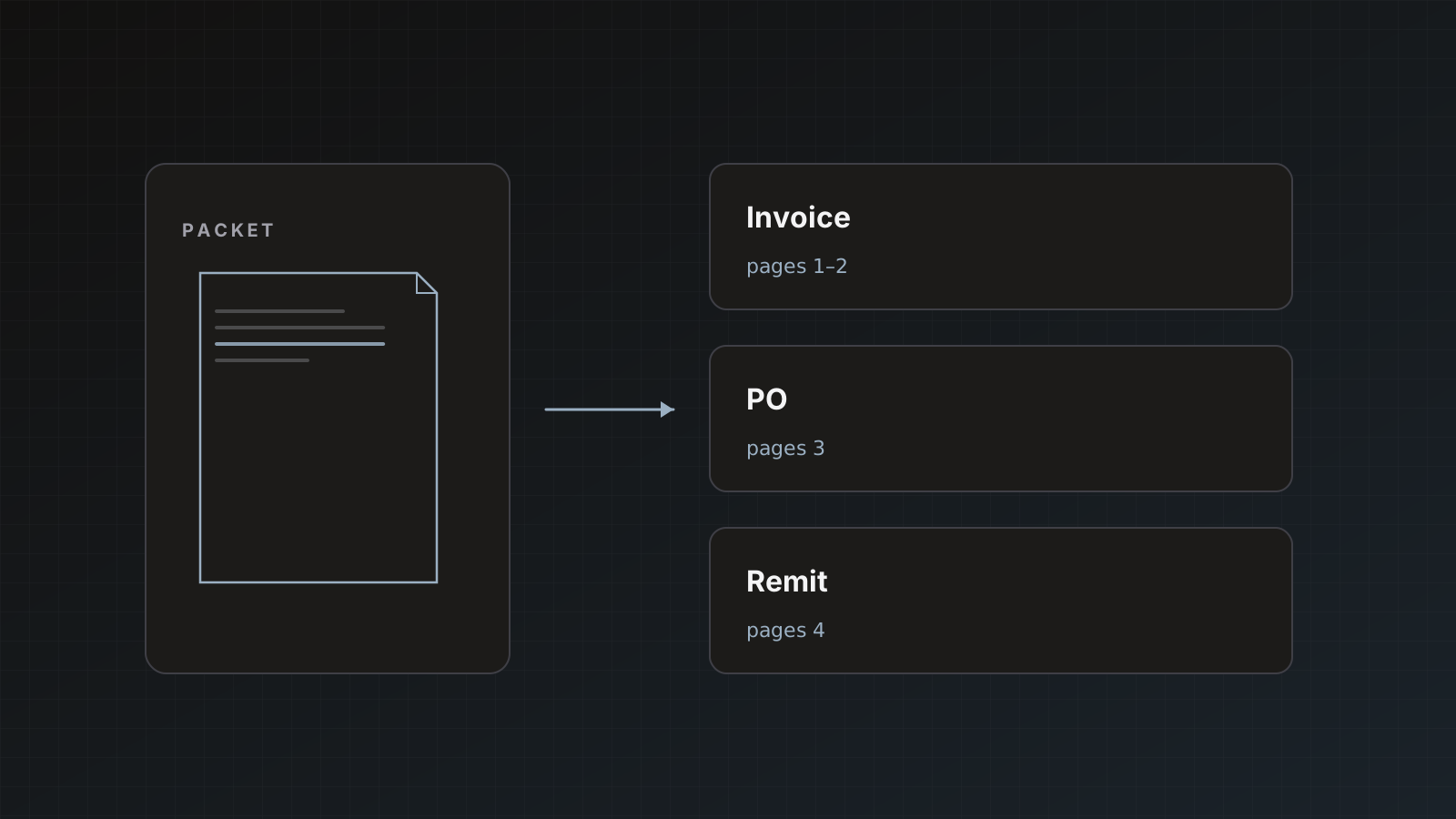
What if one PDF has an invoice and a PO? Parsedit can split mixed packets into child documents with page ranges. Review each child, then send with the mode your destination expects.
Can contractors only see assigned parsers? Yes, via team roles (including Restricted). See team collaboration docs under Account.
Ship the first parser today. You can add fields and destinations as volume grows. Start free.