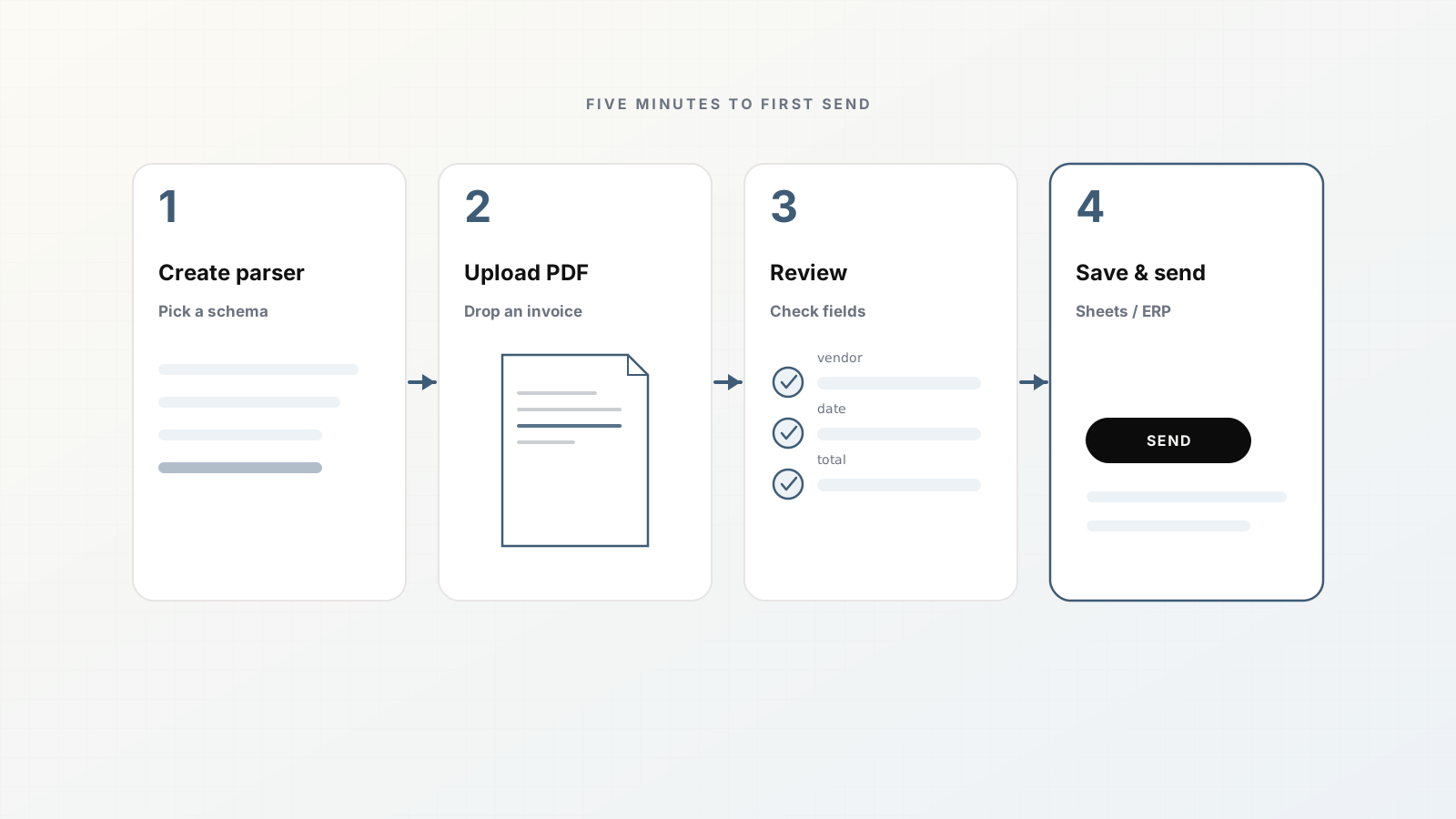
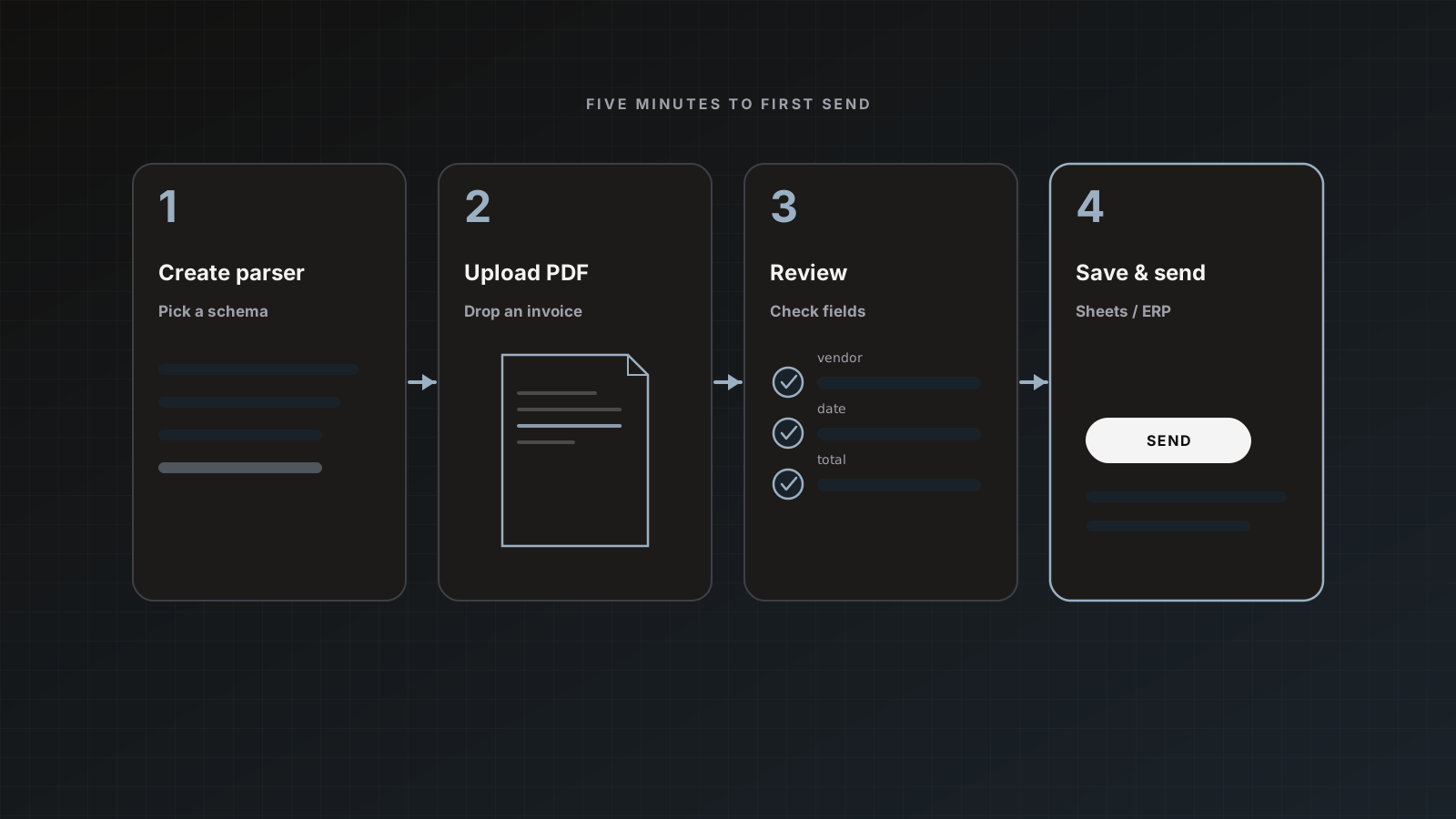
You do not need a custom ML project to turn invoices into spreadsheet rows. Parsedit centers on parsers: reusable templates that extract the same fields every time, with a human checkpoint before anything is sent.
This walkthrough mirrors the product Quick start. Keep a sample invoice PDF nearby (digital or scan). Free plan includes 25 pages per month, which is enough to finish.
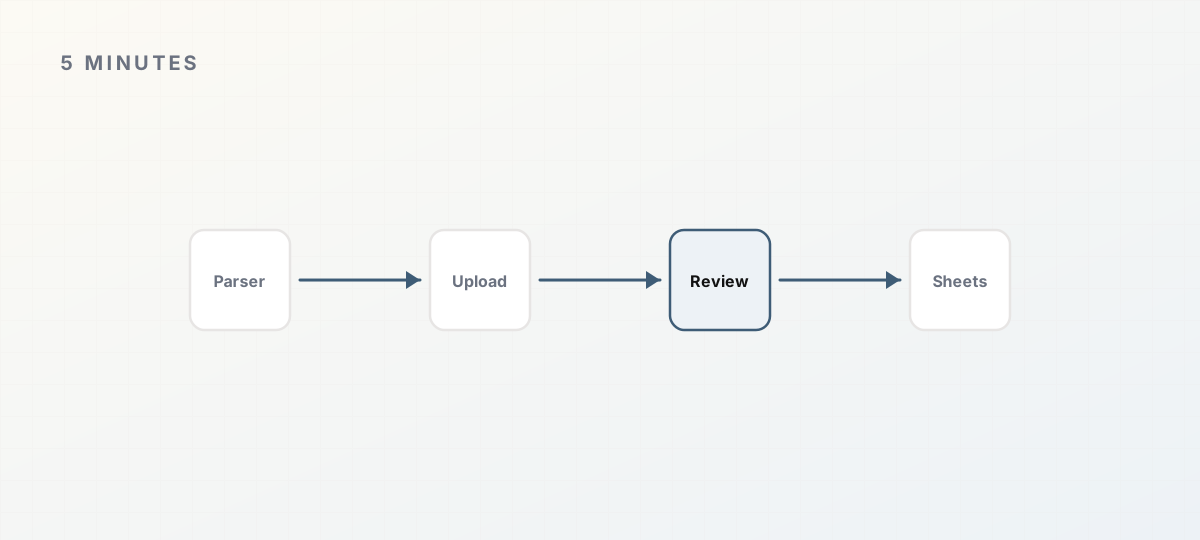 Five-minute path to an approved Sheets row.
1. Create an Invoices parser
- Open Parsers from the sidebar.
- Click Create parser.
- Name it (for example
Invoices). - Pick the Invoice document type from the template library.
You can rename, add, or remove fields later with Edit template. Starting from the invoice template beats an empty schema. See Document templates.
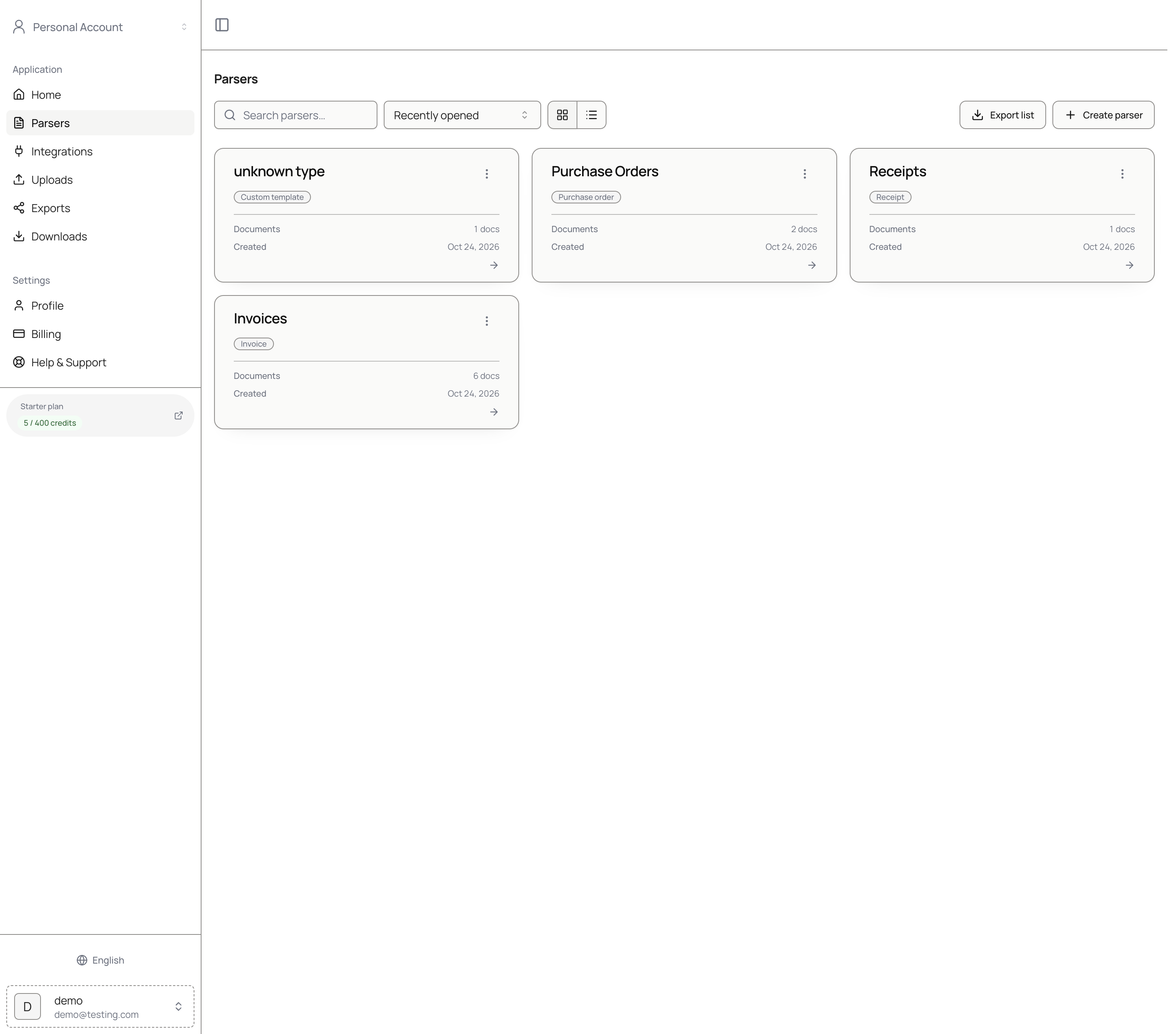 Parsers list with Create parser.
2. Upload a sample PDF
- Open the parser.
- Under Intake, stay on the Upload tab.
- Drop the PDF (or browse). Supported formats include PDF, Word, Excel, images, and 30+ office types, up to 50 MB each.
- Click Parse all.
OCR runs automatically if the file is a scan or photo. When extraction finishes, document history shows Ready to review (or Completed, depending on state).
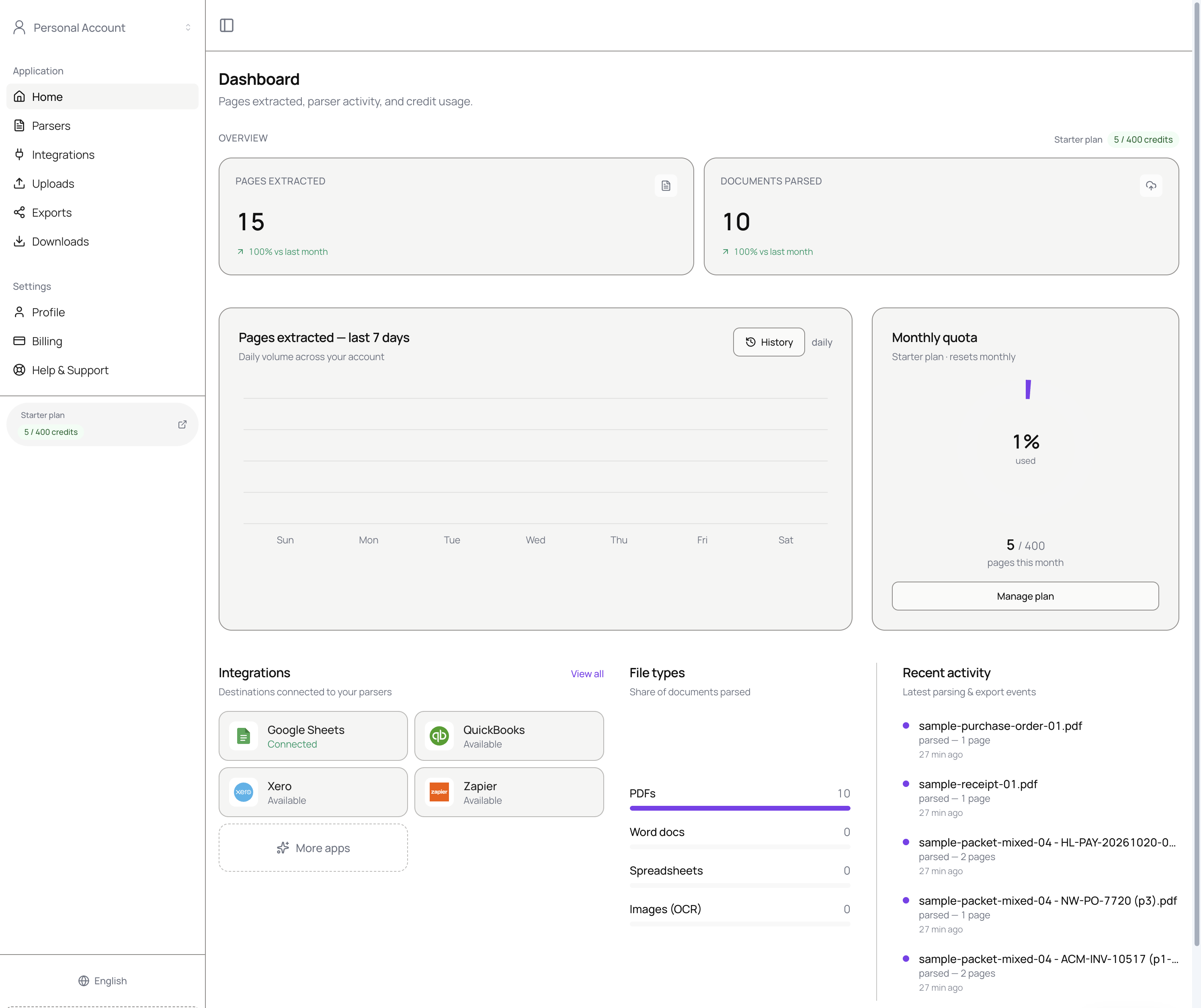 Dashboard after you have activity: pages, integrations, recent documents.
3. Review beside the PDF
- In Document history, open the document with Preview.
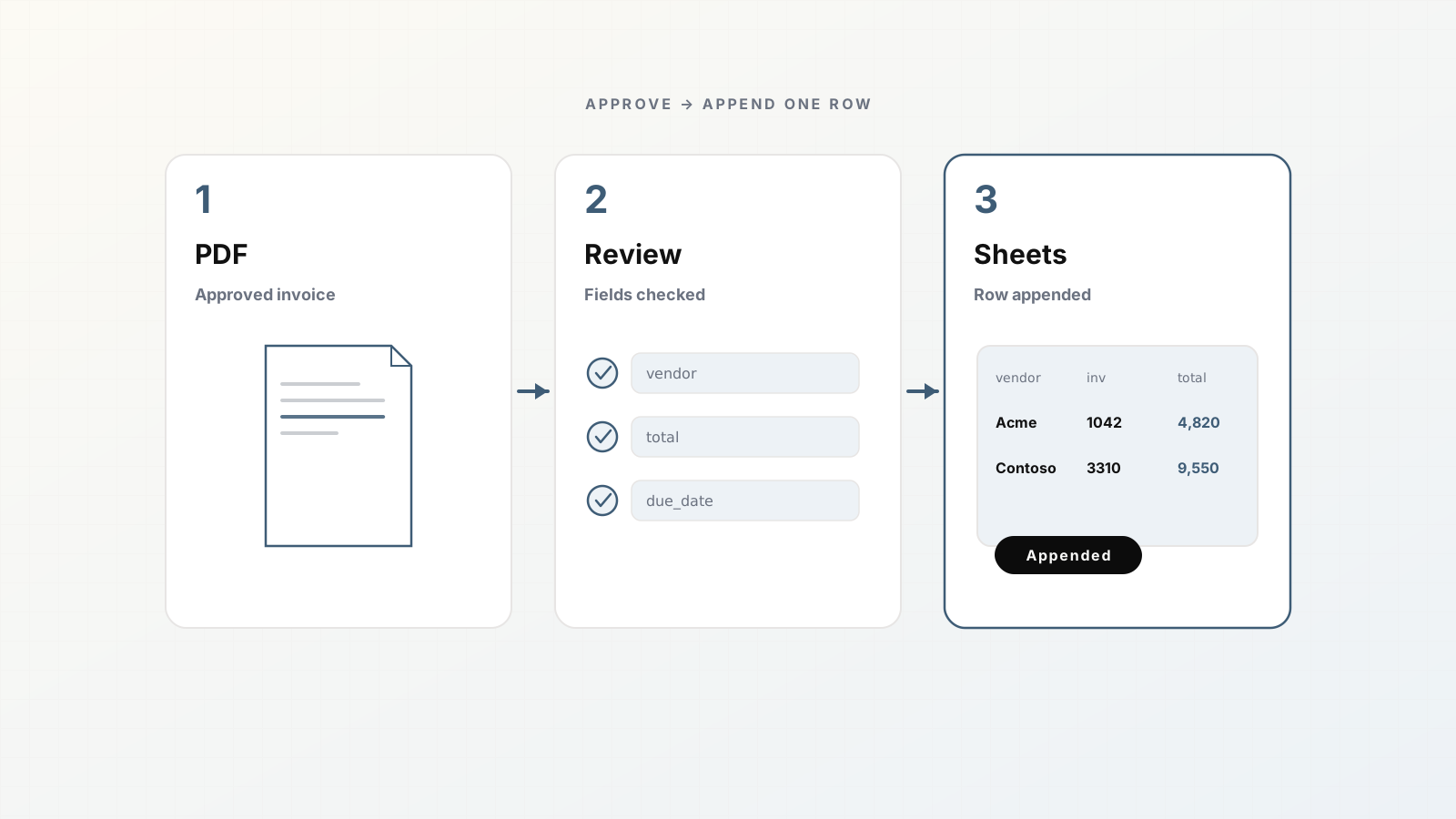
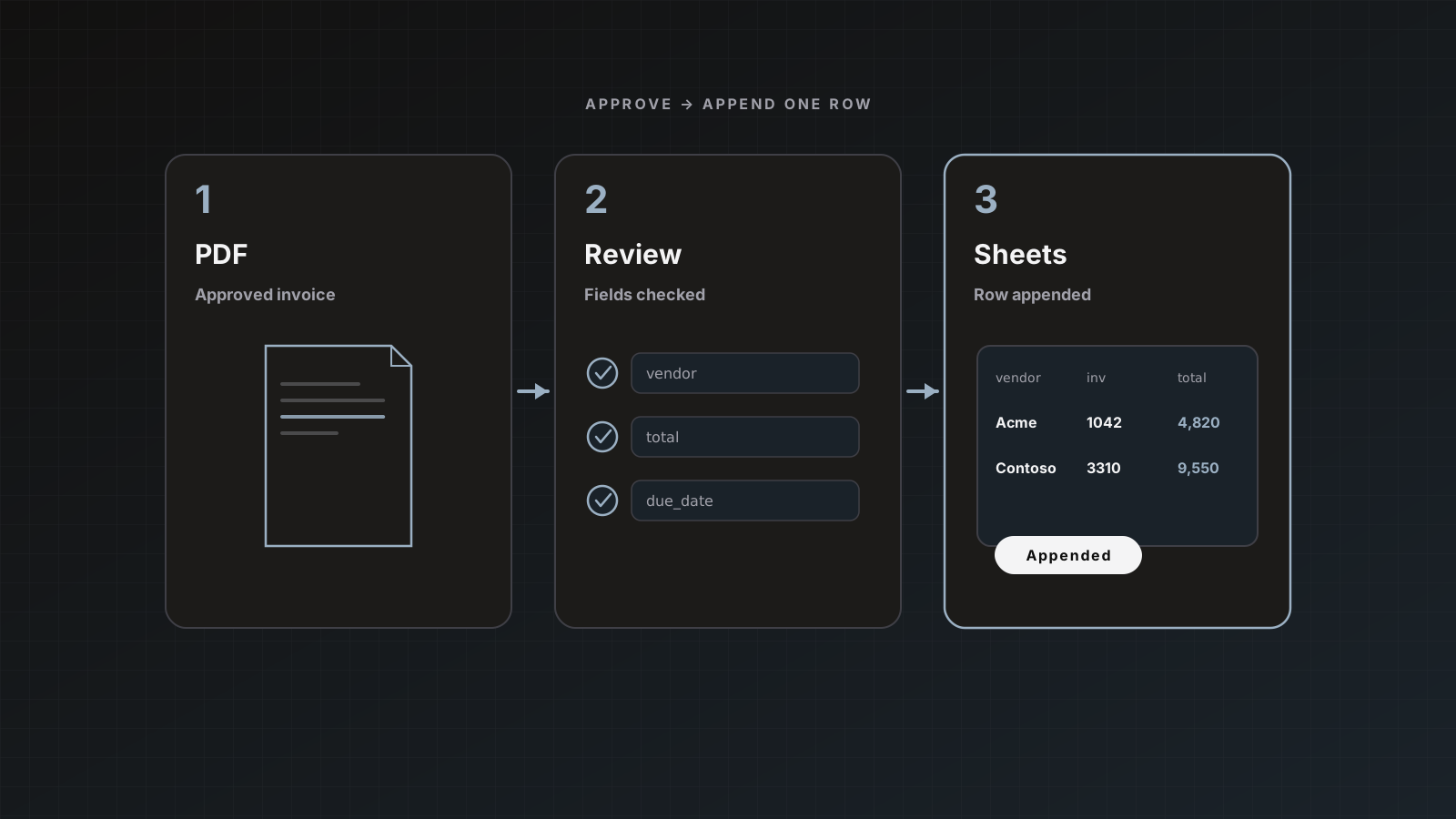
- Confirm header fields: vendor, invoice number, dates, totals.
- Open line-item tables if you need detail rows.
- Fix anything wrong in place, or drag a rectangle on the PDF to capture text into a field.
Nothing is delivered yet. Save changes keeps edits. Full review guide: Review and approval and How to review extracted fields with PDF text selection.
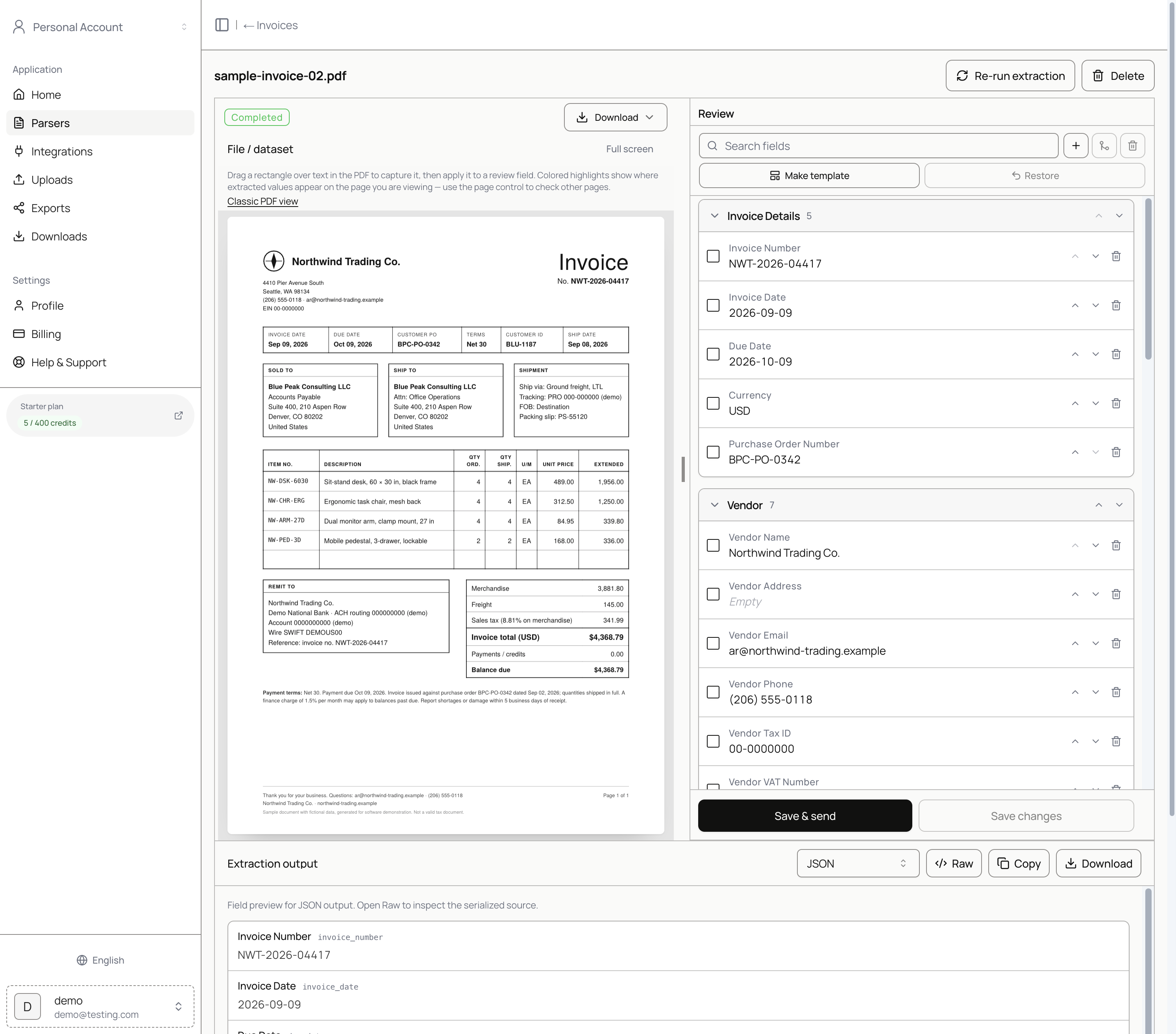 PDF on the left, editable fields on the right.
4. Connect Google Sheets (once)
If Sheets is not connected:
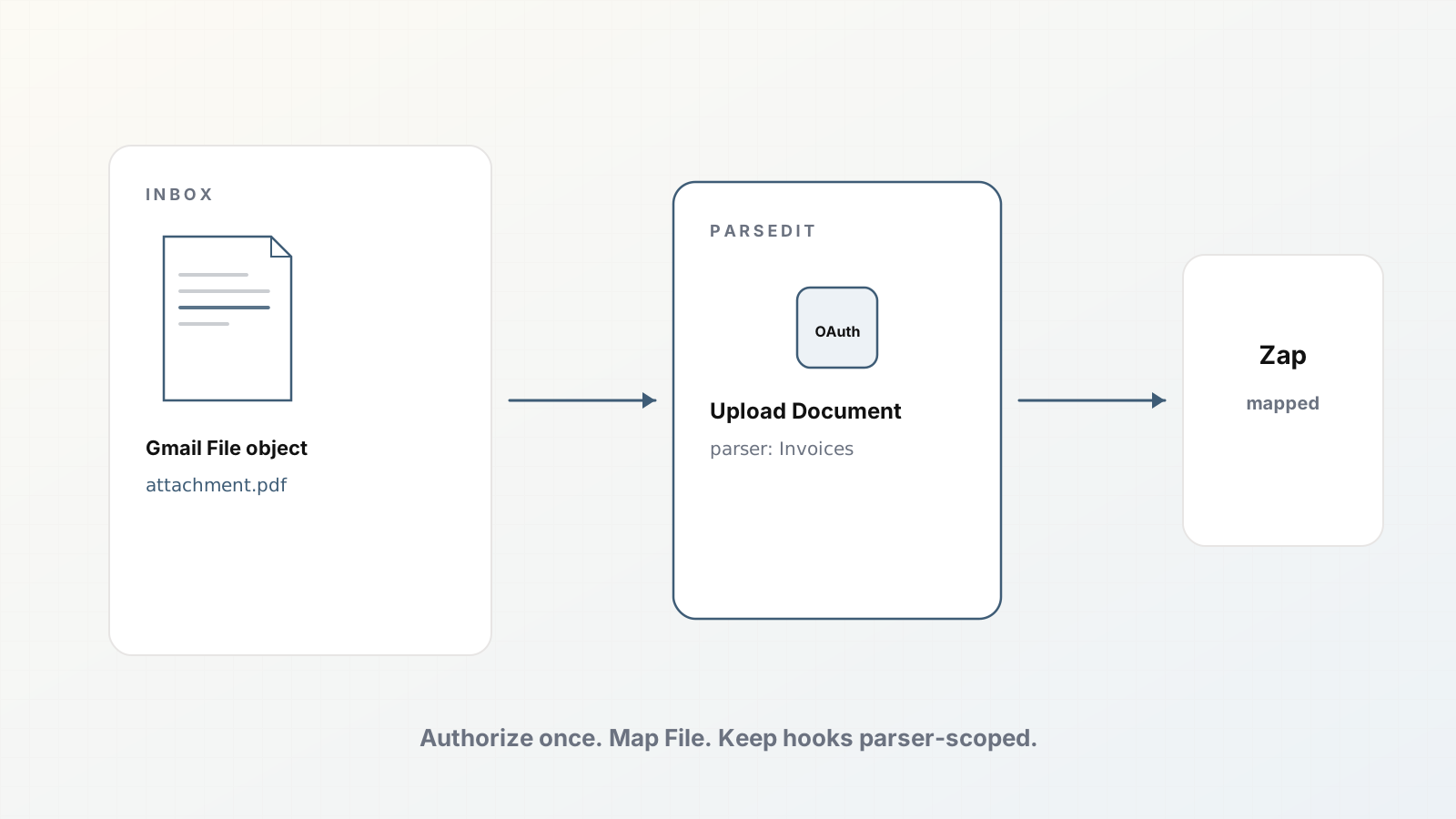
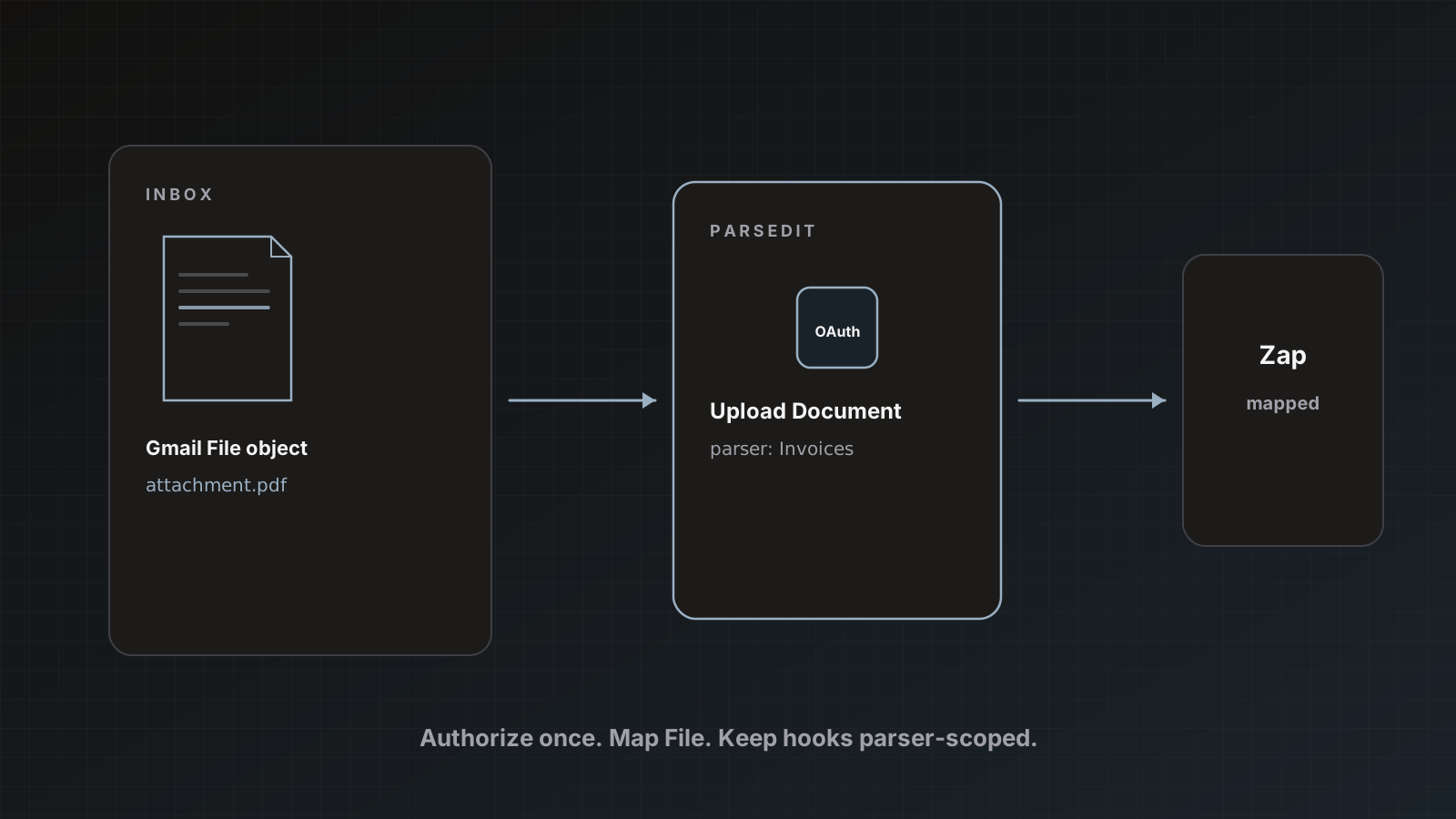
- Open Integrations and connect Google for the workspace. Parsedit uses
drive.file scope only (files you pick, not Drive-wide access). - Back on the parser, open Destination settings.
- Enable Google Sheets, choose spreadsheet and tab, keep the target Active.
- Leave Auto-send after extraction off for this first run.
Step-by-step: Send parsed invoices to Google Sheets and Google Sheets.
5. Save & send
- From review, click Save & send.
- Check Google Sheets.
- Confirm.
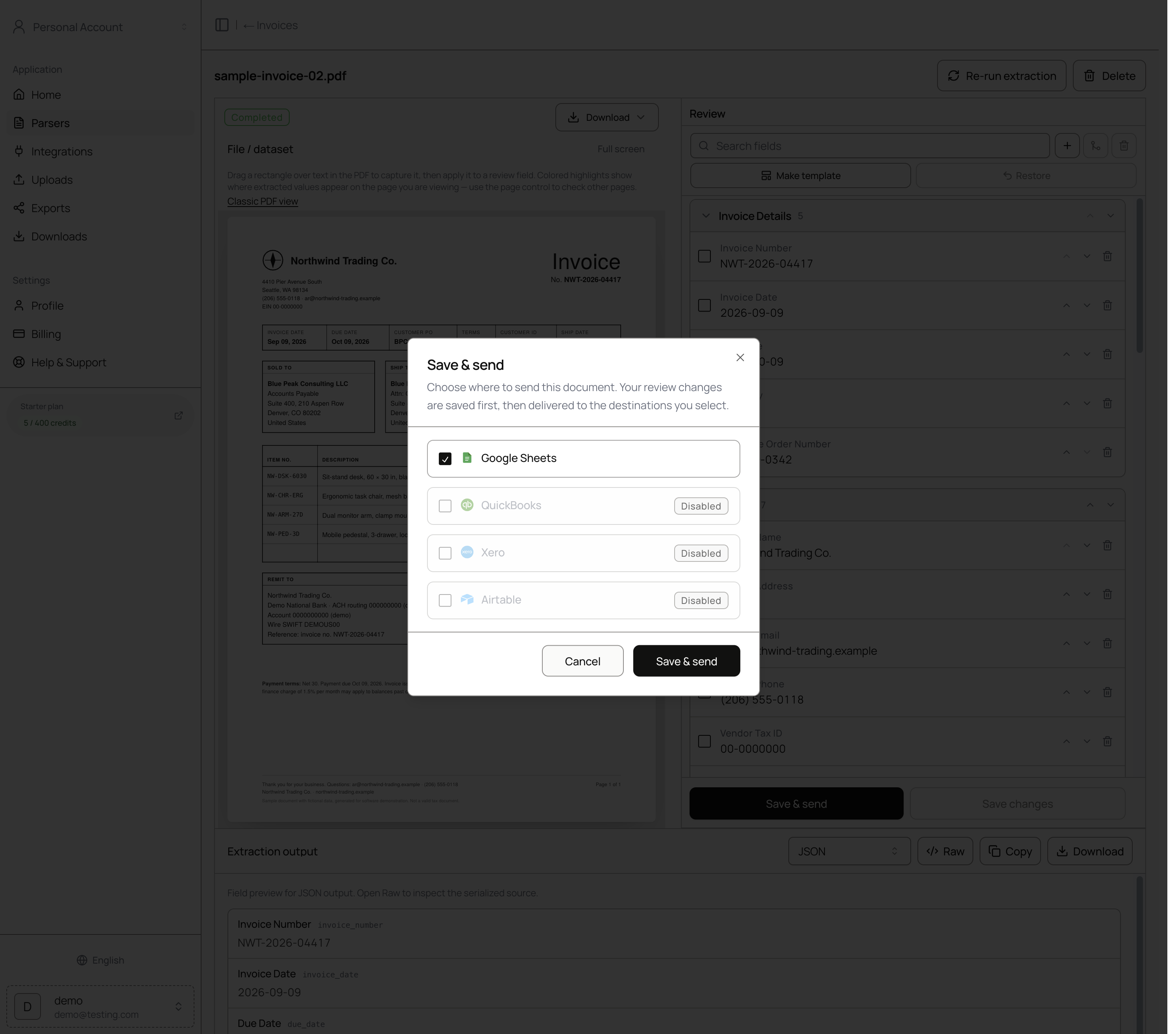 Choose destinations per send.
A row appears in your sheet. You can also download CSV or JSON from history anytime.
What to do next (still the same afternoon)
- Forward a second invoice via the parser’s Email intake address.
- Connect QuickBooks or Xero when you are ready to post bills (Accounting).
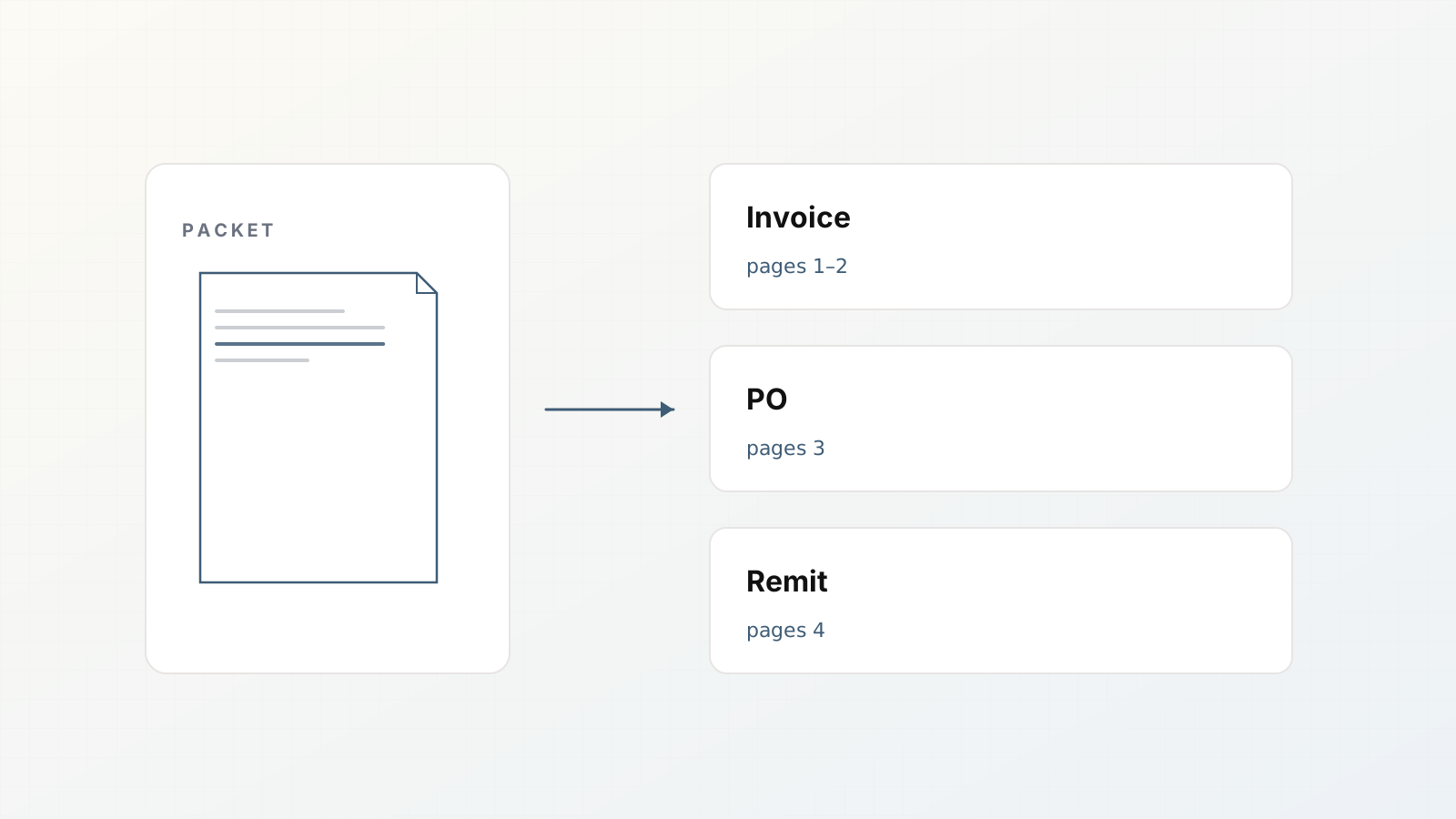
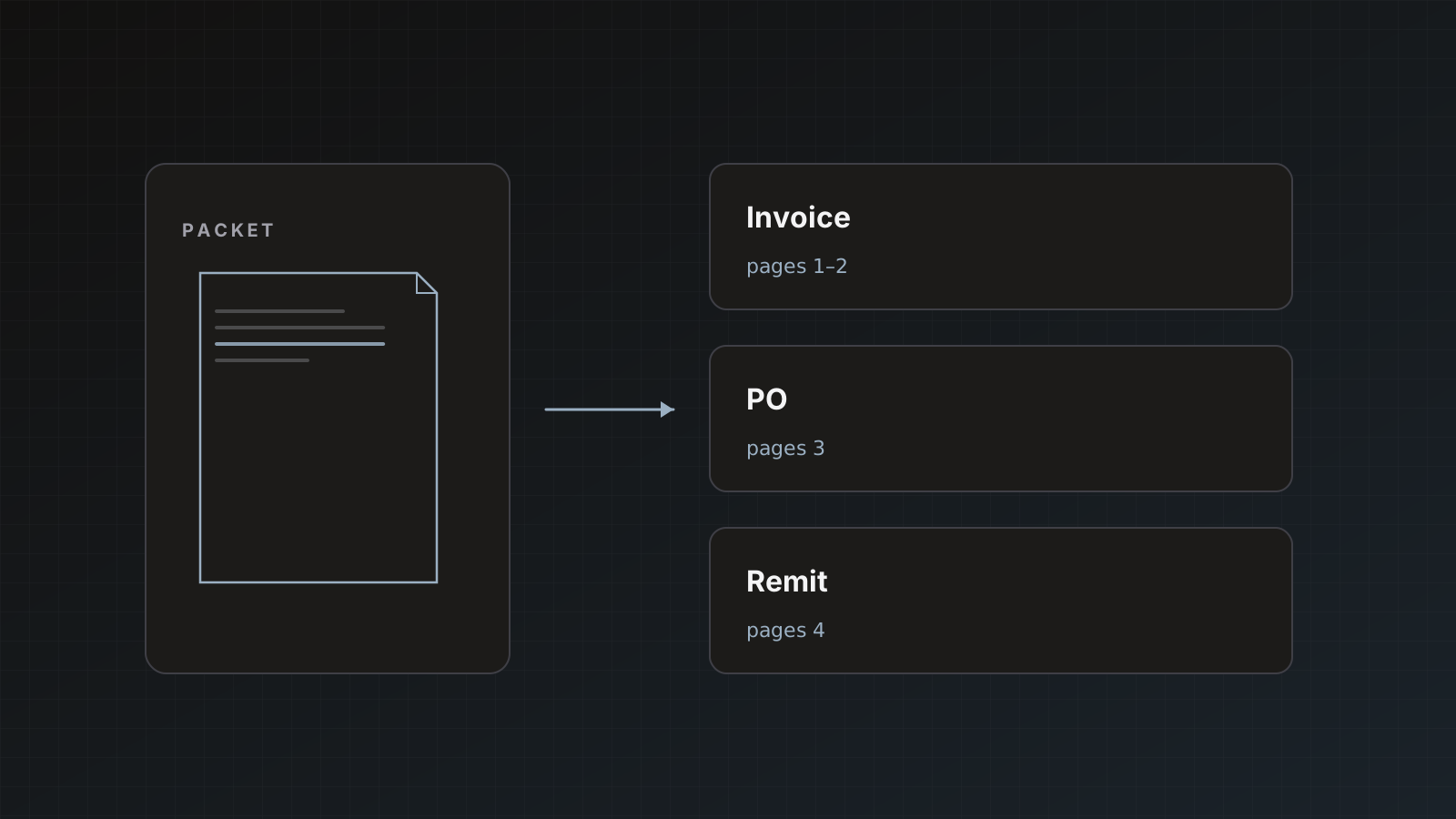
- If vendors send mixed PDFs, read Document packets.
- When the parser is boringly reliable, consider auto-send.
Pitfalls
- Enabling auto-send before you trust vendor name matching
- Leaving unused template fields that clutter review
- Testing only one perfect digital PDF
- Expecting one file to equal one credit (pages count)
Where Parsedit fits
This five-minute path is the product in miniature: template, extract, review, deliver. Longer setup guidance: How to build a document extraction pipeline in an afternoon.
Common first-hour blockers
- Google not connected before Save & send
- Wrong tab selected in destination settings
- Auto-send left on from a previous experiment
- Sample file is a packet and you expected one row without checking children
Work left to right: parser → upload → review → destination → send. If send fails, check Integrations before rewriting the template.
Invite a teammate after one success
Once a row lands in Sheets, invite a second seat if your plan allows. Pair review on the next three invoices so the process is not hero-dependent.
Five minutes vs first productive week
The happy path is short. The productive week includes two ugly vendors, one packet, and one destination auth hiccup. Budget time for those. The afternoon pipeline guide covers that wider loop.
Quickstart SEO
“PDF to spreadsheet” and “extract invoice to Sheets” visitors want a timed path. Keep steps numbered and link deeper guides.
FAQ
Can I send to QuickBooks instead of Sheets? Yes. Connect QuickBooks Online under Integrations, configure the parser destination, then choose it in Save & send. Manual send is the safer default for ledgers.
What if extraction misses a field? Edit it, or use PDF text selection. Then adjust the template if the miss will repeat.
Does Free plan support this flow? Yes: 25 pages/month and up to 3 parsers, with the same destinations as paid plans.
Create your account and run one real invoice end to end.