Extraction gets most fields right on clean invoices. The last mile is a review surface that sits next to the original file so you are not retyping from a second window.
Parsedit’s review workspace is built for that: PDF (or image) on the left, grouped fields on the right, line-item tables when needed. PDF text selection is the shortcut when a value is empty, truncated, or pulled from the wrong place.
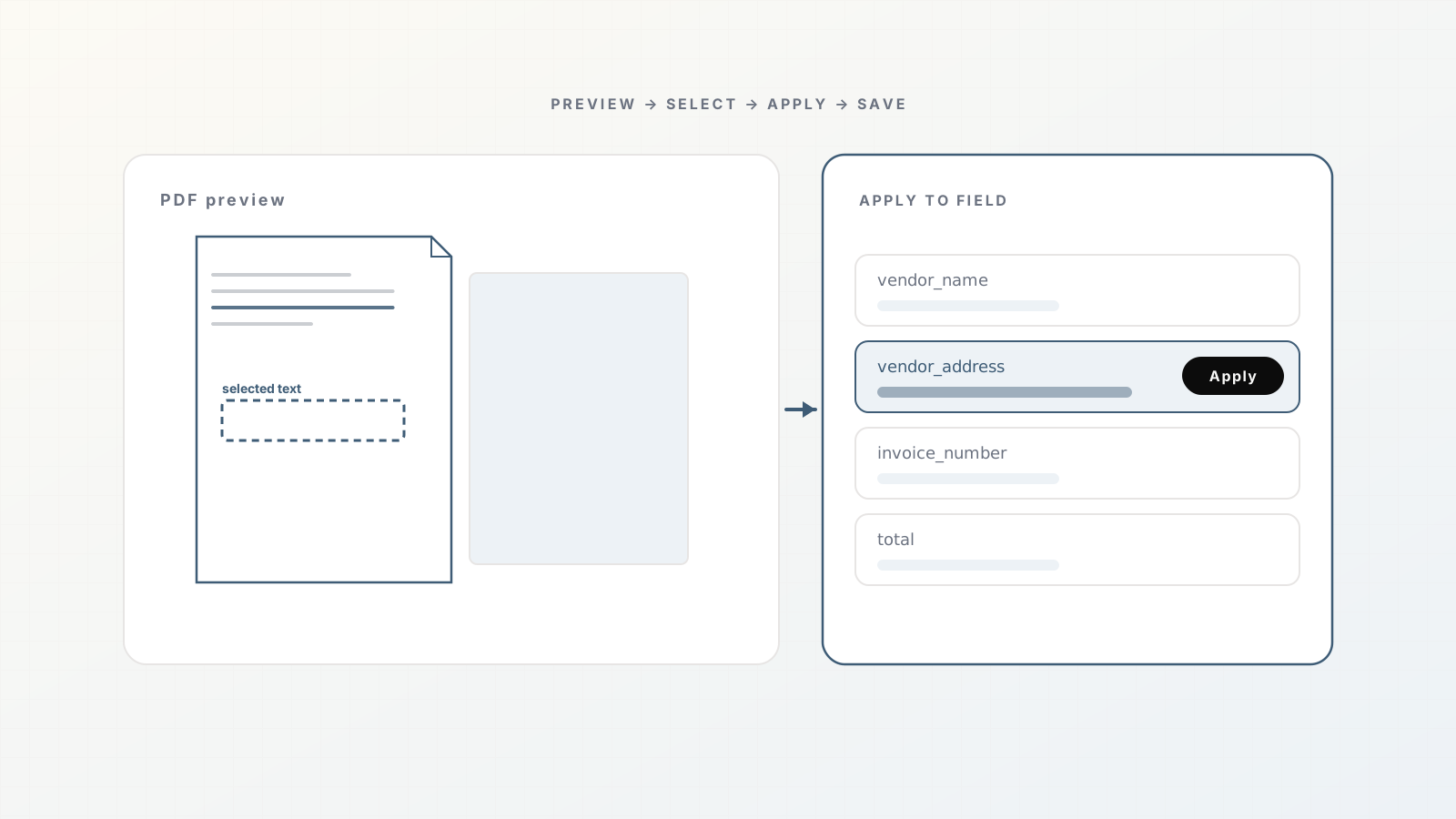
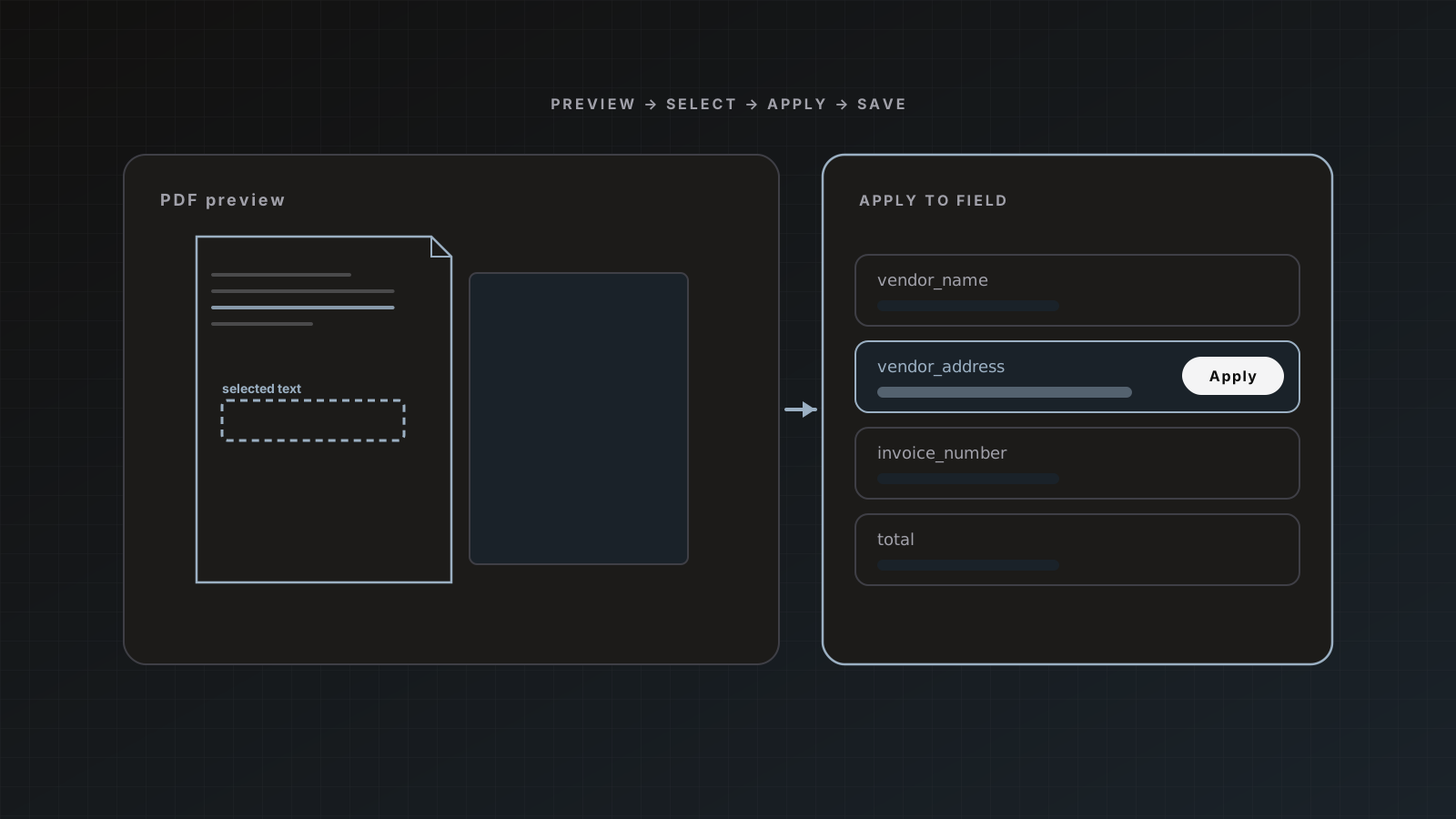
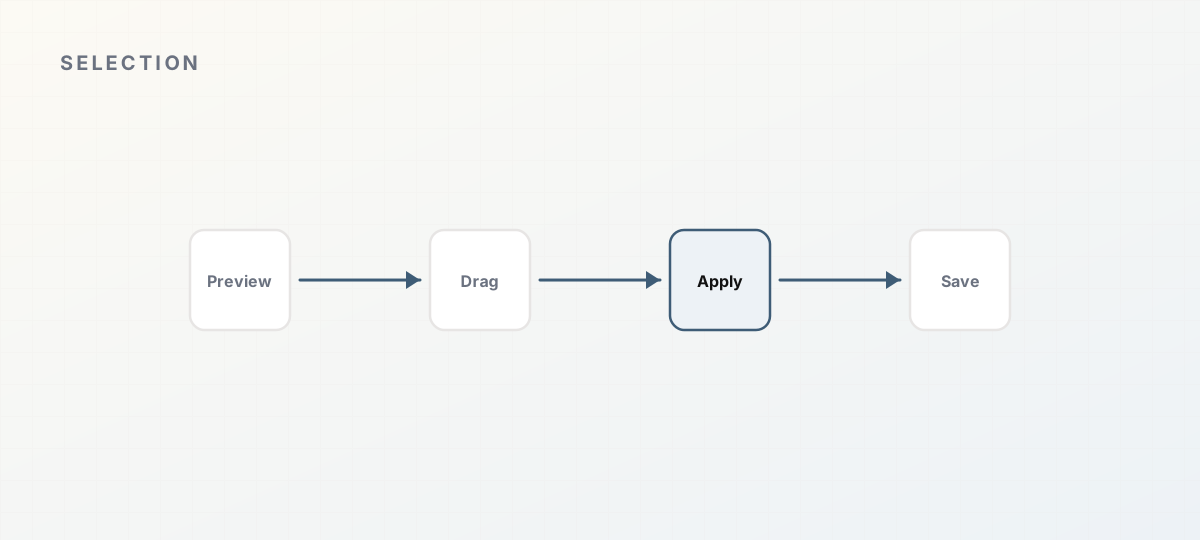 PDF selection applied to a review field.
When to use text selection
Use it when:
- A vendor address or remittance block is blank
- A total was read from a running subtotal instead of the grand total
- A PO number sits in a stamp or header the model skipped
- You need to correct one cell without re-running the whole document
Type directly into the field when you already know the value (for example a vendor rename to match QuickBooks). Selection shines when the truth is only on the page.
Open Preview
- Open the parser’s Document history.
- Find a document in Ready to review (or completed docs you still need to fix).
- Click Preview.
You land in the document workspace: file preview, Review fields, and extraction output below if you need JSON. Official steps: Review and approval.
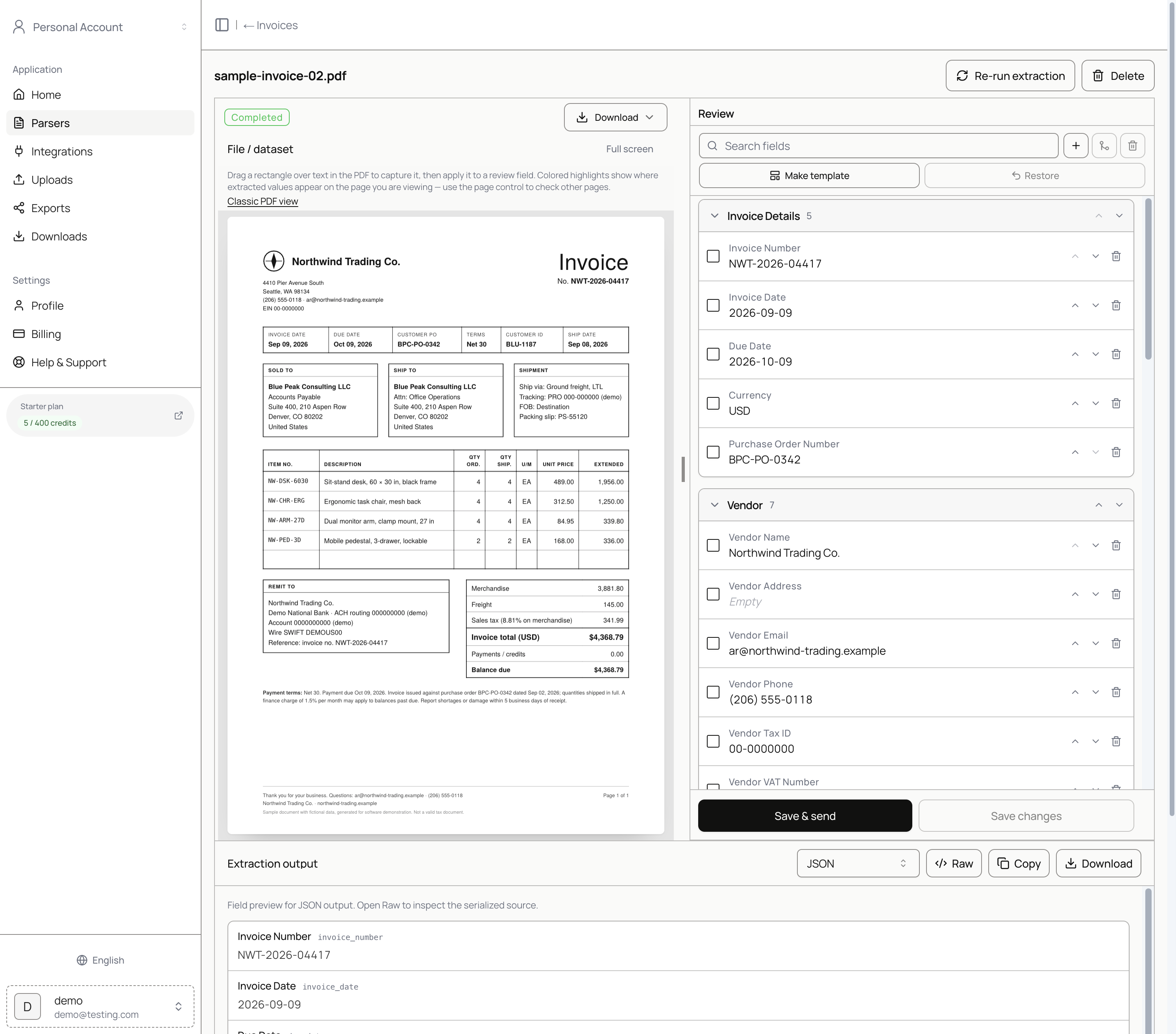 Review workspace with PDF preview and extracted fields.
Select text on the page
- Focus the field that needs a value (or follow the on-screen prompt).
- Drag a rectangle over the correct text in the PDF.
- Apply the capture to the review field.
Tight selections beat whole-paragraph grabs. For multi-line addresses, select the block you want stored as one field, or split across fields if your schema separates street and city.
Line items and tables
Header fixes are usually one field at a time. Line items open as tables. Correct description, quantity, unit price, and amount cells the same way you would in a sheet. If the template’s line-item shape does not match how you post, change the template for future uploads rather than fighting every document. See Capturing invoice line items without breaking your schema.
Save without sending, or send
- Save changes: persist edits, stay in review, no destination write.
- Save & send: save, then deliver to the destinations you check in the dialog.
Leave auto-send off while you are still training your eye on a new vendor set. There is no confidence-based auto-approval that bypasses your choice. Automation docs: Automation.
Packet children
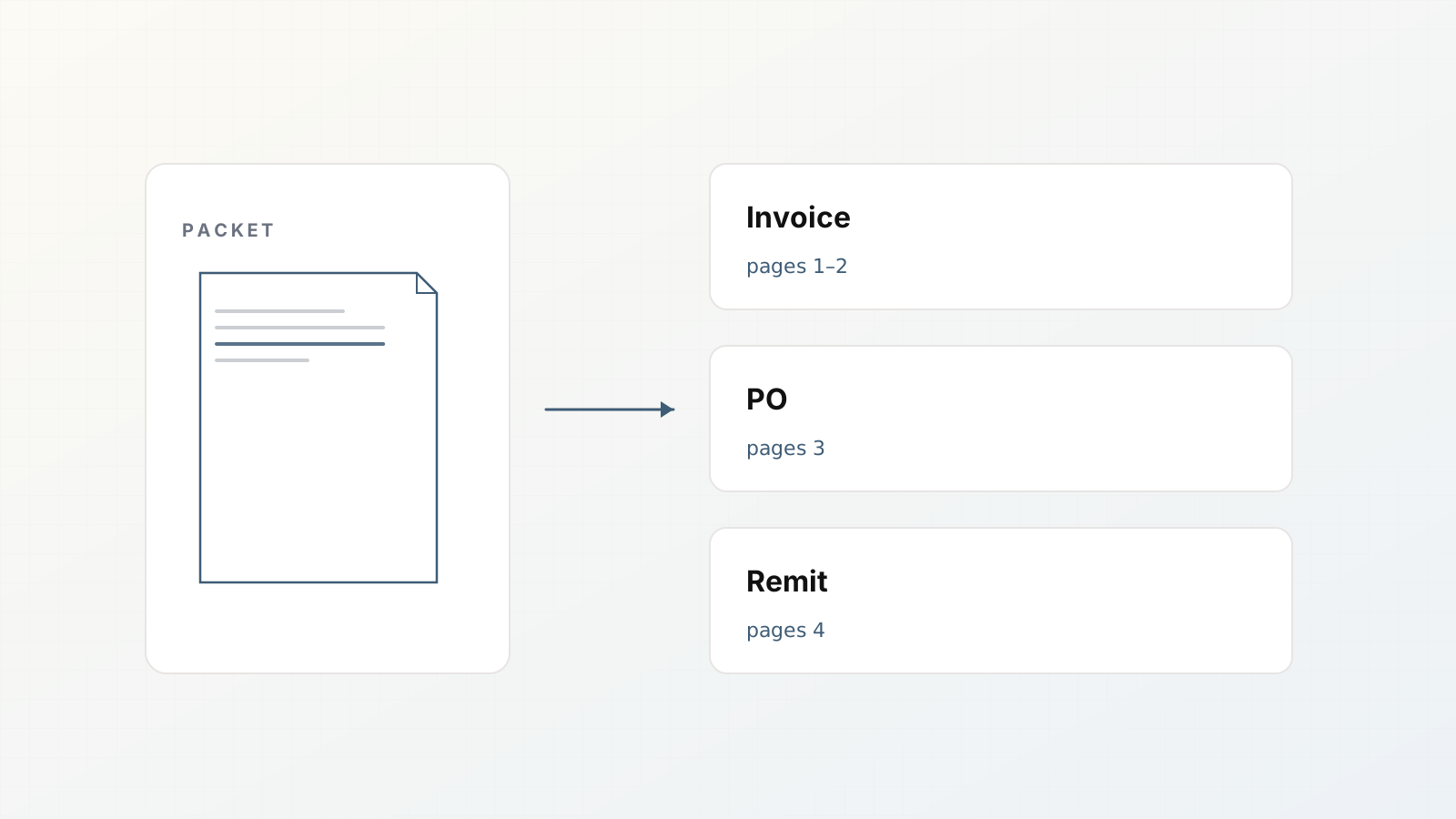
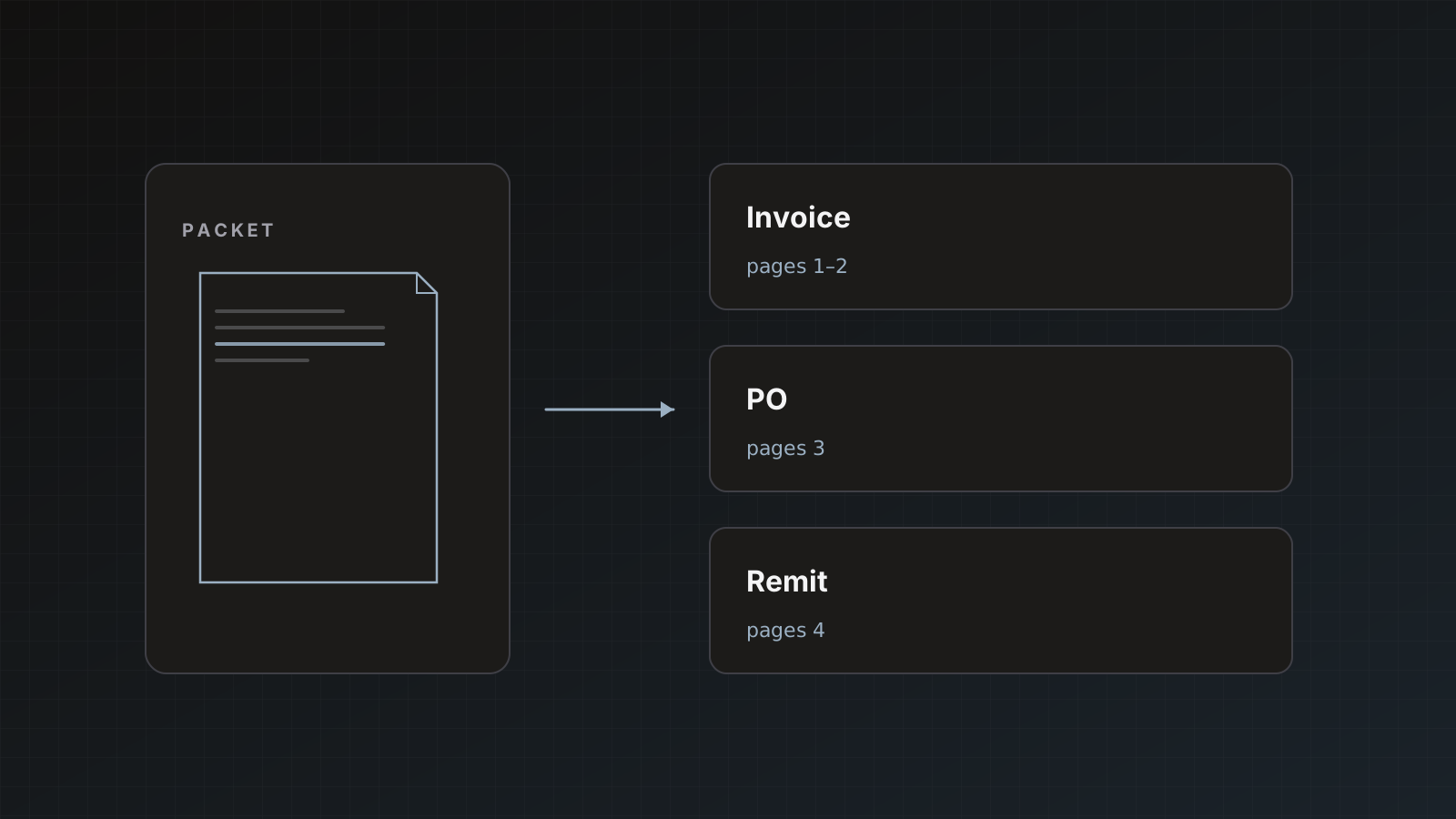
If the document is a child of a mixed PDF packet, the header notes the parent file and page range (for example pages 1–2). Selection and send work the same as standalone docs. You only see the segment for that child. Background: Document packets.
Pitfalls
- Selecting decorative headers that look like invoice numbers
- Saving totals with currency symbols if your destination expects a bare number (normalize in the field)
- Fixing the same miss twenty times instead of editing the template
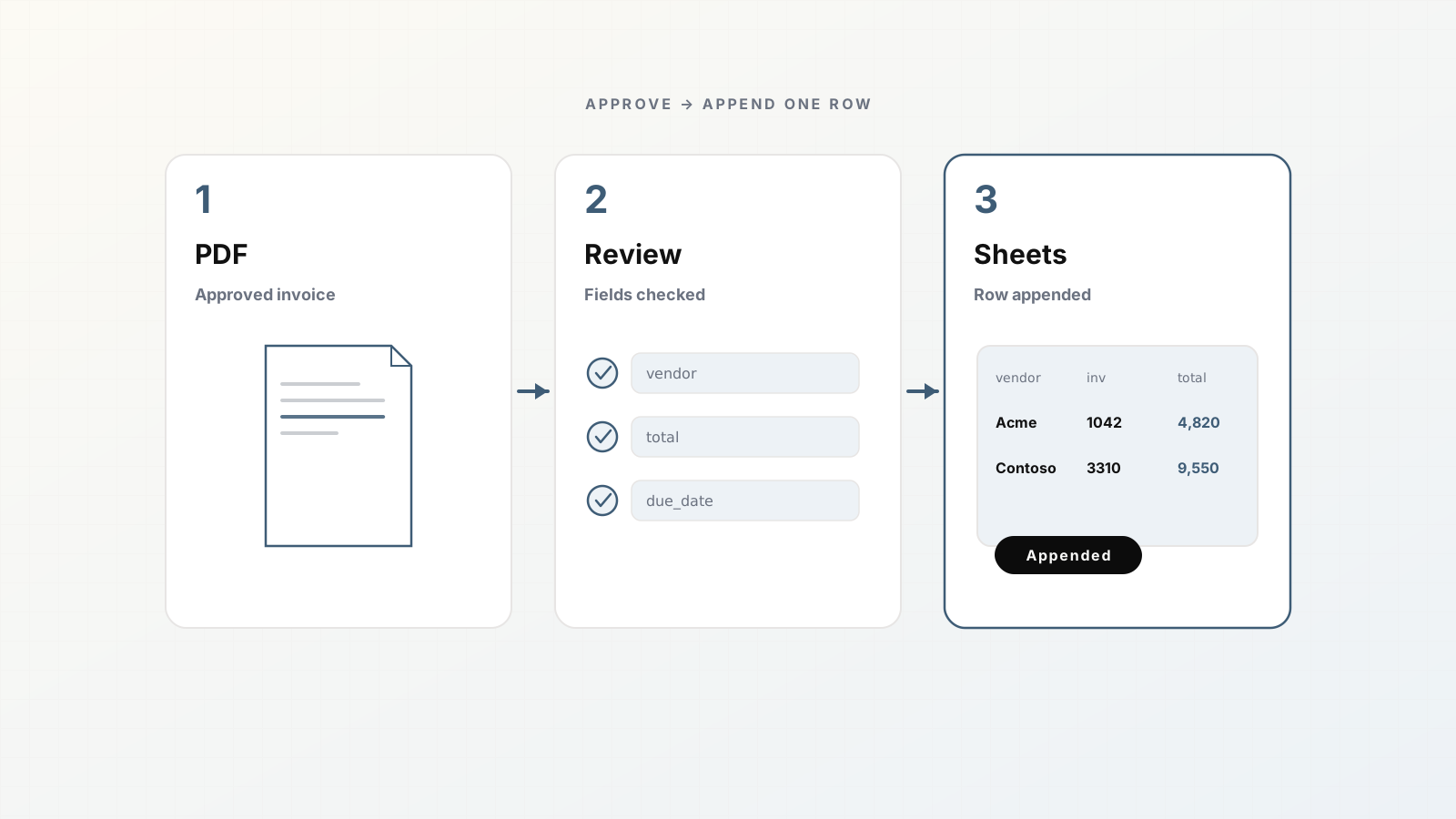
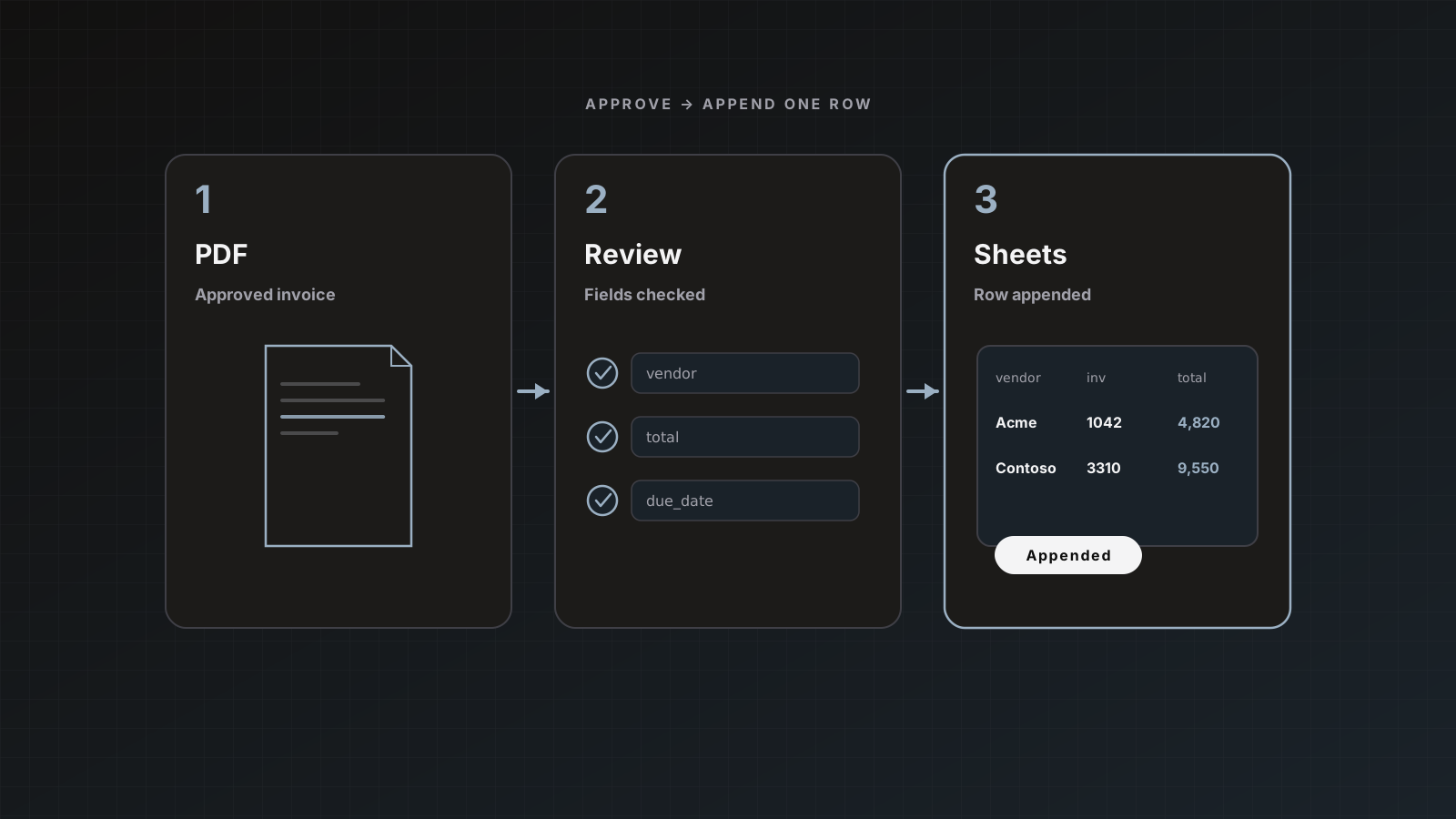
- Sending to accounting while still validating Sheets staging
Where Parsedit fits
Review is not a consolation prize. It is how ops keeps speed without silent ledger damage. Pair this habit with From PDF to approved data in 5 minutes and Why human review before send still wins.
Speed tips from real review queues
- Fix totals and vendor first; cosmetics later
- Use selection for long addresses; type short codes
- If you correct the same field on three vendors, edit the template before the fourth
- Save without sending when you need a second opinion; do not hold by leaving the tab open overnight
Review UX queries
PDF text selection and fix OCR fields searches are last-mile. Show the drag-apply loop and when to edit the template instead.
FAQ
Can I review on mobile? The workspace is built for desktop review density. Use desktop for accurate selection.
Do my corrections change billing? No. Pages were already counted at processing. Edits do not re-bill.
What if the PDF is a flat scan? OCR still provides a selectable layer in normal cases. If the scan is unreadable, fix what you can verify and reject or re-upload a better file.
Can I export after review without a live destination? Yes. CSV and JSON export from the review page or document history.
Get a document to Ready to review and try one rectangle capture. Start free.