Zapier is the fastest way to pull files from Gmail or Drive into a parser, and to push approved fields into thousands of apps, without hand-copied webhook URLs for every experiment.
Parsedit’s Zapier app uses OAuth 2.0 against your workspace. You pick a parser in each Zap so hooks stay scoped. This guide covers connect, the two building blocks, and the File mapping footgun that breaks most first attempts.
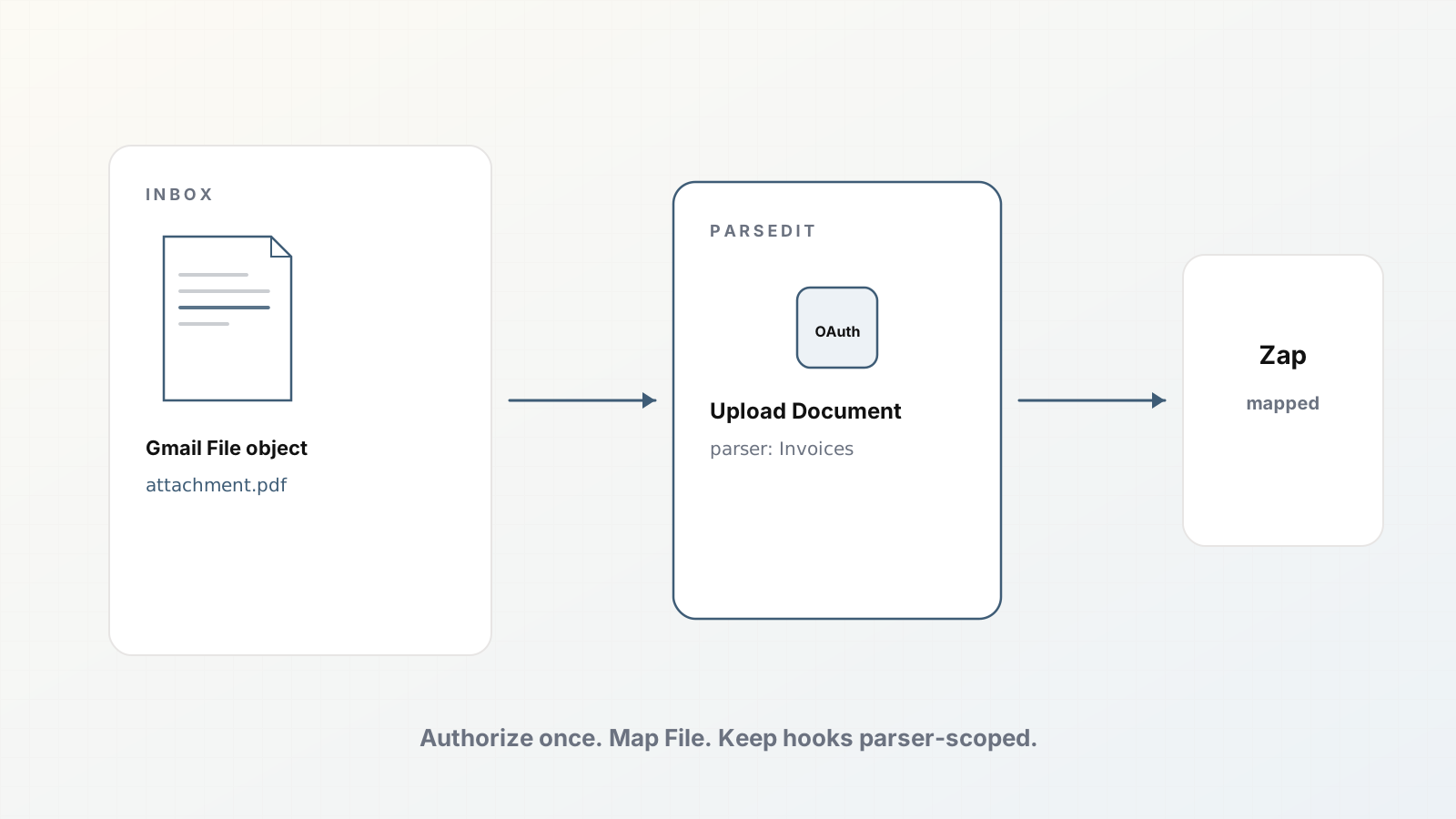
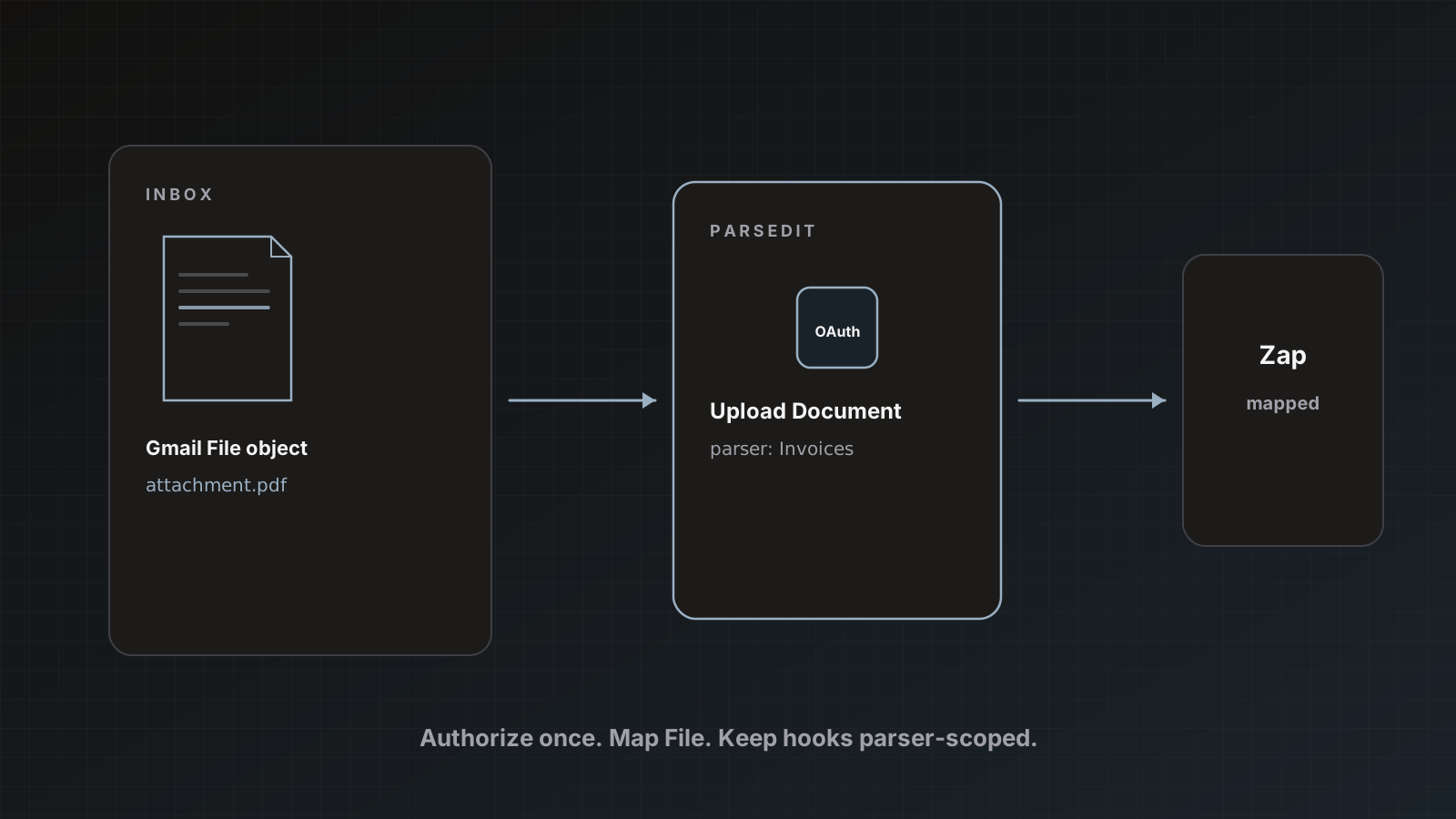
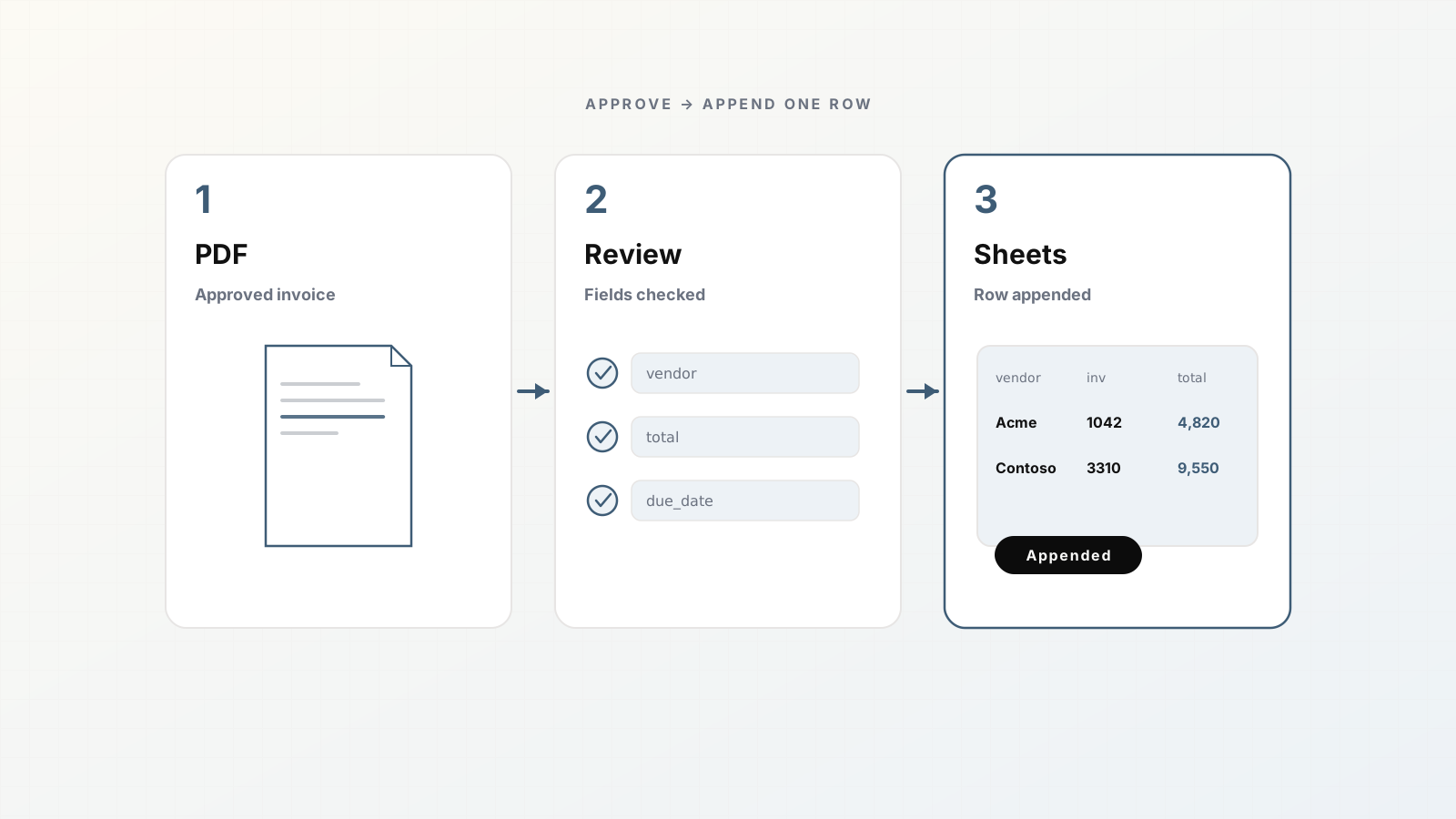
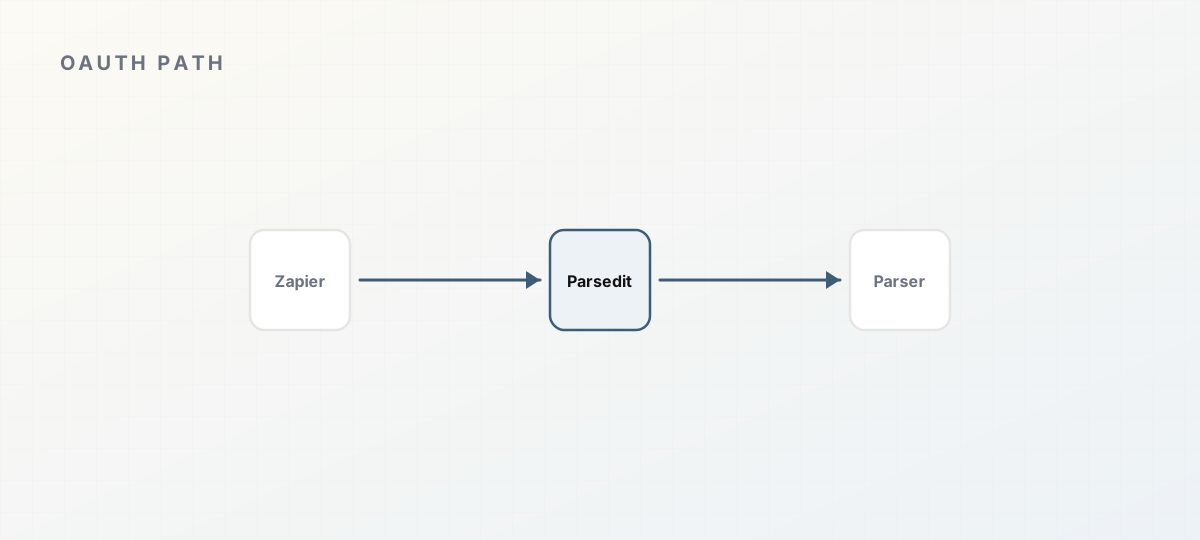 OAuth path from Zapier into a scoped Parsedit parser.
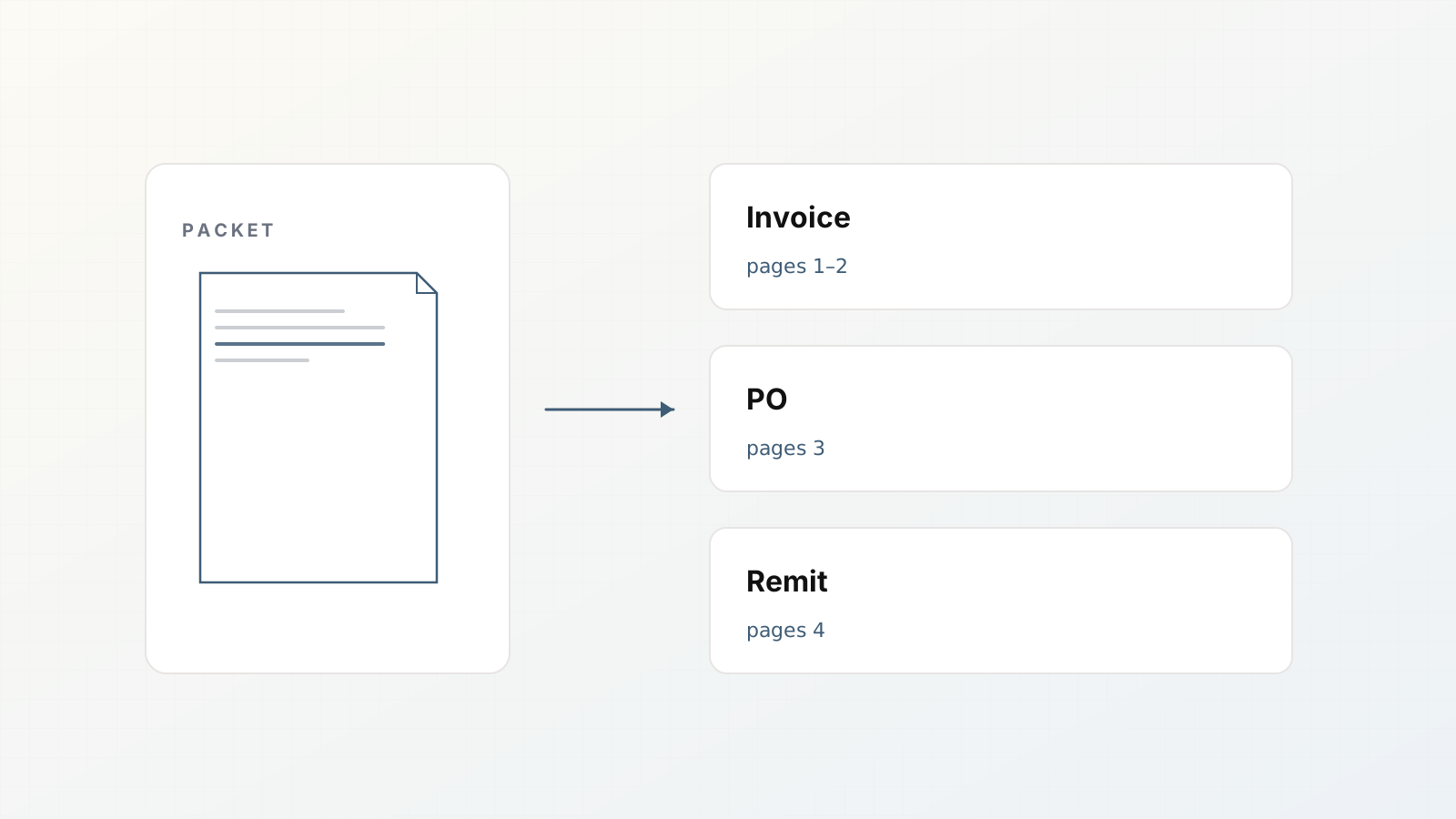
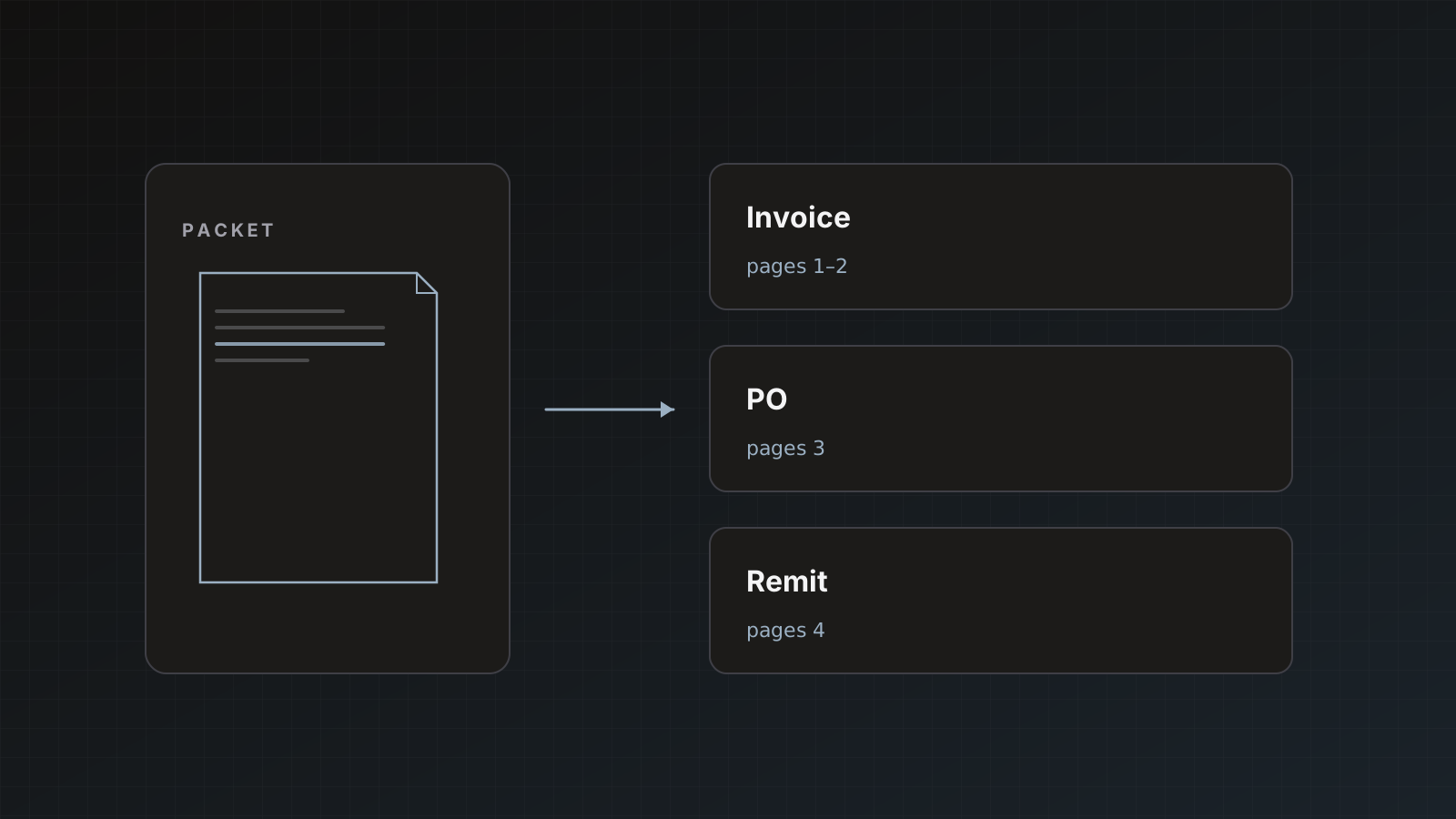
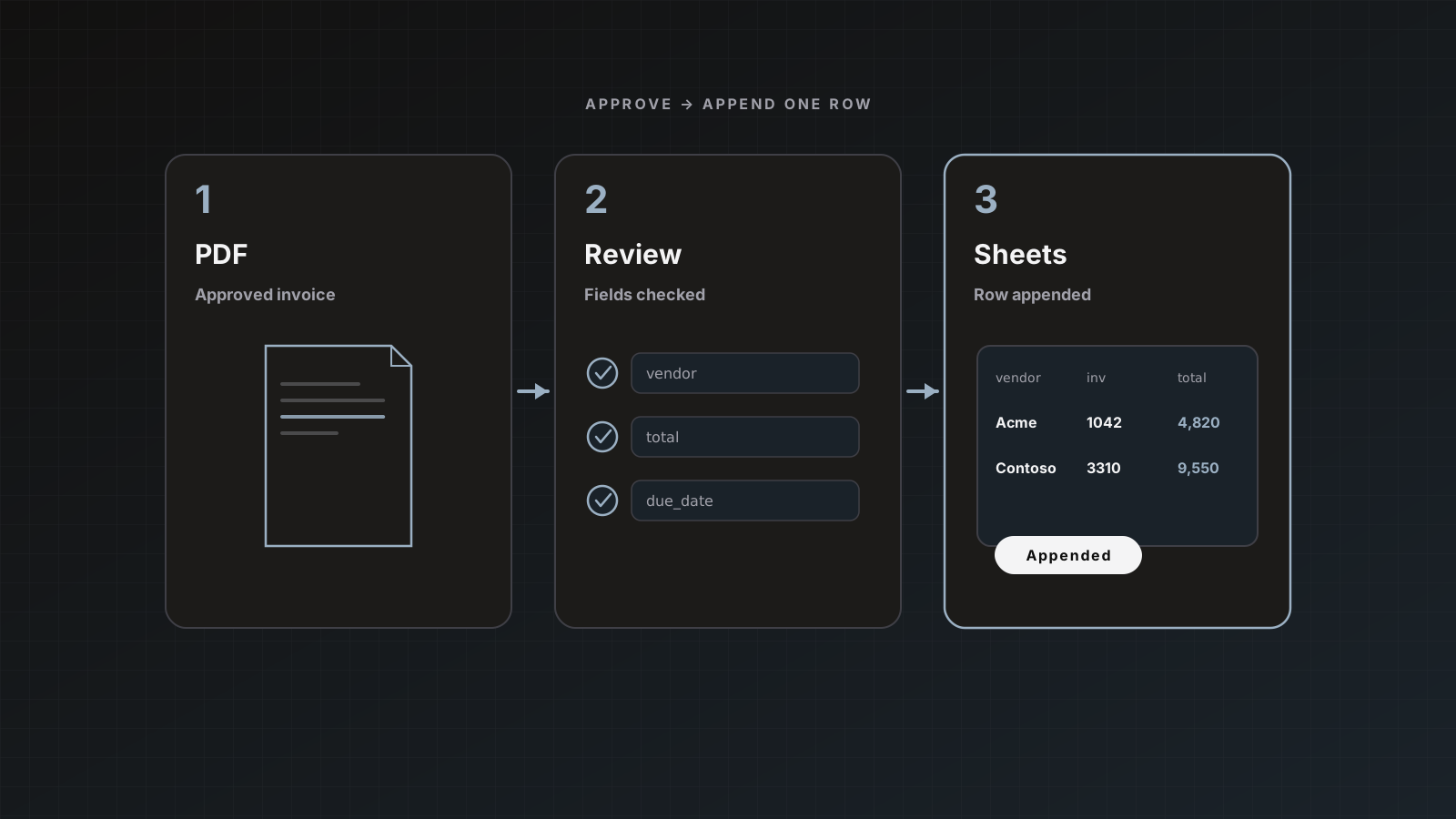
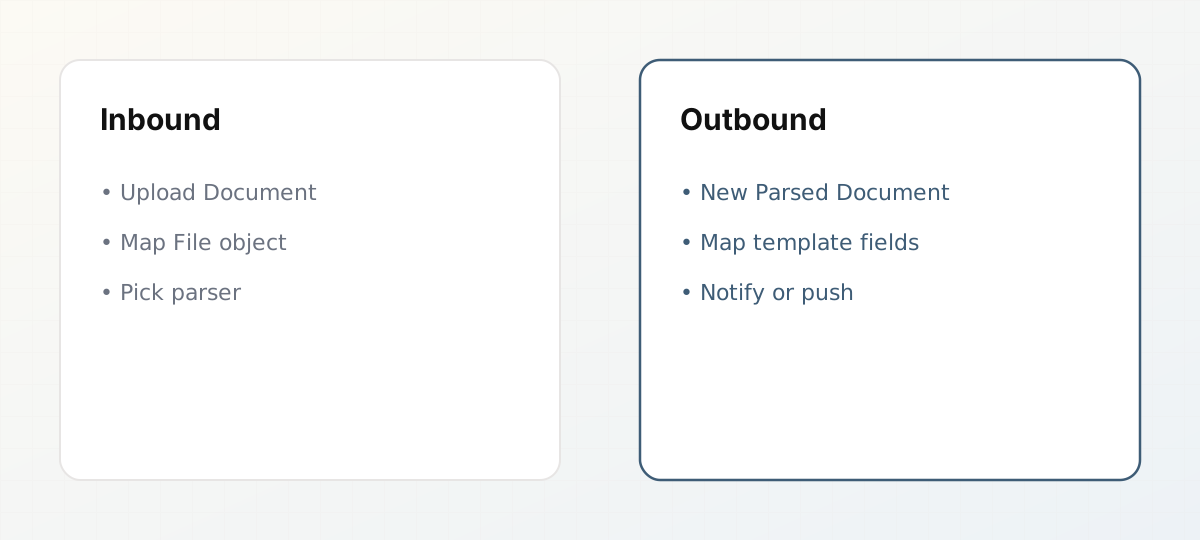 Inbound Upload Document versus outbound New Parsed Document.
Start from Integrations (or from Zapier)
Two equivalent doors:
- In Parsedit, open Integrations and use Open in Zapier, or
- In Zapier, add the Parsedit app and authorize when prompted.
Complete OAuth for the workspace you intend to use. You can revoke access later under Integrations → Connected applications.
On each parser, Destination settings → Zapier shows OAuth setup hints and Connected Zaps once a Zap that uses that parser is on. Advanced users can still attach a Catch Hook webhook; prefer OAuth triggers when you can.
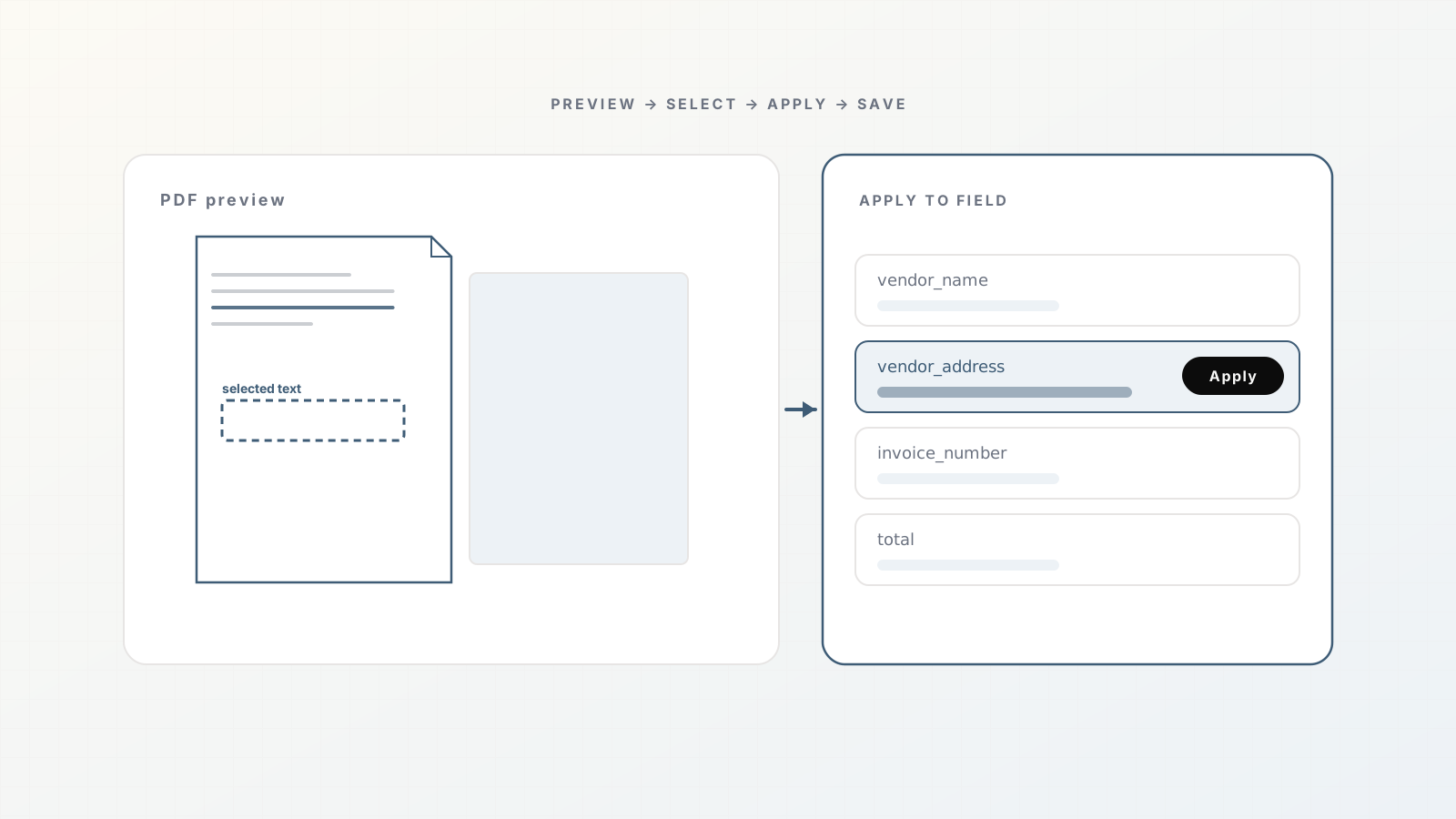
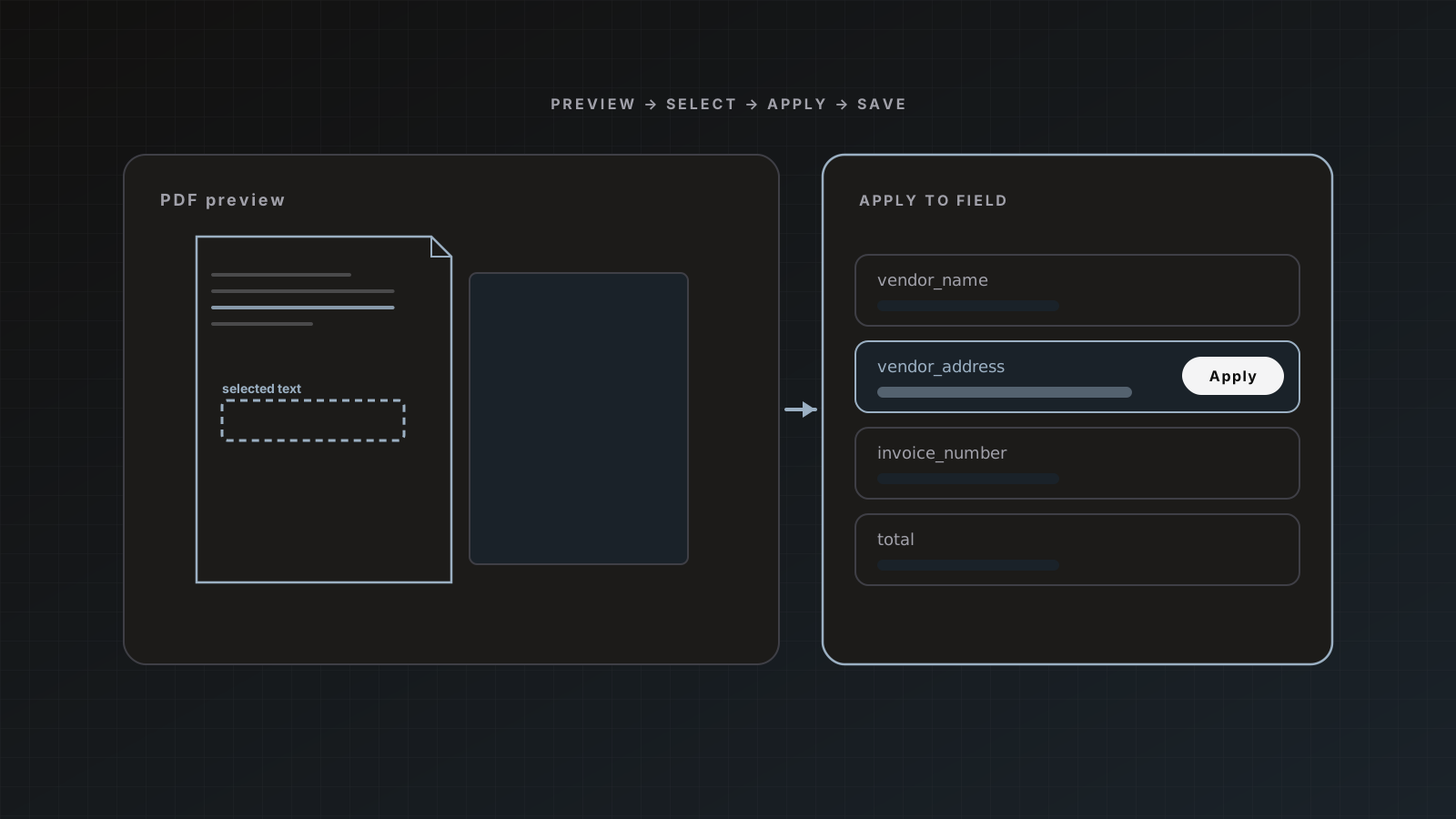
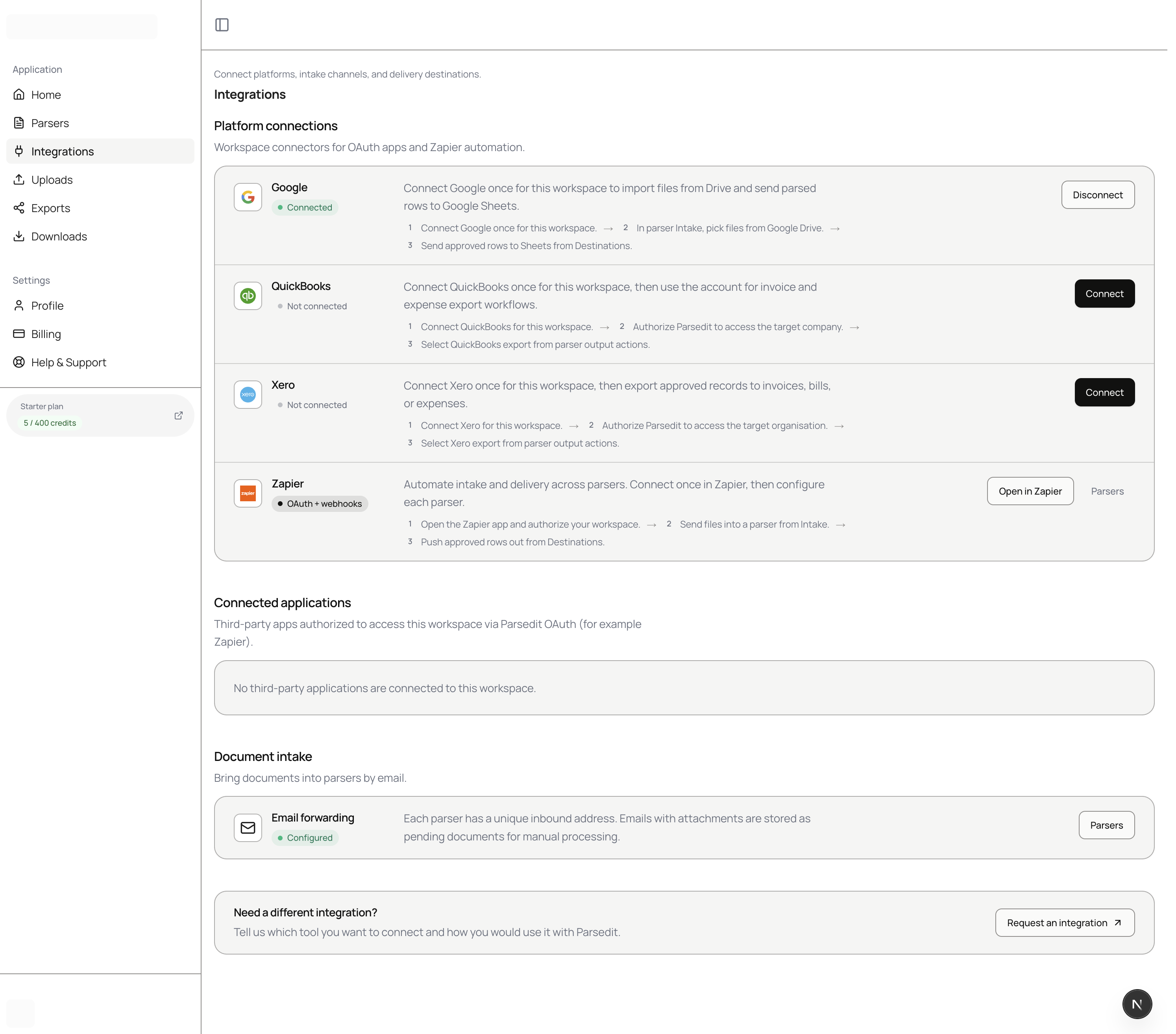 Integrations hub is the home for Google, email forwarding status, and connected apps.
Two building blocks
| Direction | Zapier step | Role |
|---|
| In | Upload Document | Send a File into a chosen parser |
| Out | New Parsed Document | Trigger when a document is received, parsed, or failed |
Select the parser in each Zap. After you test the outbound trigger, template fields (including line-item columns) appear for mapping in later steps.
Map the File object (this is where Zaps fail)
Upload Document needs Zapier’s File object (file icon), not Headers metadata, not a filename string alone.
| Source | Map this into Parsedit File | Do not map as the file |
|---|
| Gmail | Attachment File | Subject, headers, raw body only |
| Google Drive | File object | Title / Name alone |
| Other apps | Their binary/file field | URLs unless the app exposes a File |
Gmail tips and Drive notes live in the product docs: Zapier. A full inbox recipe: Route Gmail invoices into Parsedit with Zapier.
Suggested first Zap (inbound)
- Trigger: Gmail “New Attachment” (or similar) filtered to your AP label.
- Action: Parsedit Upload Document.
- Parser:
Invoices. - File: the attachment File object.
- Test with one real invoice.
- In Parsedit, open review, confirm fields, Save & send to Sheets.
Keep destination auto-send off until the Zap is stable. Duplicate protection skips identical files on the same parser if Gmail retries.
Suggested second Zap (outbound)
- Trigger: Parsedit New Parsed Document (choose event: parsed or your preferred status).
- Parser: same
Invoices parser. - Action: create a Slack message, Asana task, or update a row elsewhere using mapped fields.
For ledger posting, prefer native QuickBooks/Xero destinations over a fragile multi-step Zap unless you have a hard requirement.
Manual webhook fallback
If a partner cannot use the Zapier app, use signed webhooks and the REST API. See Webhooks and API. For delivering extracts to your own endpoint: Deliver extracted document data to your API with webhooks.
Pitfalls
- Mapping filename text instead of File
- Pointing every Zap at the wrong parser
- Enabling auto-send while still debugging Gmail filters
- Building one mega-Zap that uploads and also posts to accounting before review
Where Parsedit fits
Zapier moves files and notifications. Parsedit owns schema, review, and first-class finance destinations. Use both; do not make Zapier your extraction engine.
Separating notify Zaps from post Zaps
Keep “notify Slack when parsed” separate from any Zap that writes to a ledger-like system. Native QuickBooks/Xero destinations plus human Save & send are safer than a brittle multi-step Zap that posts bills. Use Zapier for transport and alerts.
Why OAuth beats pasted webhooks for document Zaps
Hand-copied Catch Hook URLs break when someone regenerates a Zap, leaves the company, or duplicates a workflow for a second parser. OAuth ties Zapier to your Parsedit workspace, keeps parser selection explicit, and shows connected Zaps on the destination settings panel.
For SEO and ops clarity: searchers looking for “Parsedit Zapier” or “Zapier upload PDF to parser” need the File mapping rule more than another OAuth screenshot. Map the binary File. Filter Gmail hard. Review before ledger send.
FAQ
Do I need a paid Zapier plan? Depends on your Zapier task volume. Parsedit’s side is covered by your Parsedit plan pages and features.
Can contractors authorize Zapier? Prefer an owner or admin connection so OAuth is not tied to a departing contractor account.
What statuses can trigger outbound Zaps? Configure New Parsed Document for received, parsed, or failed style events as exposed in the Zapier app; test the trigger to see fields.
Is email forwarding an alternative? Yes. Each parser has an inbound address. Use forwarding rules when you do not need Zapier filters. Guide: Email forwarding for invoice intake.
Authorize once, map File correctly, test with a single invoice. Create a Parsedit account.