Document AI demos look finished when a single clean PDF returns a neat JSON object. Production looks different. Vendors change layouts. Packets glue three document types into one file. Someone forwards the same invoice twice. Finance still expects the number in QuickBooks to match the PDF, not a best-effort guess.
If you evaluate tools for AP, logistics, or client accounting work, optimize for the week after the pilot, not the first screenshot. These five capabilities separate a toy from a system you can run every day.
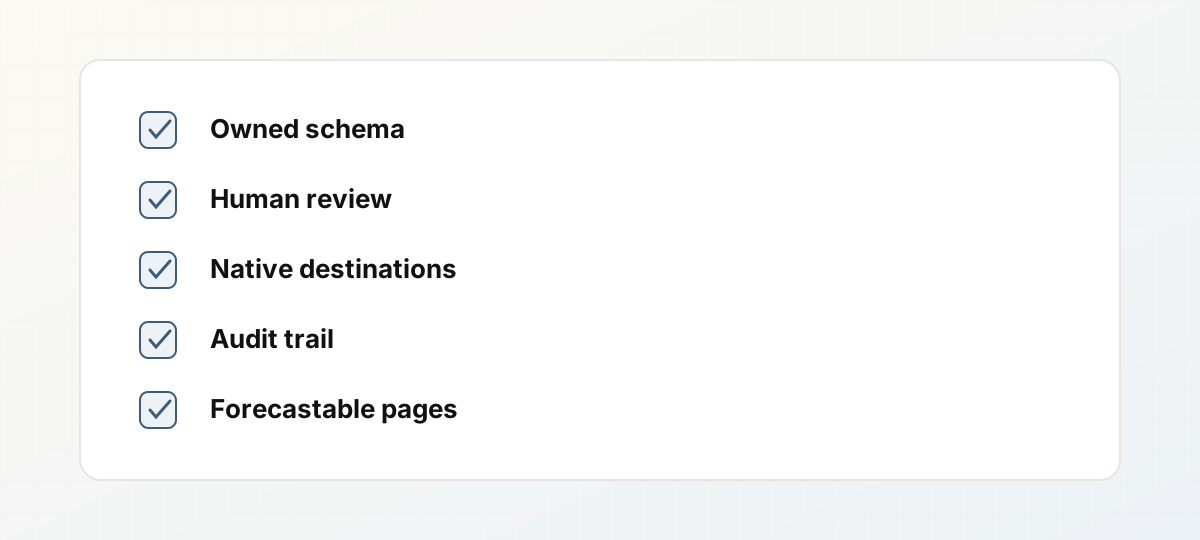 Five production capabilities to score in a vendor demo.
1. A schema you own
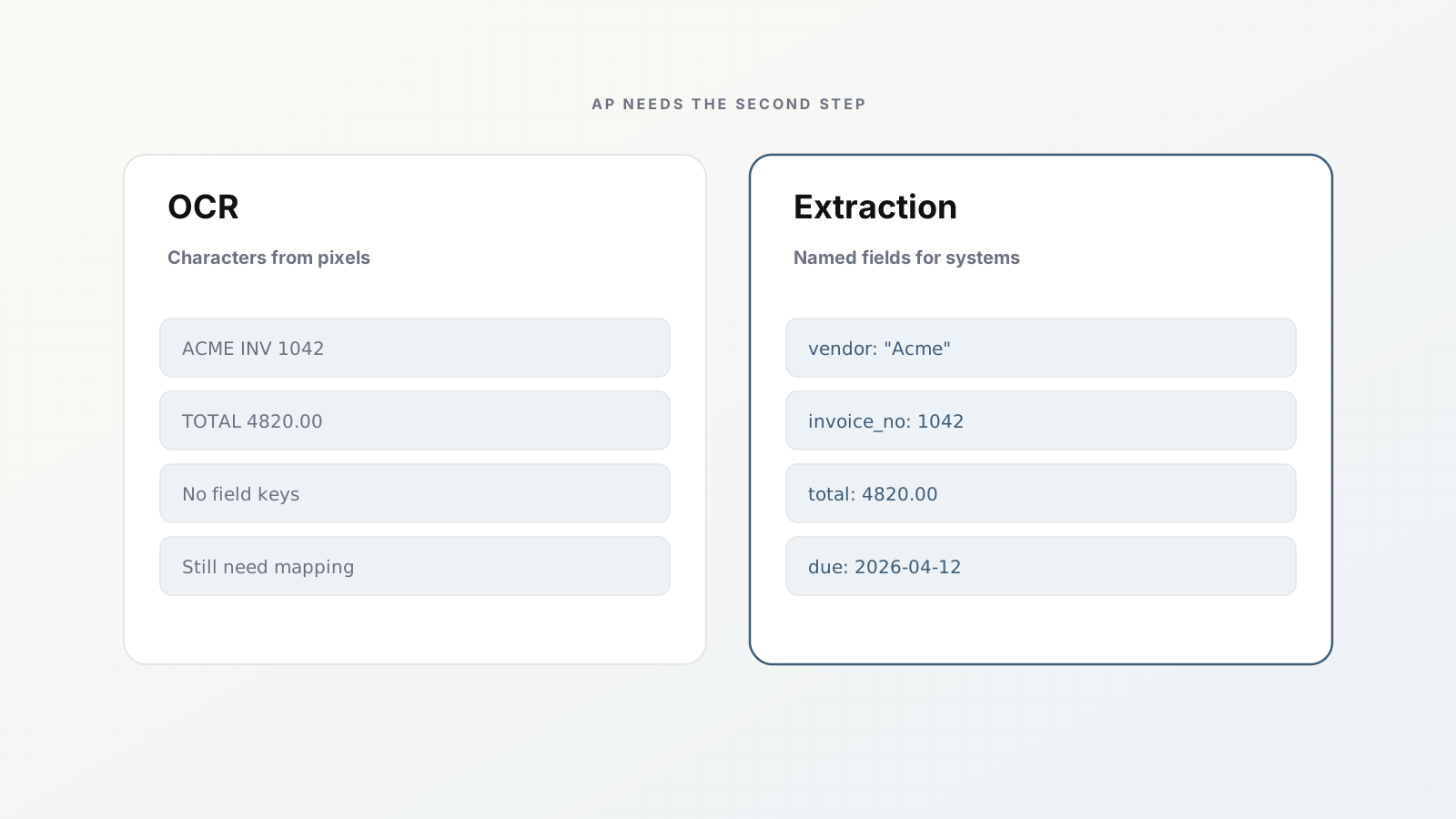
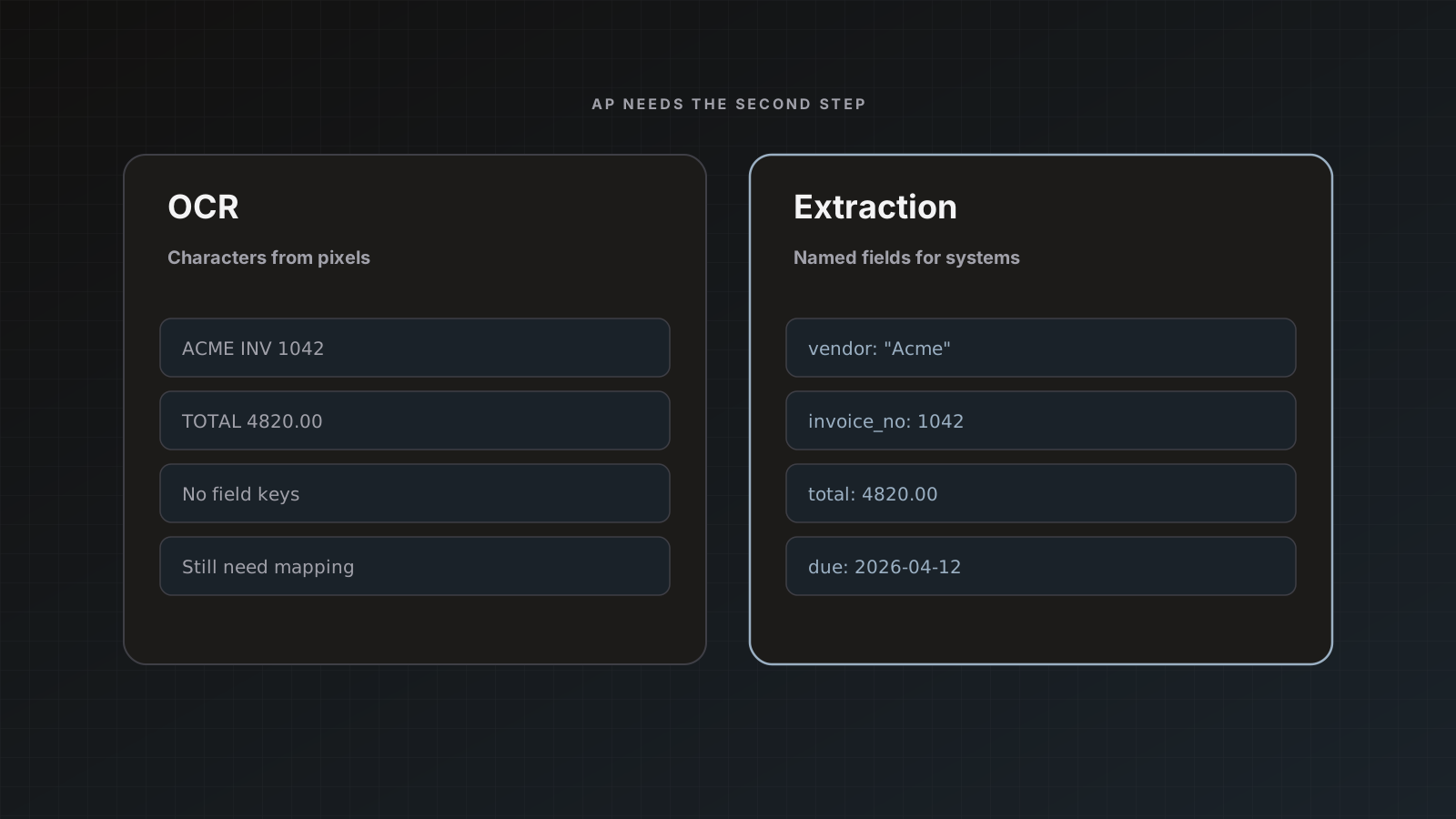
Generic extraction that invents field names on every run is hard to map. Your sheet expects vendor_name, invoice_number, due_date, and a stable set of line-item columns. Your QuickBooks bill needs vendor, DocNumber, and amounts that match how you post.
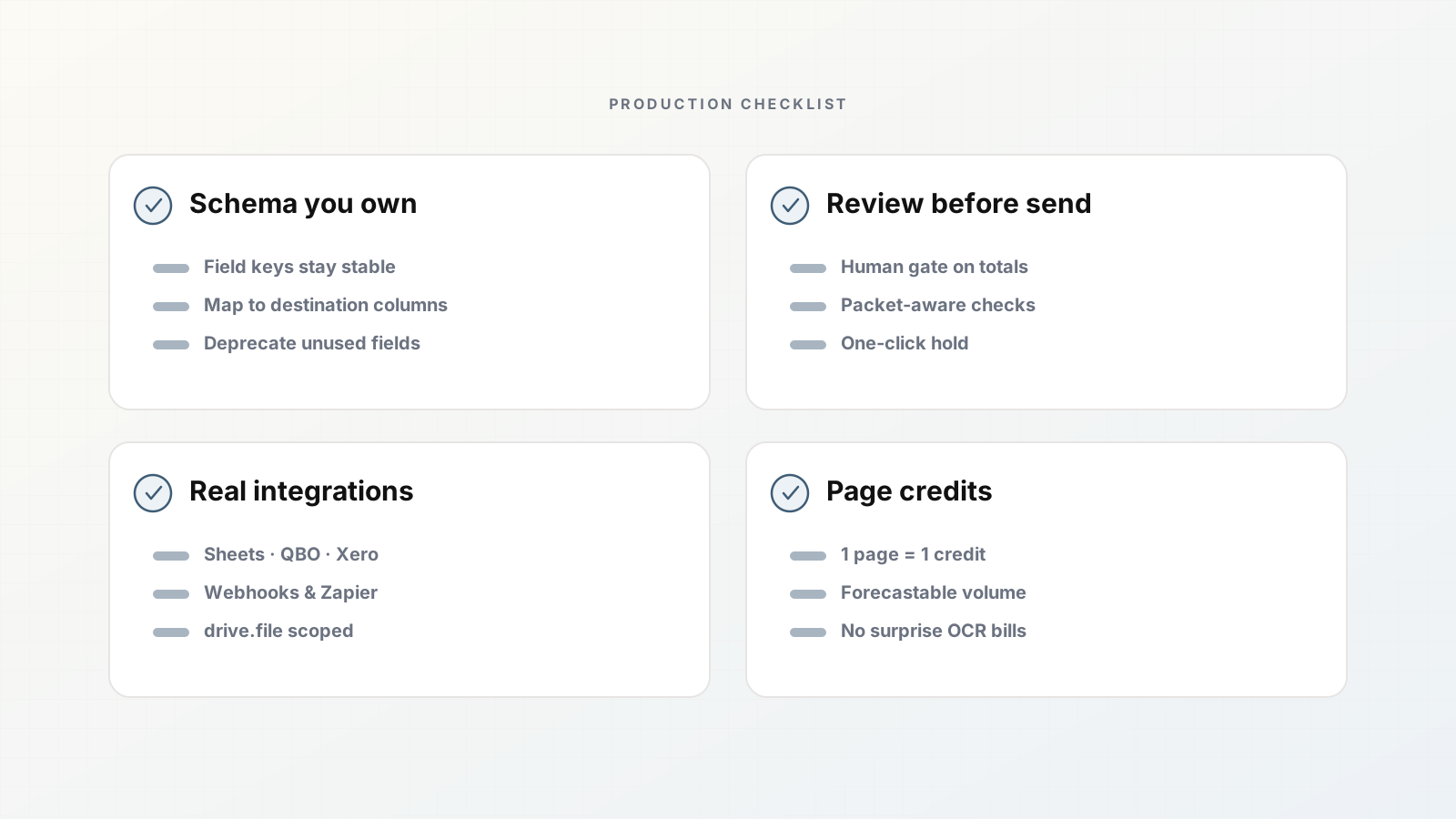
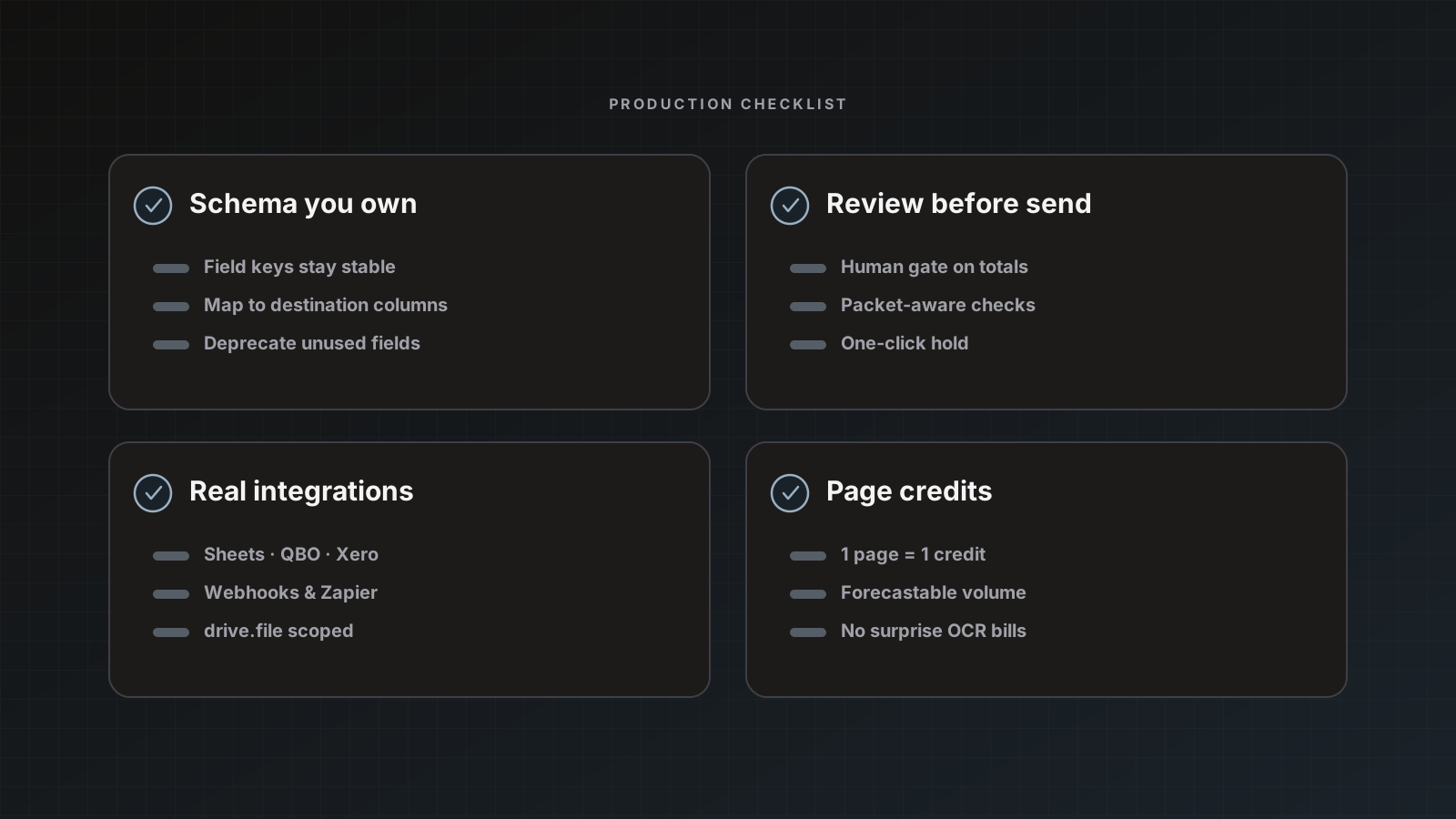
A useful document AI product binds extraction to a parser template: named fields, types you care about (dates, numbers, strings), and room to rename, add, or remove slots as vendors differ. In Parsedit, that template is the center of the product. You start from an accounting document type (invoices, purchase orders, remittance advice, and related finance forms), then edit the field list so keys match the destination.
Without a owned schema, every integration becomes a one-off mapping script. With one, Google Sheets columns and accounting fields stay consistent across hundreds of vendors.
2. Human review before anything ships
Fully automated send sounds efficient until a total is off by a digit or a vendor name creates a duplicate contact. Ops teams already know the failure modes: faded scans, stamped pages, multi-currency headers, handwritten receipt notes.
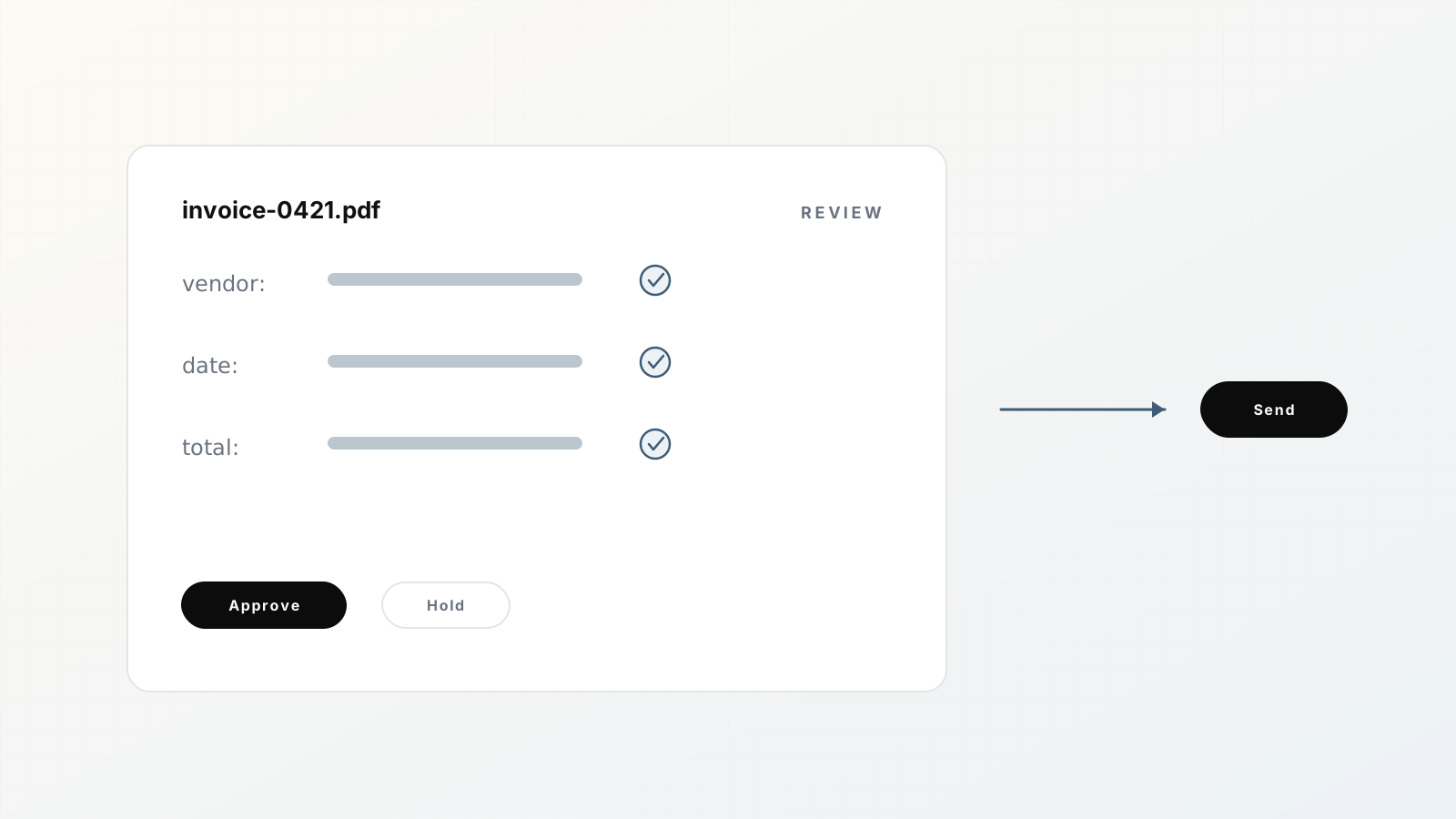
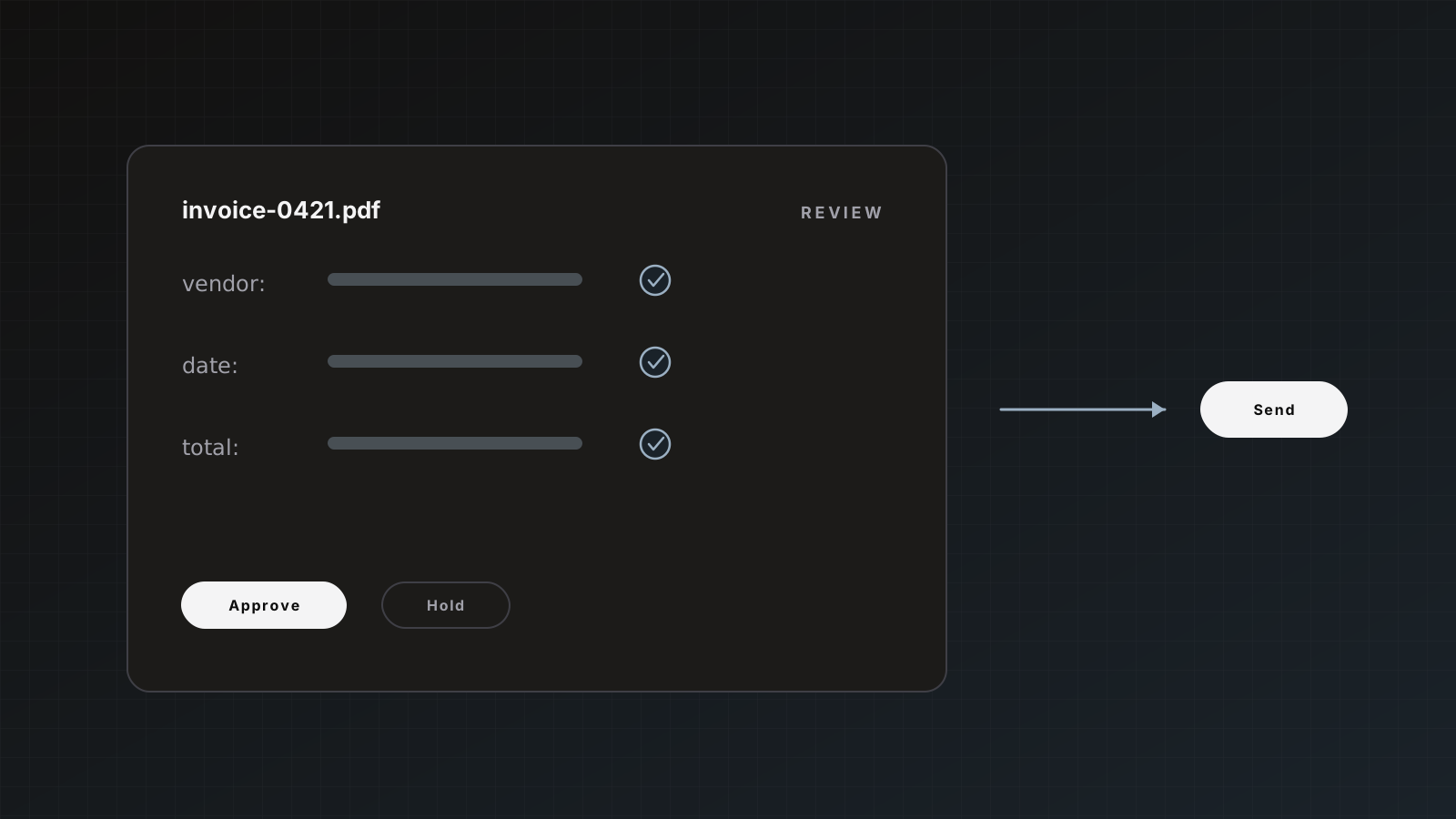
A review workspace that shows the PDF beside editable fields lets you fix the last 5% without retyping the other 95%. Parsedit’s default is manual Save & send. You can later enable auto-send once a parser is trusted. There is no silent confidence auto-approval pretending to be judgment.
PDF text selection matters here. When a field is empty or wrong, you drag a rectangle on the page and apply the capture. That is faster than hunting through a JSON blob. See How to review extracted fields with PDF text selection and the docs on Review and approval.
3. Integrations that match where work already happens
A webhook-only product forces every team to build the last mile. Most AP and ops stacks already live in Google Sheets for staging, QuickBooks Online or Xero for the ledger, and Zapier for the odd Gmail or Drive path.
First-class connectors should cover:
- Google Sheets: append one row per approved document to a spreadsheet and tab you choose.
- QuickBooks Online / Xero: create bills, invoices, or expenses, with source PDF attached when the file type allows.
- Zapier: upload files into a parser, and trigger Zaps when documents are received, parsed, or failed.
- Webhooks and the REST API: for custom systems that need a JSON POST or programmatic upload.
- CSV / JSON export: always available when you need a file, not a live connection.
Parsedit also supports Airtable where enabled, Slack notifications, email forwarding and Google Drive intake, and per-parser destinations. Depth beats a long logo wall with shallow OAuth.
4. Traceability you can defend in a finance review
When a controller asks why a bill is missing, “the model failed” is not an answer. You need status history: received, processing, ready to review, delivered, failed. You need to know which destination got the row, and preferably a link back into QuickBooks or Xero for the created record.
Packet splitting adds another layer. Mixed PDFs show a parent Packet and child rows with page ranges so you can see which pages became which document. Multipage send modes (Main document only, Each document separately, Everything together) should be explicit choices, not hidden defaults. Details live in Document packets and How document splitting works for mixed PDF packets.
Duplicate protection belongs in the same bucket. Re-uploading the same file to the same parser should skip without burning quota. Destination duplicate rules for accounting (skip or update by document number) stop double posts.
5. Pricing you can forecast from page volume
Opaque “enterprise document AI” quotes make capacity planning guesswork. Page-based credits are easier to model: count average pages per file, multiply by monthly volume, add a buffer for retries and mixed packets.
Parsedit bills in pages (1 credit = 1 page). Free includes 25 pages per month. Paid plans scale from Starter (400 pages/month) through Business (35,000). Yearly plans grant 12× the monthly pages as one annual bucket with no monthly drip and no rollover. Unused pages do not carry forward. That is intentional and worth modeling honestly. Walk through the numbers in How to forecast page credits from real document volume and Pricing plans.
What to ignore in a vendor pitch
- Demo accuracy on one golden PDF.
- “Fully autonomous AP” claims with no review surface.
- Unlimited formats with no schema discipline.
- Integrations that only dump raw JSON into a generic storage bucket.
- Pricing that cannot be estimated from your last month of invoice PDFs.
Where Parsedit fits
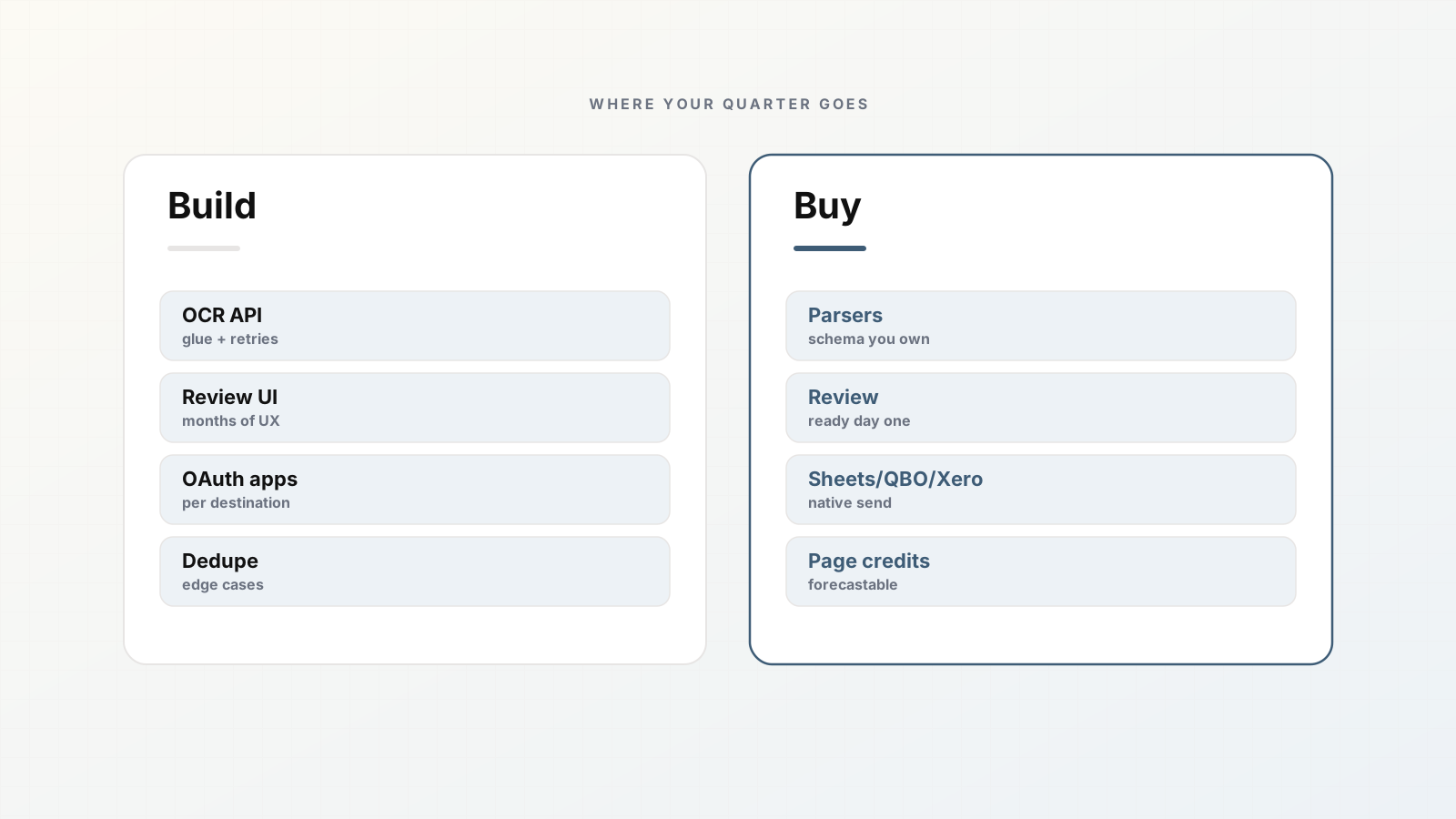
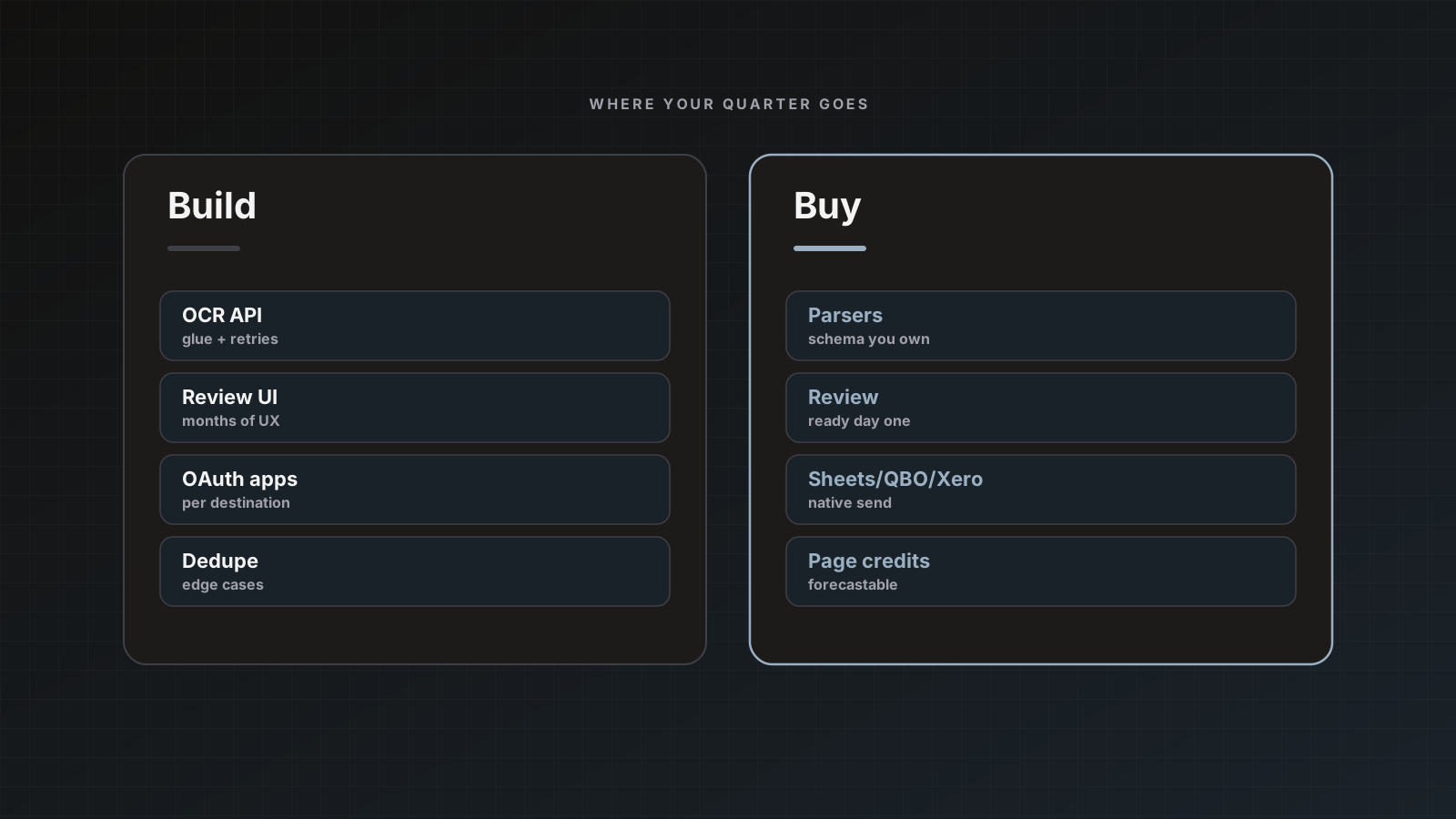
Parsedit is built around parsers: reusable extraction configs with templates, intake channels, review, and destinations. It is not a generic chat interface over PDFs. Soft product fit is intentional: schema you edit, review before send by default, Sheets / QuickBooks / Xero / Zapier / webhooks, packet splitting, and page credits you can plan against.
If two or more of the five features above are missing in your current stack, you are likely paying in rework, duplicate posts, or spreadsheet glue. Start with one high-volume document type and ship a narrow pipeline. The document extraction pipeline guide covers the afternoon setup path.
Scoring a vendor demo in fifteen minutes
Ask them to:
- Load your sample invoice (not theirs)
- Show field keys matching your sheet names
- Edit a total with the PDF visible
- Send to Sheets or show the exact destination click path
- Explain duplicate and packet behavior
- Quote pages for your sampled volume
If any step is “we’ll configure later,” treat it as missing today.
How buyers should score document AI vendors
Ask for your sample files, your field names, and a send into Sheets or QuickBooks in the same session. Features that only appear in a slide deck do not reduce AP rework next Monday.
FAQ
Do we need machine learning engineers to run this? No. Parsedit is configured with parsers and templates. You upload samples, review fields, and connect destinations. Custom ML training is not part of the product surface.
Can we turn off human review later? Yes. Manual review is the default. When a parser is trusted, enable Auto-send after extraction in destination settings. Keep accounting destinations on manual send longer than Sheets staging tabs.
What file types work? PDFs, scans/photos, Word, Excel, and many office formats (30+), with OCR when the file is image-based. See Uploading documents.
How do mixed invoice + PO PDFs work? Parsedit splits packets into child documents with page ranges. Review and send each child, or choose a multipage send mode on the parent.
Is there a free way to test? The Free plan includes 25 pages per month and up to 3 parsers, enough to run a real invoice through review and into Sheets.
Ready to try it on real files? Create a parser and send your first approved row.