Backlogs often sit in Drive: a folder of vendor PDFs, a shared “AP drop,” month-end statement dumps. Parsedit imports those files through the Google Picker into a parser, using the same processing path as manual uploads.
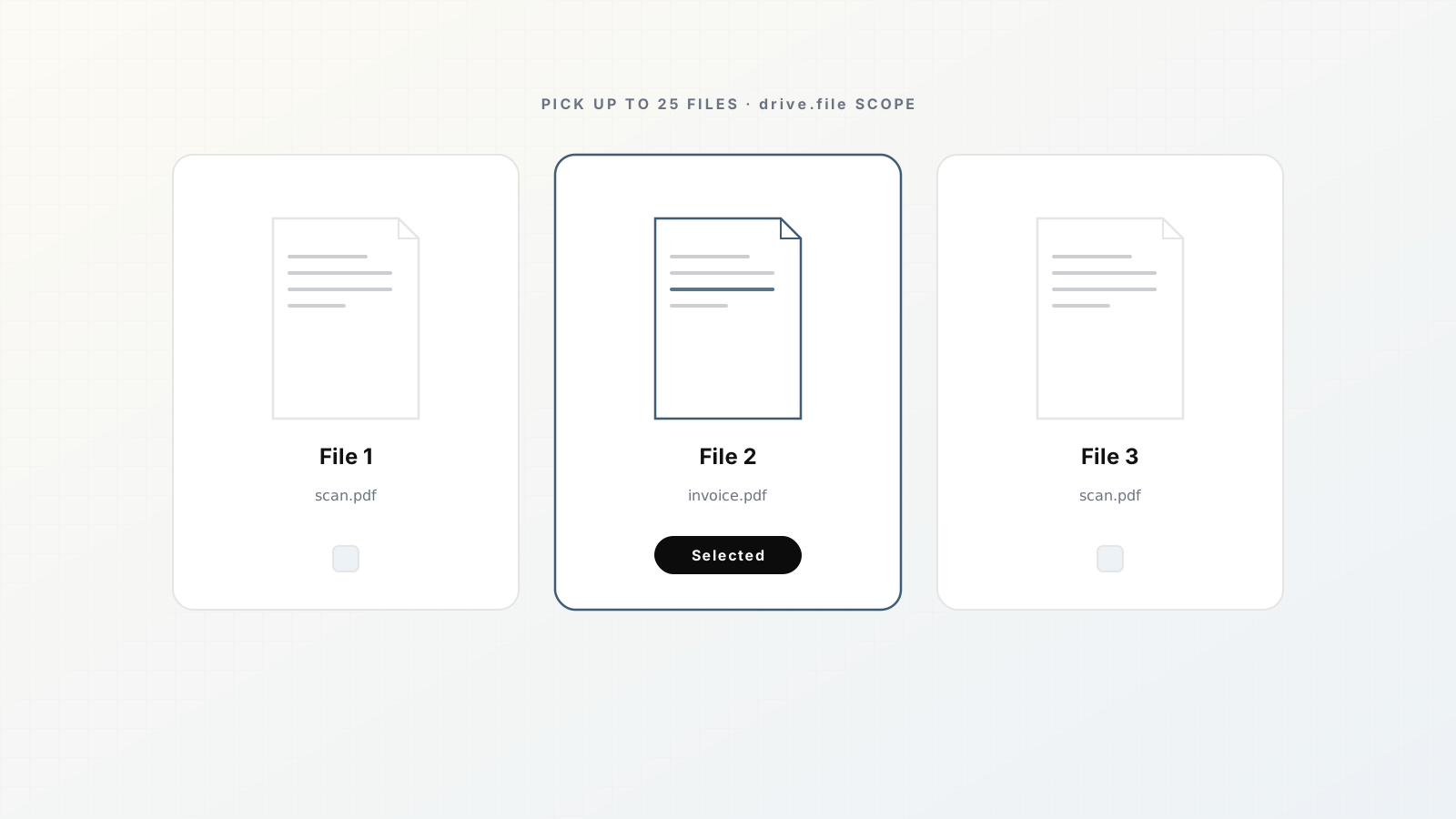
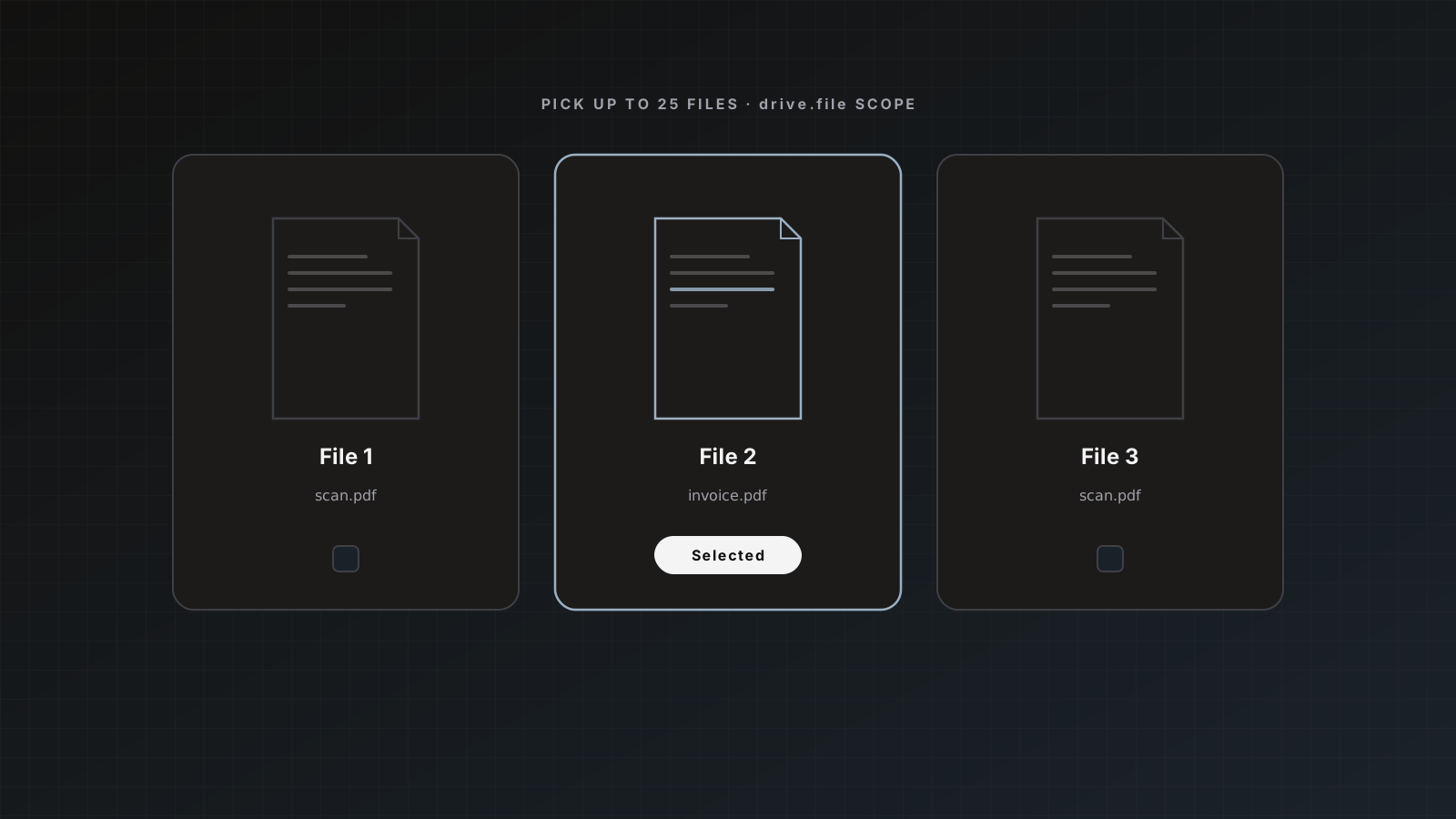
Scope is intentionally narrow: drive.file only, so Parsedit accesses files you pick, not your entire Drive.
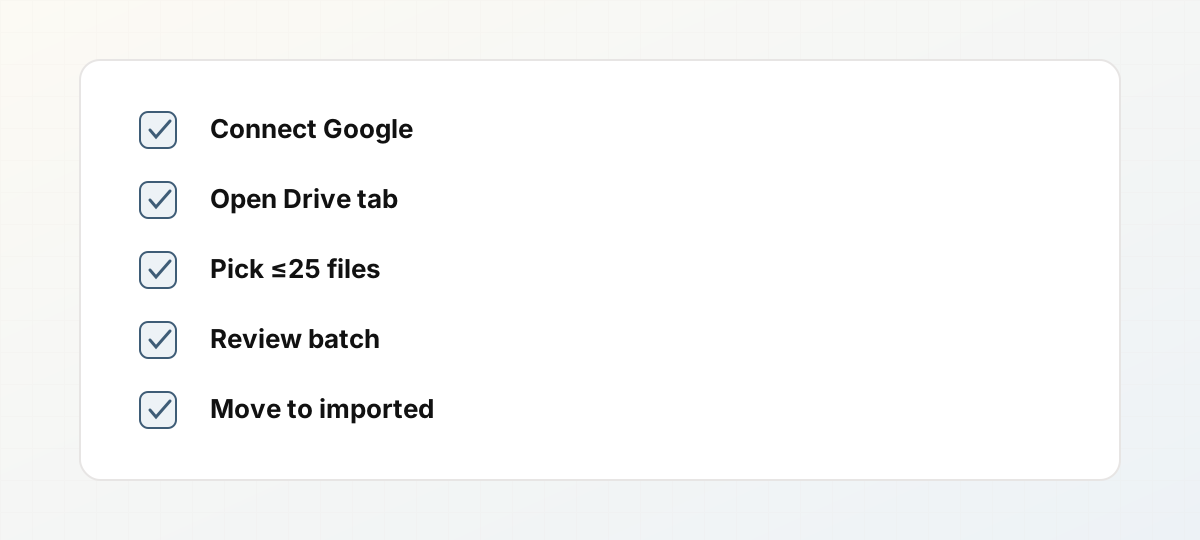 Drive picker batch import checklist.
Connect Google once
- Open Integrations.
- Connect Google for the workspace.
- The same connection powers Drive intake and Google Sheets delivery.
Docs: Document intake, Google Sheets.
Import from a parser
- Open the target parser.
- Choose Intake → Google Drive.
- Sign in if needed.
- Select up to 25 files.
- Import and process like regular uploads.
Duplicates: a file the parser has already seen is skipped without consuming quota.
When Drive intake shines
- Migrating a quarter of stored invoices into a new parser
- Accountant drop folders per client workspace
- Photo POD folders that ops already maintains in Drive
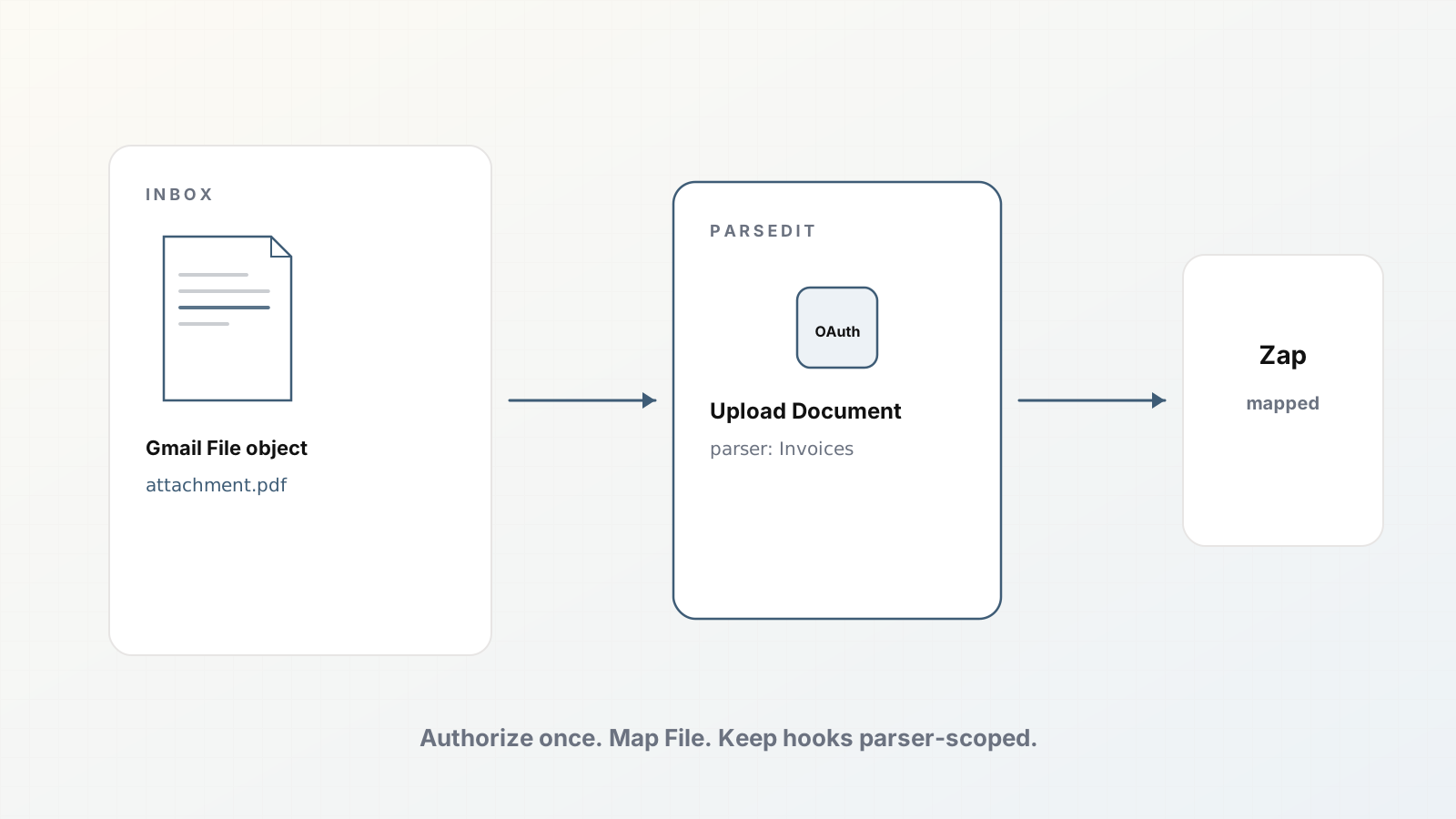
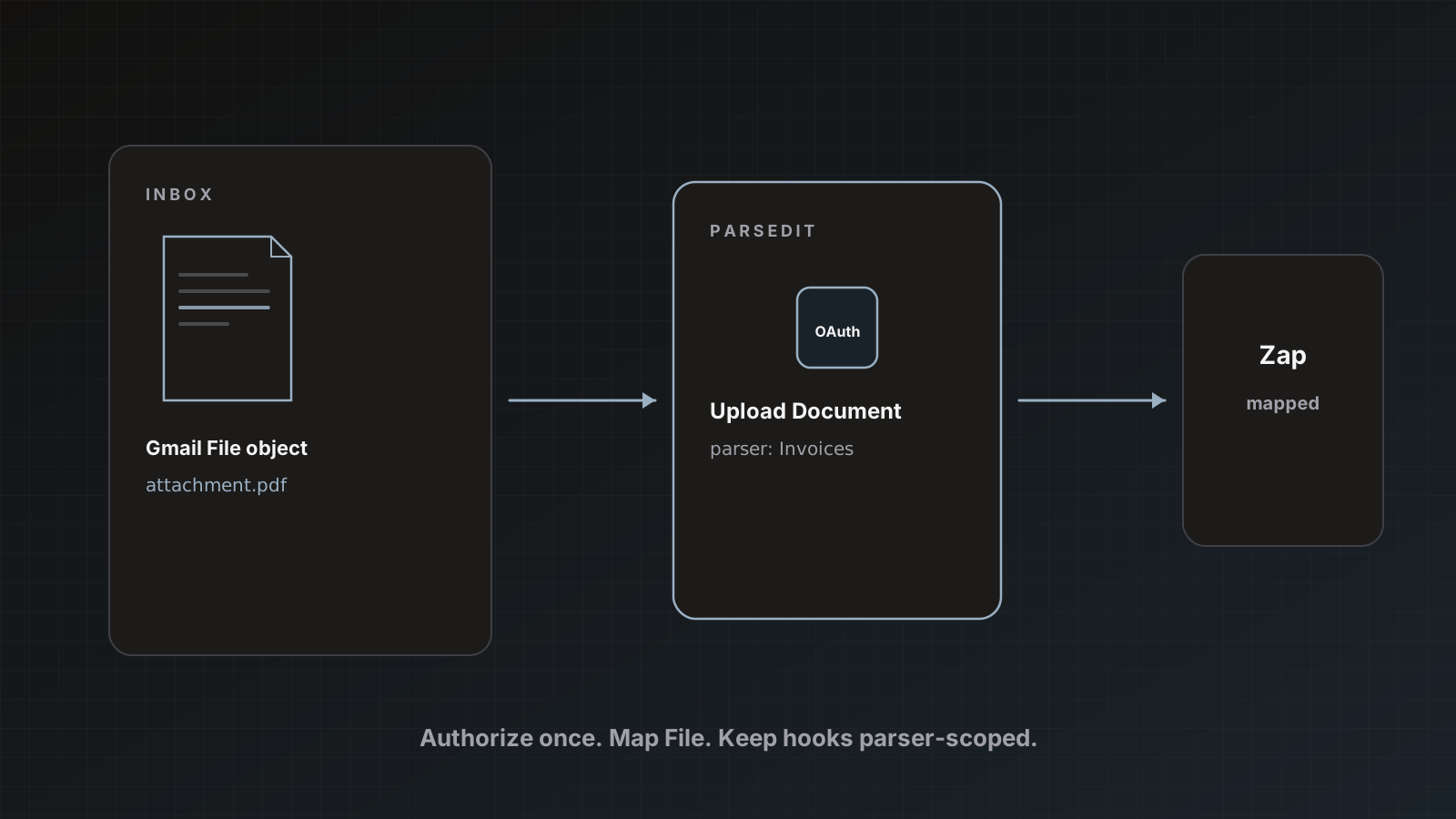
For continuous Gmail flow, prefer email forwarding or Zapier. Email intake, Gmail Zap.
After import
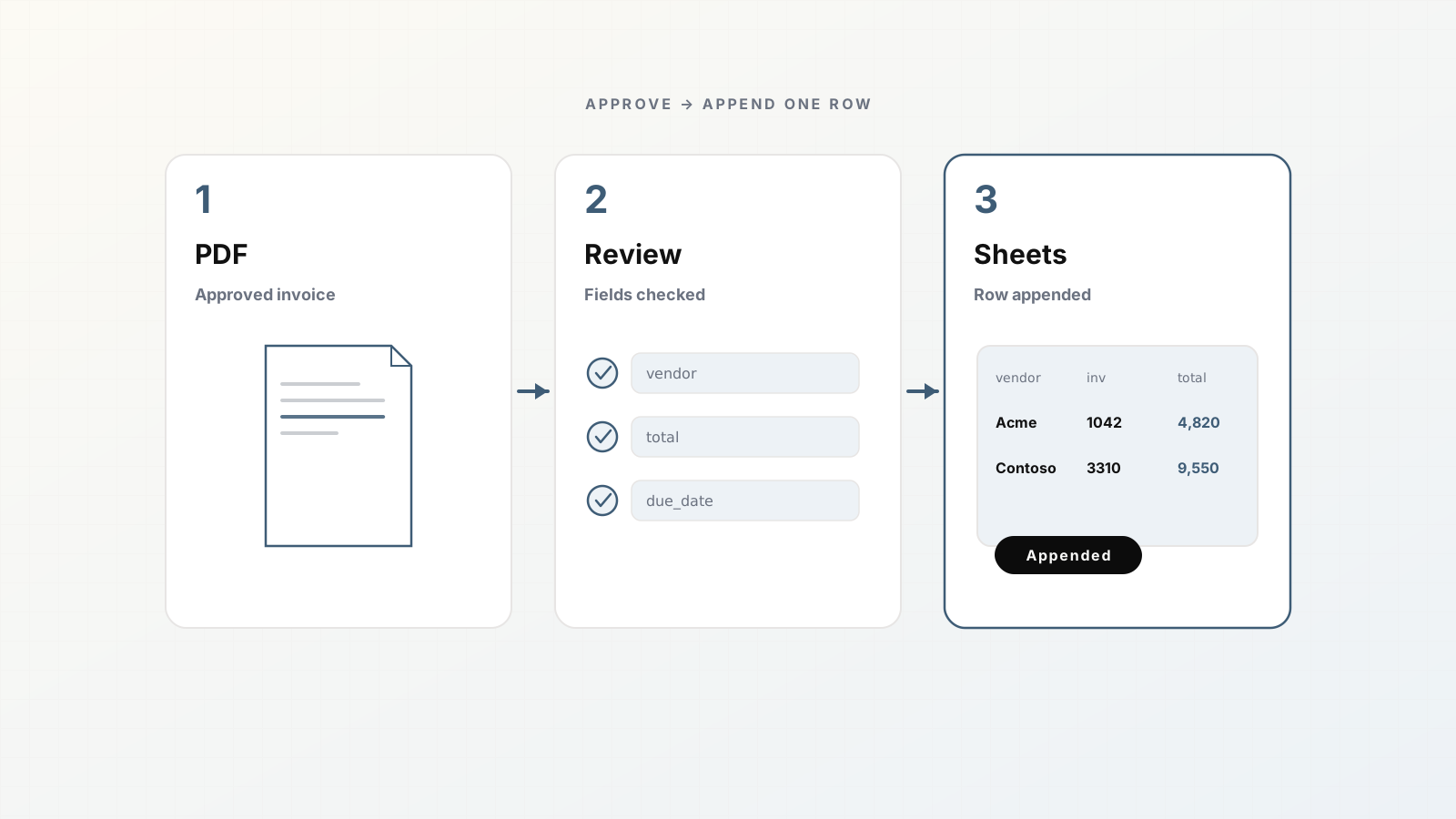
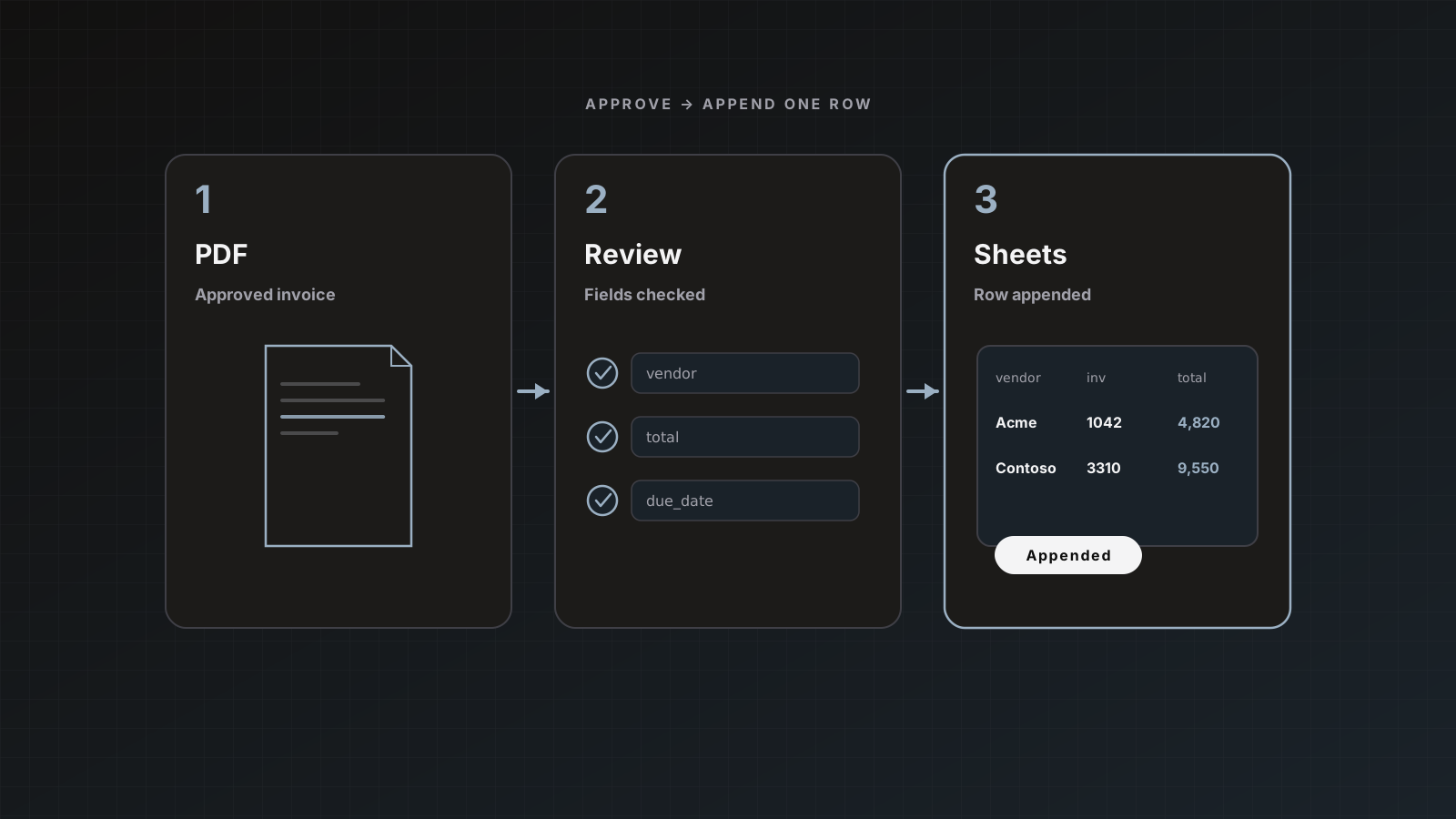
Review, then send to Sheets, QuickBooks, Xero, Zapier, or webhooks. Pipeline pattern: Afternoon extraction pipeline.
Pitfalls
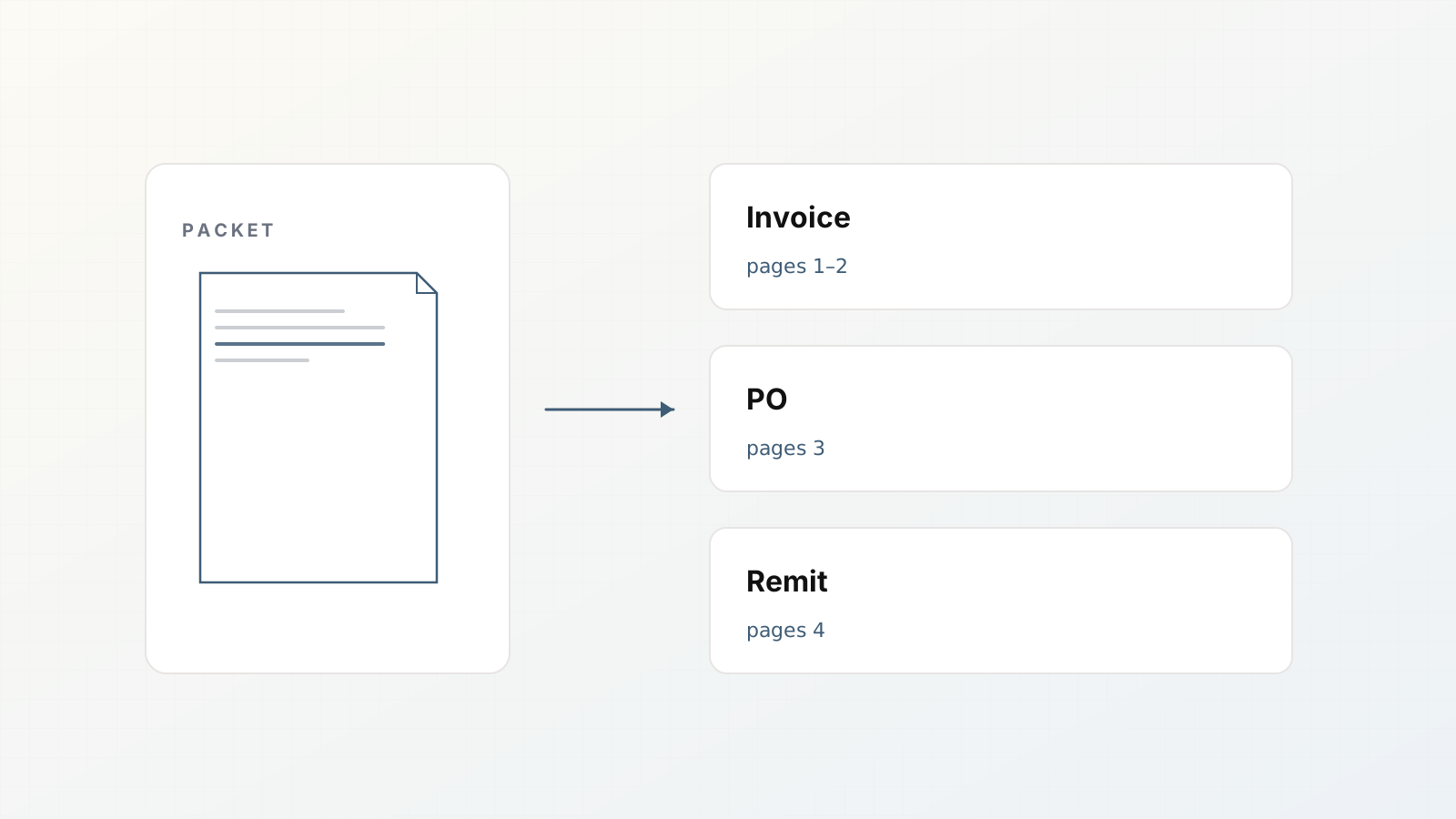
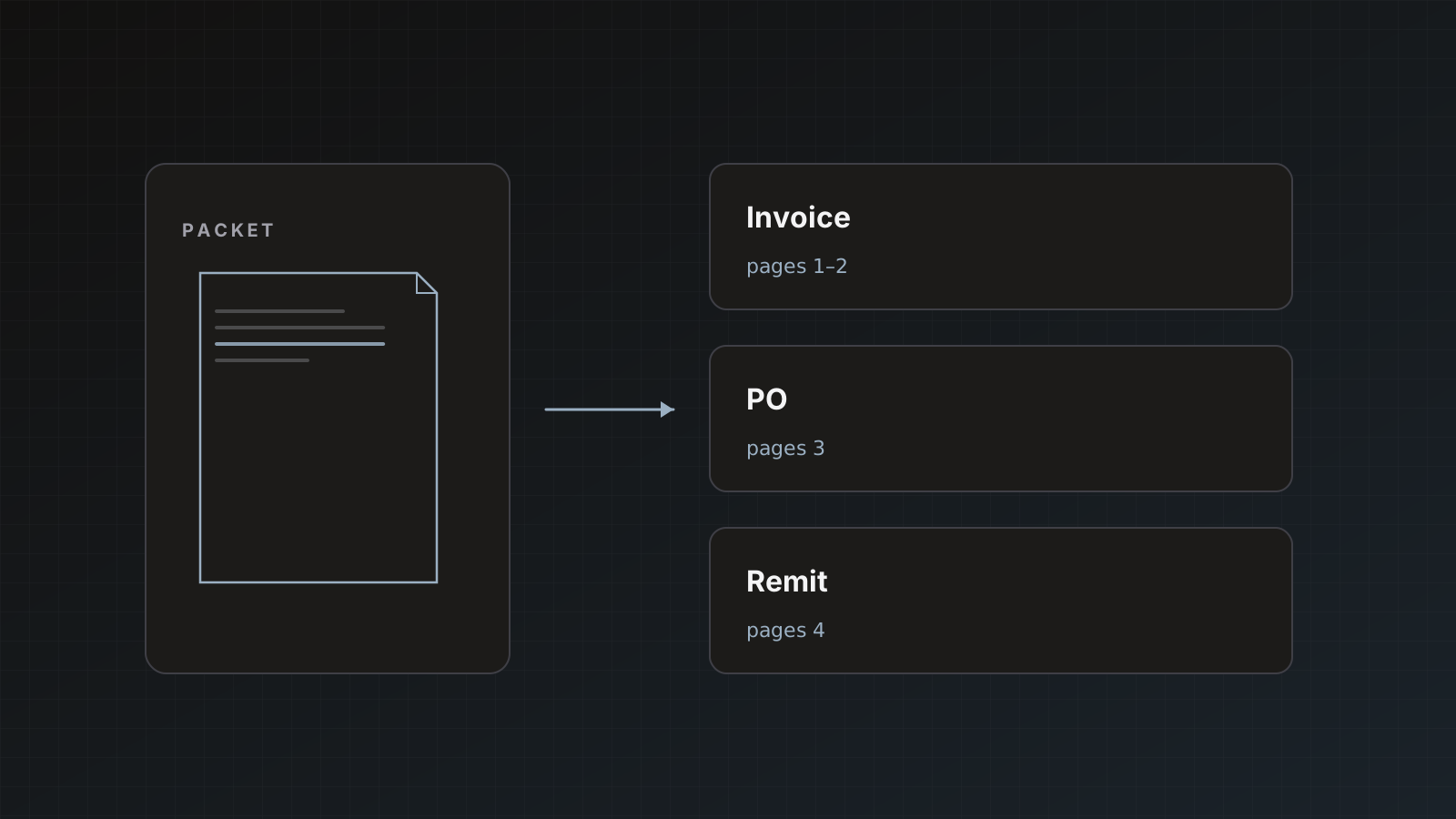
- Picking the wrong parser for a mixed folder
- Assuming Shared Drive permissions without testing the connecting Google user
- Turning on auto-send during a bulk historical import
Where Parsedit fits
Drive is intake, not the system of record for extracted fields. Soft CTA: clear one folder end to end before automating mail.
Backlog migration pattern
- Create a Drive folder
parsedit-import-ready with only files for one parser. - Import in batches of 25.
- Review and send each batch before importing the next.
- Move completed source files to
parsedit-imported so humans do not re-pick them.
This beats selecting random files across a chaotic shared drive. It also keeps page usage predictable for credit forecasting.
Permissions gotchas
The Google user who connects Integrations must be able to open the files in Picker. Shared Drive permissions that work in the browser can still fail if the connecting account is a personal Gmail without access. Connect with the workspace account that owns or can open the folder.
Drive vs email vs Zapier (choose deliberately)
| Situation | Prefer |
|---|
| Ongoing vendor email | Email intake or Gmail Zap |
| Monthly folder drop from a partner | Drive picker batches |
| App already emits files to Drive | Zapier Drive → Upload Document |
| One-off cleanup | Drive picker |
Do not build three overlapping automations for the same folder. You will double process near-duplicates and confuse reviewers.
Worked example: month-end statement folder
Your accounting folder Clients/Acme/Statements/2026-01 holds 18 PDFs. You need them in a Statements parser, not mixed into Invoices.
- Connect Google if needed.
- Open the Statements parser → Google Drive intake.
- Pick the 18 files (under the 25 cap).
- Parse and spot-check three files including the longest.
- Save & send to a
statements_2026_01 sheet tab. - Move Drive files to an
imported subfolder.
Page math: if statements average 8 pages, that batch is roughly 144 credits. Know that before you import a year of history in one afternoon.
Ops checklist
- [ ] Correct parser selected
- [ ] Connecting Google user can open Shared Drive files
- [ ] Auto-send off during backlog imports
- [ ] Credits remaining cover
files × avg pages - [ ] Review sample includes at least one ugly scan
Drive intake is the backlog tool. Email and Zapier are the ongoing tools. Use both without overlapping the same files into duplicate near-copies.
One more practical note: if Zapier is already watching the same Drive folder, turn that Zap off before you bulk-pick files, or you will process near-duplicates and confuse reviewers about what “new” means.
Drive import intent
Readers want scope limits and batch caps. Emphasize drive.file and the 25-file picker so security and ops both get answers.
FAQ
Why not full Drive access? Least privilege. You choose files via Picker.
Can we schedule folder watching natively? Use Zapier Drive triggers into Upload Document for automation beyond Picker batches.
Any format limits? Same as uploads (PDF, office, images, 30+ types, size caps). See uploading docs.
Connect Google, import five sample PDFs, review one. Start free.