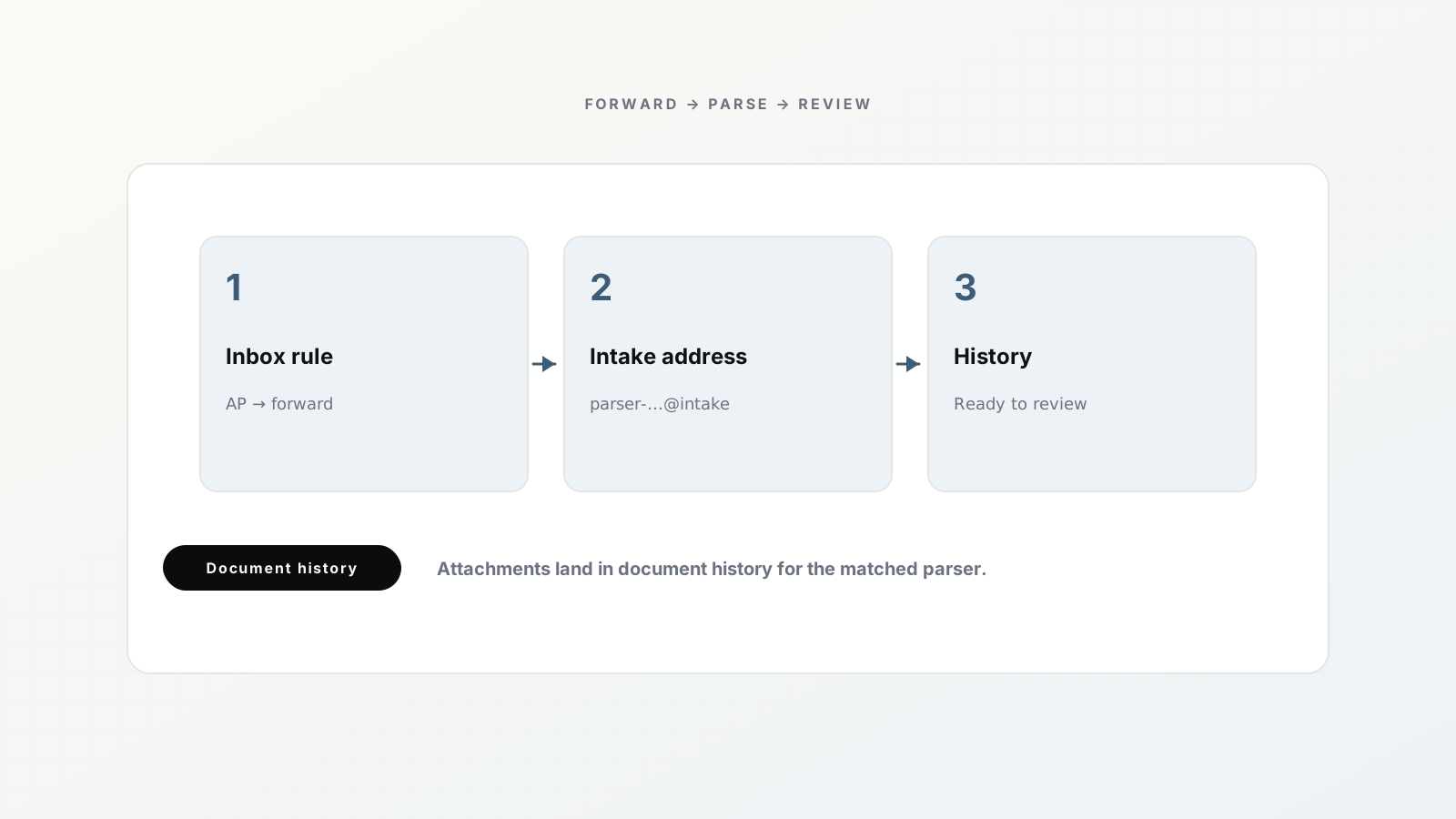
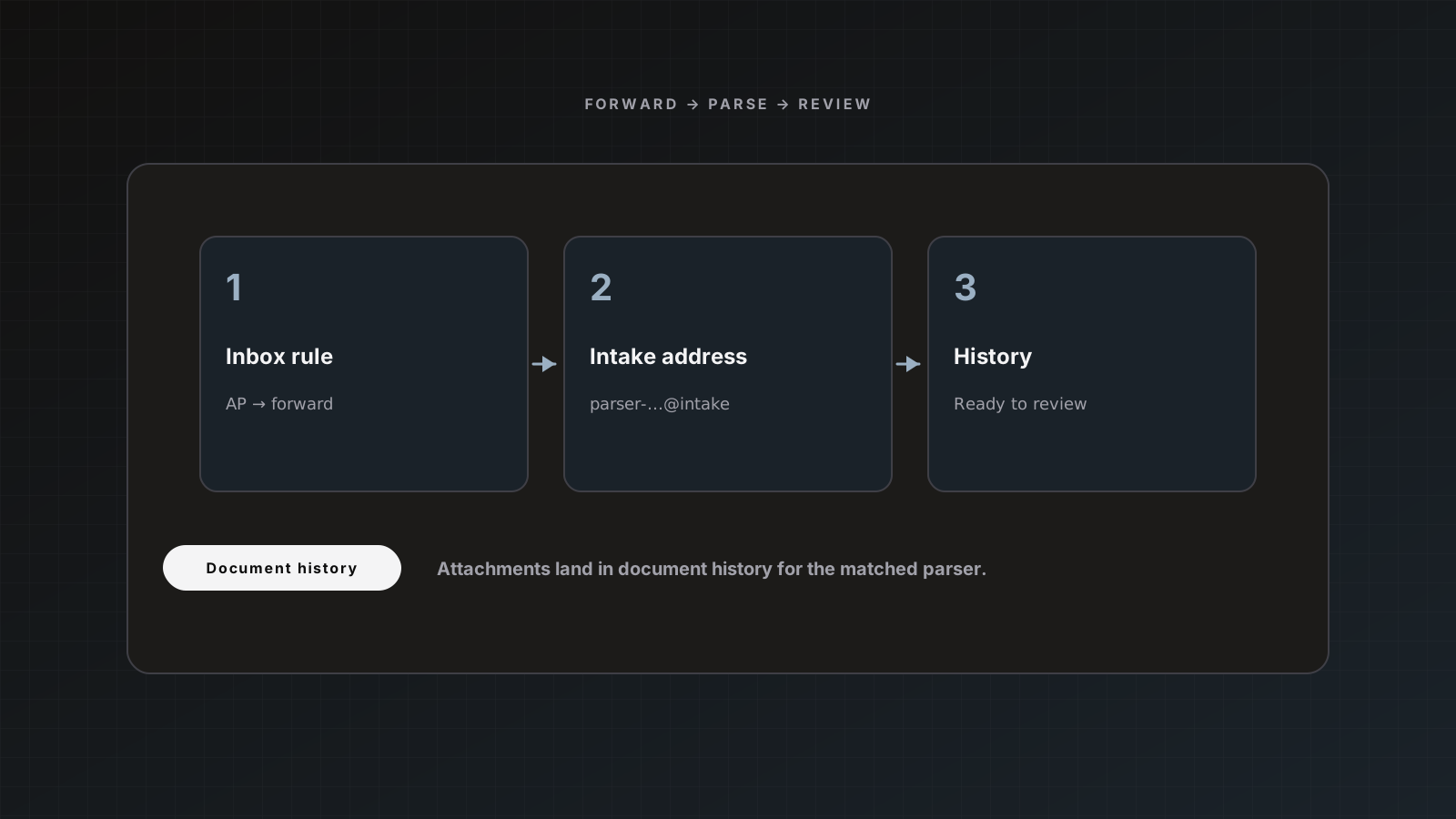
If invoices live in email, the slowest step is often human file handling: open message, download PDF, upload elsewhere. Email intake removes that step. Each Parsedit parser gets a dedicated inbound address. Forward vendor mail (or auto-forward with rules) and attachments land as documents in that parser.
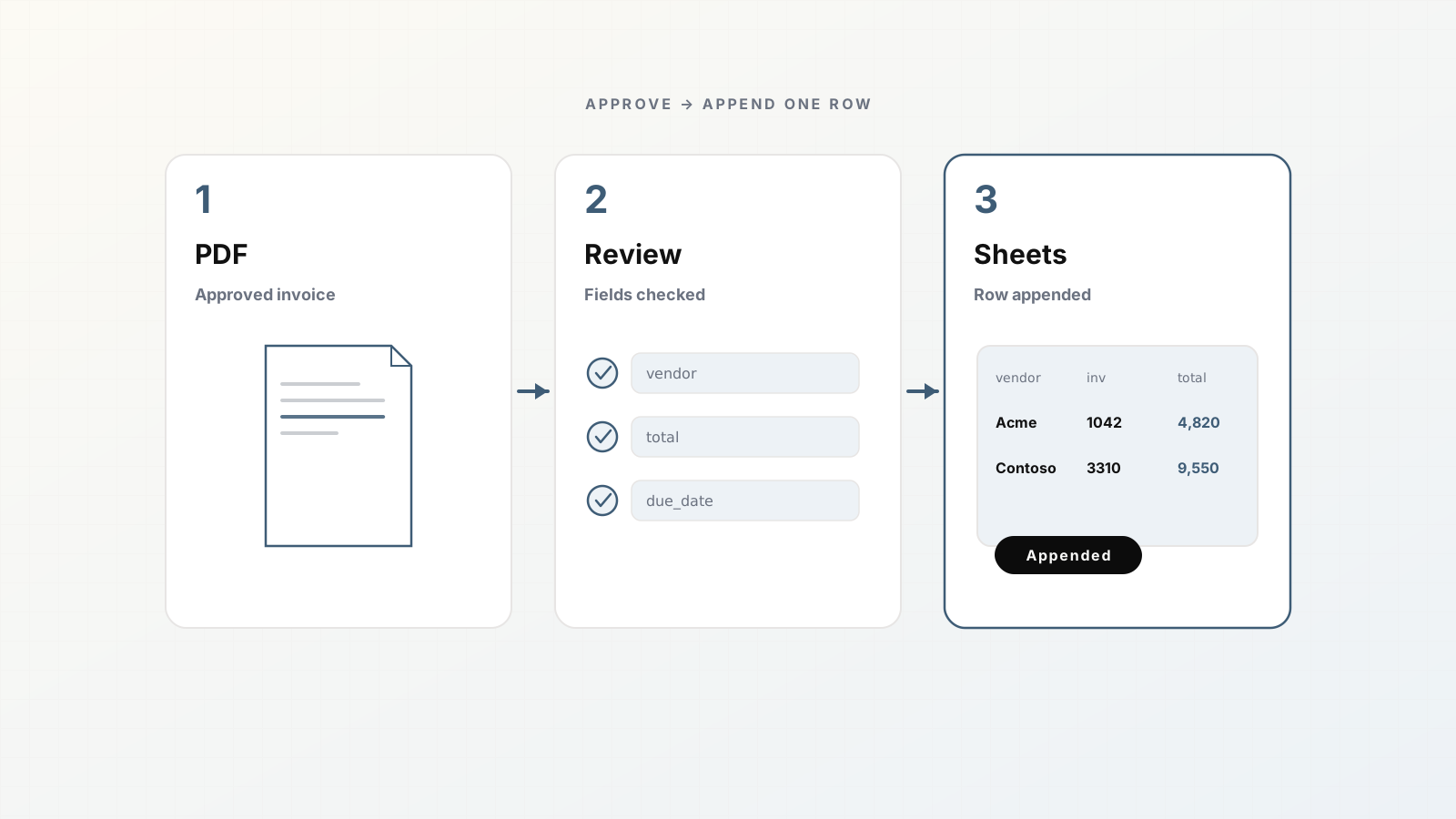
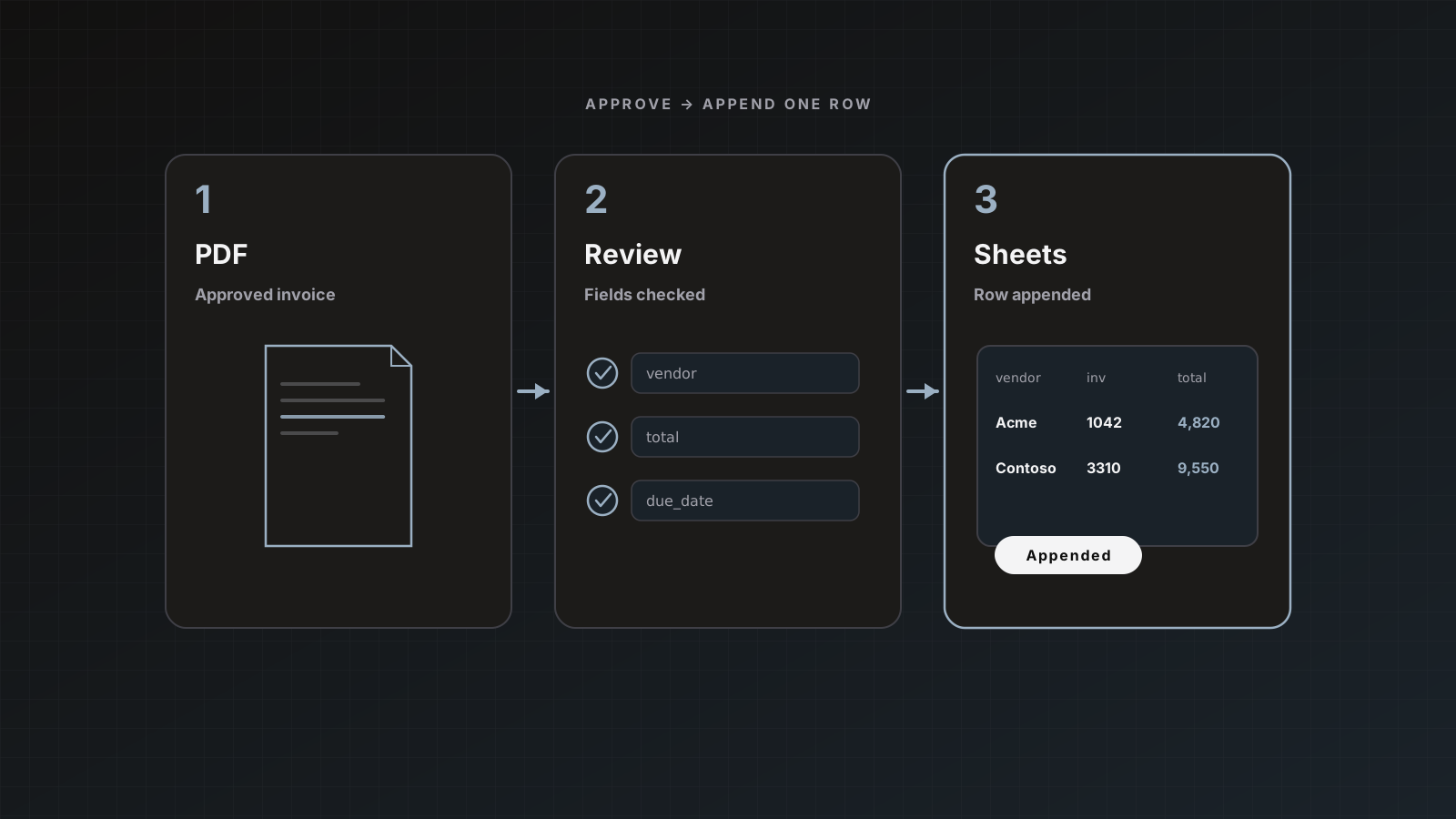
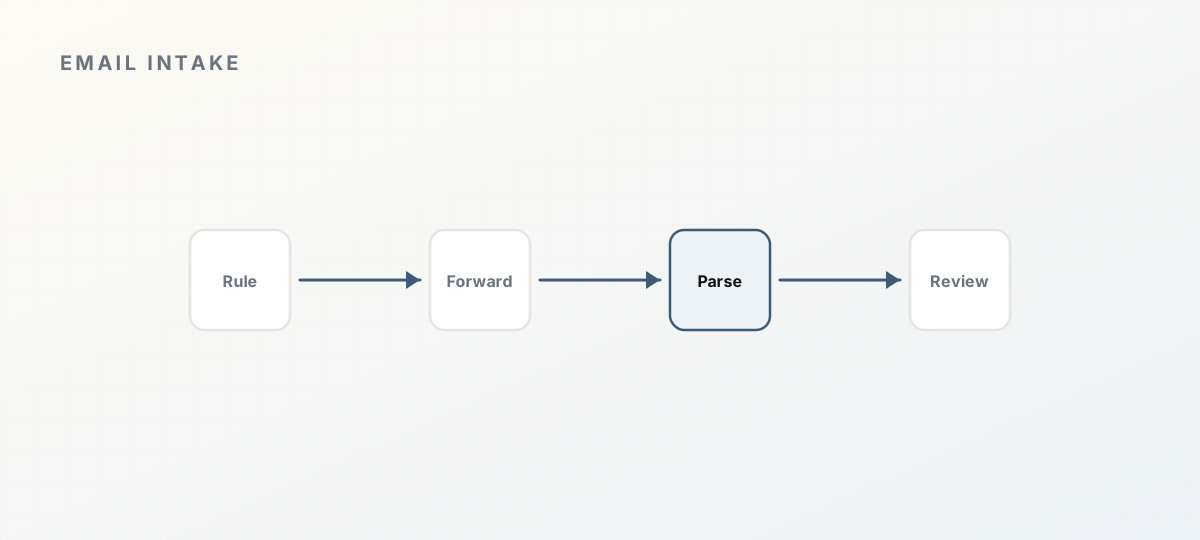 Email forwarding into parse and review.
How it works
- Open the parser’s Intake → Email settings.
- Copy the inbound address (
parser-<id>@ your Parsedit intake domain). - Forward emails with attachments to that address, or create a mailbox rule.
- Attachments appear as pending documents, ready to process like uploads.
Format and size limits match normal uploads. Duplicate protection skips a file the parser has already seen, without consuming quota. Docs: Document intake.
Workspace-level status also shows on Integrations.
Recommended mailbox setup
- Shared AP inbox owns the forwarding rule
- Label or filter: invoices only (exclude quotes, statements if those use another parser)
- Separate parsers (and addresses) for receipts vs invoices if schemas differ
- Leave auto-send off until quality is trusted
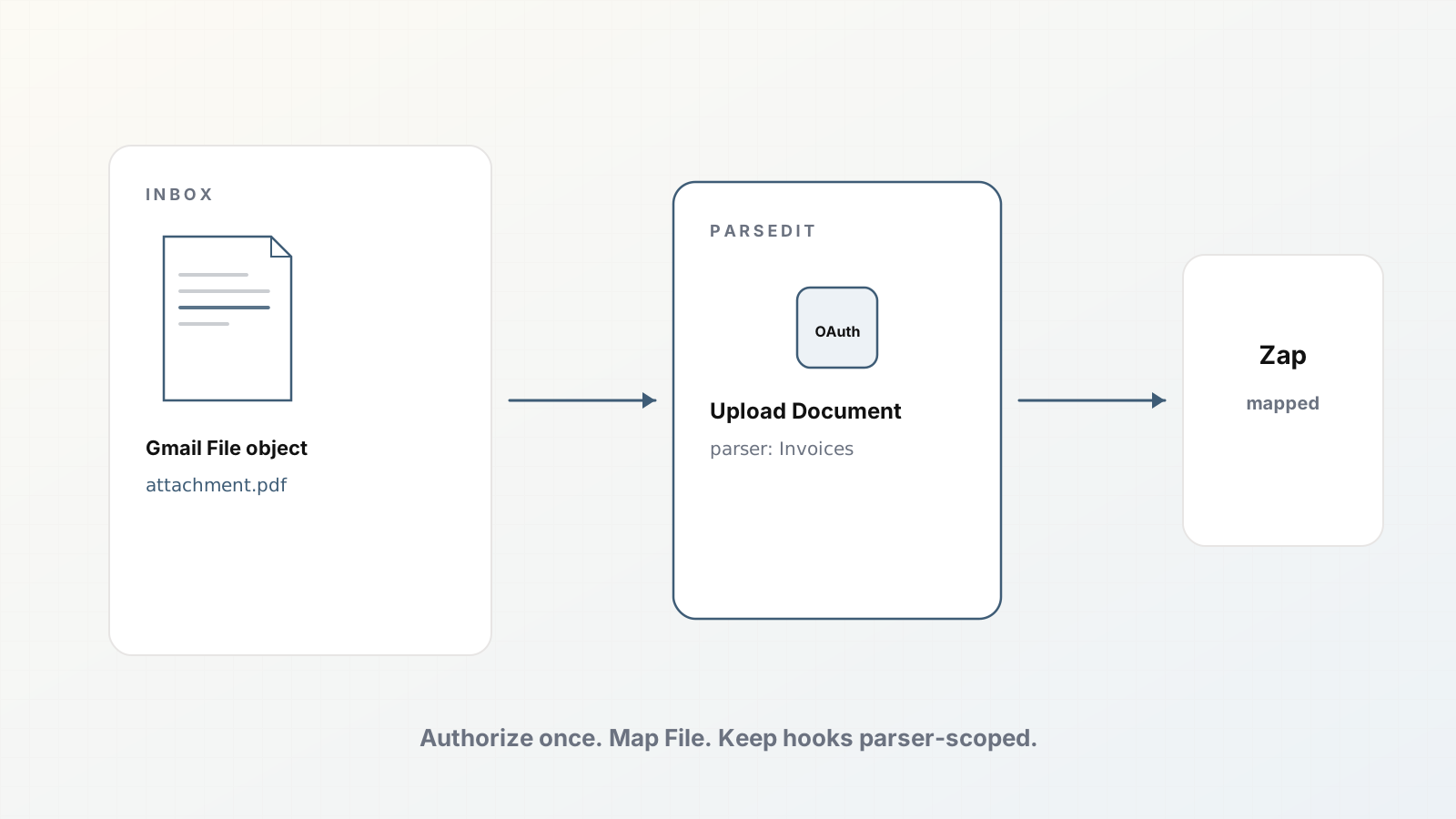
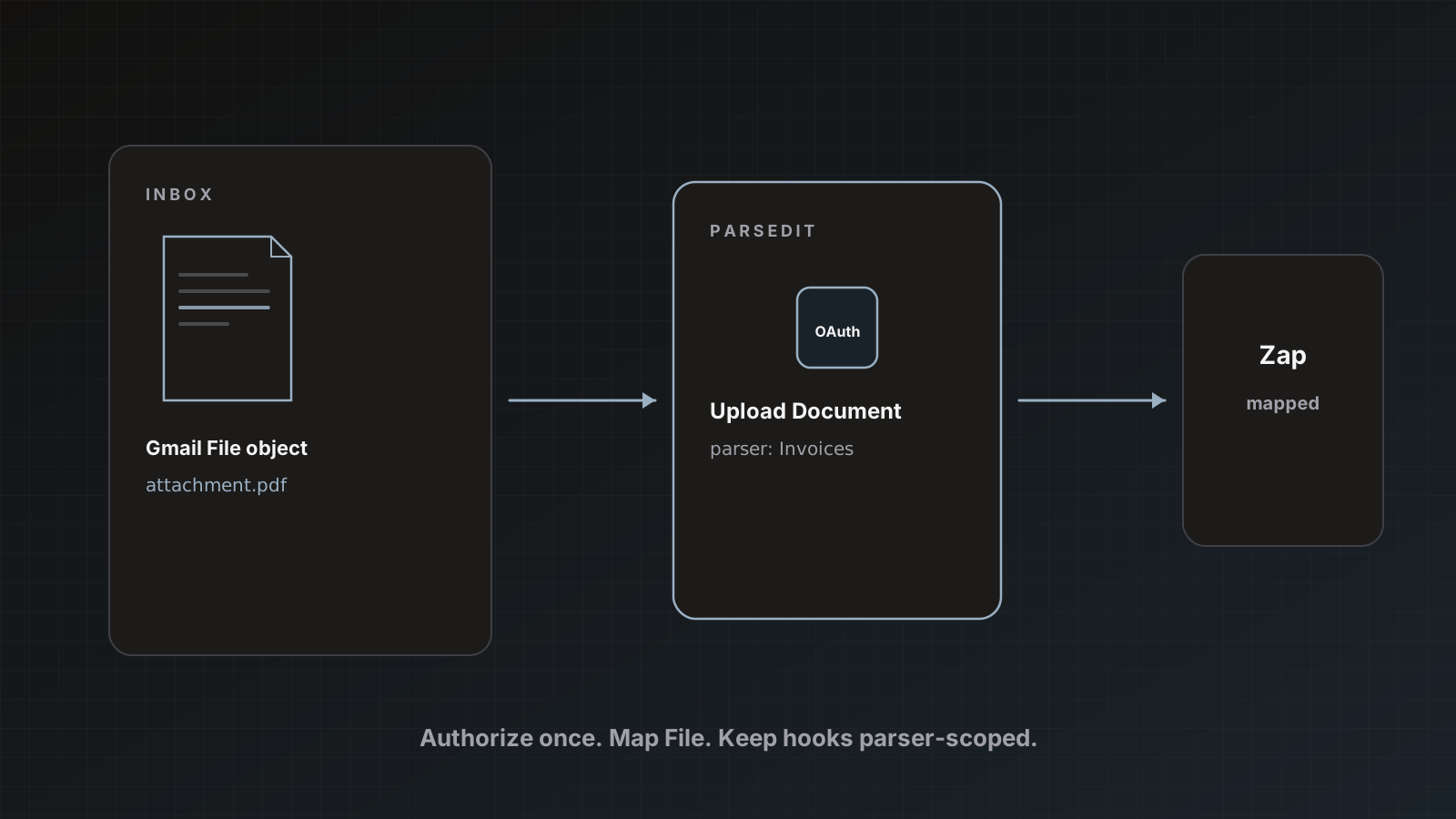
Zapier Gmail Zaps are an alternative when you need richer filters. Recipe: Gmail to Parsedit via Zapier.
After mail arrives
Process, review beside the PDF, Save & send to Sheets or accounting. Same path as From PDF to approved data.
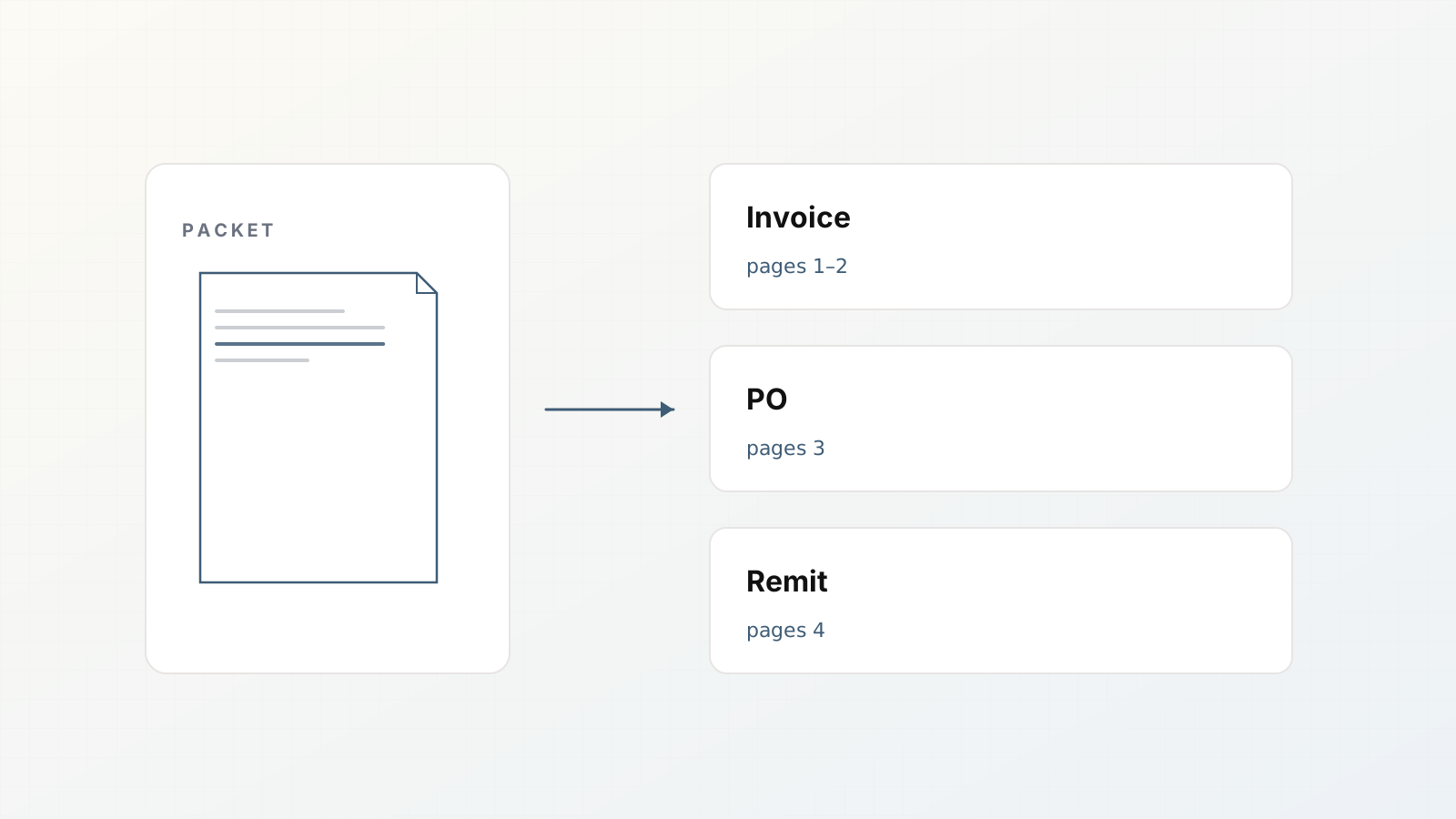
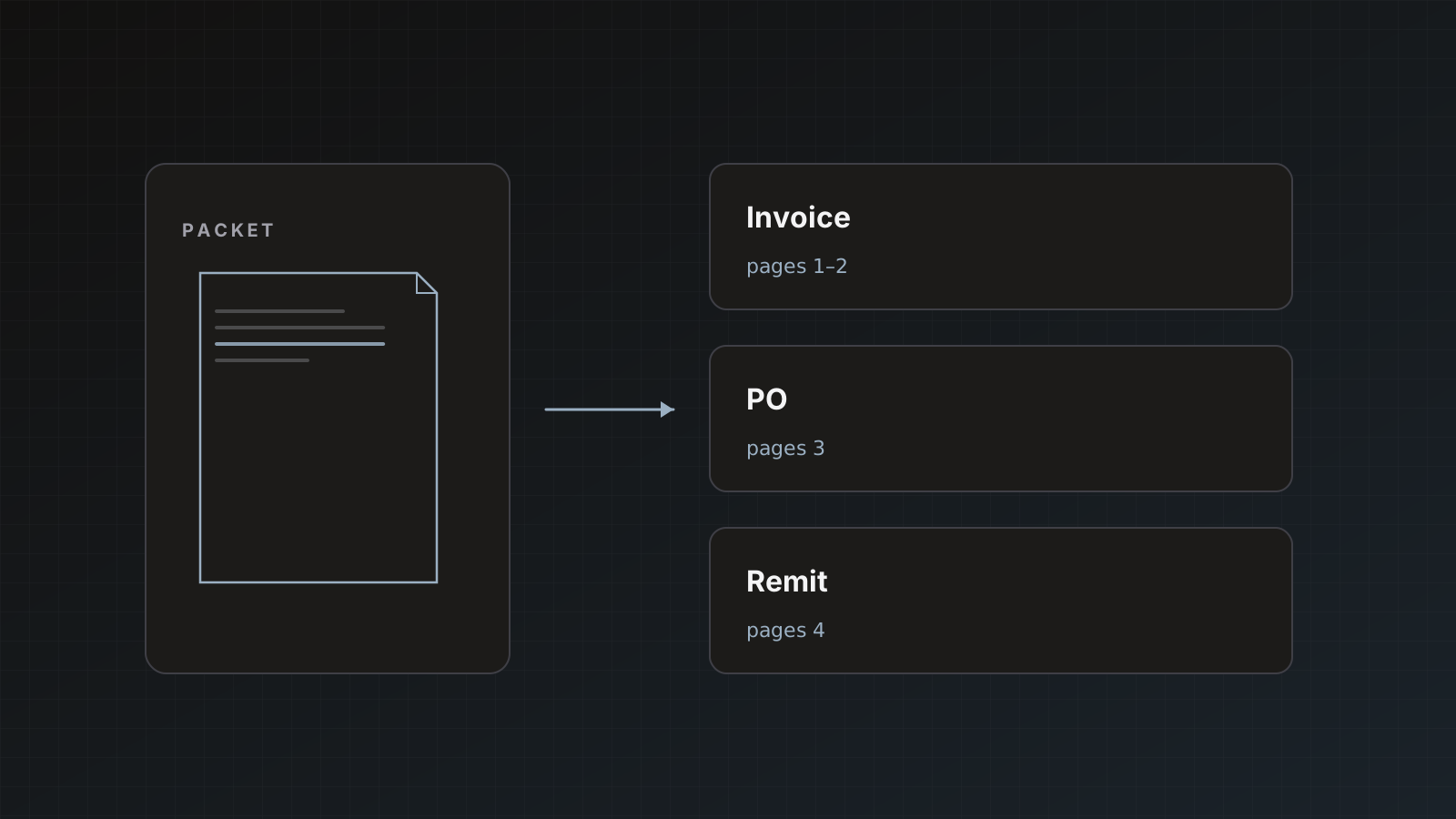
Mixed attachments still split when they are packets. Packet splitting.
Pitfalls
- Forwarding the entire inbox to an Invoices parser
- Personal aliases that break when someone leaves
- Expecting body text alone to create a document (attachments matter)
- Re-forwarding identical files and wondering why they skip (dedupe)
Where Parsedit fits
Email intake is one channel into parsers. Soft CTA: start with a rule on a labeled AP folder, not the whole mailbox.
Forwarding vs CC vs vendor-direct
Forwarding from a shared AP inbox keeps a human-visible copy and lets you filter before Parsedit sees the message.
Auto-forward rules scale better than manual forwards. Start with a label, not the entire mailbox.
Vendor-direct to the parser address reduces steps but publishes an address that will attract noise. Use it when the address is not public and vendors are trained.
Whatever you choose, document who owns the mailbox and who rotates rules when staff change.
Testing checklist
- Send a labeled test message with a one-page PDF.
- Confirm the document appears under the correct parser.
- Confirm an unlabeled personal PDF does not arrive (filter works).
- Forward the same PDF twice; confirm dedupe skips the second without burning pages.
- Review and Save & send to a staging sheet.
Only then widen the filter to more vendors.
Separating invoice mail from noise
Create parallel addresses or parsers when volume justifies it:
Invoices parser for AP PDFsReceipts parser for card expensesStatements parser only if you truly extract statements (watch page counts)
Mailbox rules should route by sender or label, not by hope. If a vendor sends invoice+statement bundles, prefer packet splitting over stuffing both schemas into one parser.
Security basics
Treat the inbound address like a secret URL. Do not publish it on a public webpage. Rotate operational ownership when AP staff leave. Combined with duplicate detection, this keeps the queue safer than an unmonitored public upload form.
Worked example: shared inbox rule
- Create parser Invoices; copy inbound address.
- In Google Workspace Admin or Gmail, forward/label rule:
label:AP-Invoices → forward to parser address (or forward all from [email protected] after filtering). - Send a test from a personal account to AP with a PDF; confirm it does not forward.
- Send a vendor-like test that should forward; confirm Parsedit receives it.
- Review and send to staging sheet.
Write the rule owner’s name in your wiki. Unowned rules rot.
Intake keywords
Email invoice intake, AP email forwarding, and parser inbound address are practical queries. Show the address pattern, filters, and dedupe behavior.
FAQ
Do inline images count as attachments? Treat real invoice PDFs/files as the target; test your mail client’s forwarding behavior.
Can vendors mail the address directly? Yes, if you are comfortable publishing it. Many teams keep forwarding from a monitored inbox instead.
Is Drive better for batches? Drive picker helps for backlog imports. Email wins for ongoing vendor senders. Drive intake.
Copy the parser address and forward one real invoice today. Sign up.