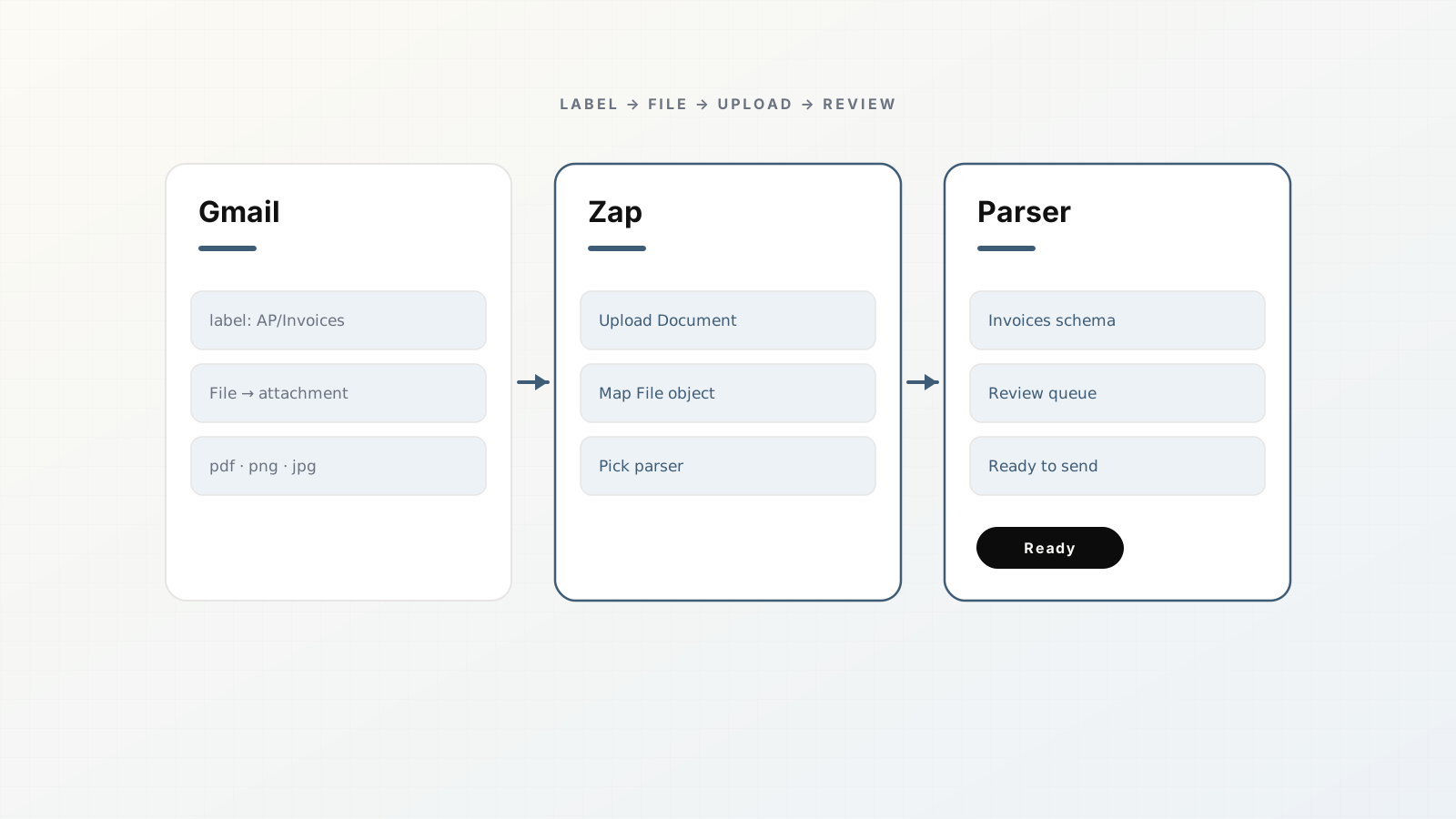
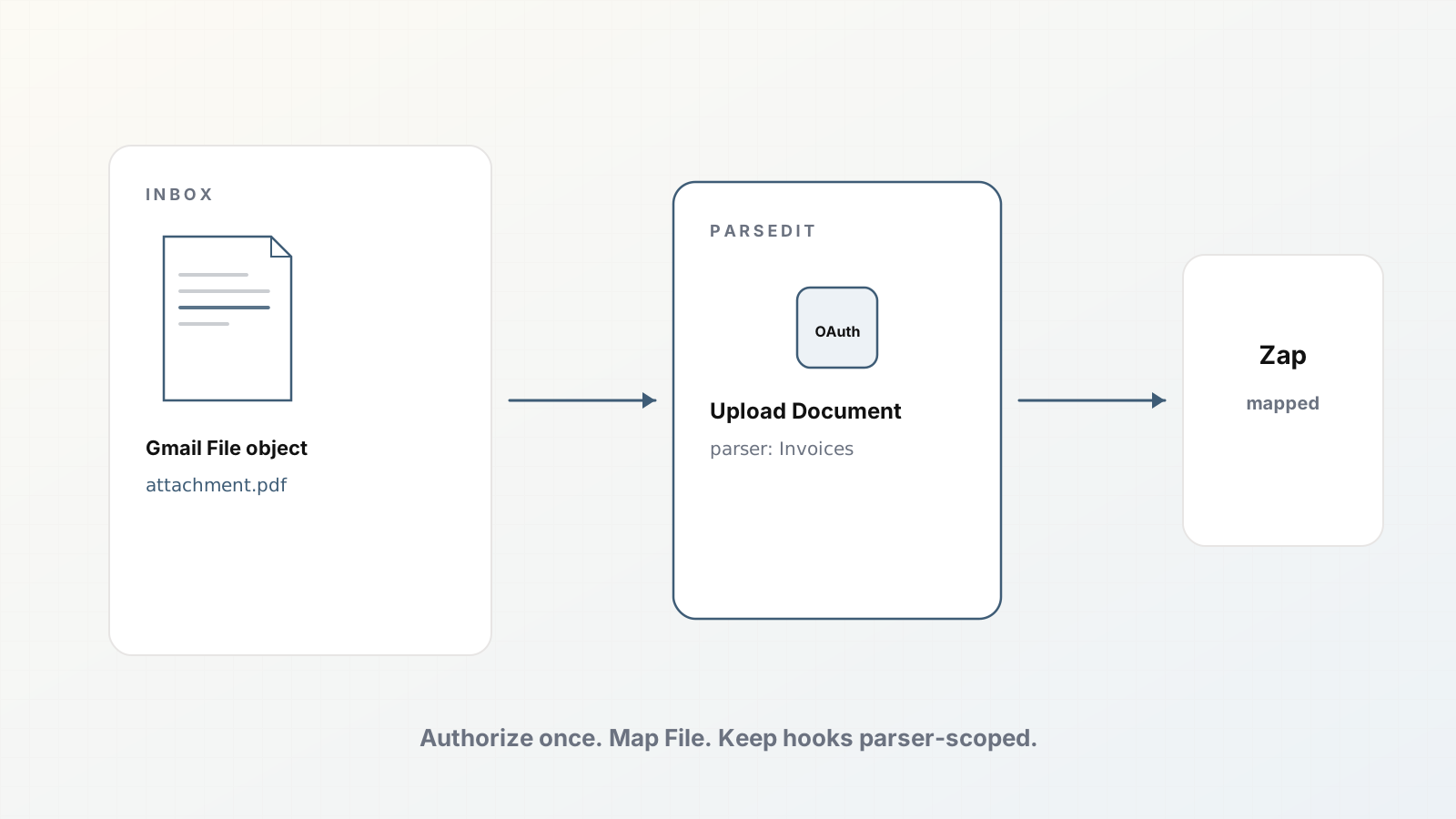
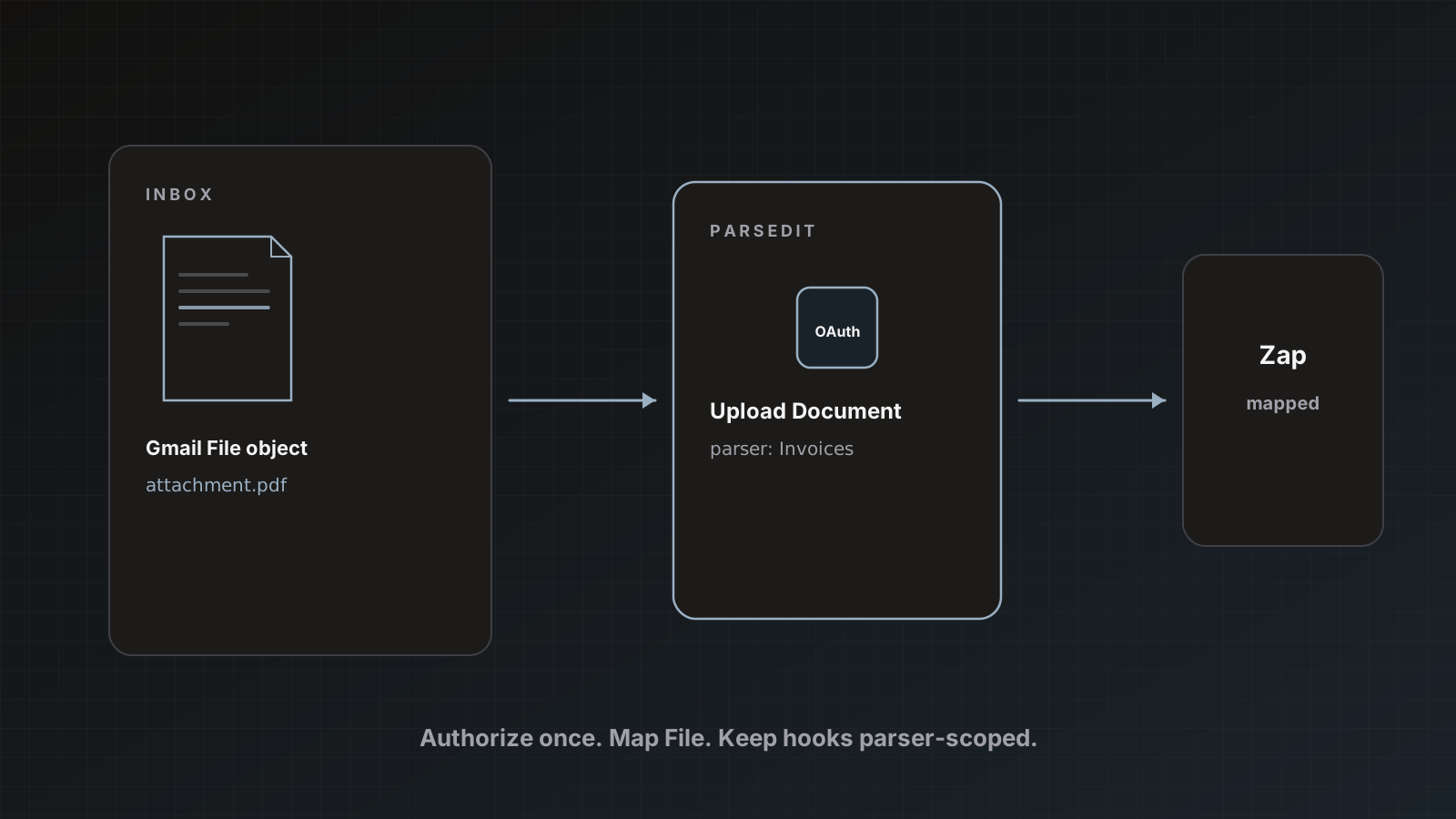
Most AP invoices still arrive as Gmail attachments. The fragile path is download → Drive folder → someone remembers to upload. A better path: Gmail trigger → Parsedit Upload Document → review queue.
This recipe uses Zapier OAuth (no hand-copied webhook required for the happy path). Read Zapier OAuth for Parsedit if you have not connected yet.
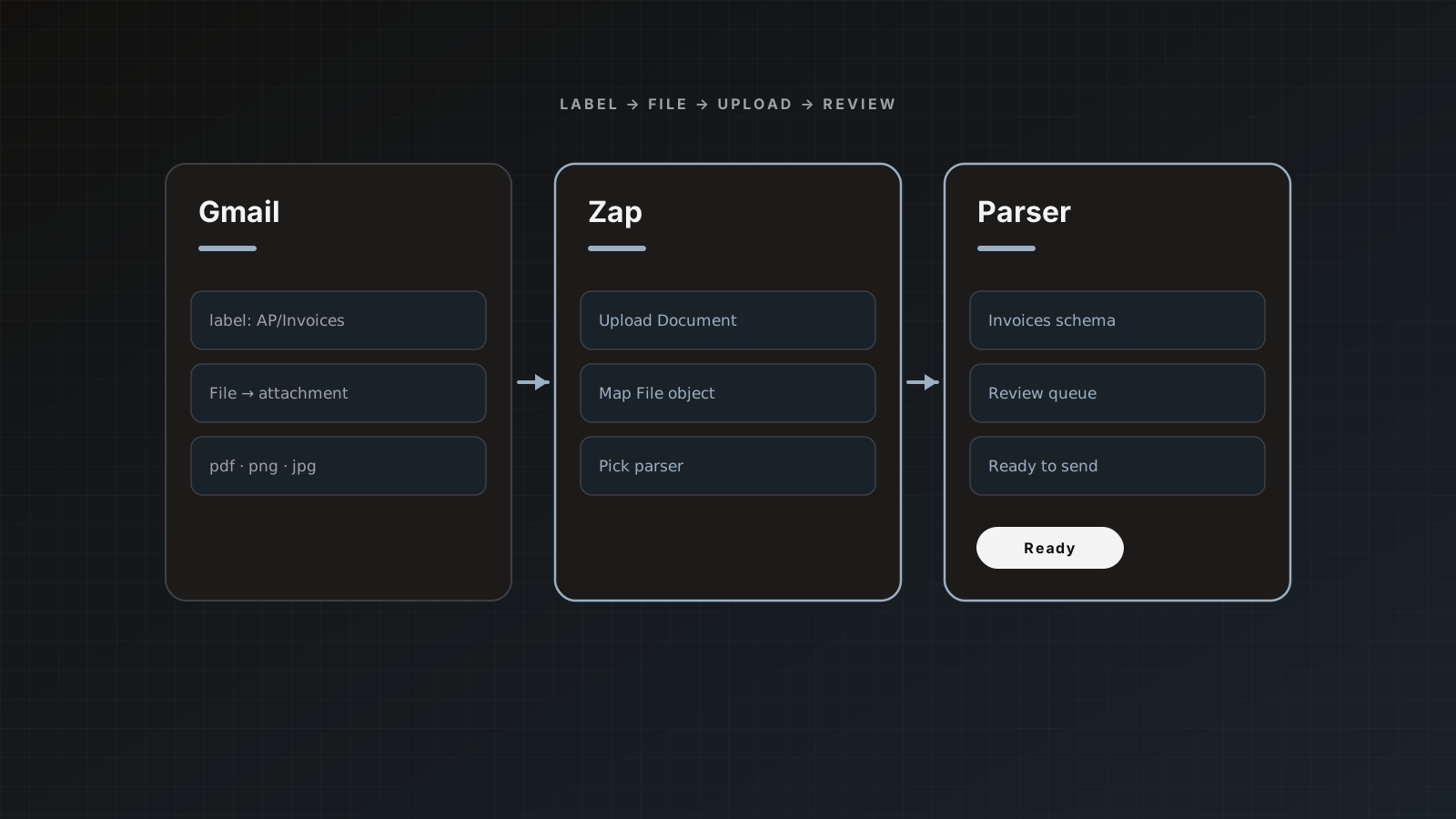
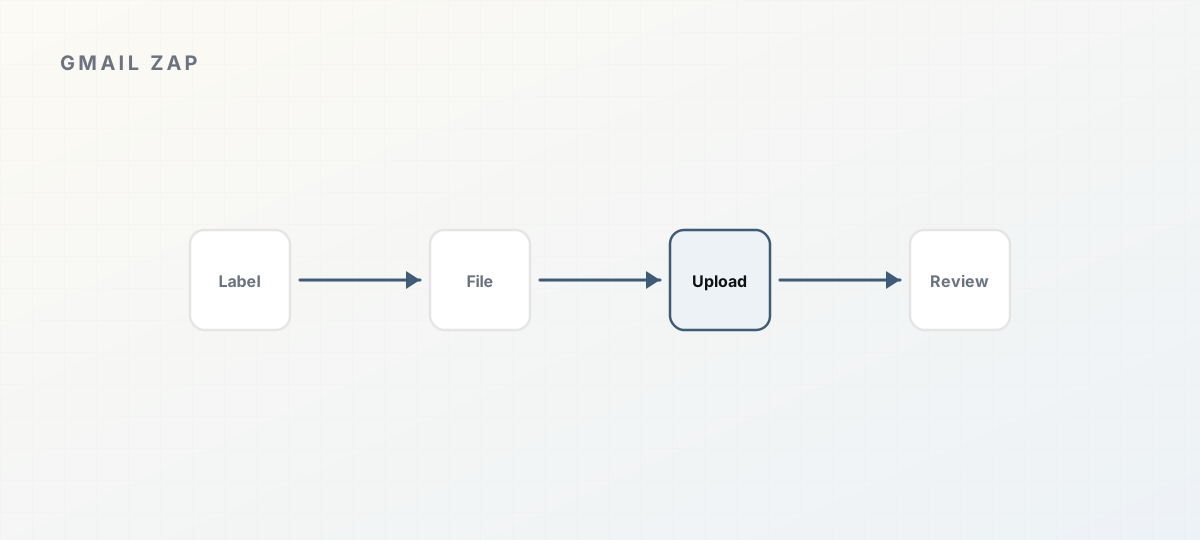 Gmail label to File upload to review.
Before you build the Zap
- Create an Invoices parser in Parsedit.
- Connect Zapier from Integrations or authorize inside Zapier.
- Decide whether review stays manual (recommended) or auto-send later.
- Optionally connect Google Sheets so Save & send has somewhere useful to go.
Zap outline
- Trigger: Gmail: New Attachment (or New Email matching search, then find attachment).
- Filter (highly recommended): label
AP/Invoices, or from known vendor domains, or subject contains invoice. - Action: Parsedit: Upload Document.
- Parser: your Invoices parser.
- File: map the Gmail File object (file icon), not Headers, not subject line.
Official mapping notes: Zapier docs.
Test with one real message
- Send yourself a vendor-like email with a PDF.
- Run the Zap test.
- In Parsedit document history, confirm the file appeared and parsed.
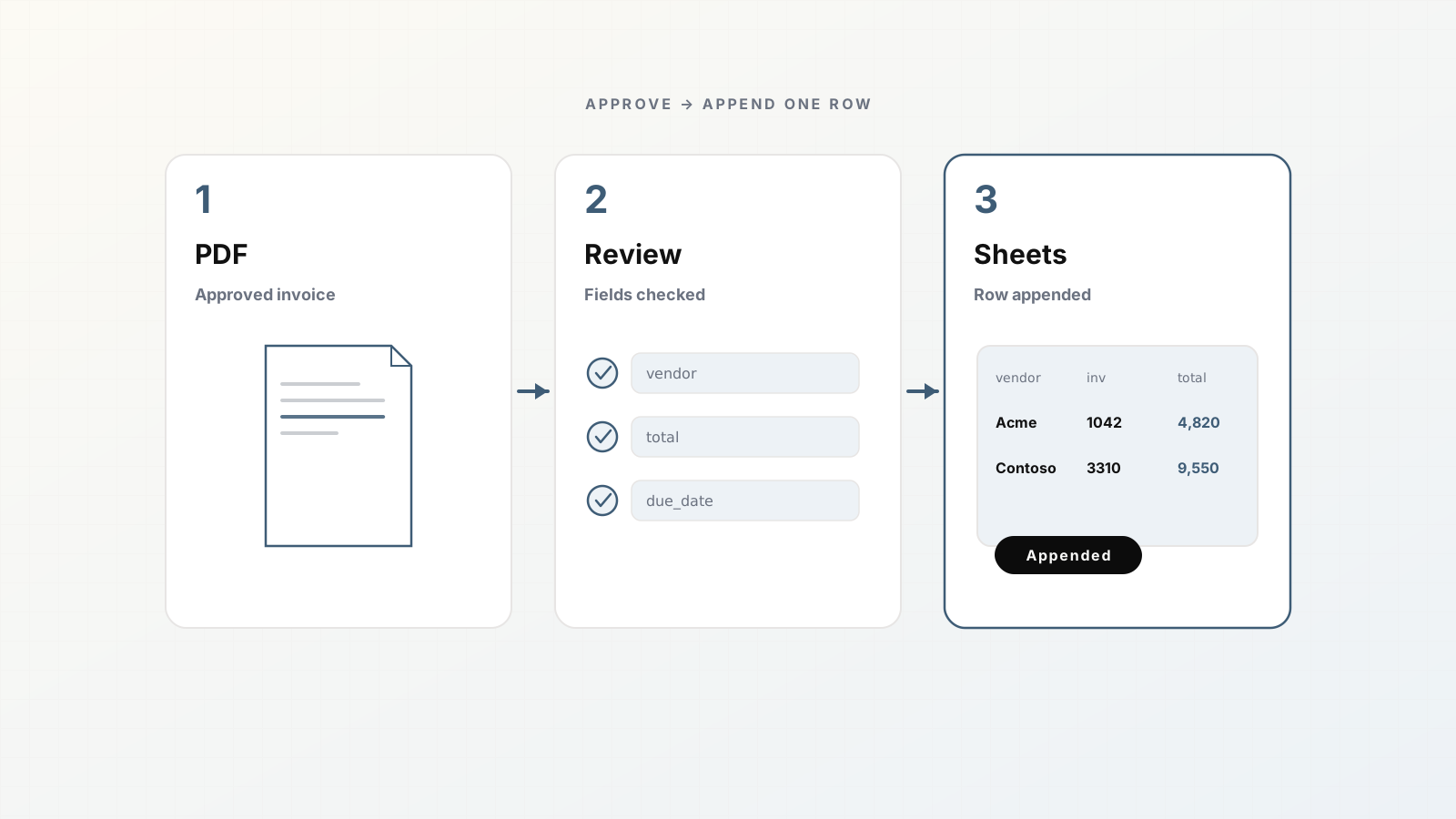
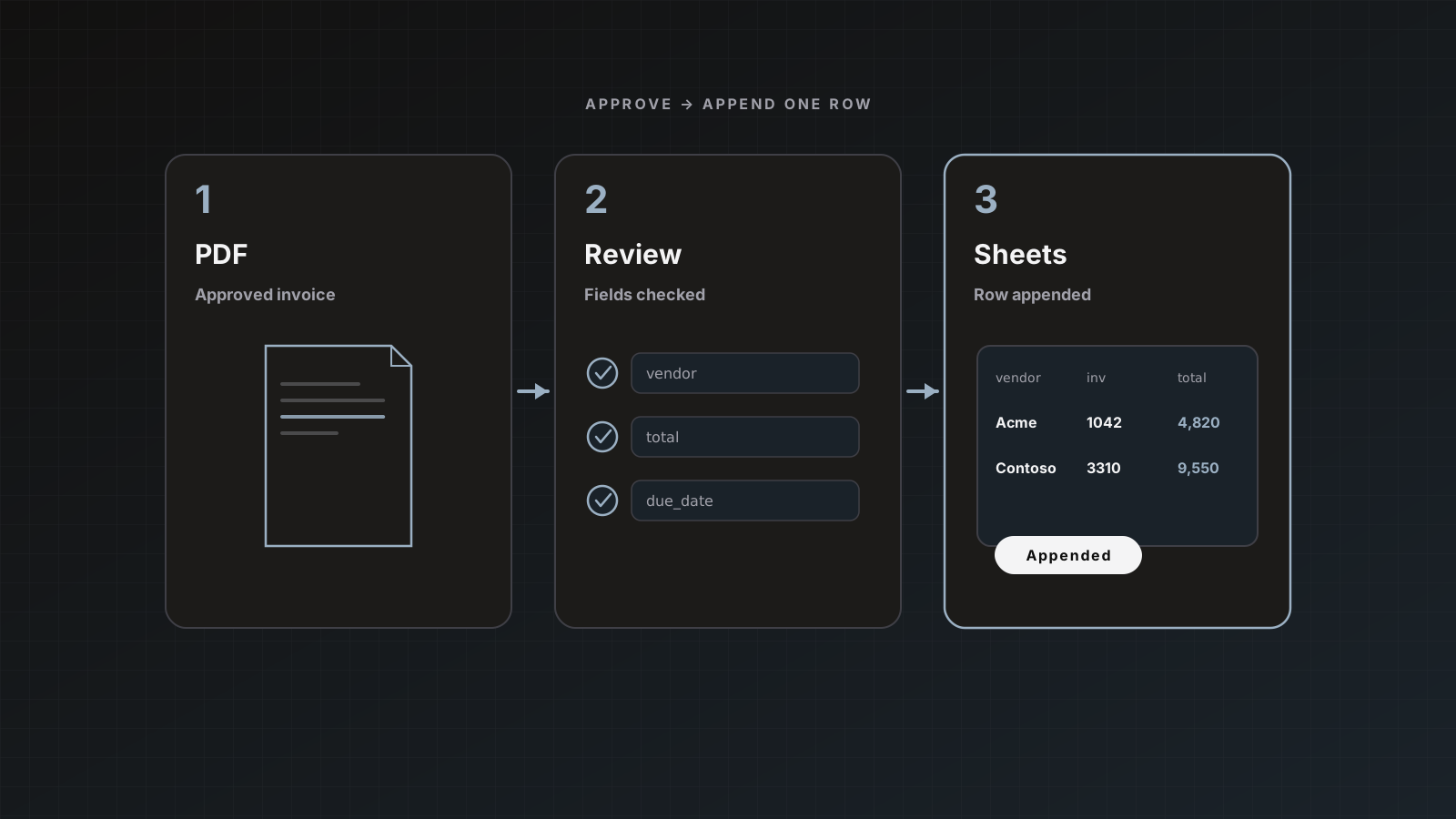
- Open Preview, fix fields, Save & send to Sheets.
If Upload Document fails, 90% of the time the File field is wrong.
Optional second Zap
Trigger: Parsedit New Parsed Document (parsed). Action: Slack “Invoice ready to review” with vendor and invoice number fields after you test the trigger and map template fields.
Do not auto-post to QuickBooks from Zapier while you still have a native QBO destination and review UI in Parsedit.
Email forwarding alternative
Every parser has an inbound address. If Gmail filters can forward to that address, you can skip Zapier for simple AP mailboxes. Guide: Email forwarding for invoice intake, docs Document intake.
Pitfalls
- Mapping filename strings instead of File
- No filter → personal PDFs enter the AP parser
- Enabling auto-send while filters are still noisy
- Multiple Zaps uploading the same email (dedupe helps identical files; still clean filters)
Where Parsedit fits
Zapier moves the attachment. Parsedit extracts, reviews, and delivers. Soft CTA: get one filtered Zap working before you automate the whole inbox.
Filter recipes that reduce junk
- Gmail label
AP/Invoices applied by existing rules, Zap only on that label - From: domain allowlist for top vendors
- Has attachment: PDF
- Subject or body contains
invoice or inv# (expect false positives; pair with label)
Avoid “any attachment from anyone.” Your review queue will fill with signatures and logos.
Failure playbook
- Zap task error on Upload Document: check File mapping.
- File arrived but wrong parser: fix parser picker in the Zap.
- File skipped: likely dedupe; confirm you intended a retry with a new file.
- Parsed but empty fields: open review, fix, then adjust template.
Ownership and Zapier plans
Zaps tied to a personal Zapier account disappear when that person leaves. Use a shared Zapier team where possible, document the Zap IDs, and keep Parsedit OAuth under a stable workspace owner. Task volume on Zapier is separate from Parsedit page credits; estimate both.
Worked example: labeled AP inbox
- Gmail rule: vendor domains → label
AP/Invoices. - Zap triggers on new attachment for that label.
- Upload Document → Invoices parser with File mapped.
- Parsedit reviews queue fills during the day.
- AP Save & send to Sheets twice daily.
When a Zap errors, check Zap history before rebuilding the parser. Most failures are mapping or auth, not extraction.
Parallel path
Keep email forwarding as a backup if Zapier tasks are exhausted for the month. Document both paths so AP is not stuck.
After the Zap is stable, write a two-line AP playbook: where to look when a vendor says an invoice was emailed, and how to manually upload if Zapier lags. Automation without a manual escape hatch frustrates finance.
Gmail invoice automation queries
Intent is usually “stop downloading attachments.” Lead with label filters and File mapping. Mention email forwarding as a Zapier alternative so readers leave with a working plan.
FAQ
Shared AP inbox or user mailbox? Prefer a shared AP inbox with stable Zapier ownership.
Drive instead of Gmail? Same Upload Document action; map Drive’s File object. See Zapier docs table.
Does a Zap retry double-charge pages? Identical files on the same parser are skipped without consuming quota. Near-duplicates may process again.
Authorize Zapier, map File, test one invoice. Sign up.