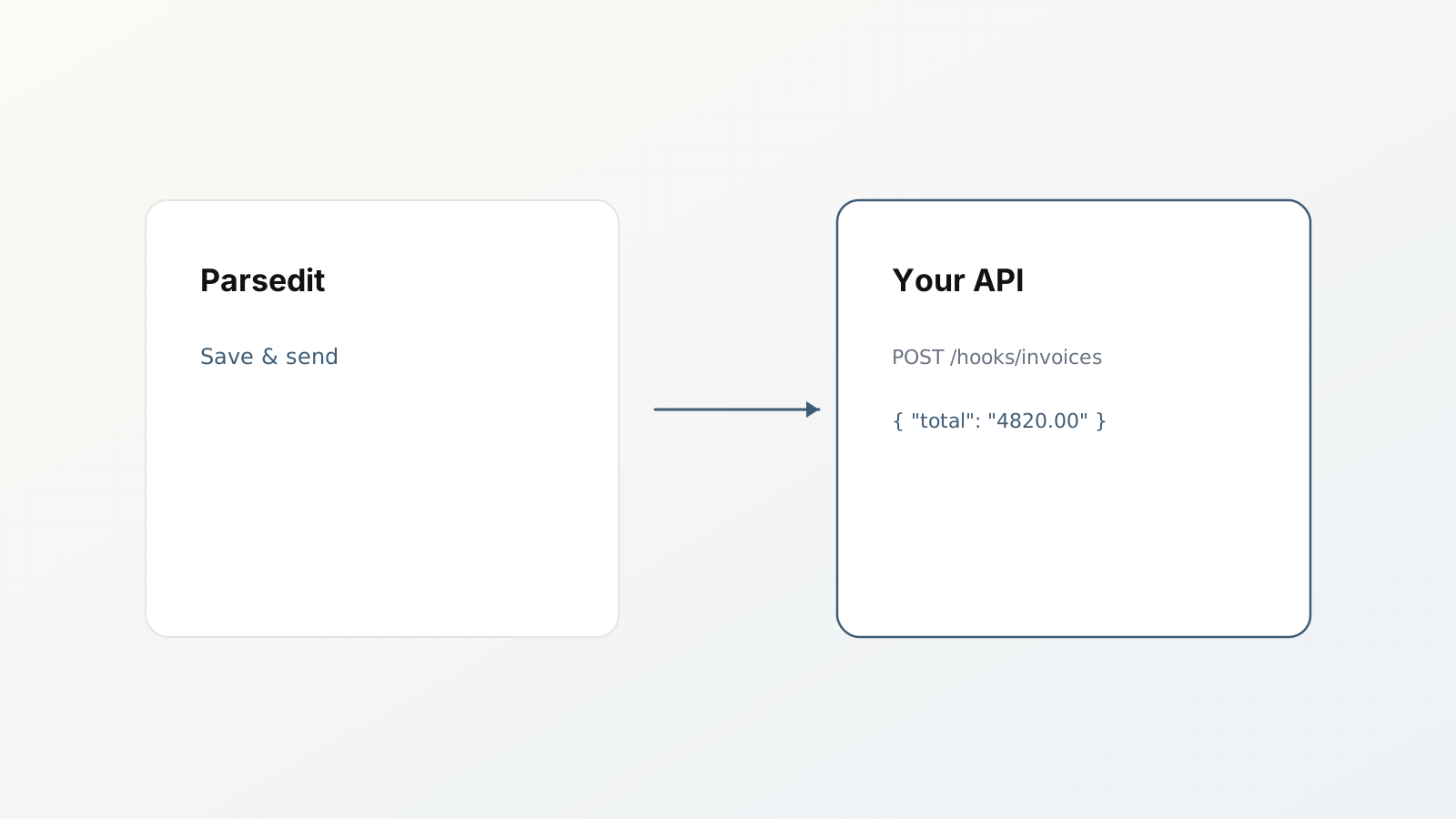
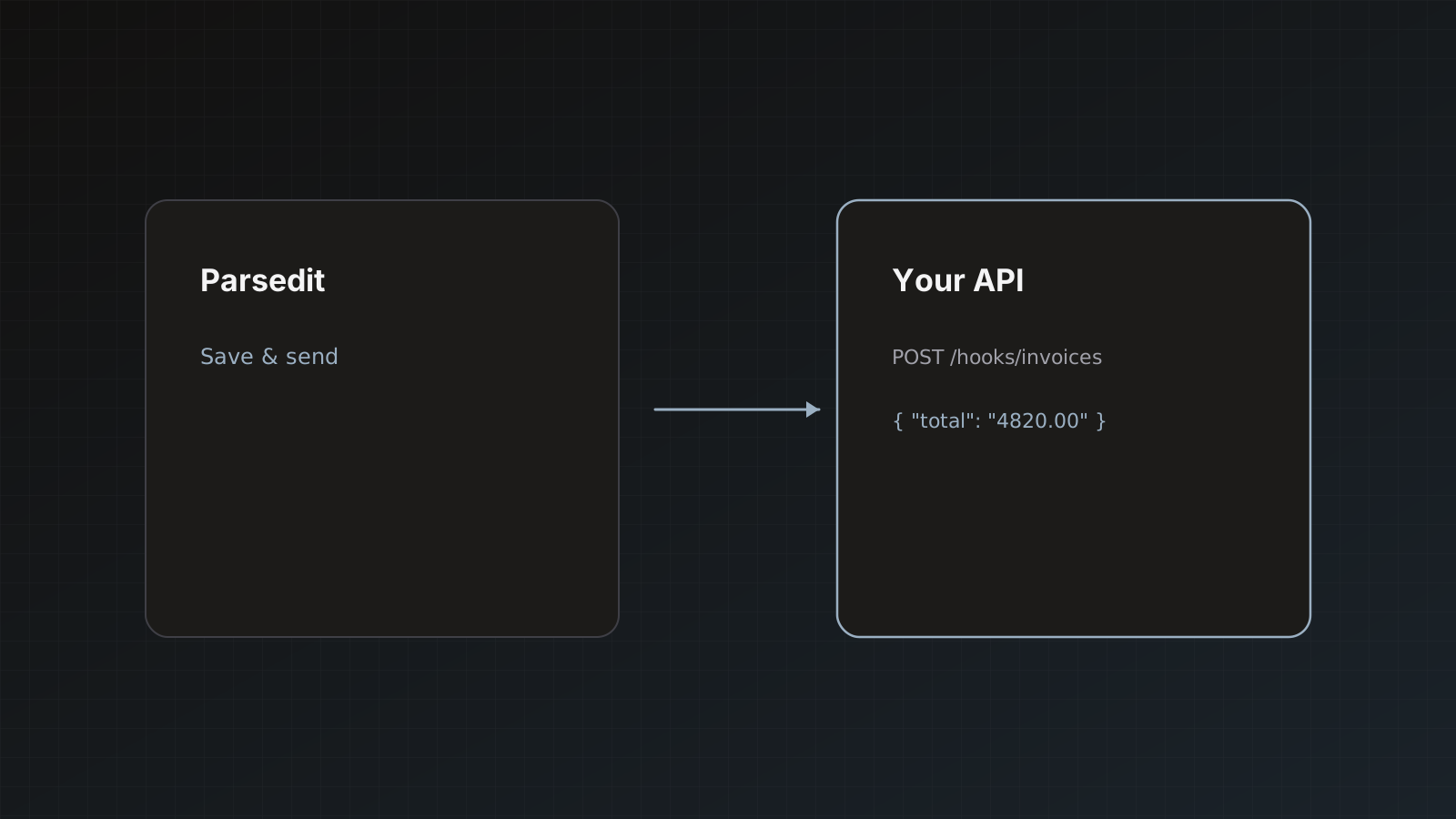
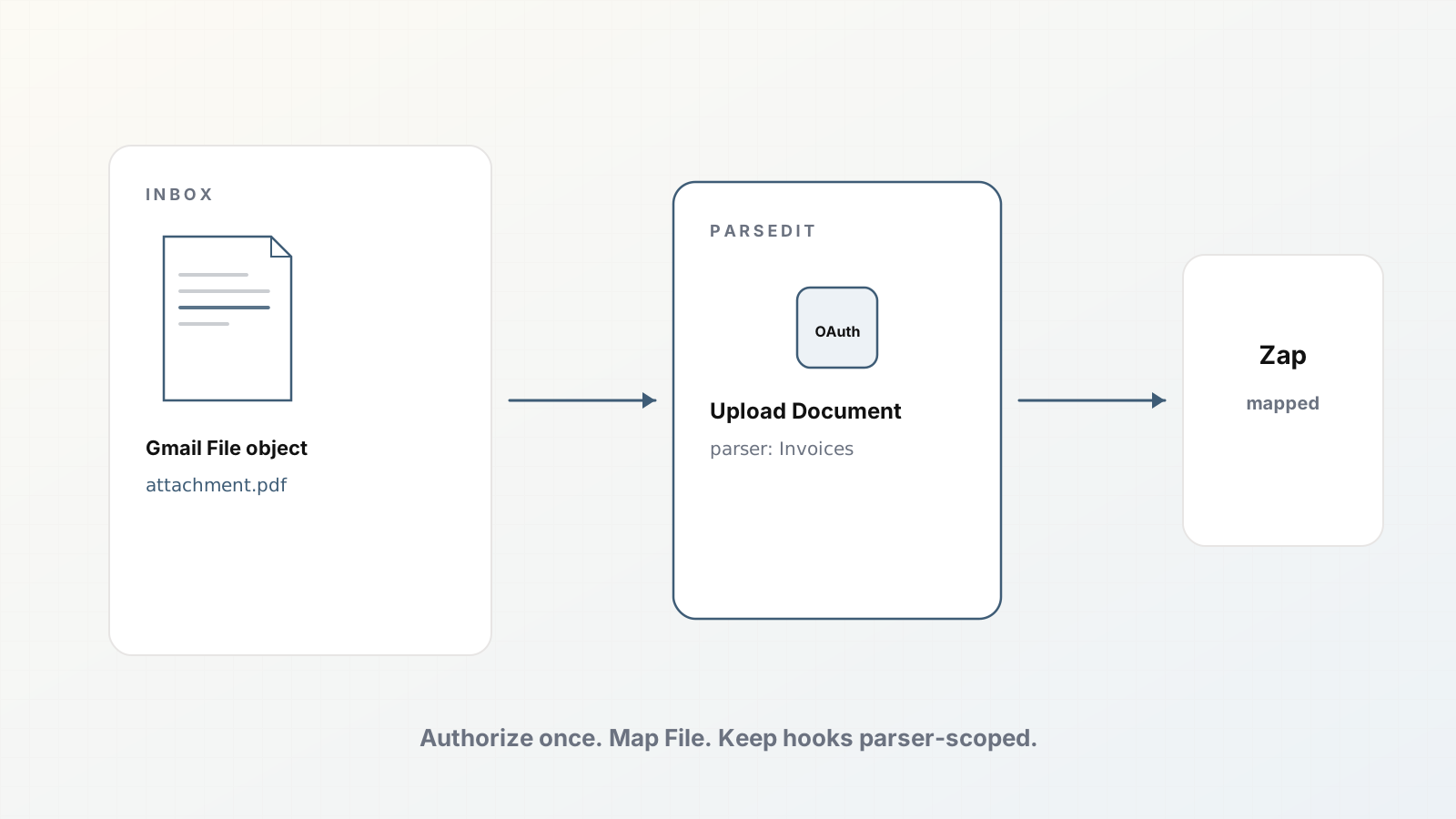
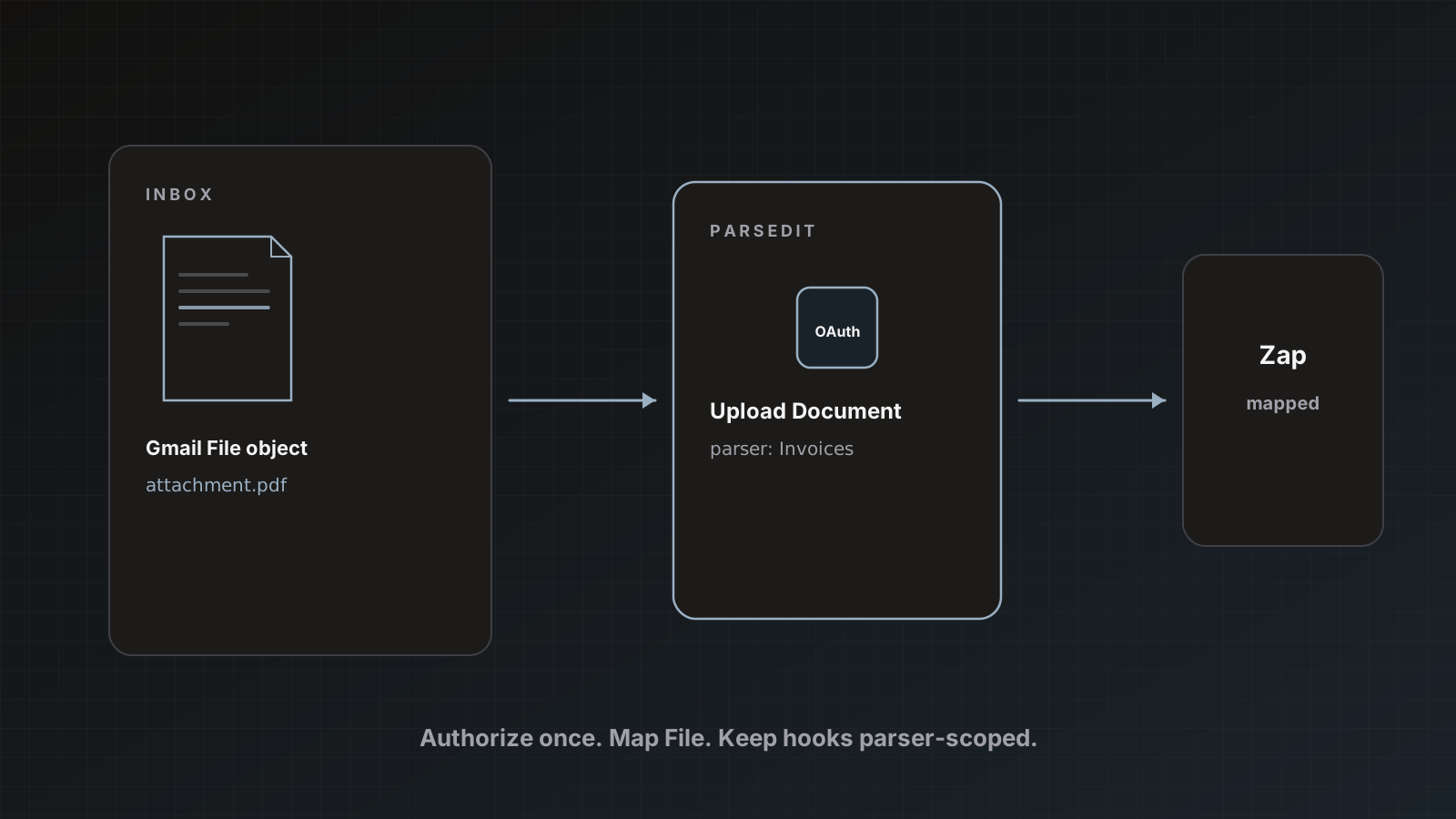
Native destinations cover Sheets, QuickBooks, Xero, and Zapier. When your system of record is custom, you want a JSON POST you control. That is the webhook destination: extracted fields to your HTTPS endpoint when a document is delivered.
This is document delivery, not Stripe billing webhooks.
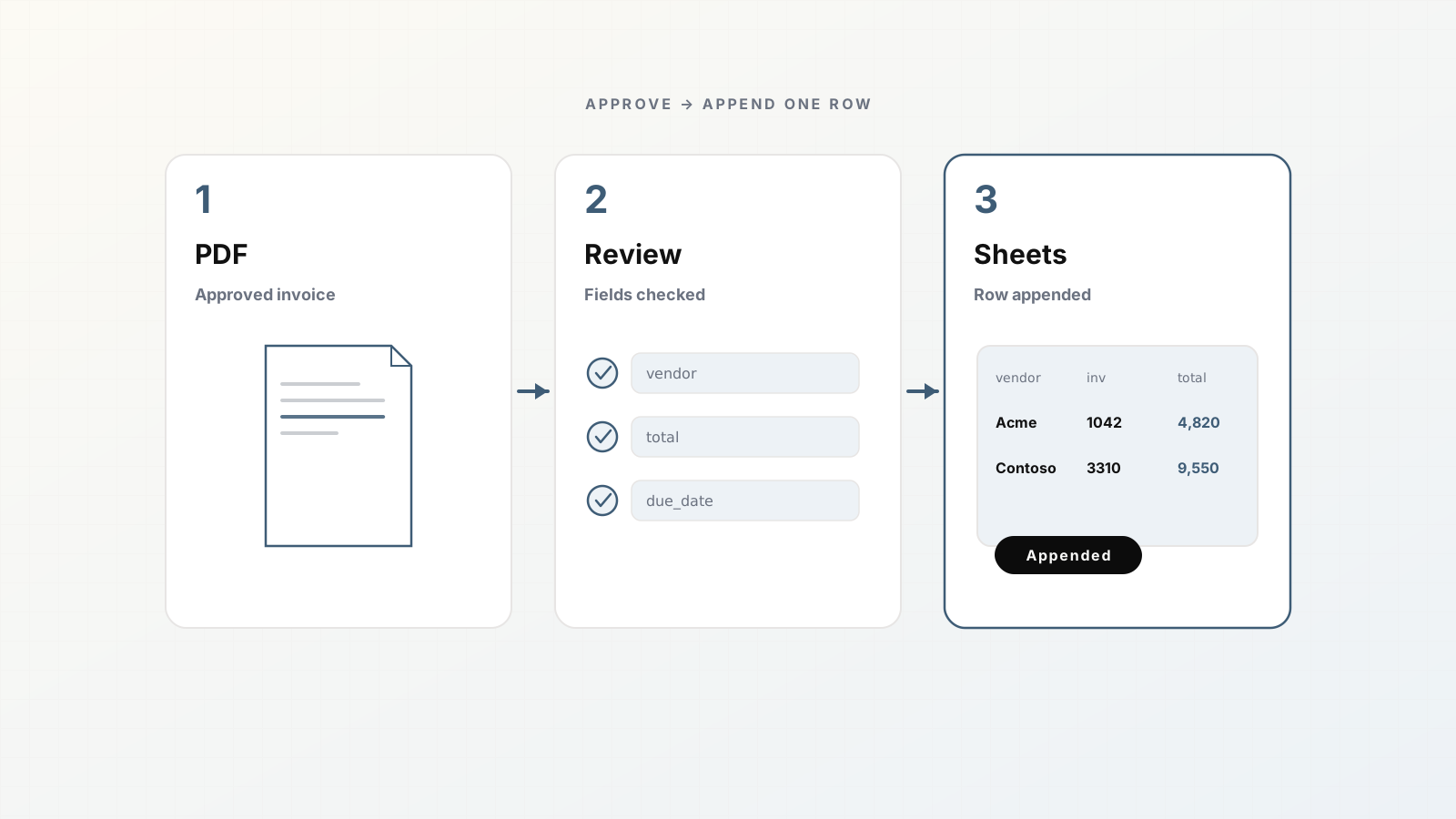
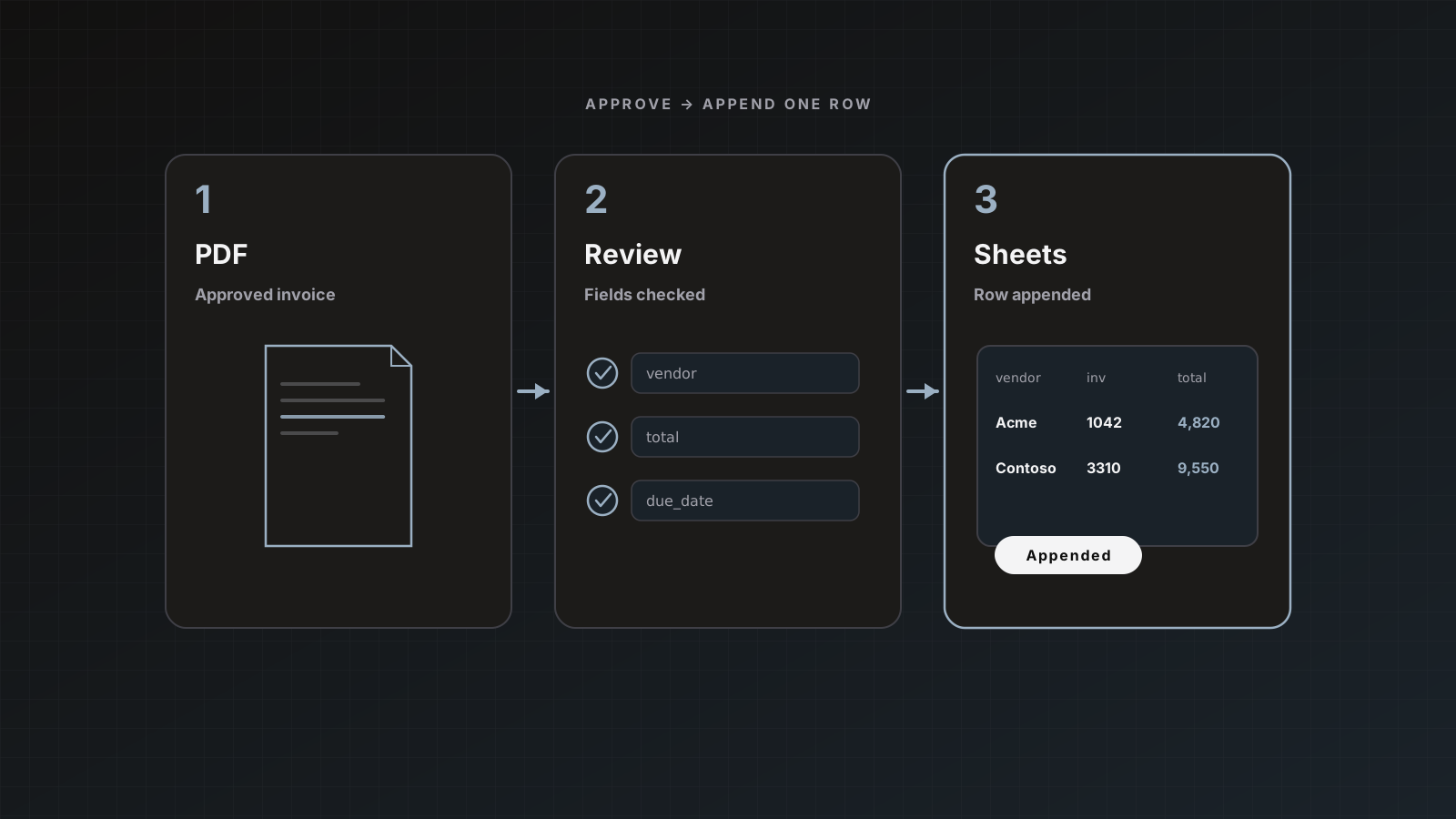
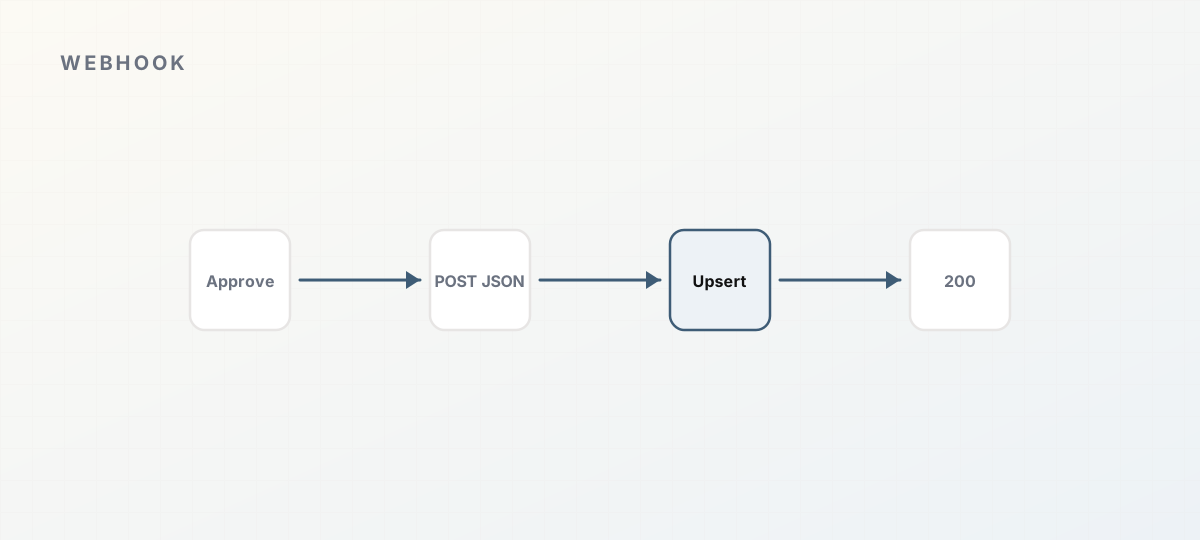 Approve, POST JSON, upsert, acknowledge.
What the destination sends
On delivery, Parsedit POSTs a JSON object with the document’s extracted fields as key-value pairs, values formatted as readable strings. Exact envelope details and verification options are in Webhooks and the REST API.
Configure the endpoint URL on the parser (or via programmatic subscriptions where documented). Use HTTPS only.
When webhooks fire
- On Save & send when the webhook destination is selected
- Automatically if you enabled an auto-send mode that includes the webhook
Keep auto-send off until your endpoint acknowledges cleanly and your field schema is stable.
Design the consumer first
Before enabling delivery:
- Freeze parser field keys (schema guide).
- Decide idempotency: use invoice_number + vendor, or Parsedit document id if you store it.
- Return non-2xx only for true retries; handle duplicates server-side.
- Log raw payloads in a secure store during pilot (no public buckets with PII).
Webhook vs Zapier vs REST API
| Need | Prefer |
|---|
| Point JSON into your API | Webhook destination |
| Glue to SaaS without code | Zapier |
| Upload files programmatically / full control | REST API |
| Human review UI + finance connectors | Parsedit app + optional webhook |
Inbound: to push files into Parsedit, use intake webhook/API paths described in Document intake, not the outbound destination.
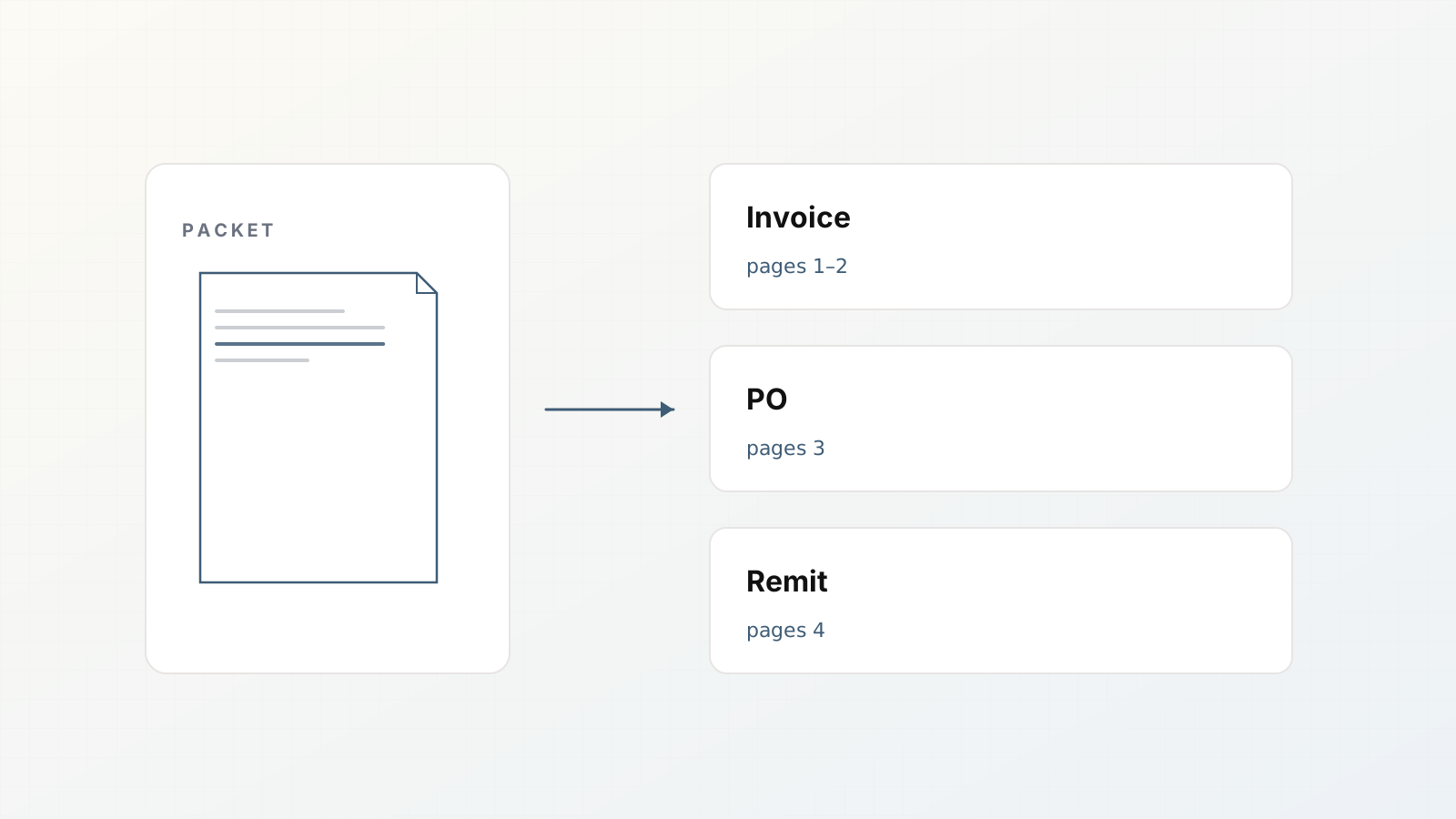
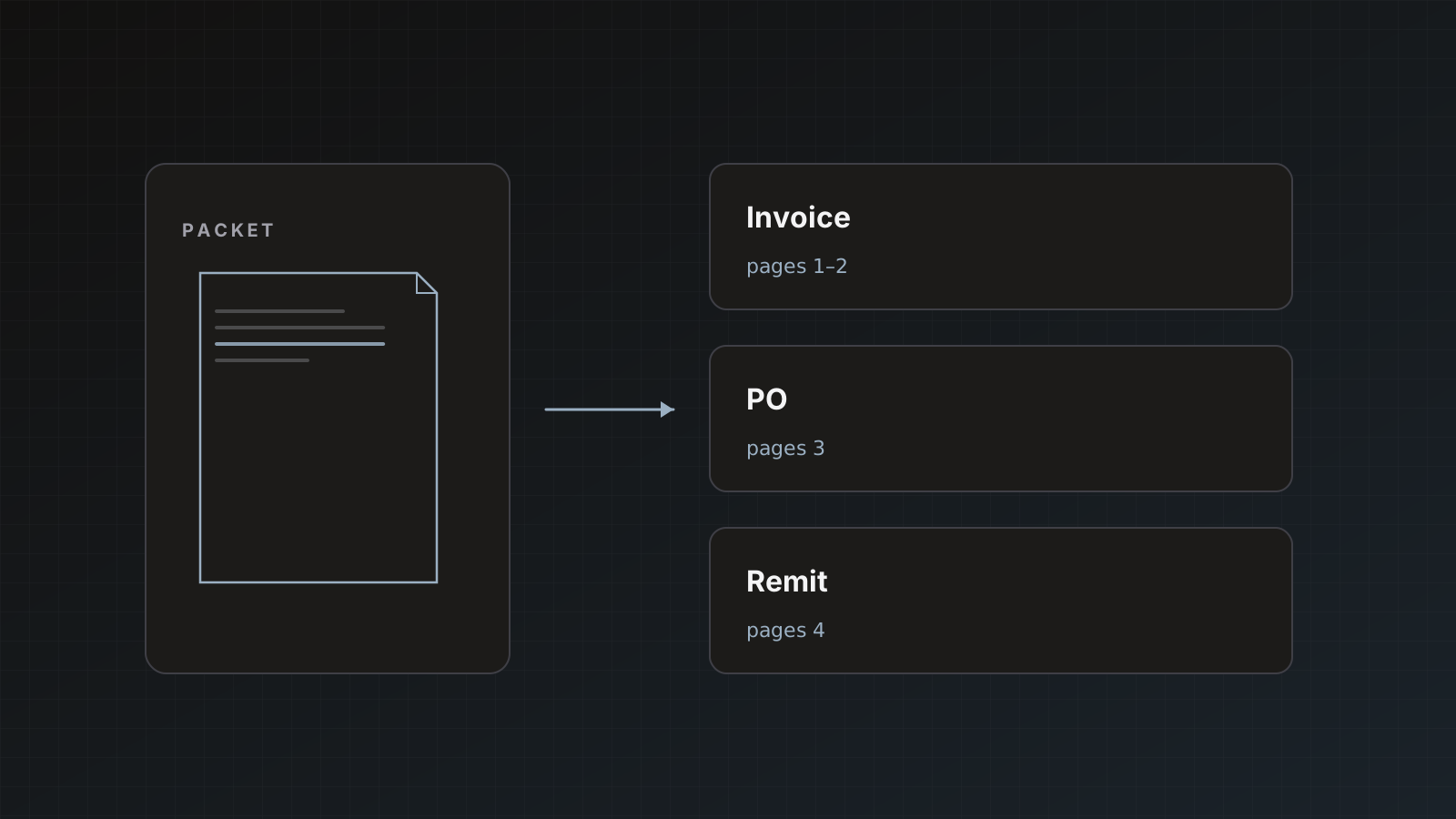
Packets
Choose send mode deliberately. Each document separately means multiple POSTs. Everything together means one larger payload. Send modes.
Pitfalls
- Endpoints that redirect or require browser auth
- Schema changes without consumer version bumps
- Auto-send before idempotency exists
- Confusing billing webhooks with document webhooks
Where Parsedit fits
Use Parsedit for extraction and review; use your API for domain logic. Soft CTA: pilot with manual Save & send and a staging endpoint.
Idempotency patterns that work
Store a unique key from each POST:
- Parsedit document id (if present in payload)
- Or
vendor_name + invoice_number + invoice_date
On duplicate keys, return 200 without creating a second business object. Retries happen; your consumer must tolerate them.
Staging endpoint checklist
- TLS certificate valid
- Auth header or signature verification enabled
- Payload logged to a private store with retention limits
- Alert on 5xx rates
- Schema consumer versioned (
v1/invoices)
Do not point production auto-send at an endpoint that only works on your laptop.
Field stability agreement
Publish an internal markdown table of parser keys your API accepts. Require a PR when keys change. Parsedit template edits are easy; silent consumer breaks are not. Pair schema changes with consumer version bumps.
Worked example: staging consumer
Your app exposes POST https://api.example.com/hooks/parsedit/invoices.
- Verify signature per docs.
- Upsert by
invoice_number + vendor_name. - Store raw JSON 14 days.
- Return 200 within your timeout budget.
- On logic errors you will not fix by retry, return 200 after logging (or a non-retryable code if documented); on transient DB outages return 5xx.
Then point the parser webhook at staging, Save & send three invoices, confirm upserts. Only then consider auto-send.
Contract test
Keep a checked-in sample payload from a real (redacted) send. Run it in CI against the consumer. When template fields change, update the fixture in the same PR.
If you do not need custom code, prefer native Sheets/QuickBooks/Xero destinations first. Webhooks shine when your system of record is already an API.
Document your timeout and retry expectations next to the endpoint code. Parsedit delivery plus your load balancer idle timeouts are a common source of “duplicate” posts when the client retries a slow 200.
Webhook intent is developer-shaped
Include POST expectations, idempotency, and when to prefer native connectors. That matches how engineers search and how ops evaluates build vs buy.
FAQ
Are webhooks signed? Signed delivery and verification are documented in the API/webhooks docs. Implement verification before production.
Can we filter which fields are sent? Shape the parser template; unused fields should not be in the template if you do not want them.
What about binary PDFs? Destination focus is extracted fields. Use storage links or API retrieval patterns as documented when you need the file bytes in your system.
Stand up a staging endpoint, send one reviewed document, verify the JSON. Create an account.